Nikon Z8 Overheating Problems
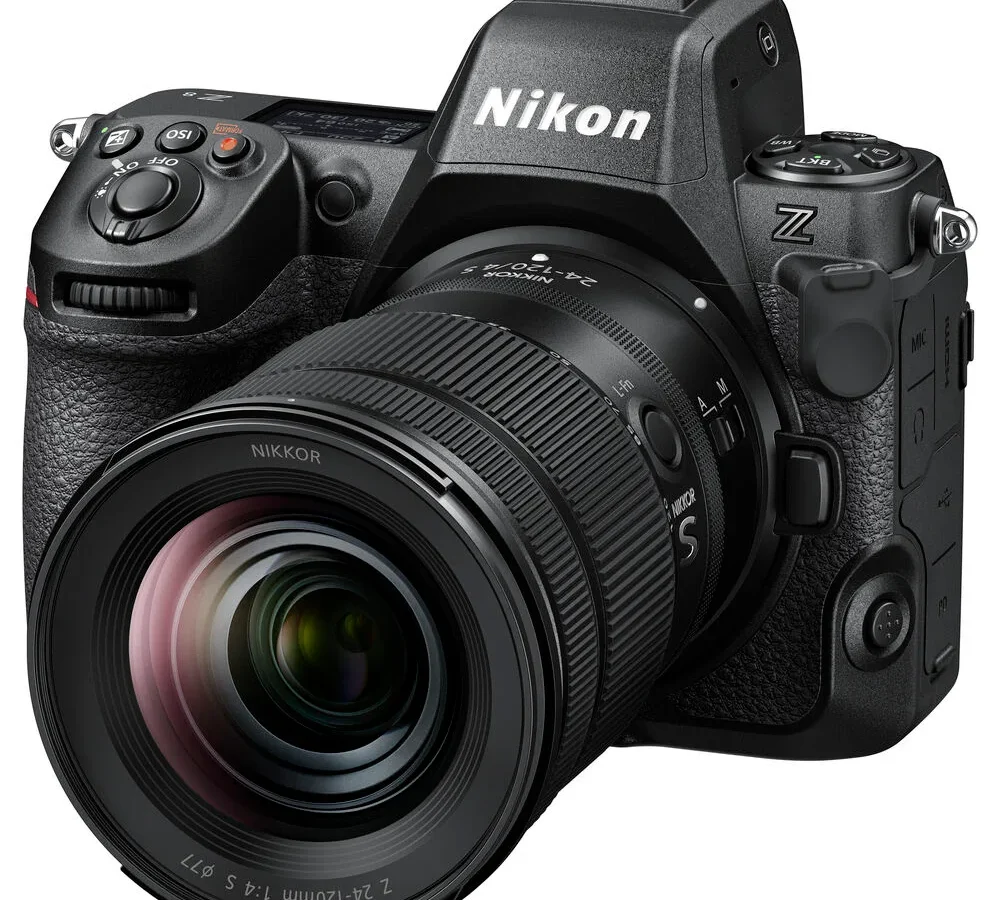
Nikon Z8 overheating problems have been a hot topic since the camera launched. If you shoot long video takes in warm conditions you have likely seen the temperature warning icon appear on your screen. The issue is real but it is also heavily condition-dependent.
As of 2026 manufacturer specifications indicate a 15 to 20 minute 8K recording limit at 25 degrees Celsius. Here is what you need to know to keep shooting longer.
Aggregate reviews from thousands of users show the same pattern. The compact magnesium alloy body packs the same sensor and processor as the larger Z9. That density creates heat that has to go somewhere.
Understanding how your specific settings and environment affect temperature is the first step toward working around it. Let us walk through the variables and the fixes.
Quick Answer
The worst Nikon Z8 overheating problems occur during 8K or high-bitrate 4K recording. The camera has no active cooling fan. Recording time depends on ambient temperature, codec choice, and settings.
Set High Temp Cutoff to High and enable Airplane Mode. These two changes give you the most extra time with zero cost.
Understanding the Heat Problem
The Z8 shares its 45.7-megapixel stacked CMOS sensor and EXPEED 7 processor with the Nikon Z9. That combination delivers stunning 8K N-RAW and internal ProRes RAW. The trade-off is heat generation in a body that is roughly 30 percent lighter than the Z9.
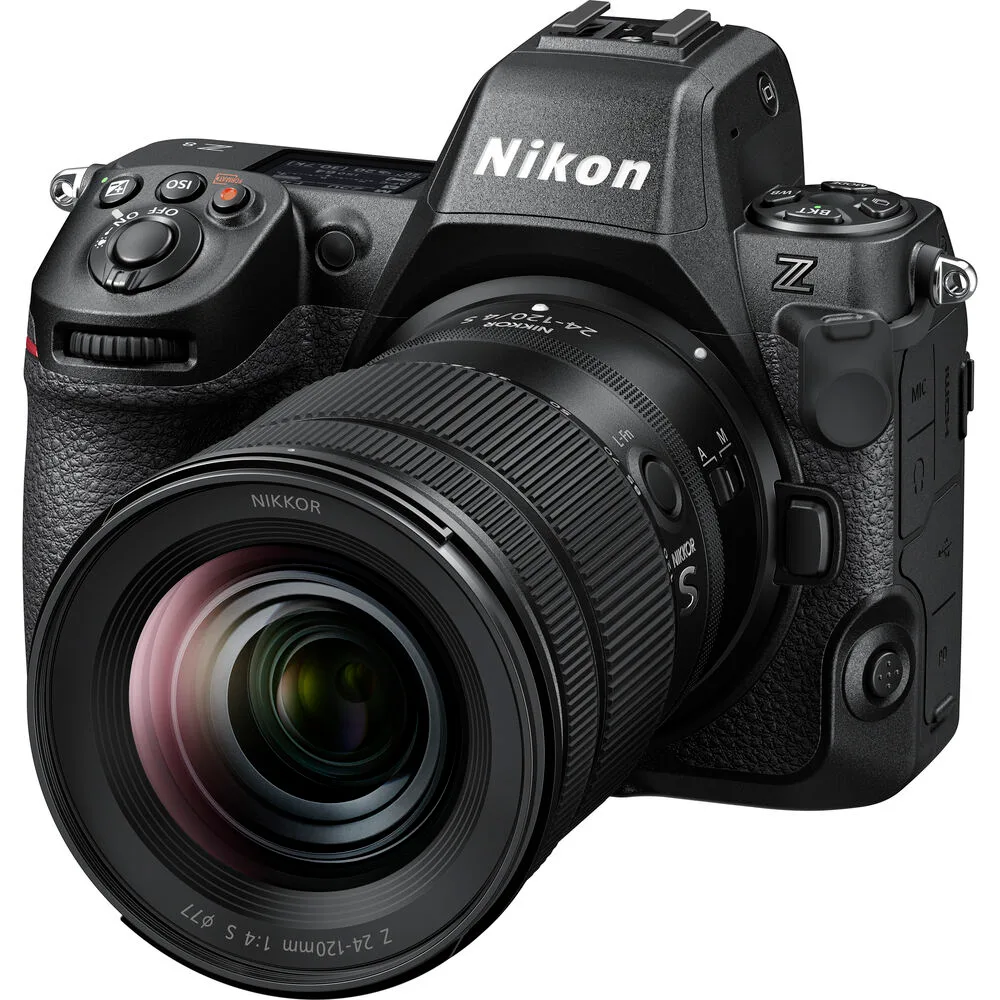
Image source: Web (Bing) / kamalimaging.com (Web image (fair-use with source credit))
The Z9 handles heat better because it has a larger chassis that acts as a bigger heat sink. Nikon designed the Z8 with passive cooling through the magnesium alloy frame. Without a fan or active airflow, heat builds up during sustained recording.
The camera then triggers a temperature warning and eventually shuts down to protect internal components.
This is not a new problem for mirrorless cameras. Other high-end bodies have faced similar limits. Our coverage of the common thermal issues on the R5 and the heat management quirks of the R6 covers similar challenges.
The Z8 situation is more predictable once you know the triggers.
Recording modes matter enormously. The highest heat load comes from 8K30p N-RAW or ProRes RAW. Dropping to 4K60p extends recording time significantly.
Dropping to 4K30p H.265 often allows essentially unlimited recording at room temperature.
Your Shooting Scenario
Your actual recording time depends on a few variables. Here is how they break down.
Ambient temperature. At 20 degrees Celsius you get noticeably longer recording times. At 35 degrees Celsius the same settings can trigger a shutdown in half the time. Direct sunlight on the camera body makes this worse.
Recording mode. This is the biggest single factor. Higher resolutions and bitrates generate more heat.
| Recording Mode | Typical Time (25°C) | Typical Time (35°C) |
|---|---|---|
| 8K30p N-RAW | 15–20 minutes | 8–12 minutes |
| 8K30p ProRes RAW | 15–20 minutes | 8–12 minutes |
| 4K120p | 20–30 minutes | 12–18 minutes |
| 4K60p H.265 | 30–40 minutes | 18–25 minutes |
| 4K30p H.265 | Near unlimited | 30–45 minutes |
Settings and accessories. Wi-Fi and Bluetooth generate extra heat inside the body. The electronic viewfinder also adds heat when active. Image stabilization motors produce their own thermal load.
Every internal component that draws power becomes a small heater.
Card type and speed. High-speed CFexpress Type B cards can run warm themselves. The heat from the card transfers into the camera body. Slower cards or using a single slot instead of two can reduce this slightly.
If then logic. If you shoot outdoors in summer at 8K, expect a hard stop around 10 minutes. If you are in a climate-controlled studio at 4K30p H.265, you can record all day. Your scenario determines your strategy.
Step-by-Step Fixes
You have several practical adjustments that can extend recording time. Try them in this order.
High Temp Cutoff Setting
Go to the Setup Menu and find High Temp Cutoff. The default is Auto. Change it to High.
This delays the temperature warning without damaging the camera. Nikon designed this setting for exactly this purpose. It is safe to use.
Airplane Mode
Wi-Fi and Bluetooth continuously draw power and generate heat. Toggle Airplane Mode on in the network settings. This disables wireless communication.
You lose remote control and image transfer during the shoot. You gain several extra minutes of recording time.
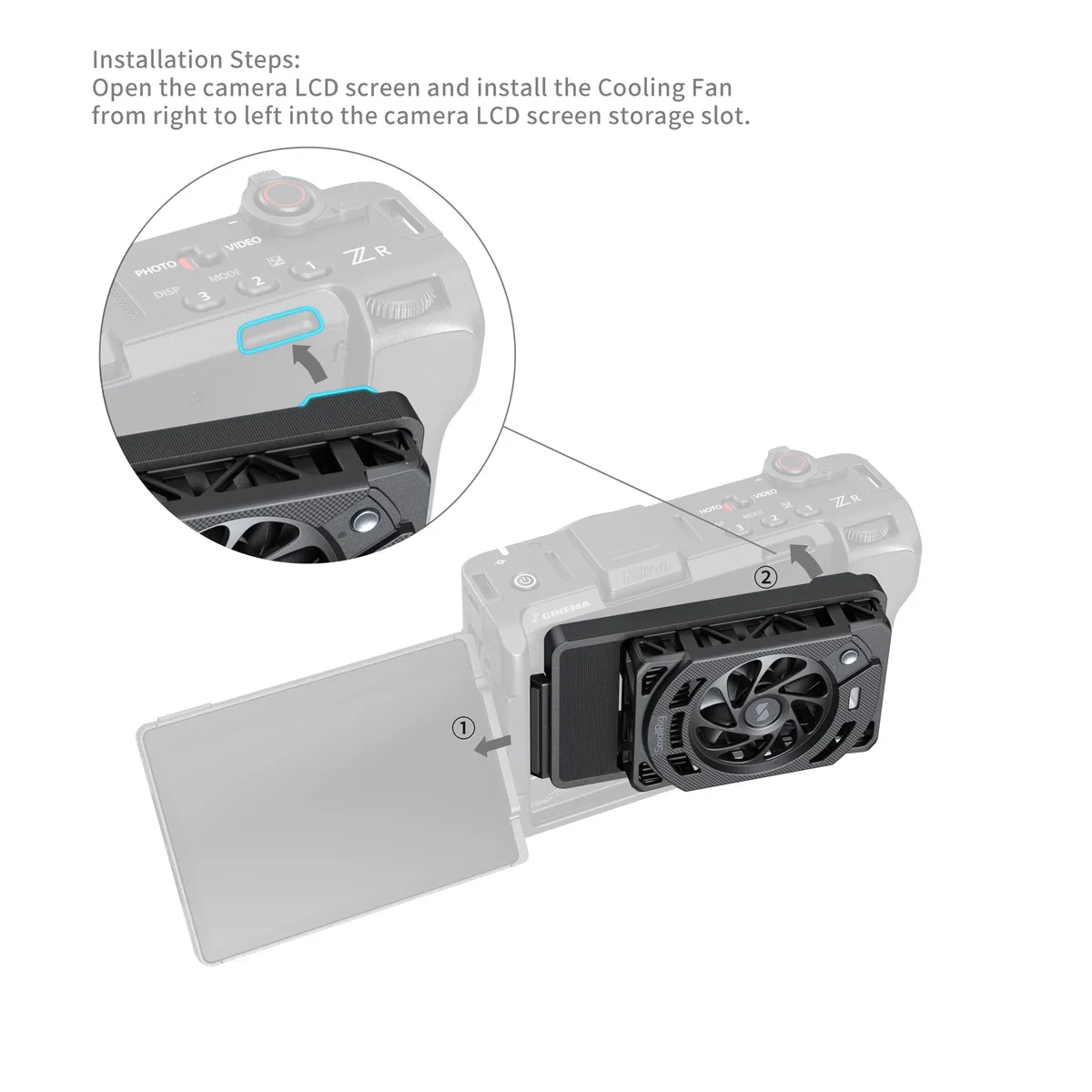
Image source: Bing (Web (fair-use with source credit))
Bitrate and Codec Choices
High-bitrate codecs like N-RAW and ProRes RAW stress the processor more. Switching to H.265 4:2:0 10-bit at a moderate bitrate reduces heat significantly. The visual quality difference is minimal for most projects.
Only use raw or ProRes when the final deliverable truly needs it.
External Power and Cooling Accessories
Using a dummy battery connected to a power source reduces internal battery heat. The EN-EL15c battery generates heat during discharge. Removing it from the equation helps.
External cooling accessories like the SmallRig cooling fan attach to the camera body. They actively move air across the magnesium frame. User reports suggest they add 10 to 15 minutes of recording time in hot conditions.
They also run on their own battery so they do not drain your camera.
Official Nikon support documentation confirms that operating the camera with an external power source is safe and recommended for extended recording sessions.
EVF and IBIS Management
The electronic viewfinder generates noticeable heat when active. Flip the LCD screen open and rely on live view instead. This lets heat escape from the EVF housing.
Image stabilization generates heat through the motor coils. If you are on a tripod, turn off IBIS. For handheld shooting you may need to keep it on, but turning it off when stationary helps.
Mistakes to Avoid
Several common errors make overheating worse. Avoid these.
Ignoring the early warning. The yellow temperature icon appears before the camera shuts down. Many shooters push through it hoping for one more take. The camera will stop recording eventually.
Stop immediately and let the camera cool for a few minutes. This prevents a full thermal shutdown that requires a longer cooldown.
Blocking ventilation. The Z8 dissipates heat through the entire body. Holding it against your body or setting it on a soft surface traps heat. Use a tripod or a surface that allows airflow underneath.
Using the EVF in hot conditions. The viewfinder adds heat. Switching to the LCD screen is a simple and effective fix that many people overlook.
Recording long clips without breaks. The camera cools down quickly between takes. Recording in shorter clips with a 30 second pause between them keeps the temperature lower than one continuous take. This is the most effective technique for getting longer total recording time across a session.
Running firmware that is out of date. Early firmware versions were more sensitive to thermal conditions. Check your firmware version against the latest from Nikon. Updates have improved thermal behavior.
Frequently Asked Questions
Does the Nikon Z8 overheat in 4K?
Yes, but much less than in 8K. At 4K30p H.265 you can record nearly indefinitely at room temperature. At 4K60p you get 30 to 40 minutes at 25 degrees Celsius.
Hot environments reduce these times.
Did firmware updates fix the overheating?
Firmware v1.01 and v1.02 improved thermal detection and behavior. They did not eliminate overheating entirely. The physical limits of passive cooling remain.
Always update to the latest firmware for the best thermal performance.
Is the Z8 overheating worse than the Canon EOS R5?
Both cameras face similar thermal limits in 8K. The Z8 tends to record a few minutes longer before shutdown in controlled tests. Neither camera can record 8K indefinitely.
The comparison between these mirrorless overheating issues is worth reading if you are choosing between them.
Will using an external recorder prevent overheating?
An external recorder like an Atomos Ninja reduces internal heat because the camera does not process and write high-bitrate files internally. The HDMI output still generates some heat but typically less than internal recording. This is a reliable workaround for long shoots.
Can I damage my Z8 by shooting when it is hot?
The camera shuts down before heat reaches damaging levels. Nikon built in safety margins. Shooting with High Temp Cutoff set to High will not harm the camera.
The components are rated for these temperatures.
What is the best external cooling accessory?
The SmallRig cooling fan is the most popular option. It attaches to the tripod mount and blows air across the bottom of the camera. Users report an extra 10 to 15 minutes of recording time in warm conditions.
Other options include passive heat sink grips that clamp to the body.
Final Decision Guide
Here is a simple decision tree for your situation.
If you shoot 8K N-RAW or ProRes RAW.
You will hit thermal limits regardless of settings. Use Airplane Mode, set High Temp Cutoff to High, and plan for 10 to 20 minute recording windows. For longer takes, use an external recorder or switch to a Z9.
If you shoot 4K60p.
You can get 20 to 40 minutes depending on temperature. Enable Airplane Mode and use the LCD screen. Switch to H.265 instead of raw.
This gives you the best balance of quality and runtime.
If you shoot 4K30p or lower.
You are unlikely to see overheating in normal conditions. At room temperature you can record indefinitely. In hot outdoor environments you may still hit limits after 30 to 45 minutes.
The same basic tips still help.
If you shoot in hot environments (above 30 degrees Celsius).
Every tip matters. Use Airplane Mode. Set High Temp Cutoff to High.
Use external power. Consider a cooling fan. Shoot in shorter bursts.
Keep the camera in the shade between takes. These steps together can double your effective recording time.
The Z8 is a powerful video tool with one real limitation. That limitation is manageable once you understand it. The camera does not overheat randomly or defectively.
It behaves predictably based on the physics of its compact design. Work with those physics rather than against them and you will get excellent results.

Similar Posts