Sony RX100 VI Flash Problems
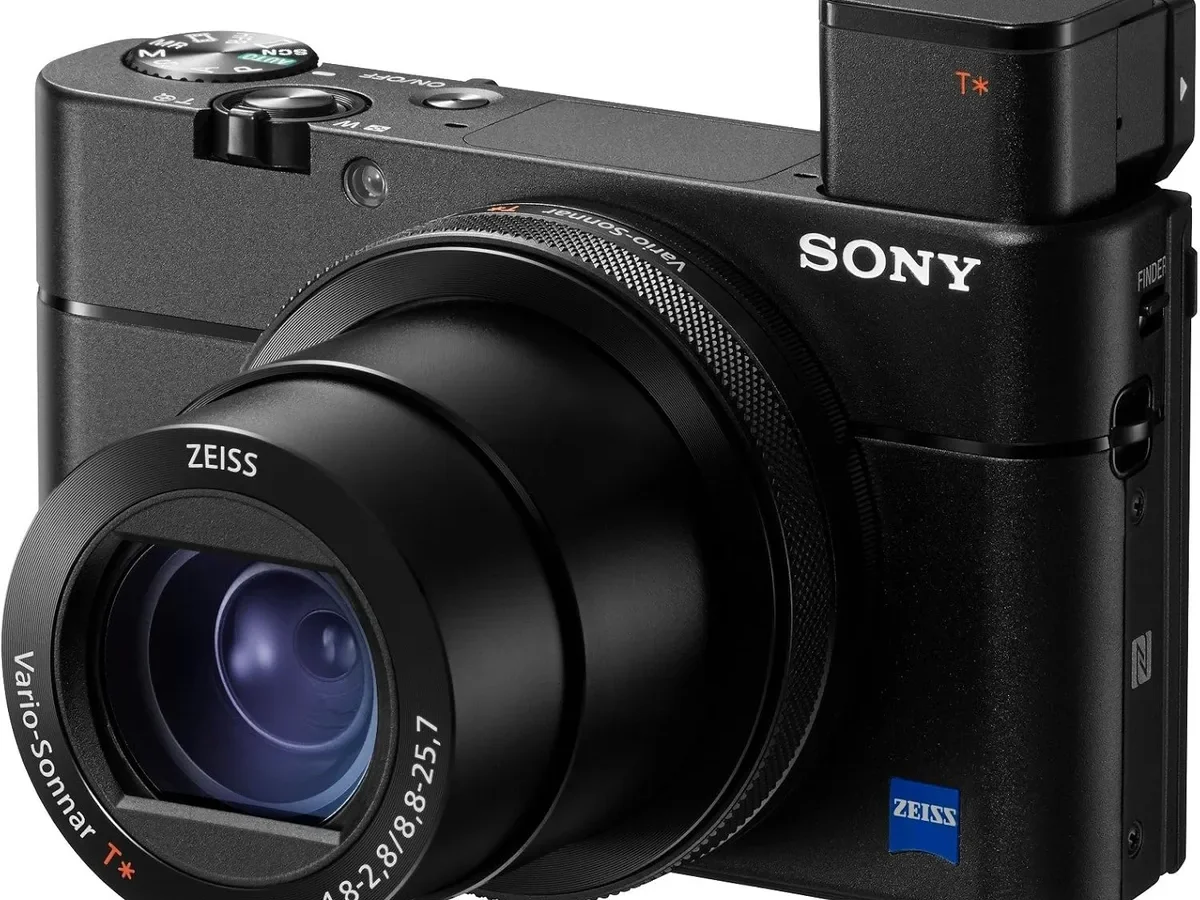
Your Sony RX100 VI flash just stopped cooperating. Maybe it won't pop up. Maybe it fires but your shots come out completely black.
Sony RX100 VI flash problems are genuinely frustrating because the camera otherwise takes stunning photos.
The built-in flash has a guide number of 5.9 at ISO 100. It syncs up to 1/2000th of a second with the mechanical shutter. But several settings and a few hardware quirks can stop it cold.
Let's walk through the most likely causes and solutions.
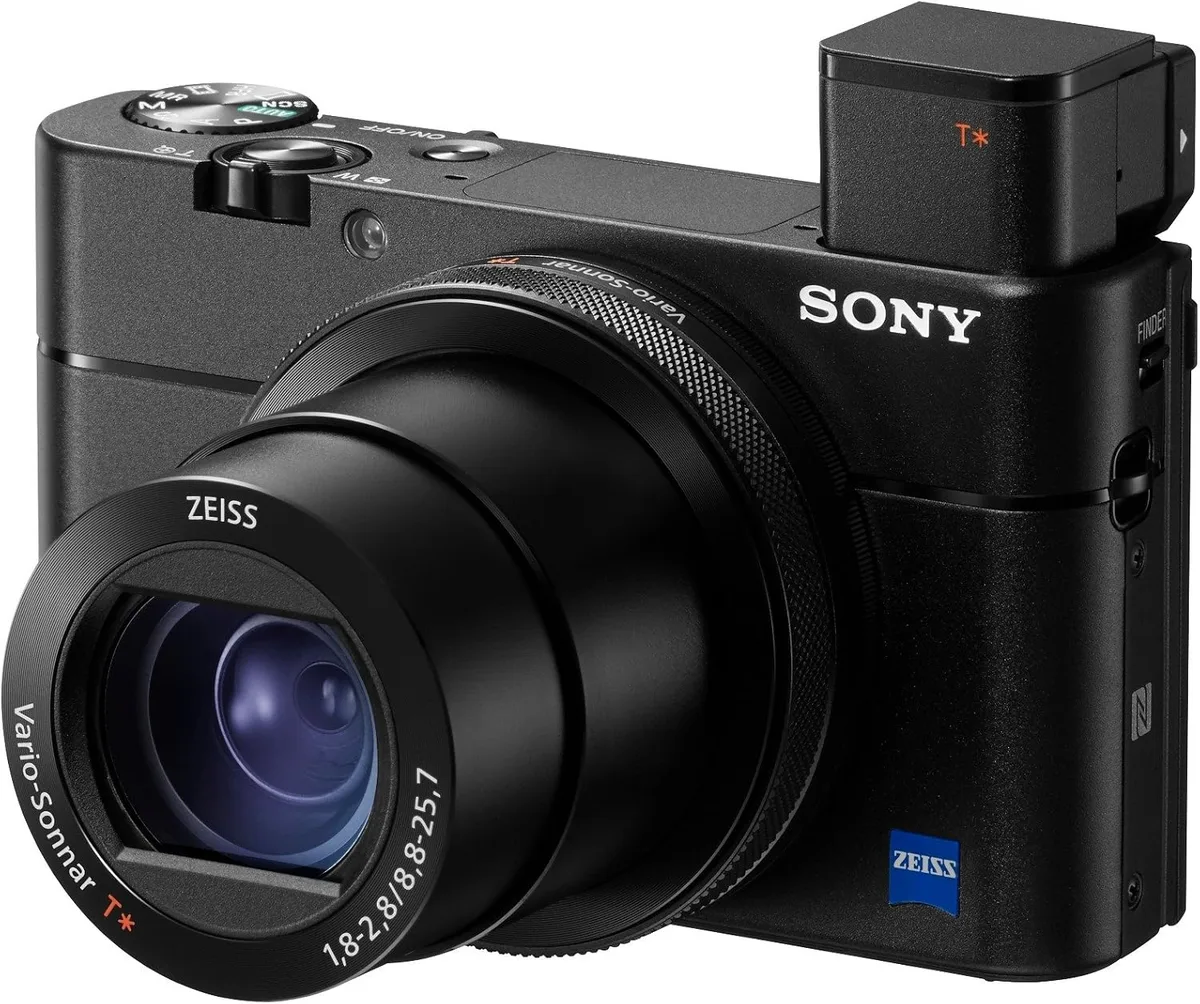
Image source: Web (Bing) / manuals.plus (Web image (fair-use with source credit))
Quick Answer
Most flash issues come down to three things. Check your shooting mode first. Silent and continuous modes disable the pop-up.
If that is not it, recharge your battery fully. A low battery causes slow recycle or no fire. For mechanical jams, a gentle nudge may work.
If nothing helps, try a factory reset.
Why the RX100 VI Flash Behaves Differently
The flash is a small Xenon tube behind a pop-up mechanism. It works best within a few meters. Do not expect stadium-level output.
The flash only fires with the mechanical shutter. Electronic shutter disables it completely. Silent shooting mode does the same.
These settings cause most flash failures.
The flash capacitor stores energy for each burst. It needs a full charge from the NP-BX1 battery. A battery below 20 percent prevents full charging.
Aggregate reviews confirm that a fresh battery solves many intermittent problems.
Flash output is adjustable. Exposure compensation ranges from +3 to -3 EV in one-third stops. An accidental adjustment makes shots too dark or too bright.
The flash coverage is fixed for the wide end of the zoom. Cropping in may leave uneven coverage.
Specs show the sync speed is 1/2000s. Faster shutter speeds force electronic shutter mode. That stops the flash.
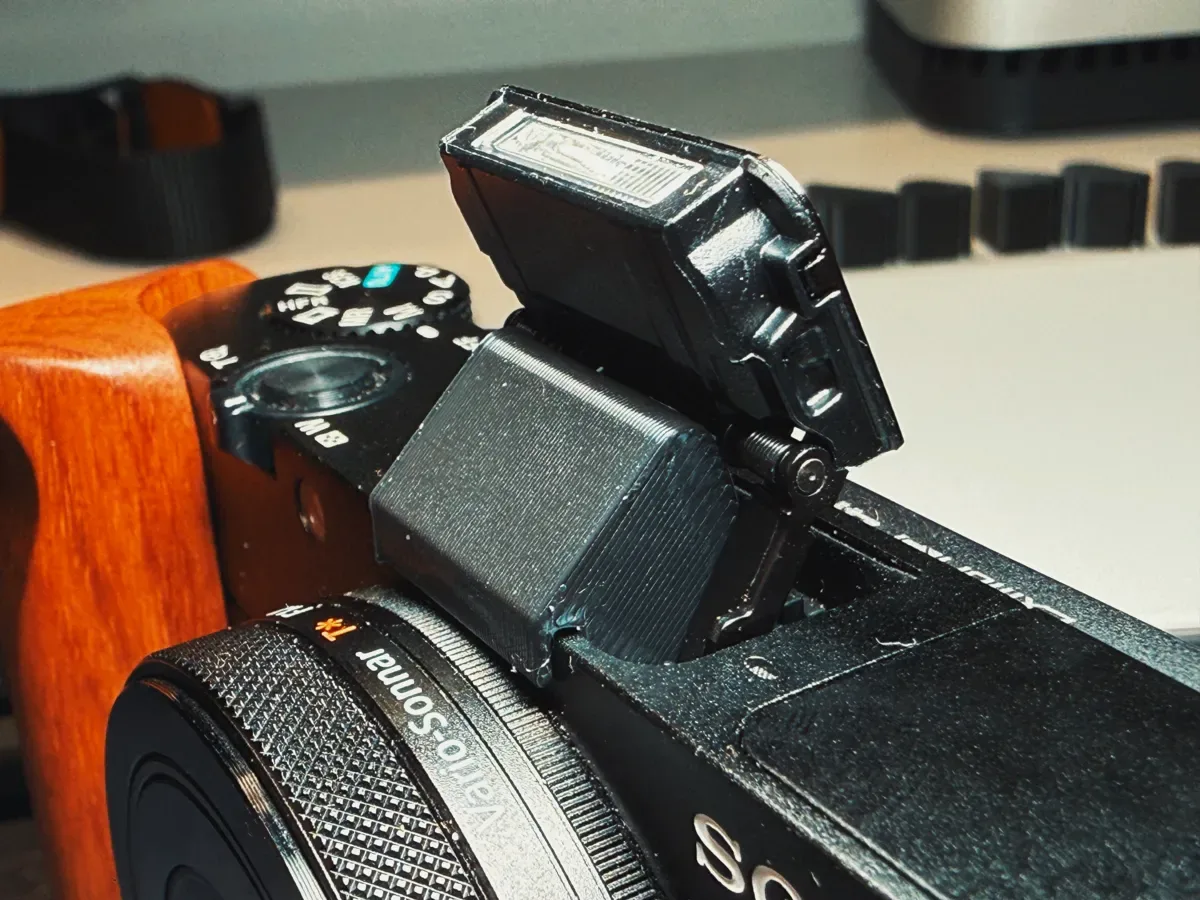
Image source: Bing (Web (fair-use with source credit))
The Decision Tree: Diagnosing Your Exact Flash Problem
Follow the branch that matches your symptom.
Branch 1: Flash Won't Pop Up
Silent shooting or electronic shutter is the likely cause. Set drive mode to Single Shot. Set shutter to Mechanical.
If it stays down, check for a physical jam. A gentle nudge may release it. Do not apply force.
Branch 2: Flash Pops Up But Won't Fire
Low battery or wrong flash mode. Charge the battery fully. Set flash to Fill or Auto.
Try a factory reset. If it still refuses, the capacitor may be faulty.
Branch 3: Flash Fires But Image Is Too Dark
Check the flash exposure compensation. It may be dialed down to -3. Reset it to 0.
Increase ISO. Move within three meters. The guide number is only 5.9.
Branch 4: Flash Fires But Image Is Overexposed
You may be too close. The minimum flash distance is about 0.3 meters. Closer than that and the sensor cannot meter correctly.
Or the flash exposure compensation is at +3. Reset to 0 and try again.
Branch 5: Flash Fires With a Black Band
The shutter is set to electronic. Switch to mechanical shutter. Confirm the sync speed is 1/2000s or slower.
The band will vanish.
Branch 6: Flash Works Sometimes or Is Slow
The battery is likely weak. Charge it fully. Allow three to five seconds between shots.
If the problem continues, the capacitor is degrading. This often means the flash is nearing end of life.
Branch 7: Inconsistent Results Across Lighting Conditions
Check your metering mode. Spot metering with flash produces unpredictable results. Switch to multi-segment metering for consistent flash output.
What Not to Do – Common Mistakes That Make It Worse
Do not force the flash. The pop-up mechanism is delicate. Forcing it can break the latch or strip the gear. A gentle nudge is fine.
Prying it with a tool is not.
Do not ignore the electronic shutter setting. This is the most common cause of black bands and no flash. Check your shutter type before assuming hardware failure.
Do not drain the battery and then blame the flash. The flash needs a strong battery. Testing with a depleted battery gives false results. Start with a fully charged battery.
Do not open the camera yourself. The flash capacitor holds a charge even when the camera is off. It can deliver a painful shock. Leave internal repairs to certified technicians.
Do not skip firmware updates. Sony releases updates that address camera stability. A firmware bug could affect flash operation. Keep your firmware current to avoid issues that might require a full firmware update process.
Do not use third-party batteries. They often deliver lower voltage. The flash may not cycle properly. Stick with the Sony NP-BX1 or a trusted alternative rated for high discharge.
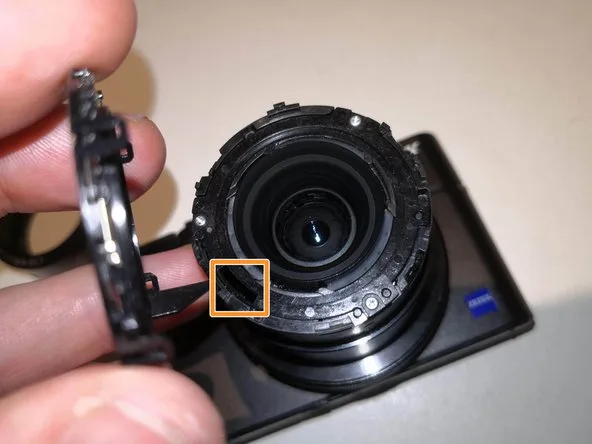
Image source: Bing (Web (fair-use with source credit))
When to Call It Quits – Repair vs. Workaround vs. Alternative
If the decision tree fails to fix the flash, you have three options. Each fits a different situation.
Repair makes sense if the rest of the camera is in excellent condition. Sony authorized centers charge roughly $150 to $300 for parts and labor. If your shutter count is low and the camera looks new, this extends its life.
As of 2026, the RX100 VI is a seven year old model. Spending $300 on a flash repair may not make financial sense.
Workaround is often the most practical path. A small external flash like the Godox TT350S costs about $85. It mounts on the hot shoe.
It tilts and swivels for bounce flash. That gives you better light than the built-in unit ever could. Alternatively, skip flash entirely.
The RX100 VI handles ISO 3200 very well. Natural light plus fast lenses covers most situations.
Replacement works if you were already considering an upgrade. The RX100 VII is the direct successor with a similar but improved flash mechanism. Or move to an interchangeable lens system.
Other cameras offer hot shoes for external flashes but come with their own quirks, like SD card compatibility or battery life considerations.
If you shoot indoors frequently, an external flash wins. If you shoot outdoors in daylight, skip the flash and use existing light. If you hate carrying extra gear, repair the built-in unit.
For known camera problems like common hardware failures, the same principle applies: diagnose first, then decide.
Frequently Asked Questions
Why does my RX100 VI flash not pop up at all?
The camera likely is in silent shooting or electronic shutter mode. Check your drive mode and shutter type. If those are correct, the pop-up mechanism may be physically stuck.
A gentle nudge sometimes helps.
How do I fix a black band on my flash photos?
Switch to mechanical shutter. The black band is caused by the electronic shutter trying to sync with the flash. Set the shutter speed to 1/2000s or slower.
The band will disappear.
Can a low battery cause the flash to not fire?
Yes. The flash capacitor needs a fully charged battery. A battery below 20 percent may not provide enough power.
Charge it fully before testing.
Is it safe to manually force the flash open?
Not recommended. The pop-up mechanism is fragile. Forcing it can break the latch or motor.
If a gentle nudge does not work, stop and contact a repair center.
Should I get the flash repaired or buy a new camera?
Consider the repair cost compared to the camera's value. Repairs often cost $150 to $300. For a seven year old camera, a workaround like an external flash or high ISO may be more cost effective.
Does the RX100 VI flash work with the electronic shutter?
No. The flash only fires with the mechanical shutter. The electronic shutter disables the flash entirely.
Always use mechanical shutter when you need flash.
Can firmware updates fix flash problems?
In some cases yes. Sony releases firmware updates that improve camera stability. Check the Sony support site for the latest RX100 VI firmware.
Install it and reset the camera. This resolves some erratic flash behavior.
Quick Verdict – Follow the Tree, Fix the Flash
Most Sony RX100 VI flash problems are not hardware failures. They are settings errors, low batteries, or mode conflicts. Work through the decision tree before you give up on the camera.
Start with the easy checks. Shooting mode. Shutter type.
Battery charge. Flash exposure compensation. Nine out of ten issues stop there.
If the flash physically jams, be gentle. If it still refuses to pop up, the mechanism may need professional attention. Weigh the cost of repair against a small external flash or simply using higher ISO.
The RX100 VI remains an excellent camera. Its built-in flash is a convenience, not a primary light source. Understand its limitations and you will get good results.
When it breaks beyond a simple fix, you have affordable alternatives.
The key is diagnosing the exact symptom first. Use the branches above. You will save time, money, and frustration.

Similar Posts