Sony RX100 VII Battery Problems
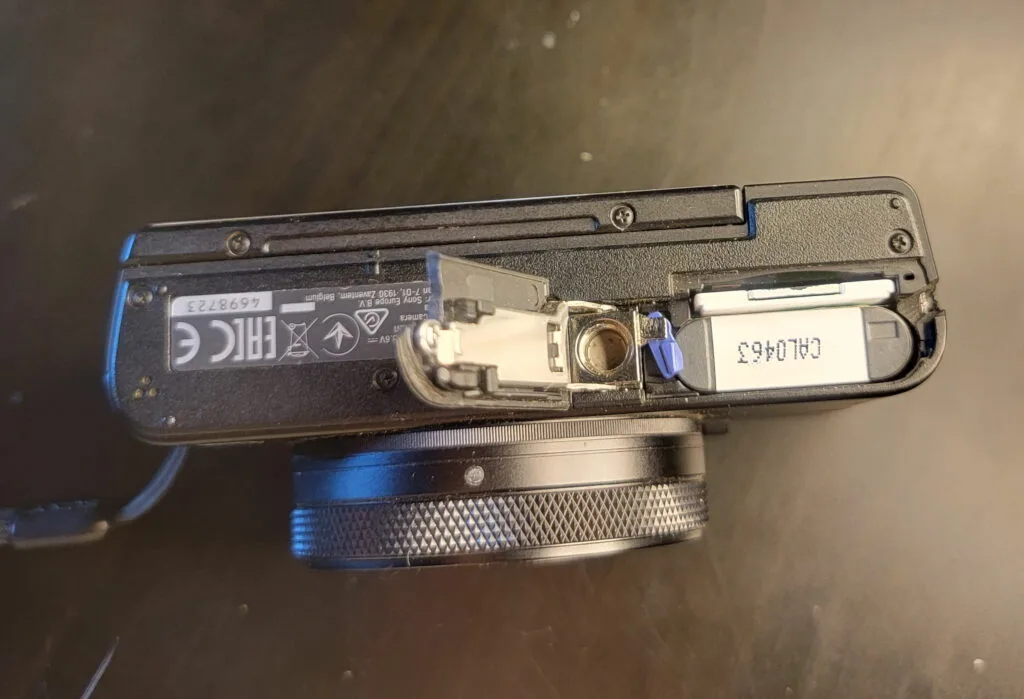
If your Sony RX100 VII battery problems are turning your compact powerhouse into an expensive paperweight, you're not alone. The NP-BX1 battery is small and convenient, but it comes with quirks. Whether you're seeing "This battery cannot be used" on the screen, watching the charge disappear in minutes, or struggling to get the camera to charge at all, this guide walks through each fix.
Manufacturer specifications rate the NP-BX1 at around 260 shots per charge using the rear LCD. Real-world usage, especially with 4K video or the pop-up EVF, often cuts that number by a third. As of 2026, many owners are finding their batteries aging faster than expected.
Not every drop in performance means the battery is dead. Let's walk through the symptoms step by step.
Image source: Bing (Web (fair-use with source credit))
Quick Answer
Sony RX100 VII battery problems fall into three categories. Swollen batteries are a fire risk and need immediate replacement. Charging issues often come from faulty cables or dirty contacts.
Fast drain usually comes from 4K video or an aging battery.
Quick Safety Check: Is Your Battery Swollen?
Before we dig into troubleshooting, rule out the one problem that overrides everything else. A swollen battery is not something you try to fix. It's a safety hazard.
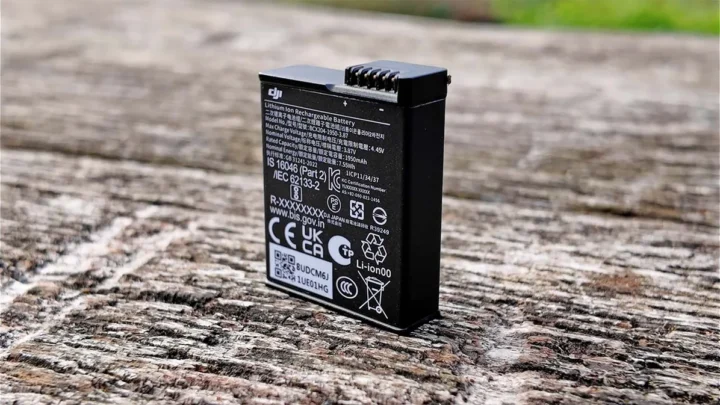
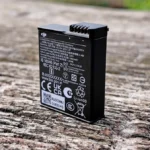
Look at the battery from the side. If the flat faces are bulging outward, even slightly, that's swelling. The battery might also be hard to slide out of the compartment.
The battery door may not close flush anymore.
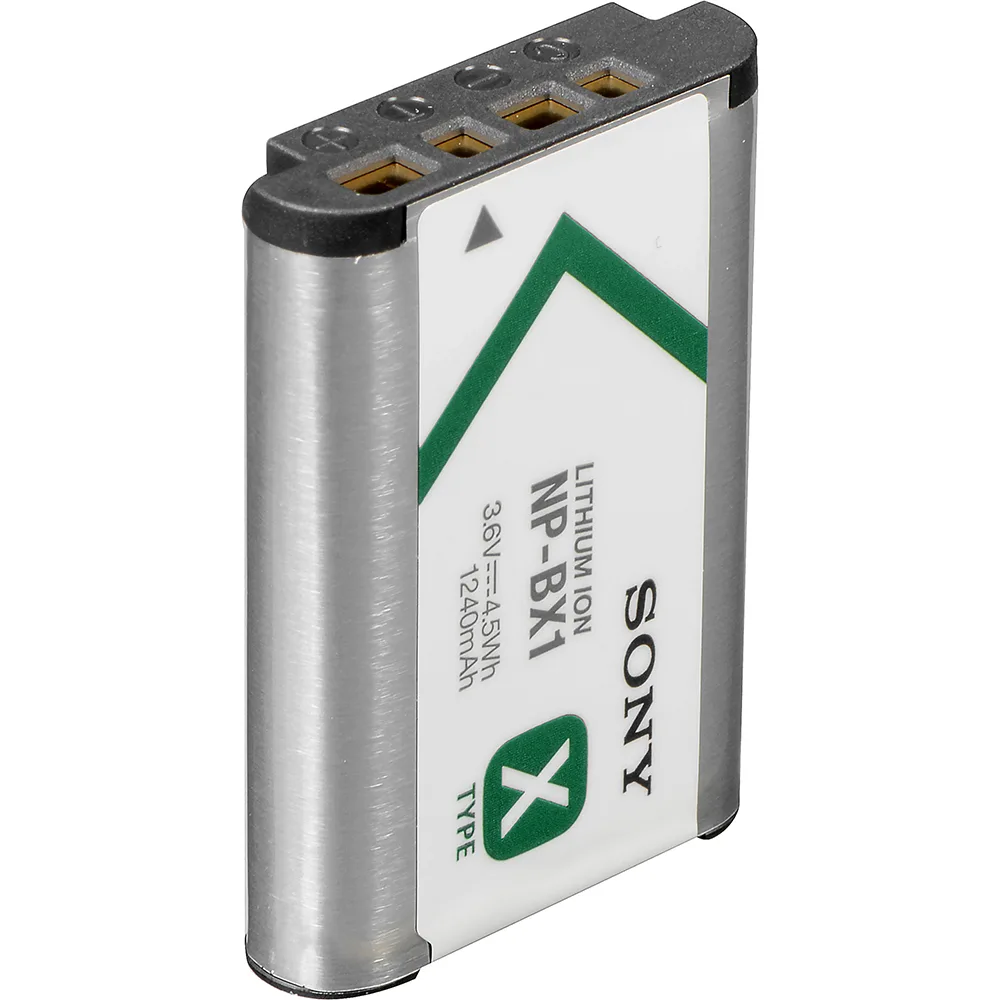
Image source: Bing (Web (fair-use with source credit))
Swelling means the internal chemistry has broken down and is producing gas. The FAA's safety guidelines for lithium batteries recommend immediate removal and proper disposal. A swollen battery can rupture or catch fire, especially if you try to charge it.
Stopping immediately is the only safe move.
If you see swelling:
- Stop using the battery right now
- Do NOT try to charge it
- Place it in a fireproof container
- Take it to a battery recycling center
- Order a replacement before using the camera again
For similar warning signs across other brands, checking battery issues in other cameras reinforces these steps.
If the battery looks flat and normal, move to the next section.
Which Problem Are You Having?
The RX100 VII battery can fail in a few distinct ways. Getting the right fix depends on picking the right symptom. Read each description and find your match.
Fast drain. You charge the battery fully, but after 20 minutes of shooting or a short 4K clip, the camera shows one bar. The indicator drops faster than expected. This usually points to usage habits, battery age, or counterfeit cells.
Won't charge. You plug the camera into USB and get nothing. No blinking light. No charge indicator.
Or your external charger flashes an error. This often points to a bad cable, dirty battery contacts, or a locked battery management system.
Error message. The camera displays "This battery cannot be used" or "Unable to charge." This is a specific lockout from the camera's firmware. It can appear with genuine batteries that have tripped an internal protection circuit.
Sudden shutdown. The camera works fine, then cuts off with no warning. The battery shows a partial charge right before it dies. This suggests a weak cell that can't deliver enough current under load.
Pick your symptom and jump to the right branch below. Many of these issues mirror the types of symptoms seen in other compact cameras.
Branch 1: Battery Drains Too Fast
This is the most common Sony RX100 VII battery problem. It's also the one people often misdiagnose. Before you blame the battery, check your shooting habits.
4K video is a power hog. The RX100 VII has a 1-inch sensor and a fast processor. Recording 4K video at 30 fps pulls a lot of current. Expect around 30 to 40 minutes of recording time per full charge.
That's about a third less than the CIPA still-image rating.
The EVF uses more power than the LCD. The pop-up electronic viewfinder is convenient, but it draws more juice than the rear screen. Using the EVF for every shot drops battery life by roughly 15 to 20 percent.
Wi-Fi and Bluetooth drain the battery. Leaving wireless connections on when you're not transferring photos keeps the camera awake. Turn off Wi-Fi and Bluetooth in the menu when you're actively shooting.
Extreme temperatures hurt performance. Cold weather below freezing can cut your effective battery life in half. Heat above 40°C can trigger the camera's thermal protection, forcing the battery to discharge faster. The same thermal issues that cause overheating in larger camera bodies affect battery life here too.
The battery itself might be old. NP-BX1 batteries have a lifespan of roughly 300 to 500 full charge cycles. After that, capacity drops noticeably. If your battery is more than two or three years old with regular use, replacement is the answer.
What to do first:
- Switch to rear LCD instead of EVF
- Turn off Wi-Fi and Bluetooth
- Carry a spare battery for video-heavy shoots
- If none of that helps, buy a fresh OEM battery
Reducing power draw through manual settings is a familiar process for anyone used to adjusting manual controls on other cameras.
Branch 2: Battery Won't Charge (USB or External Charger)
A battery that won't charge is frustrating, but the cause is usually simple. Let's run through the possibilities in order.
USB cable and charger. The RX100 VII uses Micro-USB, not USB-C. Older Micro-USB cables are prone to internal breaks, especially near the connector. Try a different cable.
Also make sure your USB wall charger delivers at least 5V and 1.5A. A weak phone charger may not provide enough current to start the charging circuit.
Dirty contacts. Over time, the metal contacts on the battery and inside the camera can pick up a thin layer of oxidation. This blocks the electrical connection. Clean both sets of contacts with a cotton swab dipped in isopropyl alcohol.
Let them dry fully before trying again.
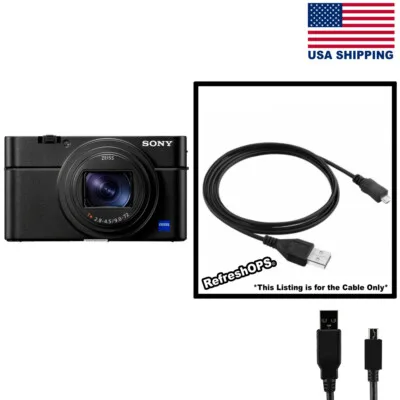
Image source: Bing (Web (fair-use with source credit))
In-camera charging vs. external charger. In-camera charging is convenient, but it's slower and less reliable. The camera's charging circuit has built-in thermal protection. If the camera body gets warm, it pauses charging.
An external charger, like the Sony BC-TRX, bypasses the camera's heat limits and charges the battery faster. It also lets you charge one battery while using another.
Battery management system lock. The NP-BX1 has a small protection circuit inside. If the battery has been fully drained and left at zero volts for a long time, the circuit can lock itself in a safe state to prevent dangerous recharging. This is common with batteries that sat unused for six months or more.
Some third-party chargers have a recovery mode that can wake a locked battery, but success is not guaranteed.
What to do:
- Test with a known-good USB cable and a 5V/2A charger
- Clean battery and camera contacts
- Try an external charger
- If none work, the battery is likely dead
If you run into similar charging problems on other camera models, the same troubleshooting steps often serve you well.
Branch 3: "This Battery Cannot Be Used" or Other Error Messages
Seeing "This battery cannot be used" on the RX100 VII screen is alarming, especially with a genuine Sony battery. This error is the camera's way of saying it doesn't trust the battery's safety.
Genuine vs. counterfeit. Sony puts a small authentication chip inside genuine NP-BX1 batteries. The camera checks this chip before it allows charging or shooting. Counterfeit batteries often lack this chip or have a copy that doesn't pass the test.
If you bought a battery that looks genuine but was very cheap, it's probably a fake. Check the packaging, the font on the label, and the holographic sticker.
The protection circuit tripped. Even a genuine battery can trigger this error if its internal protection circuit has activated. This can happen if the battery was shorted, exposed to extreme heat, or drained below its safe voltage threshold. The camera plays it safe and refuses to work with it.
Firmware issues. Sony has released firmware updates for the RX100 VII that improved battery communication. An outdated firmware version can sometimes fail to recognize a perfectly good battery. Visit Sony's official support page to download the latest firmware.
Updating is done via an SD card and takes about five minutes.
What to do:
- Verify the battery is genuine: check the serial number, label quality, and weight (genuine is about 25g)
- Try the battery in another Sony camera that uses NP-BX1 (like the RX100 VA or older models)
- Update your RX100 VII firmware
- If the error continues, replace the battery
If you've dealt with firmware-related error messages on other cameras, you'll recognize the same pattern here.

Similar Posts