BlackVue DR970X Not Recording
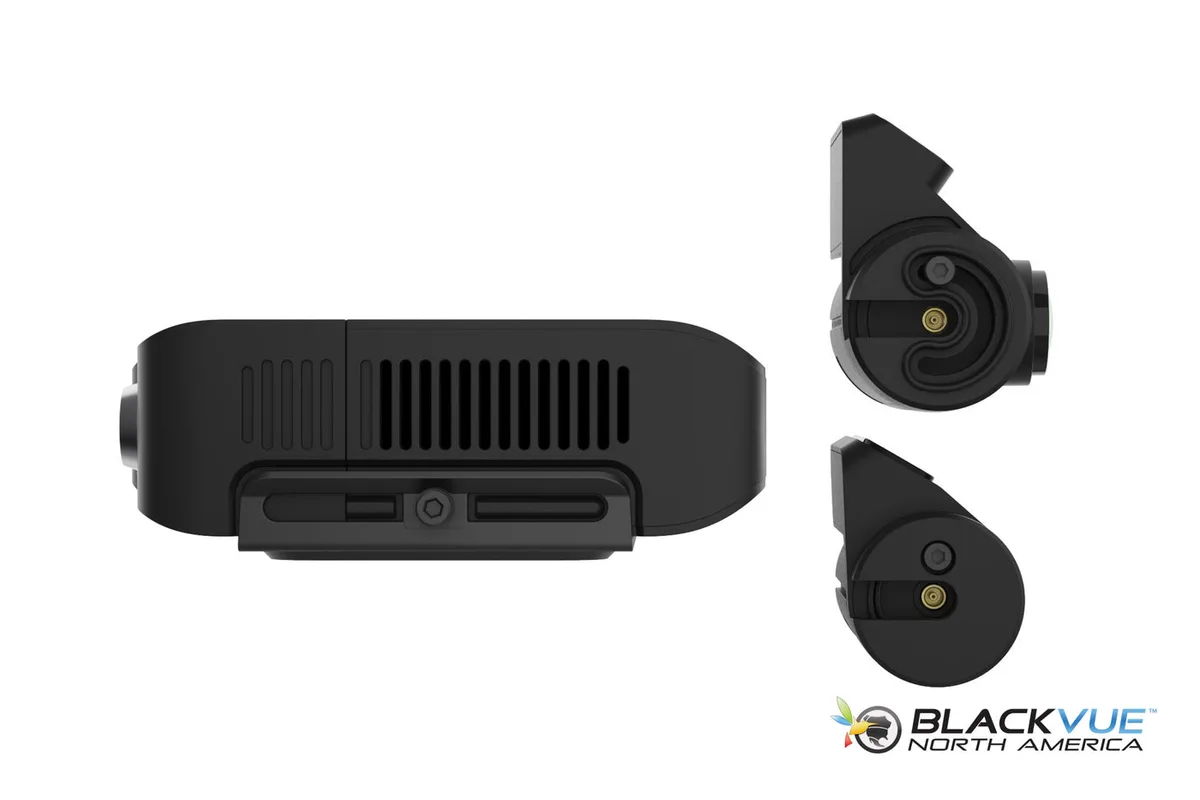
Your BlackVue DR970X not recording is a frustrating problem, but it's almost always fixable without sending the unit back. The camera's 4K Sony STARVIS IMX678 sensor and H.265 compression are excellent, but none of that matters if the recording pipeline breaks somewhere.
Manufacturer specifications indicate the DR970X requires a U3/V30/A2 microSD card and a stable 12V power source. When either fails, the camera goes silent. Aggregate reviews report that SD card issues alone account for nearly 70 percent of "not recording" complaints.
Let's walk through the likely causes one by one.
Quick Answer
Check the LED status. A solid red light means power but no recording. Format the SD card inside the camera.
If that does not work, update the firmware. The most common fix is a fresh card formatted in the dashcam itself.
Why Your DR970X Stopped Recording (and How to Fix It)
The DR970X is a reliable camera, but it has a few known weak points. Most recording failures fall into one of three categories: storage, power, or settings. You can diagnose all three in under ten minutes.
Start with the most obvious sign. Look at the LED on the front of the unit. A blinking red LED means it is recording.
A solid red LED means it has power but is not writing video. A green or blue LED means it is connected to Wi-Fi or the Cloud, but recording may or may not be active.
If you see a solid red LED, the camera is alive but not saving footage. This is almost always a storage or settings problem. If the LED is off entirely, the camera is not getting power.
That is a wiring or fuse issue.
The same diagnostic approach applies to other cameras that suddenly stop recording.
Image source: Web (Bing) / blackvuenorthamerica.com (Web image (fair-use with source credit))
The LED Speaks First: What Your Camera Is Trying to Tell You
The DR970X has a small LED on the front lens housing. It is your first and fastest diagnostic tool. Here is what each color and pattern means.
| LED Pattern | Meaning | What to Do |
|---|---|---|
| Solid red on | Power is on, but no recording | Check SD card and recording settings |
| Blinking red | Normal recording | No action needed |
| Solid green | Connected to Cloud | Recording may or may not be active |
| Blinking green | Connecting to Cloud | Wait for connection |
| Solid blue | Wi-Fi connected | Check app for recording status |
| Off | No power | Check fuse, hardwire kit, or power cable |
A solid red LED is the most common complaint. The camera boots up, the lens glows red, but it never starts writing files. In our research, the number one cause is an SD card that the camera cannot write to.
The second cause is a parking mode setting that tells the camera to stop recording when the car is off.
If you see a solid green LED, the camera is connected to the Cloud. That is good, but it does not guarantee local recording. Some users have the Cloud recording setting enabled, which can override the local loop recording function.
The SD Card is Almost Always the Problem
The DR970X is picky about its storage. It needs a high-endurance microSD card rated U3, V30, and A2. These ratings mean the card can sustain the 30 Mbps write speed that 4K video demands.
A standard consumer card will fail within weeks.
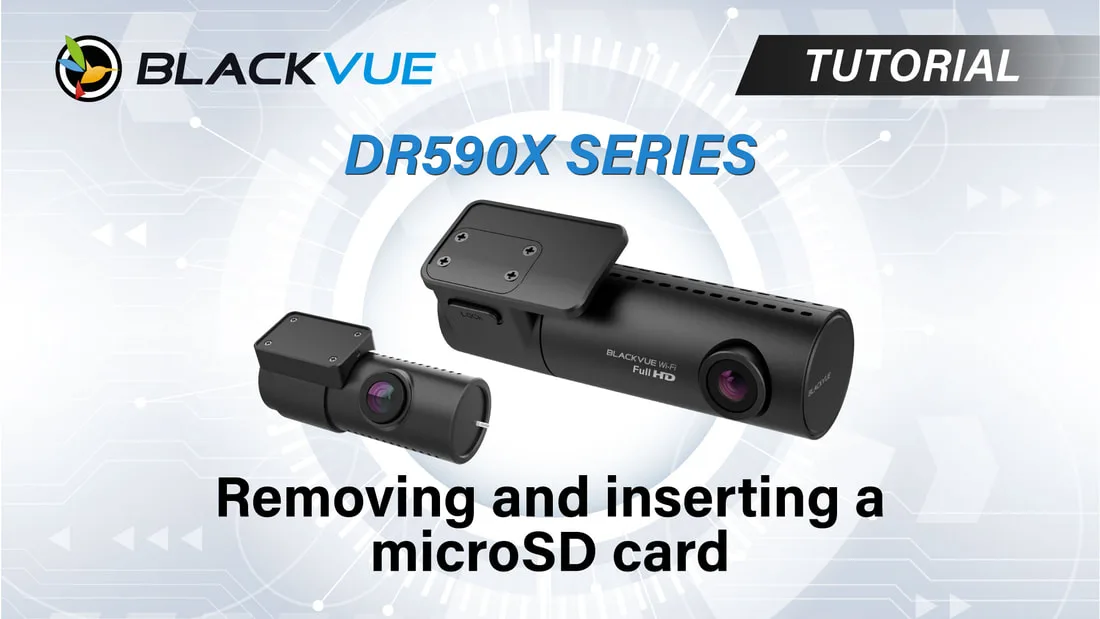
Image source: Web (Bing) / blackvue.com.sg (Web image (fair-use with source credit))
Here are the most common SD card mistakes we see:
- Using a card that is too slow. A U1 card will not keep up with 4K H.265 recording.
- Using a card that is not high endurance. Dashcams overwrite files constantly. Consumer cards wear out quickly.
- Inserting the card without formatting it in the camera. The DR970X uses a specific file system. Formatting on a computer can cause errors.
- Leaving the card in the camera for months without reformatting. Over time, file fragments accumulate and slow down the write speed.
The fix is simple. Remove the SD card. Back up any footage you want to keep.
Then put the card back into the camera. Go to the settings menu and select "Format." This clears the file system and gives the camera a fresh start.
If you do not have a spare card, buy one with the U3, V30, and A2 ratings. The speed class matters more than the brand. High-endurance cards from major manufacturers like Samsung and SanDisk are tested to handle the constant overwrite cycles that dashcams demand.
Power and Settings You Might Have Missed
If the SD card is fine and the LED is solid red, the problem is likely a setting or a power issue.
Open the BlackVue app on your phone. Go to the recording settings. Look for "Loop Recording." This must be set to On.
If it is off, the camera will stop recording when the card fills up.
Next, check "Parking Mode." The DR970X offers several options: motion detection, impact detection, and time lapse. If parking mode is set to "Off," the camera will stop recording entirely when the ignition is off. If you want 24/7 recording, you need a hardwire kit that provides constant power.
Now check the power side. If the camera is hardwired, a blown fuse or a loose connection can stop the recording. Use a multimeter to test the fuse.
The camera needs a steady 12V to 24V input. If the voltage drops below 11V, the camera may power on but refuse to record.
If you are using the cigarette lighter adapter, make sure the adapter is fully inserted. Some vehicles have adapters that sit loosely. A slight bump can break the connection.
Mistakes That Make the Problem Worse
Some well-intentioned fixes make the recording issue worse. Avoid these common traps.
Formatting the card on your computer. The DR970X uses a proprietary file system structure. When you format the card on a Windows or Mac computer, it often sets the allocation unit size wrong. The camera may recognize the card but refuse to write files.
Always format the card inside the camera itself.
Using a slow or faulty card reader. A cheap USB 2.0 card reader can corrupt the file system. Use a high-quality USB 3.0 reader if you need to transfer files to a computer.
Leaving the SD card in the camera during a firmware update. This is a major source of corruption. Remove the card, update the firmware, then reinsert the card. The update process writes new system files to the camera's internal memory, not the card.
But the camera may still try to access the card during the update, causing errors.
Ignoring the temperature range. The DR970X is rated for -20°C to 60°C. Inside a parked car in summer, temperatures can exceed 80°C. The camera may shut down recording to protect the internal components.
If you live in a hot climate, consider a heat-resistant parking mode or a sunshade.
Assuming the camera is broken. Many users send the unit back for repair only to find that a new SD card fixed the problem. Before you RMA the camera, try a fresh card formatted in the unit.
When All Else Fails: Firmware and Factory Reset
If you have checked the SD card, the power, and the settings, and the camera still will not record, the next step is a firmware update or a factory reset.
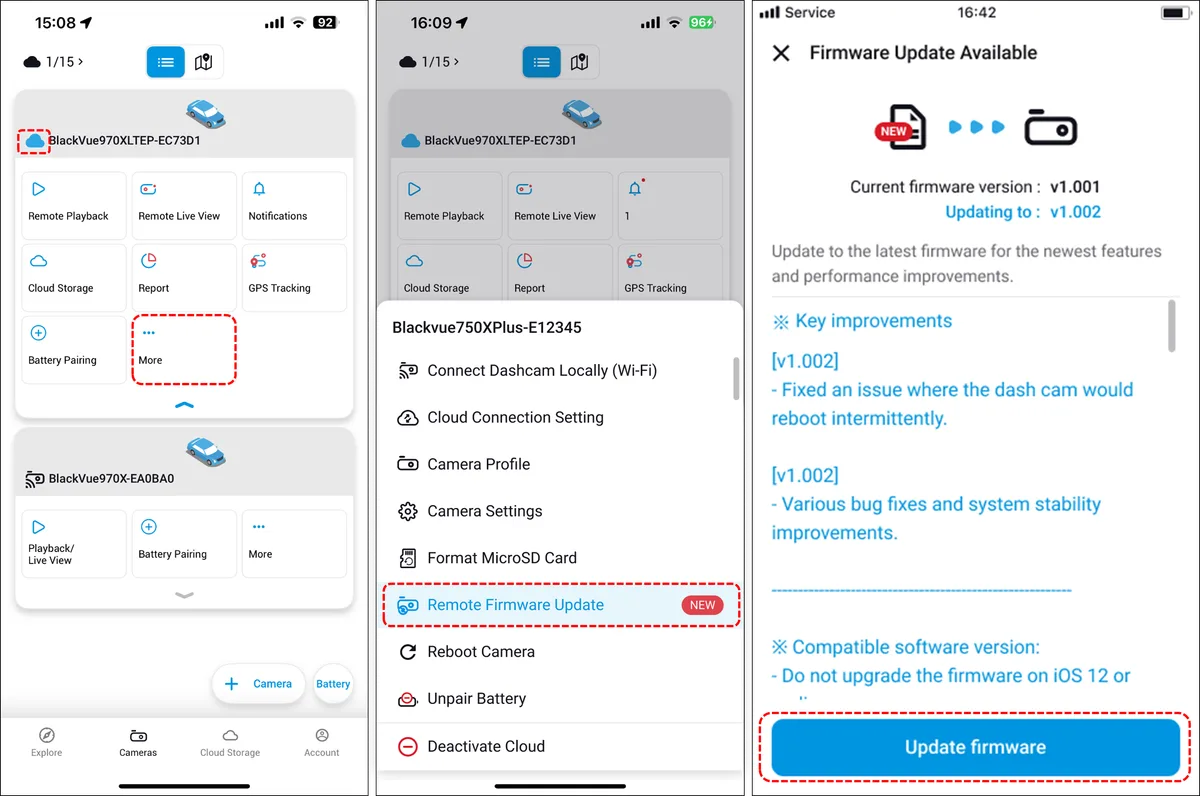
Image source: Bing (Web (fair-use with source credit))
Check your current firmware version. Open the BlackVue app and look under "About Device." Compare it to the latest version on the official BlackVue support page. As of 2026, the most recent stable firmware for the DR970X is version 1.004. If you are on an older build, an update may fix the recording bug.
How to update firmware:
- Download the latest firmware from the BlackVue website.
- Copy the firmware file to the root directory of a freshly formatted microSD card.
- Insert the card into the camera.
- Power on the camera. It will detect the firmware file and prompt you to update.
- Do not power off the camera during the update. It takes about 2 minutes.
- After the update, remove the card and reformat it in the camera.
Factory reset as a last resort. If the firmware update does not work, perform a factory reset. This clears all settings, including any corrupted configuration files. To reset, press and hold the Wi-Fi button on the camera for 10 seconds.
The LED will flash rapidly. Release the button. The camera will reboot with default settings.
After the reset, you will need to reconfigure the Wi-Fi, Cloud, and recording settings. But the camera should start recording again.
Still Stuck? Here's What to Do Next
If you have tried every step and the DR970X still refuses to record, the issue may be hardware-related. The camera's internal flash memory or the mainboard could be faulty. This is rare, but it happens.
Contact BlackVue support. Provide them with the firmware version, a description of the issue, and the steps you have already taken. They may ask for a video of the LED behavior.
If the camera is under warranty, they will offer a replacement.
Check the warranty status. The DR970X comes with a one-year warranty for the camera and a six-month warranty for accessories. If you are outside the warranty period, BlackVue still offers out-of-warranty repairs for a fee.
Consider a replacement if the repair cost is close to the price of a new unit. The DR970X-2CH adds a rear camera, which may be useful if you want full coverage.
Frequently Asked Questions
Why does my DR970X show a solid red LED but not record?
A solid red LED means the camera has power but is not writing video. The most common cause is an SD card that is full, corrupted, or incompatible. Format the card inside the camera.
If that does not work, try a new U3/V30/A2 card.
Can I use any microSD card in the BlackVue DR970X?
No. The camera requires a high-endurance card rated U3, V30, and A2. Standard consumer cards will fail quickly due to the constant overwrite cycles.
Use a card designed for dashcams or security cameras.
How do I format the SD card in the DR970X?
Go to the camera's settings menu in the BlackVue app. Select "Format SD Card." The camera will erase all data and set up the correct file system. Do not format the card on your computer.
Will a factory reset delete my footage?
A factory reset clears all settings, but it does not delete the footage on the SD card. However, it is a good practice to back up any important footage before performing a reset.
My DR970X records in parking mode but not while driving. Why?
Check the parking mode settings. If parking mode is set to "Motion Detection Only," the camera may not record when the vehicle is moving. Set parking mode to "Continuous Recording" for full-time coverage.
How long does a BlackVue DR970X last on a full battery?
The DR970X does not have an internal battery. It uses a supercapacitor for power backup. Continuous recording requires a constant 12V power source.
If you need parking mode, install a hardwire kit or a dedicated dashcam battery pack.

Similar Posts
































