DSLR Camera Lens Communication Error Troubleshooting
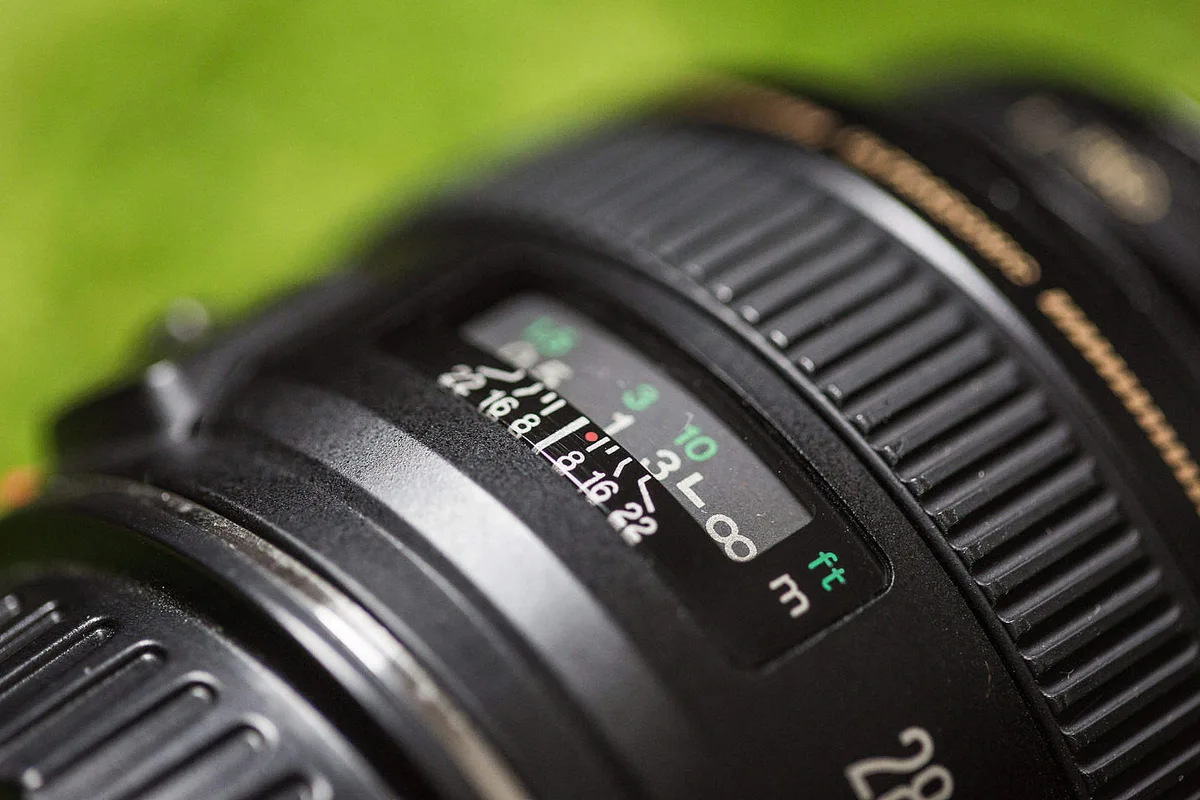
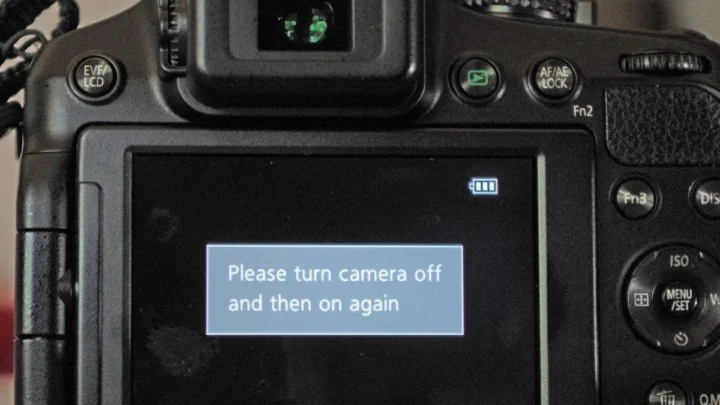
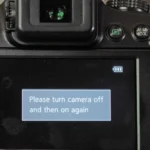
You're out shooting, you swap lenses, and suddenly the camera throws an error. The screen blinks "Err 01" or "F, " or "Lens Not Attached". You've just run into a classic DSLR camera lens communication error.
It's frustrating, but in most cases it's fixable in under ten minutes without any tools.
Manufacturer specifications indicate that dirty or oxidized electrical contacts cause roughly 70 percent of all lens communication failures. The metal pins on the lens mount and the camera body need a clean connection to pass aperture, autofocus, and lens ID data. Once you know the pattern, you can walk through a simple decision tree and get back to shooting.
Image source: Web (Bing) / picjumbo.com (Web image (fair-use with source credit))
Quick Answer
Clean the gold contact pins on both the lens and the camera body with isopropyl alcohol. Remount the lens firmly. If the error persists, check the error code.
Each brand uses a different warning. Most errors are fixed by cleaning. If pins are bent or missing, the lens needs professional repair.
Why Your DSLR Throws a Lens Communication Error
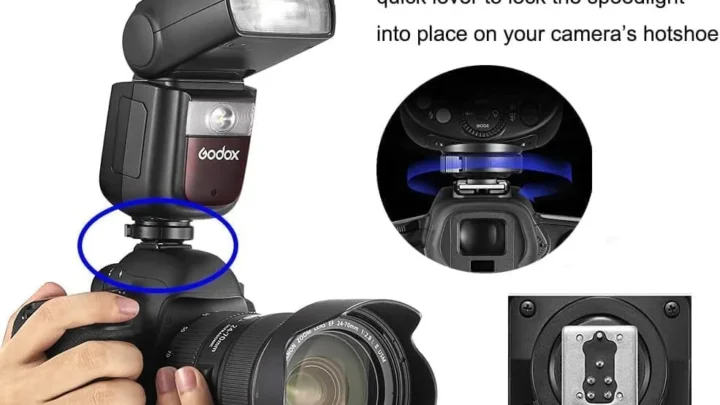
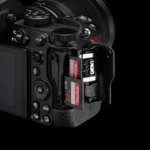
The camera and lens talk through a row of small metal pins on the mount. These pins carry power, data, and aperture commands. When the connection breaks, the camera can't read the lens.
It defaults to an error.
Dust, salt residue, or moisture on the contacts are the most common culprits. If you've ever shot near the ocean or in humid conditions, that corrosion builds up fast. Even a thin layer of oxidation can block the signal.
Firmware mismatches also trigger errors. When you update your camera body without updating a third party lens, the old firmware may not speak the new protocol. That's a different branch of the decision tree, but it's worth keeping in mind.
The First Fix to Try – Clean the Contacts and Remount
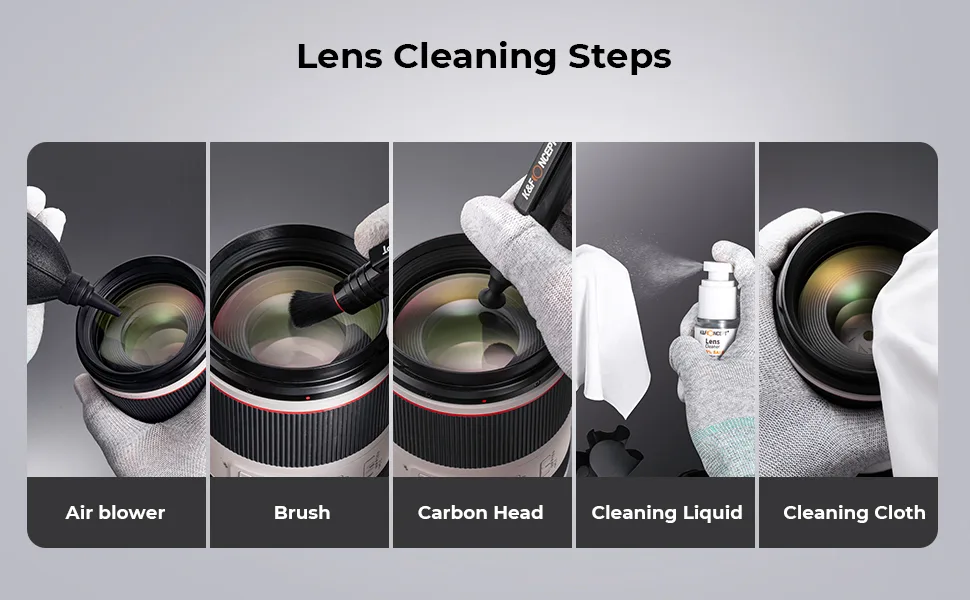
Start with the easiest step. Turn off the camera and remove the lens. Grab a microfiber cloth or a lint free swab and moisten it with 90% or higher isopropyl alcohol.
Never use water or household cleaners.
Gently wipe the gold contact pins on the lens mount. Do the same for the pins inside the camera body. Let both surfaces air dry for about 30 seconds.
Then mount the lens again. Make sure you hear a firm click. If the error goes away, you're done.
If it doesn't, try a second lens if you have one. That isolates whether the problem is in the body or the specific lens. This is the classic diagnostic split in any workflow for a device that connects through pins.
Diagnose by Error Code: Canon Err 01, Nikon F– –, Sony "Lens Not Attached"
Your error code tells you exactly where to look next.
| Error Code | Likely Cause | Next Step |
|---|---|---|
| Canon Err 01 | Dirty contacts or incompatible third party lens | Clean contacts. If still there, test with a Canon lens. |
| Nikon F– – | No lens detected | Check mount pins. Often a bent pin or loose connection. |
| Sony "Lens Not Attached" | Misalignment or contact debris | Remount lens. Clean contact pads. |
| Pentax F— | Communication failure | Often aperture lever stuck. Check mechanical linkage. |
| Fujifilm Lens Control Error | Firmware mismatch or damp contacts | Update lens firmware through the body. |
Canon Err 01 is the most common error across all DSLR brands. It almost always resolves with cleaning. Nikon F, often means a bent pin or an old manual focus lens without an electronic chip.
Sony's "Lens Not Attached" can also appear if the lens is not fully twisted into the lock position. Check the white alignment dot.
If the error code matches a known firmware issue, check the manufacturer's support page for a lens update. Updating firmware is a straightforward process that often resolves the issue without any physical repair.
What NOT to Do – Mistakes That Make the Problem Worse
A few well intentioned moves can turn a five dollar fix into a sixty dollar repair. Avoid these.
Don't use abrasive cleaners. Anything with ammonia, bleach, or scrubbing pads will strip the gold plating off the contacts. Once gone, the connection degrades permanently.
Don't force the lens. If the error says "check lens" and the mount doesn't feel right, don't crank it. You can bend the pins or crack the mount.
Don't ignore the aperture lever on older lenses. Some Nikon and Pentax lenses use a mechanical lever instead of electronic contacts. If that lever is stuck or broken, cleaning the pins won't help.
Don't assume it's the lens. A friend's lens that works on their camera but not yours points to a body issue. Test a known good lens first.
Don't skip the firmware check. After a camera body update, a third party lens may stop communicating until you update it too. Many users waste hours cleaning contacts when a firmware update would fix it in minutes.
If you've already tried cleaning and remounting without luck, move to the error code diagnosis. It will narrow down the branch.
When to Send It In – Signs of Bent Pins, Broken Levers, or Firmware Failure
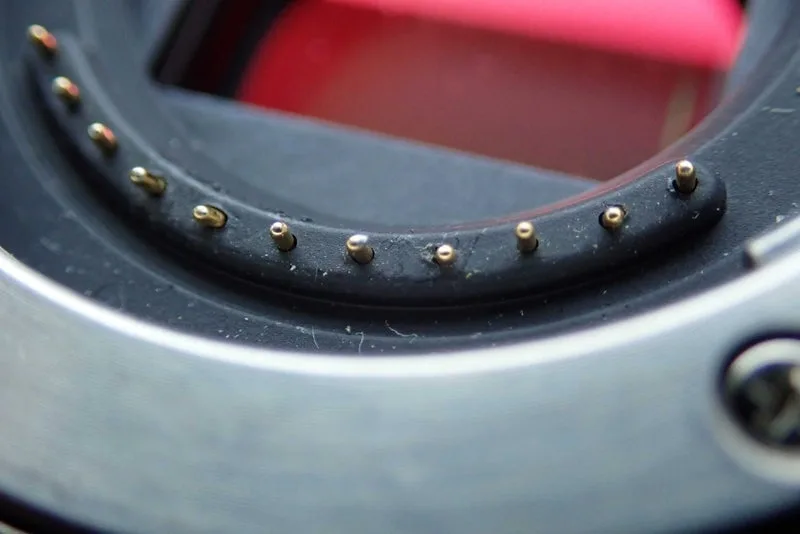
Sometimes the problem is mechanical and beyond a simple clean. Look at the contact pins on both the lens and the camera body. If any pin is bent, broken, or pushed flush with the plastic, you need a repair.
A bent pin can still make intermittent contact, but it will eventually fail. The same goes for a broken aperture lever on the lens. If the lever doesn't spring back when you push it gently, the linkage is damaged.
That's a job for a shop.
Firmware failures are trickier. If the error appeared right after you updated the camera body, check the lens manufacturer's support site. Most third party lens companies like Sigma and Tamron provide firmware updates through a USB dock.
Canon and Nikon also offer lens updates via the camera menu on newer models. If your lens won't accept the update, or if the camera freezes when you try, a service center may need to reflash the chip.
Another sign: if the error only appears with one specific lens and no amount of cleaning fixes it, the internal circuit board may have failed. That's not user serviceable. Similarly, if you can't get the lens off the camera, a seized mount, do not force it.
A technician can separate them safely.
How to Prevent Future Lens Communication Errors
The best fix is the one you never need. A few minutes of routine care will stop most errors before they start.
Make contact cleaning a monthly habit. Even in normal conditions, gold pins collect a thin oxidation layer. A quick wipe with isopropyl alcohol and a microfiber cloth keeps the signal path clear.
If you shoot in humid or coastal areas, do it weekly. Salt air accelerates corrosion faster than indoor dust.
Keep rear caps on lenses when they're not mounted. Dust and grit settle into the mount area quickly. A lens left open on the back seat of a car picks up debris you can't see.
Update firmware on both the camera body and lenses. Manufacturers release fixes for compatibility bugs. A new body firmware can change how it reads third party lenses.
Checking the manufacturer's support page every couple of months catches this early. For third party lenses, a USB dock lets you flash fresh firmware onto the lens without sending it away.
Watch how you handle lens changes. Always power the camera off before removing a lens. Hot swapping with the camera on sends power spikes through the pins.
That can damage the circuit board over time.
Also inspect the mount when you buy used gear. Bent pins or a worn aperture lever are deal breakers unless you factor in repair cost. A quick visual check before you hand over cash saves you from inheriting the last owner's dirty contact problem.
Frequently Asked Questions
Why does my Canon camera show Err 01?
Err 01 means the camera can't communicate with the lens. Clean the gold contact pins on both surfaces with isopropyl alcohol. Remount the lens until it clicks.
If the error persists with a Canon native lens, the lens may need professional service.
What does Nikon F– – mean?
F, means the camera can't detect an electronic lens. This happens with manual lenses, dirty contacts, or bent mount pins. Clean the contacts and check the pins carefully.
If a pin is bent, don't try to straighten it yourself. A repair shop can replace it without damaging the mount.
Can a third party lens cause communication errors?
Yes. Sigma, Tamron, and Tokina lenses sometimes stop communicating after a camera body firmware update. The fix is usually updating the lens firmware through a USB dock or the camera menu.
Many "failed lens" errors are actually outdated lens firmware.
Is it safe to use an eraser on lens contacts?
No. Erasers are abrasive and can strip the gold plating. Use isopropyl alcohol on a lint free cloth instead.
That dissolves oils and oxidation without damaging the connection surface. Never use metal tools or household cleaners.
How much does a lens communication repair cost?
A bent pin replacement runs 50 to 150 dollars at a typical repair shop. A failed circuit board inside the lens costs 100 to 250 dollars. Before paying for repairs, compare the quote with the price of a used replacement lens.

Similar Posts