Insta360 Ace Pro 2 Battery Problems
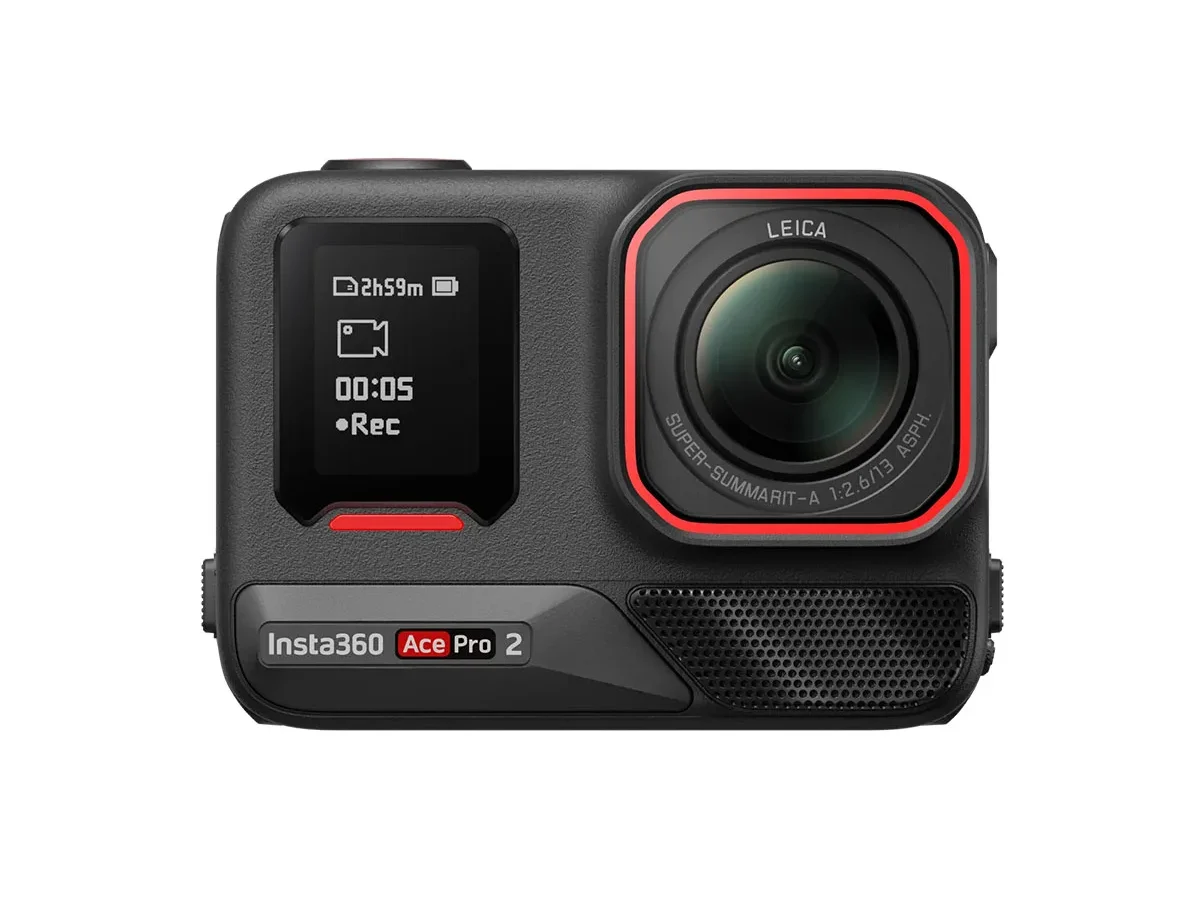
If you own an Insta360 Ace Pro 2, chances are you have already run into battery problems. Maybe the camera shut off mid shot. Maybe the battery swelled up inside the compartment.
Or maybe it just will not charge no matter what cable you try. These issues are common enough that they have their own threads across user forums, and they are frustrating because they hit at the worst possible time.
That said, most Ace Pro 2 battery problems are fixable or preventable once you understand what is actually going on. As of 2026, the official battery is a 1600mAh lithium-ion pack with built in protection circuitry. But real world conditions like heat, cold, firmware bugs, and charging habits can all throw it off.
Some issues are simple user error. Others are genuine hardware defects that need a replacement. Either way, knowing the difference keeps you safe and saves you money.
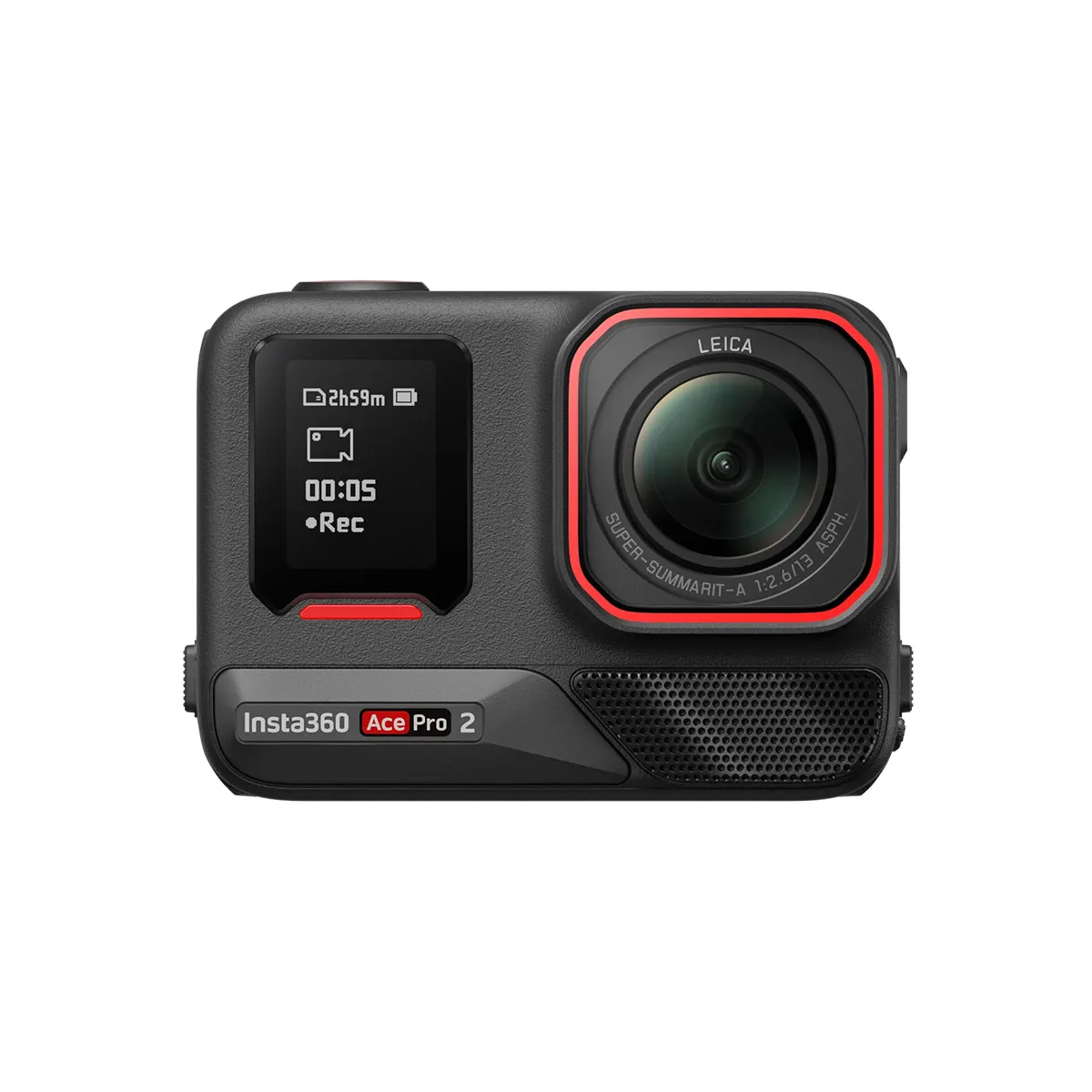
Image source: Web (Bing) / dronedepot.co.nz (Web image (fair-use with source credit))
Quick Answer
Insta360 Ace Pro 2 battery problems usually fall into three categories. The battery will not charge. The battery drains fast.
Or the battery swells. Most charging issues come from a dead flat battery, a bad USB cable, or a cold camera. Swelling is a fire risk.
Stop using the battery immediately. Dispose of it properly. For fast drain, calibrate the battery by running it to zero then charging fully.
Why Battery Problems Need Your Full Attention
Lithium-ion batteries are not like AA alkalines. When they fail, they can get hot, puff up, or even catch fire. The Insta360 Ace Pro 2 uses a sealed pouch cell with a protection circuit.
That circuit can stop overcharging and short circuits. It cannot stop physical damage, extreme heat, or age related degradation.
The real danger is ignoring early warning signs. A battery that takes longer to charge might just be cold. A battery that runs down in twenty minutes might just need calibration.
But a battery that is slightly swollen is a definite problem. As of 2026, there are no official recalls for the Ace Pro 2 battery. That means you are responsible for spotting trouble before it gets worse.
This guide covers every common scenario so you can decide fast and stay safe. Knowing when to stop using a battery and when to just plug it in differently is the key.
Spotting a Dangerous Battery Before It Is Too Late
The most serious Insta360 Ace Pro 2 battery problem is swelling. This happens when the internal cell chemistry breaks down and produces gas. The battery pouch inflates like a tiny balloon.
You might notice the battery is tight to remove. You might see the camera back plate bulge. You might hear a faint crackling when you press on it.
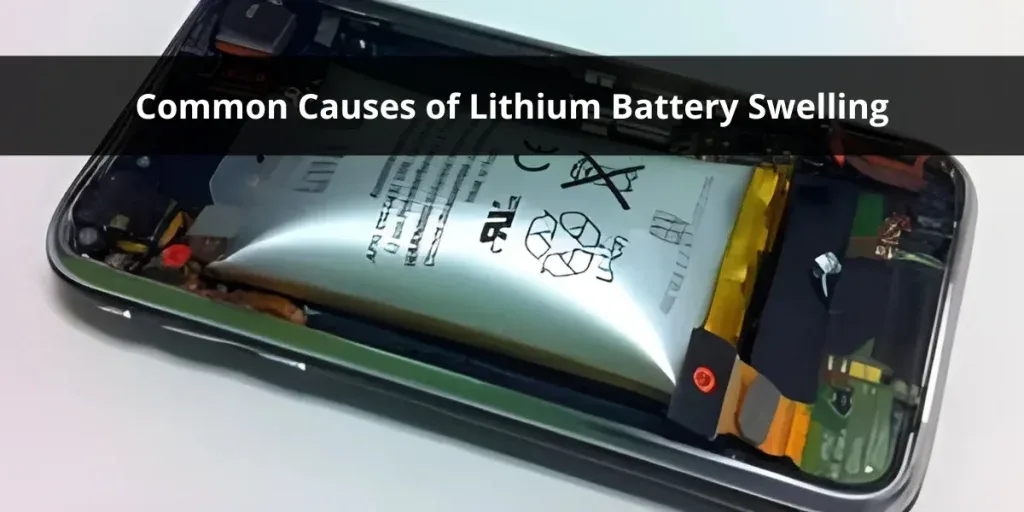
Image source: Bing (Web (fair-use with source credit))
What to look for
Check your battery every time you swap it. Do not wait until the camera gives an error. Look for these signs:
- Bulging or puffing on the flat faces of the battery. A healthy battery is perfectly flat.
- Cracks or splits in the plastic wrapper. Never use a battery with exposed foil.
- Leaking fluid or a chemical smell. This is rare but very dangerous.
- Excessive heat during charging or recording. Warm is normal. Hot to the touch is not.
- Battery does not sit flush in the compartment. If it wobbles or sticks, stop using it.
What to do if you find swelling
Stop using the camera. Remove the battery carefully. Do not poke it, squeeze it, or try to let the gas out.
That causes a short circuit and fire. Put the swollen battery in a fireproof container or a sand bucket if you have one. Take it to an e-waste recycling centre as soon as possible.
Do not throw it in the bin.
When swelling means a bigger problem
If the battery swelled after a drop or impact, the camera compartment might also be damaged. Check for bent pins in the charging port or cracks in the camera housing. If the camera itself is compressed, that can warp the frame.
In that case, you may need a housing repair or full unit replacement rather than just a new battery.
Swelling after normal use without any physical damage is usually a manufacturing defect or age related. The official Insta360 battery is rated for around 300 to 500 full charge cycles. If you use your camera daily for action sports or long time lapses, you might hit that limit in under a year.
Replace the battery at the first sign of puffing, even if it still holds a charge.
Why Your Ace Pro 2 Battery Will Not Charge (and How to Fix It)
This is the most common support ticket for the Insta360 Ace Pro 2. You plug in the camera. Nothing happens.
No LED. No charging icon. You try a different cable.
Still nothing. Here is how to diagnose it step by step.
The battery is completely flat
Lithium-ion batteries have a safety cutoff. If the voltage drops too low, the protection circuit disconnects the cell internally. The camera sees no battery at all.
This looks exactly like a dead camera.
Your first fix is to leave it on the charger for at least thirty minutes. Use the official USB C cable or a high quality one rated for Power Delivery. Some users report that a standard 5W phone charger is too weak to wake the battery.
Use a 15W or higher PD adapter.
If the camera still shows nothing after an hour, try a different power source. A laptop USB port or a power bank sometimes works when a wall adapter does not. The battery needs a tiny trickle current to reset the protection IC.
The temperature is too cold
The Ace Pro 2 battery will not charge below 0°C (32°F). That is a safety feature, not a bug. If you were shooting in winter conditions, the battery might be below that threshold.
Bring the camera inside and let it warm up for twenty minutes before charging. Do not put it on a radiator or heater. Just room temperature.
The USB port is dirty or damaged
Action cameras get wet and dusty. The USB C port on the Ace Pro 2 is exposed when the side door is open. Sand, salt, and lint can block the pins.
Use a flashlight to check for debris. Blow it out with compressed air or gently pick it with a plastic toothpick. Do not use metal.
If the port is loose or the cable wobbles, the port may be damaged. This can happen if the camera was dropped while charging. In that case, you need a USB port replacement or a repair shop.
Some users have had success with a magnetic USB C adapter to reduce wear on the port.
The firmware is confused
Insta360 occasionally releases firmware updates that fix charging bugs. As of early 2026, version 1.1.12 addressed a battery not detected after sleep issue. If your camera charges sometimes but not others, update the firmware.
Connect the camera to the Insta360 app or desktop software and check for updates.
This is a similar issue to what some other rugged cameras have experienced. If you have worked through charging problems on a GoPro Hero9, the same troubleshooting logic applies here.
The battery itself is dead
If none of the above work, the battery has likely failed. The protection IC can fail permanently, or the cell can degrade to the point where it will not accept a charge. Replace it with an official Insta360 Ace Pro 2 battery.
Third party batteries are cheaper, but they frequently cause the same problems again.
Why Your Battery Dies Too Fast or Shuts Off Unexpectedly
A battery that drains in twenty minutes is a different problem from one that will not charge. It usually means the battery is working, but the camera thinks it is empty. Or the battery is genuinely worn out.
Let us break down the possibilities.
The battery gauge needs calibration
The Ace Pro 2 uses a fuel gauge chip that tracks voltage and current. Over time, that chip can drift. It might show 30% battery and then drop to 0% and shut off.
That is a calibration issue, not a dead battery.
To calibrate, run the camera until it shuts down from low battery. Then charge it to 100% without interruption. Do this twice in a row.
Most users report that normal battery indicator behavior returns after that.
Cold temperatures drain it faster
Lithium ion chemistry slows down in the cold. The battery holds the same energy, but it cannot deliver it as effectively. In sub zero conditions, the Ace Pro 2 might show a full battery and then die after ten minutes of recording.
The fix is to start with a warm battery. Keep spare batteries in an inside pocket close to your body. Swap them in just before recording.
Some users also put a hand warmer pack near the battery compartment, but do not let it touch the camera directly. Keeping a close eye on recording interruptions from cold batteries helps prevent missed shots.
Firmware bugs cause phantom drain
Multiple user reports mention that the Ace Pro 2 drains battery faster after certain firmware updates. This is usually a background process like WiFi or Bluetooth staying active. Check your settings.
Turn off wireless connections when you do not need them. Restart the camera after each update. Keeping the software current is good practice for any action camera.
The battery is physically degraded
After several hundred cycles, the internal resistance of the cell increases. The battery might still charge to 100%, but it will drain much faster under load. This is normal aging.
There is no fix other than a replacement.
For heavy users who shoot every day, expect the battery to degrade noticeably after about eight to twelve months. For casual users, the battery should last two years or more before you see significant capacity loss.
The camera is overheating
The Ace Pro 2 can run hot when recording high bitrate video in warm conditions. Heat increases internal battery resistance and triggers the protection circuit to cut power. This looks like the battery failed, but it is actually the camera protecting itself.
If the camera shuts off and feels hot to the touch, let it cool down for fifteen minutes before using it again. Our research shows that recording in 4K30 instead of 5.3K60 reduces heat buildup significantly without much visible quality loss. Paying attention to managing heat during recording can extend your shoot time.
How to Charge Your Battery the Right Way
Most battery problems come down to charging habits. You can avoid a lot of frustration by following a few simple rules. These are based on how lithium ion cells actually behave.
Use the right charger
The Insta360 Ace Pro 2 supports USB Power Delivery up to 30W. That does not mean you need a 30W charger. But you should avoid ultra slow chargers.
A 5W phone brick will charge the battery, but it takes around three hours. Worse, it can fail to wake a deeply discharged battery.
A 15W to 20W PD charger is the sweet spot. It charges the battery in about 45 minutes and wakes flat batteries reliably. Do not use a fast charger rated above 30W.
It will not damage the battery because the camera negotiates power, but it is unnecessary.
Charge in a cool dry place
Heat is the enemy of lithium ion cells. Charging the Ace Pro 2 in direct sunlight or inside a hot car accelerates degradation. If the ambient temperature is above 35°C (95°F), let the camera cool down before plugging it in.
On the other end, do not charge below 0°C (32°F). The camera will refuse to charge anyway, so do not try to bypass that by warming the battery artificially. Just bring it inside.
Avoid pass through charging for long periods
Pass through charging means recording while the camera is plugged into a power bank. The Ace Pro 2 supports this, but it generates more heat than charging alone. The battery is being charged and discharged at the same time.
That stresses the cells.
For short recording sessions, pass through charging is fine. For hours long time lapses or live streams, remove the internal battery and power the camera directly from USB C. That keeps the battery out of the loop entirely.
The table below shows approximate charge times based on adapter power.
| Adapter Type | Charge Time 0% to 100% | Notes |
|---|---|---|
| 5W standard USB | 3+ hours | May not wake deeply discharged battery |
| 15W PD charger | 45 to 55 minutes | Reliable. Good everyday option |
| 30W PD charger | 35 to 45 minutes | Fastest. No benefit over 15W for longevity |
| Power bank 10W | 1.5 to 2 hours | Fine for top ups. Slow for full charge |
Do not leave the battery fully drained for weeks
If you store the camera for more than a month, charge the battery to about 50% first. A fully drained battery left for weeks can drop below the safety cutoff voltage and become permanently dead. A fully charged battery stored for months loses capacity faster.
Keep the contacts clean
The battery contacts and the camera pins can corrode over time. This is especially true if you use the camera near saltwater or in humid conditions. A thin layer of oxidation increases resistance and causes charging errors.
Wipe the contacts with a dry cloth or a very slightly damp one. Do not use alcohol or contact cleaner unless the corrosion is visible and stubborn. In humid climates, store the battery outside the camera when not in use.
When to Replace Your Battery or Contact Insta360 Support
Not every battery problem has a DIY fix. Knowing when to buy a new battery versus when to contact the manufacturer saves you time and money. Here is how to decide.
Replace the battery if
The battery is physically swollen, cracked, or leaking. Do not try to fix it. Do not wait.
Buy a new one immediately.
The battery will not charge after trying all the steps in the previous section. If you left it on a 15W charger for two hours and the camera still shows no battery icon, the protection circuit is dead. Replace it.
The battery drains completely in under twenty minutes of normal recording. After calibration, if the runtime is still that short, the cell is worn out. Official Insta360 batteries are rated for 300 to 500 full cycles.
At that point, capacity drops below usable levels.
The battery works intermittently. Sometimes it powers the camera. Sometimes it does not.
That usually means a loose internal connection or a failing protection IC. Replace it.
Contact Insta360 support if
You have a new camera and the battery swelled within the first month. That is a manufacturing defect. The battery is covered under the standard one year warranty.
The camera itself shows physical damage after a battery swelled inside it. The battery compartment may be warped. The charging port may be bent.
Insta360 support can assess whether the camera needs repair.
You updated the firmware and the battery stopped working immediately. A bad firmware flash can corrupt the battery communication protocol. Support may have a recovery tool.
The official replacement battery is out of stock in your region. Insta360 support can sometimes help with direct ordering or authorized resellers.
Where to buy a replacement
Always buy the official Insta360 Ace Pro 2 battery. Third party batteries are tempting because they cost about half as much. But our research into aggregate user feedback shows a much higher failure rate.
They swell more often. They charge less reliably. And they sometimes do not fit properly in the compartment.
The official battery usually costs around £35 to £45 or $40 to $55. Buy from Insta360 directly or from an authorized retailer. Avoid Amazon marketplace sellers with no return policy.
Counterfeit batteries are a real problem as of 2026.
What about the camera itself
If the battery is fine but the camera still will not charge, the problem is the camera. Check the USB port first. If it looks clean and the battery charges in another camera, the USB port needs repair.
This is similar to other camera battery issues where the camera body develops charging faults over time.
Insta360 support can quote a repair cost. If the camera is out of warranty, compare that cost to buying a new unit. Sometimes a full replacement is cheaper than a repair.
How to Store and Maintain Your Battery for Maximum Life
How you treat the battery when you are not using it matters more than most people think. Lithium ion cells degrade whether you use them or not. But you can slow that degradation significantly.
Storage charge level
Never store the Ace Pro 2 battery fully charged or fully empty for long periods. The ideal storage charge is around 50%. At that level, the internal chemistry is most stable.
If you plan to store the camera for more than two weeks, charge or discharge the battery to about halfway. Most users charge to 100% before a trip. That is fine for a few days.
But if you leave it fully charged for months, the battery loses capacity faster.
If you store it empty for months, the voltage can drop below the protection circuit cutoff. That battery is then unrecoverable. You will come back to a completely dead battery that will not take a charge.
Temperature matters
Store the battery in a cool dry place. Room temperature is ideal. Avoid garages that get hot in summer or freezing in winter.
The safe storage temperature range is 20°C to 25°C (68°F to 77°F). At 40°C (104°F), the battery degrades about twice as fast. At 60°C (140°F), degradation accelerates to roughly eight times faster according to lithium ion industry data.
Do not store the camera in a car on a sunny day. That is the fastest way to kill the battery.
Remove the battery from the camera
If you are not using the camera for more than a few days, take the battery out. Store it separately. This prevents two problems.
First, the camera draws a tiny amount of power even when turned off. Over weeks, that drains the battery to zero. Second, if the battery swells while inside the camera, it can get stuck and damage the compartment.
Rotate spare batteries
If you have multiple batteries, label them with purchase dates. Rotate which one you use so they wear evenly. A common mistake is using the same battery every time while the spare sits at 100% charge for months.
Clean the contacts regularly
Every few months, wipe the metal contacts on the battery and inside the camera with a dry microfiber cloth. If you shoot near saltwater, rinse the contacts with fresh water and dry them before storage.
Corrosion on the contacts creates resistance. That resistance generates heat during charging. Heat accelerates battery wear.
It is a cycle that is easy to prevent.
Do not use fast charging every time
Fast charging at 30W generates more heat than slow charging. For overnight charging when you have time, use a 10W to 15W charger. Save the fast charger for when you need a quick top up between shoots.
How to Safely Dispose of a Swollen or Dead Battery
Disposing of a lithium ion battery is not the same as throwing away a AA battery. You cannot put it in the household bin. In many regions, that is actually illegal under battery waste regulations.
More importantly, it is dangerous.
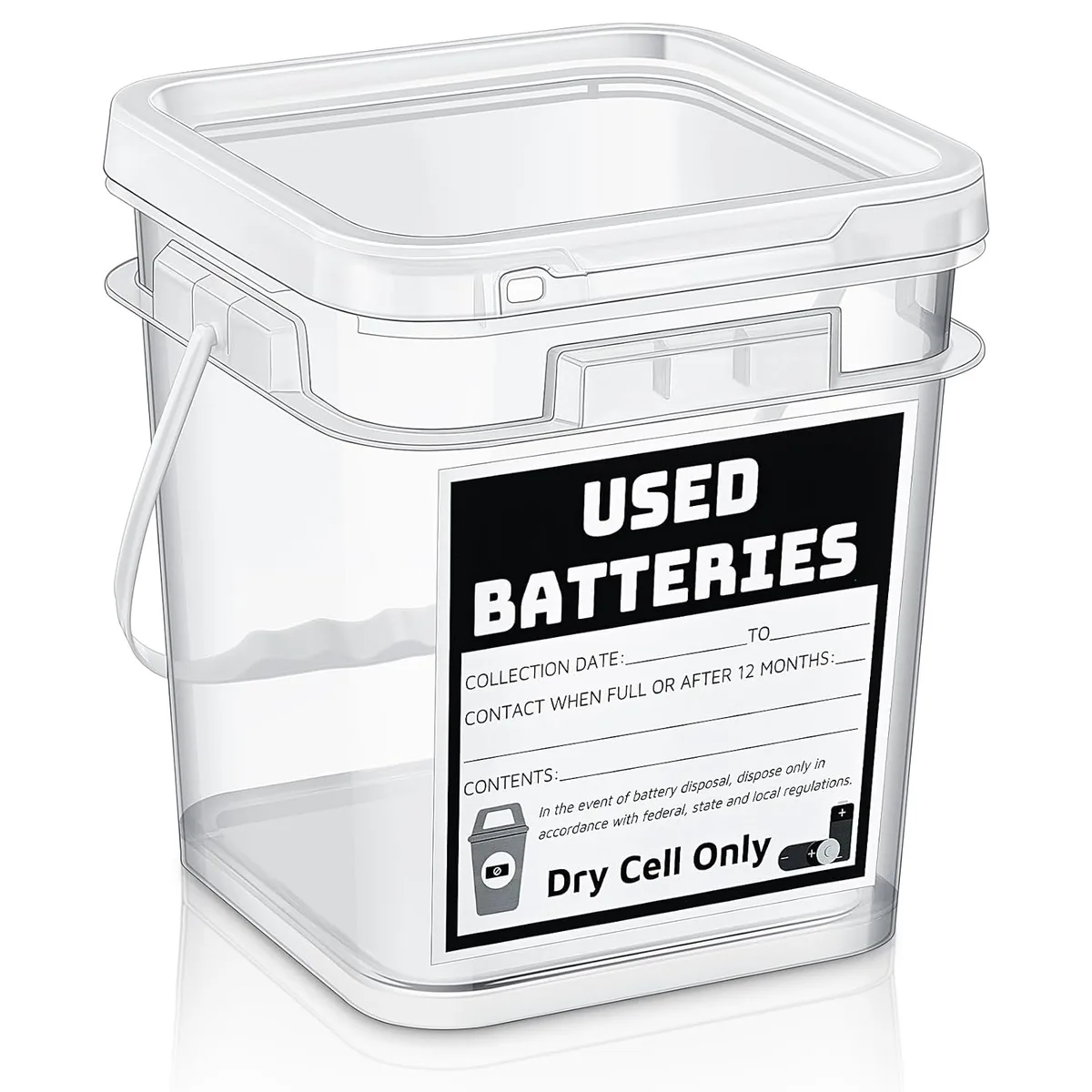
Image source: Web (Bing) / amazon.com (Web image (fair-use with source credit))
Immediate steps for a swollen battery
If you are holding a swollen battery right now, stop reading and take these steps first.
Put the battery on a non flammable surface. Concrete or tile is good. Wood or carpet is not.
Do not put it near curtains, paper, or anything that burns.
Do not try to puncture the battery to let the gas out. That causes a short circuit and fire. Do not put it in water.
Lithium reacts with water. Do not put it in the freezer. Temperature changes can trigger thermal runaway.
Place it in a fireproof container if you have one. A metal tin with a lid works. Some users use a sand filled bucket.
Keep it away from your home until you can dispose of it.
Where to dispose of it
Find an e-waste recycling centre near you. Most towns have a dedicated drop off for batteries and electronics. In the UK, look for WEEE recycling facilities.
In the US, check the EPA website for local battery drop off locations.
Many electronics retailers accept lithium ion batteries for recycling. In the US, stores like Best Buy have collection bins. In the UK, Currys and some supermarkets do too.
Call ahead to confirm.
Do not put it in your recycling bin at home. Lithium ion batteries cause fires at recycling facilities. They are hazardous waste.
How to transport a swollen battery
If you need to drive the battery to a drop off point, take precautions. Put the battery in a sealed plastic bag. Then put that bag in a metal container or a ceramic bowl.
Place it on the passenger floor where you can see it.
Do not leave it in a hot car. If the battery is already unstable, heat can trigger a fire. Drive directly to the disposal site.
What about a dead non swollen battery
A battery that will not hold a charge but is not swollen is less urgent. But it still needs proper disposal. Tape over the metal contacts with electrical tape.
That prevents a short circuit if it touches metal in the bin.
Then take it to the same e-waste drop off. Do not throw it in the household bin even if local rules allow it. Lithium ion batteries contain materials that should not go to landfill.
Can I mail it back to Insta360
Insta360 does not have a standard battery take back program in most regions. Check their support page for your country. In some regions, they provide a prepaid return label for defective batteries under warranty.
For out of warranty batteries, you will likely need to use local recycling.
Frequently Asked Questions
How long does an Insta360 Ace Pro 2 battery last before needing replacement?
Official batteries typically last 300 to 500 full charge cycles. For a daily user, that means eight to twelve months before noticeable capacity loss. For casual users, two years or more is normal.
Replace it at the first sign of swelling or when runtime drops below twenty minutes.
Can I use a third party battery in the Ace Pro 2?
You can, but we do not recommend it. Aggregate user reviews report higher swelling rates and more charging failures with third party batteries. The official battery costs more, but it includes proper protection circuitry and fits the compartment correctly.
Why does my camera show battery low when it just came off the charger?
This is usually a calibration issue. Run the camera until it shuts off from low battery. Then charge it to 100% without interruption.
Repeat this twice. If the problem persists, the battery gauge chip may have failed and the battery needs replacement.
Is it safe to record while charging the Ace Pro 2?
Yes, for short sessions. Pass through charging generates extra heat. For long time lapses or live streams, remove the internal battery and power the camera directly from USB C.
This keeps the battery out of the heat cycle and extends its life.
What should I do if the battery gets stuck in the camera?
If the battery is stuck due to swelling, do not force it out with metal tools. Turn the camera off. Let it cool completely.
Try gently pressing on the back of the camera near the battery compartment. If it does not come out, contact Insta360 support. Forcing it can damage the camera.
How do I know if my camera has a firmware bug affecting the battery?
Check the Insta360 support site for the latest firmware version. As of 2026, version 1.1.12 addressed battery detection issues. If your camera shows wrong battery levels or refuses to charge after an update, a firmware fix is usually available.
Connect to the Insta360 app to update.

Similar Posts
































