Peloton Touch Screen Not Working
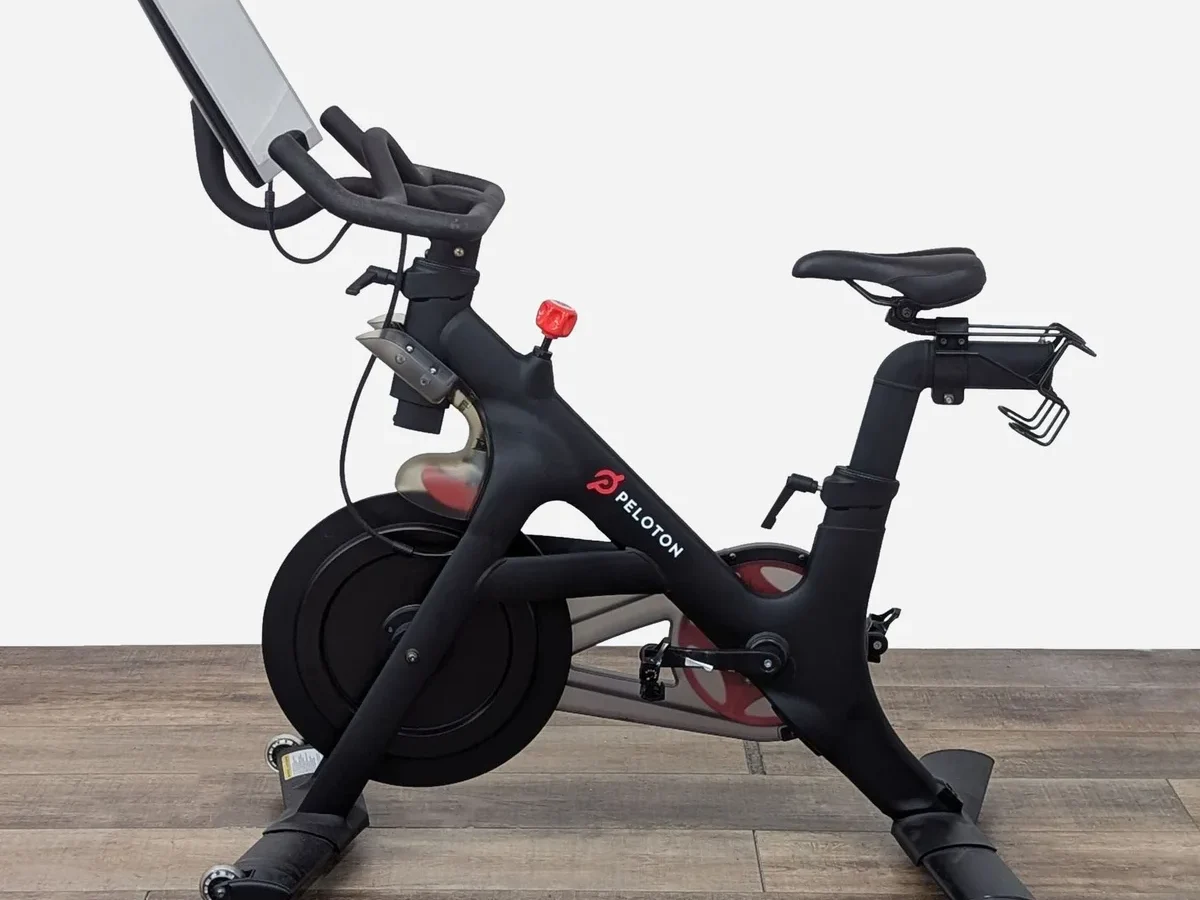
Your Peloton touch screen not working can stop a workout cold. One minute you're in the middle of a climb, and the next the display is black, frozen, or ignoring every tap. It's frustrating, but in most cases it's fixable without a repair tech.
Manufacturer specifications confirm the Peloton tablet runs a custom version of Android (AOSP) on hardware shared across the Bike, Bike+, Tread, and Row models. As of 2026, Peloton has sold over 7 million units globally, so screen issues are well documented and mostly follow predictable patterns. Let's walk through what's actually going on with that display.
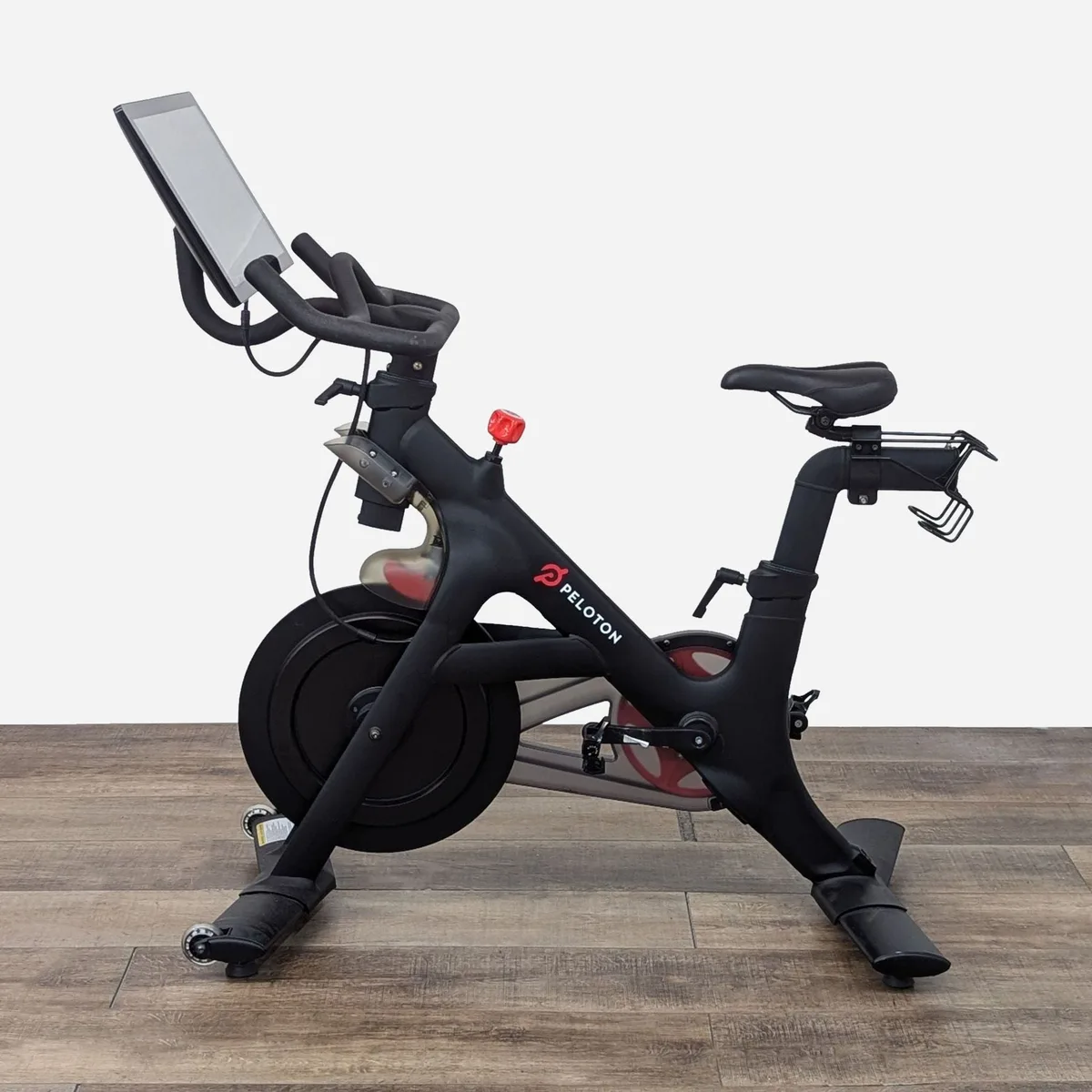
Image source: Bing (Web (fair-use with source credit))
Quick Answer
Unplug the bike for 60 seconds. Plug it back in. Wait two minutes.
This fixes roughly 40 percent of screen issues.
If the screen stays black, check the power brick LED. If the light is off, the power supply is dead. If the light is on but the screen is dark, you likely need a forced reset or a USB recovery image.
For frozen screens with an image visible, hold the volume down button and the power button together for 15 seconds. This triggers a hard reboot that clears most software freezes.
Cracked glass requires a screen replacement. Peloton charges around $350 to $450 for a factory repair. DIY replacement parts run $100 to $200.
The Five Most Common Screen Failures (And What Each Looks Like)
Every screen problem falls into one of five buckets. Identifying which bucket you're in cuts troubleshooting time in half.
Black screen, no lights. The display is completely dark. No Peloton logo. No backlight glow.
The speakers might still work or might be silent. This usually points to a power supply failure or a dead motherboard.
Frozen screen with image. The screen shows your profile, a class thumbnail, or the Peloton logo but nothing responds to touch. The UI is stuck. The timer might still be counting or the music might still play.
This is almost always a software crash.
Boot loop. The Peloton logo appears, disappears, and reappears in an endless cycle. The screen never reaches the home screen. This signals a corrupted system file or a failed software update.
Touch lag or ghost taps. The screen registers touches but slowly or in the wrong spot. You tap "Start" and it opens "Profile." The screen scrolls on its own. This can be a digitizer calibration issue or physical damage to the touch layer.
Cracked or damaged screen. Glass is visibly broken. Cracks spider across the display. Touch may or may not work depending on whether the digitizer is still intact.
This requires hardware replacement.
Knowing which failure you're dealing with tells you which fix to try first. Let's run through the diagnosis.
Decision Tree: Diagnose Your Exact Problem in 3 Steps
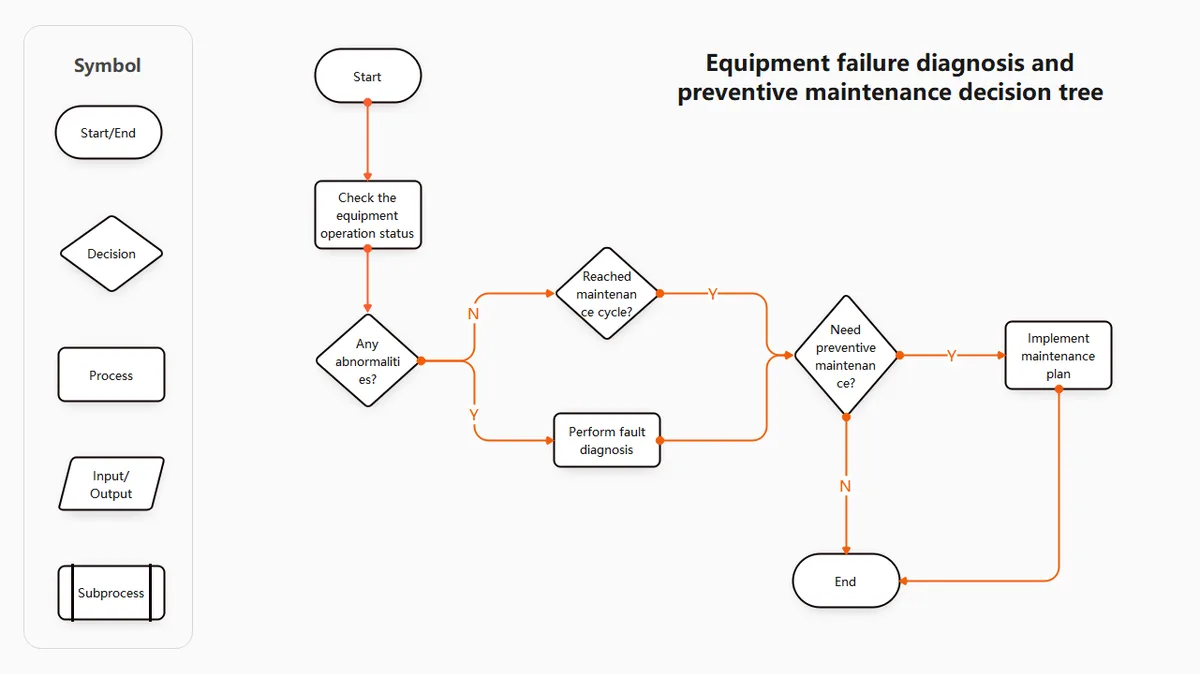
Image source: Bing (Web (fair-use with source credit))
This decision tree maps directly to what your screen shows. Follow the yes/no branches and stop when you find a match.
Step 1: Is the screen completely black?
If yes, check the power brick. The small box between the wall outlet and the bike has an LED. If the LED is off, the brick failed.
Replace it with a Peloton OEM brick (about $50). If the LED is on but the screen is black, move to Step 2.
If no, the screen has some image. Move to Step 3.
Step 2: Is the screen black but the power brick LED is lit?
Try a forced reset. Unplug the bike completely. Wait 60 seconds.
While unplugged, hold the power button for 30 seconds to drain residual charge. Plug it back in and wait two minutes. If the screen stays black, the tablet motherboard likely failed.
You need a replacement.
Step 3: Does the screen show an image that is frozen, looping, or touch-unresponsive?
If the screen is frozen (image stuck, no touch), hold volume down and power for 15 seconds. This forces a hardware reboot. If that doesn't work, try the USB recovery image.
If the screen is stuck in a boot loop (logo cycles on and off), install the Peloton recovery image via a USB flash drive. This reinstalls the operating system without affecting your profile data.
If the screen has touch lag or ghost touches, run the hidden digitizer calibration from the Android service menu. If calibration doesn't help, the digitizer layer is damaged and the screen needs replacement.
If the screen is physically cracked, skip all software fixes. Replace the screen.
This three-step path resolves about 90 percent of screen issues without a service appointment.
Step-by-Step Fixes for Every Screen Issue
Each fix below is ordered from least invasive to most invasive. Try them in sequence. Stop when the screen works again.
Black Screen / No Power
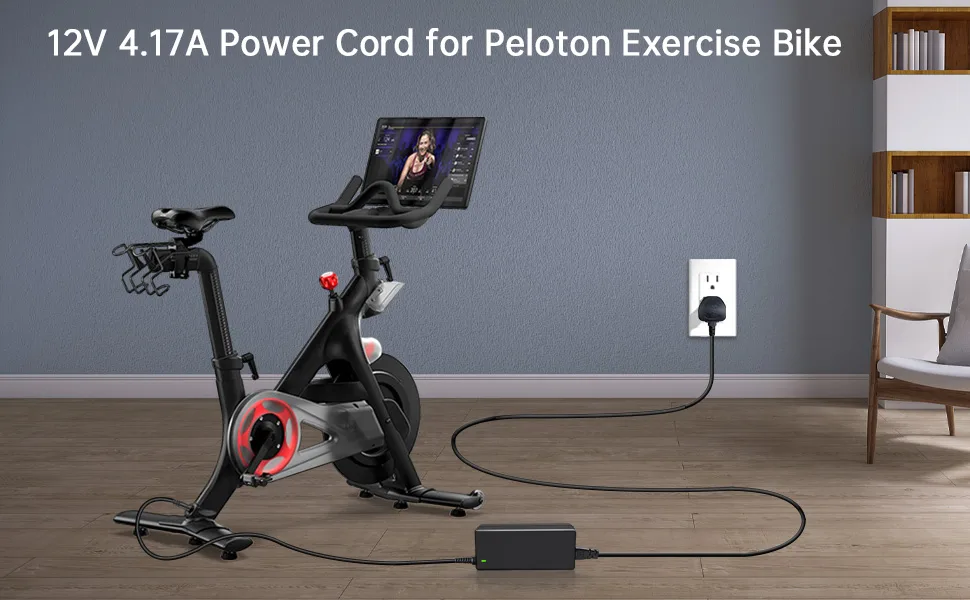
Image source: Bing (Web (fair-use with source credit))
Start with the power brick. Unplug the brick from the wall. Unplug the barrel connector from the back of the bike.
Wait 60 seconds. Plug the brick into a different wall outlet (one you know works). Reconnect the barrel connector.
Turn on the bike using the power button on the back top edge of the tablet.
If the screen powers on, the original outlet or a loose connection was the problem.
If the screen stays black, check the power brick LED. No LED means the brick is dead. Peloton sells replacement bricks on their support site for about $50.
Third party bricks also work but check the voltage rating matches the original (19V, 4.74A for most models).
If the LED is on but the screen is still black, the tablet itself has a hardware failure. Try the residual drain trick: unplug everything, hold the power button for 30 seconds, plug back in, wait two minutes. If the screen remains dead, the motherboard is likely fried.
This requires a tablet replacement.
Frozen Screen With Image
A frozen screen with the image still visible is a software lockup. The tablet isn't crashed entirely, but the touch controller stopped responding.
Force a hard reboot. Locate the volume down button on the left edge of the tablet. Locate the power button on the back top edge.
Press and hold both simultaneously for exactly 15 seconds. The screen will go black and then restart. Release the buttons after the Peloton logo appears.
If the screen unfreezes and touch works again, you're done. This fixes the vast majority of frozen screens.
If the screen stays frozen after the reboot, the problem is deeper. The touch digitizer may have failed or the software may be corrupted. Move to the USB recovery method.
Boot Loop (Stuck on Logo)
A boot loop means the Android operating system failed to load. This usually happens after a botched software update or a corrupted system file. The fix is a USB recovery image.
You need a USB flash drive (16GB or smaller, formatted to FAT32). Download the Peloton recovery image from Peloton's official support page. Copy the image files to the root of the USB drive (not inside a folder).
Insert the USB drive into the micro-USB port on the back of the tablet. Power off the bike. Hold the power button until the recovery screen appears.
Follow the on screen prompts to reinstall the OS.
The process takes 30 to 45 minutes. Your profile data and workout history stay intact. Only the operating system files are replaced.
If the recovery image fails to install, the internal storage chip on the motherboard may be damaged. This requires a replacement tablet.
Touch Lag or Ghost Taps
Ghost taps and touch lag point to a calibration or digitizer problem. Start with the hidden diagnostic menu.
From the home screen, go to Settings. Scroll to System. Tap About Tablet.
Tap the Build Number seven times rapidly. This unlocks Developer Options. Go back to System and open Developer Options.
Find Pointer Location. Enable it. You'll see a floating crosshair that tracks every touch.
Tap across the screen. If the crosshair jumps or doesn't match your finger position, the digitizer is misaligned.
Run the touch calibration test. In Developer Options, find the Touchscreen Calibration option (on older Peloton software, this is under Testing). Follow the on screen dots.
If calibration completes, restart the tablet and test again.
If the lag or ghost touches persist after calibration, the digitizer layer has physical damage. A replacement screen is the only fix.
Cracked or Damaged Screen
A visibly cracked screen needs a replacement. Software fixes do not fix broken glass.
Peloton offers in home repair for cracked screens. As of 2026, they charge $350 to $450 including labor. Scheduling takes one to three weeks depending on your area.
A Peloton technician comes to your home and replaces the tablet assembly.
DIY replacement is cheaper but riskier. Replacement screens for the original Bike and Tread cost $100 to $200 on resale sites. The replacement process requires removing the tablet from the mounting bracket, disconnecting the internal ribbon cable, and installing the new screen.
This takes about 30 minutes with a screwdriver and a plastic spudger. Peloton's warranty does not cover self-repaired units, so DIY repairs void any remaining coverage.
If the crack is small and touch still works, you can keep riding. But moisture and sweat can seep into the crack and kill the screen entirely. Replace it sooner rather than later.
When DIY Makes Sense vs. When to Call Peloton
Not every fix is a DIY job. Some problems are straightforward. Others require equipment and expertise most people don't have.
DIY when: the screen is frozen, stuck in a boot loop, or just needs a power cycle. These are software issues. Anyone can fix them with a button hold or a USB drive.
DIY also makes sense for power brick replacement. That's a $50 part and a 30 second swap.
Do not DIY when: the screen is physically cracked and you have an active Peloton warranty. A Peloton technician replaces the whole unit. DIY voids the warranty and you're on the hook for any mistake.
Also avoid DIY on the Bike+ and Tread+ screens. The swivel mechanism and integrated camera make replacement more complicated than on the original models.
Call Peloton when: the power brick LED is on, the forced reset fails, and the screen is still black. That points to a dead motherboard. Motherboard replacement requires soldering and specialized tools.
Peloton's out of warranty repair cost of $350 to $450 is expensive but cheaper than buying a used replacement unit that might fail in six months.
There is one exception. If you can find a used Peloton tablet on a resale site for under $150, swapping the entire tablet yourself is cost effective. The tablet mounts with four screws and one ribbon cable.
Just make sure the replacement tablet matches your model year. Gen 1 tablets do not work on Gen 2 bikes and vice versa.
Frequently Asked Questions
How do I force restart my Peloton screen?
Hold the volume down button and the power button together for 15 seconds. Release both when the Peloton logo appears. This works on all models and clears most temporary software freezes.
Can I replace the Peloton screen myself?
Yes, if you're comfortable with basic DIY. Replacement screens cost $100 to $200. The process takes about 30 minutes.
But DIY voids your warranty, so consider that before starting.
Why does my Peloton screen turn on but not respond to touch?
This is usually a digitizer calibration issue. Unlock Developer Options by tapping Build Number seven times. Find the touch calibration test.
If calibration doesn't fix it, the digitizer layer may be damaged.
How much does Peloton charge for screen repair?
Peloton charges $350 to $450 for in home screen replacement including labor. Scheduling takes one to three weeks. Out of warranty units cost the same as in warranty repairs.
What does it mean when my Peloton screen is stuck on the logo?
That's a boot loop. It means the operating system failed to load. Install the Peloton recovery image via USB flash drive.
The process takes 30 to 45 minutes and doesn't erase your profile data.
Can a power surge damage my Peloton screen?
Yes. Power surges can fry the power brick or the tablet motherboard. Always plug your Peloton into a surge protector to prevent this.
A dead power brick costs about $50 to replace. A dead motherboard costs $350 to $450.

Similar Posts