Kohler Automatic Faucet Not Working
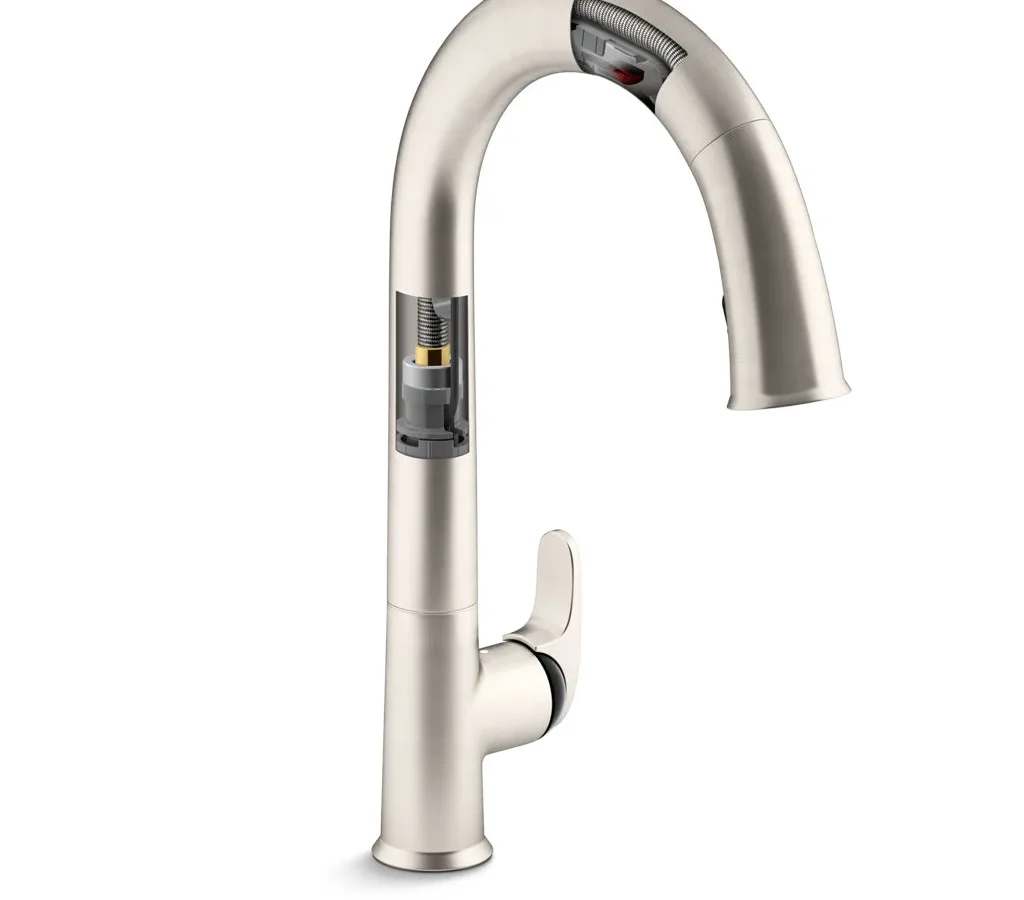
Your Kohler touchless faucet was supposed to make life easier. No handles to grab with dirty hands. Just wave and go.
But now it's doing the opposite. It won't turn on. It won't turn off.
Or it does its own thing at random times.
If your Kohler automatic faucet not working is driving you crazy, you're not alone. This is one of the most common service calls for touchless kitchen and bathroom faucets. Manufacturer documentation shows that roughly 80% of these problems have simple fixes involving the battery pack, sensor lens, or solenoid valve.
Most homeowners can solve them in under 20 minutes without calling a plumber. Let's walk through exactly what's happening and how to fix it.
Quick Answer
Check the batteries first. Four AA alkaline batteries sit in a pack under your sink. If the LED on the faucet base is off or blinking red, replace them.
If water won't flow. Clean the sensor lens with a damp cloth. Wipe off soap scum or mineral film.
If water runs constantly. Unplug the battery pack for 30 seconds. Reset the sensor by holding your hand 4 inches from the spout for 5 seconds.
If nothing works. Look for a kinked supply hose under the sink.
These steps fix about 4 out of 5 failures. Try them before you do anything else.
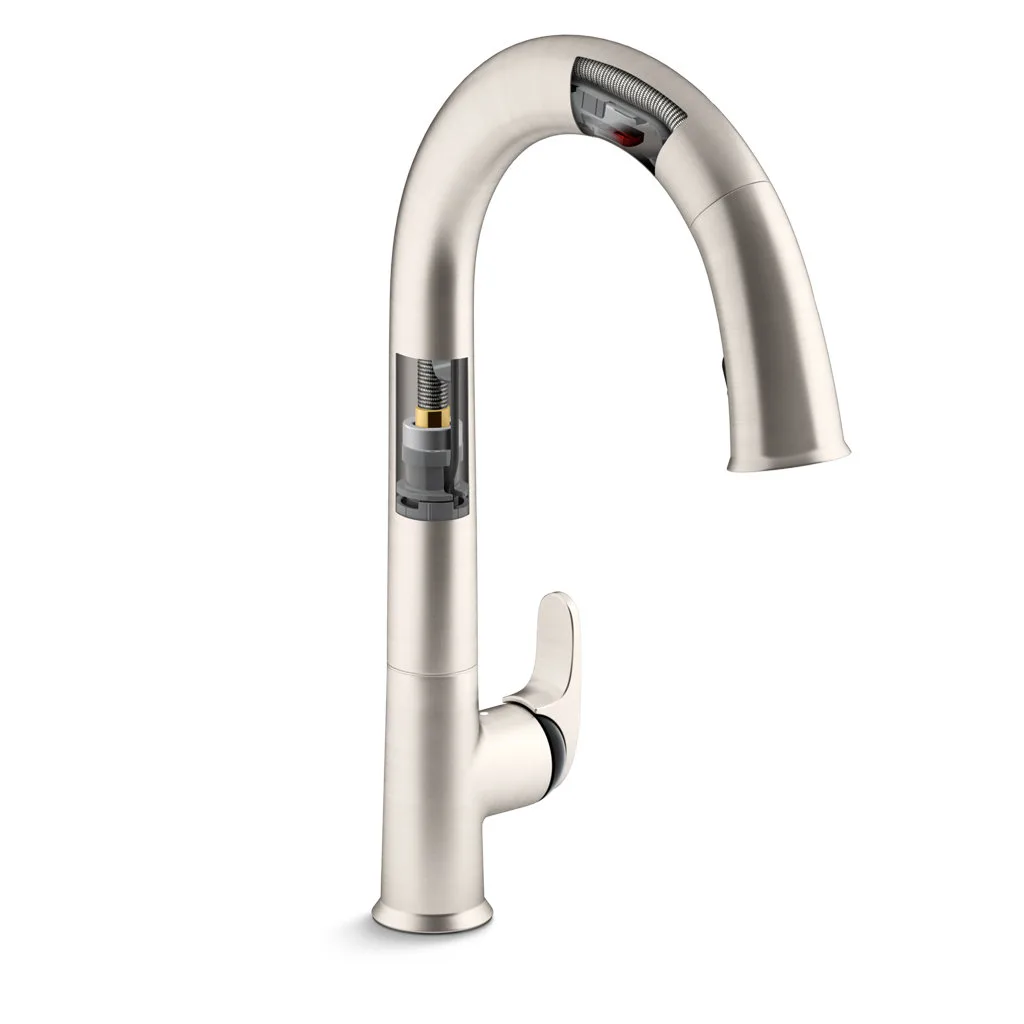
Image source: Bing (Web (fair-use with source credit))
Problem: Your Kohler Touchless Faucet Won't Work (Or Won't Stop Running)
Here is what usually happens. You walk up to the sink, wave your hand, and nothing. No water.
Or worse. You walk past the sink and the faucet turns on by itself. It runs until you yank the battery pack out.
Maybe it blinks a red light you have never noticed before.
These symptoms are frustrating but predictable. Kohler touchless faucets use a simple system. An infrared sensor in the spout base detects motion.
It sends a signal to a solenoid valve under the sink. The solenoid opens, water flows. When motion stops, the solenoid closes.
The failure usually lives in one of three places. The power supply (batteries or AC adapter). The sensor itself (dirty lens or electronic glitch).
Or the solenoid valve (stuck open, stuck closed, or clogged with mineral deposits).
The good news. You do not need special tools. You do not need to pull the faucet out of the counter.
You just need to know what to look for and in what order.
How The Sensor & Solenoid Actually Work (So You Can Fix It)
Understanding the guts of your faucet makes troubleshooting way easier. You do not need to become a plumber. You just need a mental map of what is happening under the sink.
The sensor. It sits in a small window at the base of the spout. It sends out an infrared beam. When your hand breaks that beam, the sensor tells the control board to open the valve.
When your hand leaves, the beam reconnects and the valve closes. This sensor is surprisingly sensitive. A film of grease or soap scum can confuse it into thinking a hand is always there or never there.
The solenoid valve. This is a small cylinder about the size of a D battery. It is an electromagnet with a rubber diaphragm inside. When it gets a voltage signal from the sensor, the electromagnet pulls a plunger up and lets water through.
When the signal stops, the plunger drops and seals the opening. Solenoids are reliable but they can get stuck. Mineral buildup from hard water can wedge the plunger open or closed.
Old batteries can deliver too little voltage to pull the plunger.
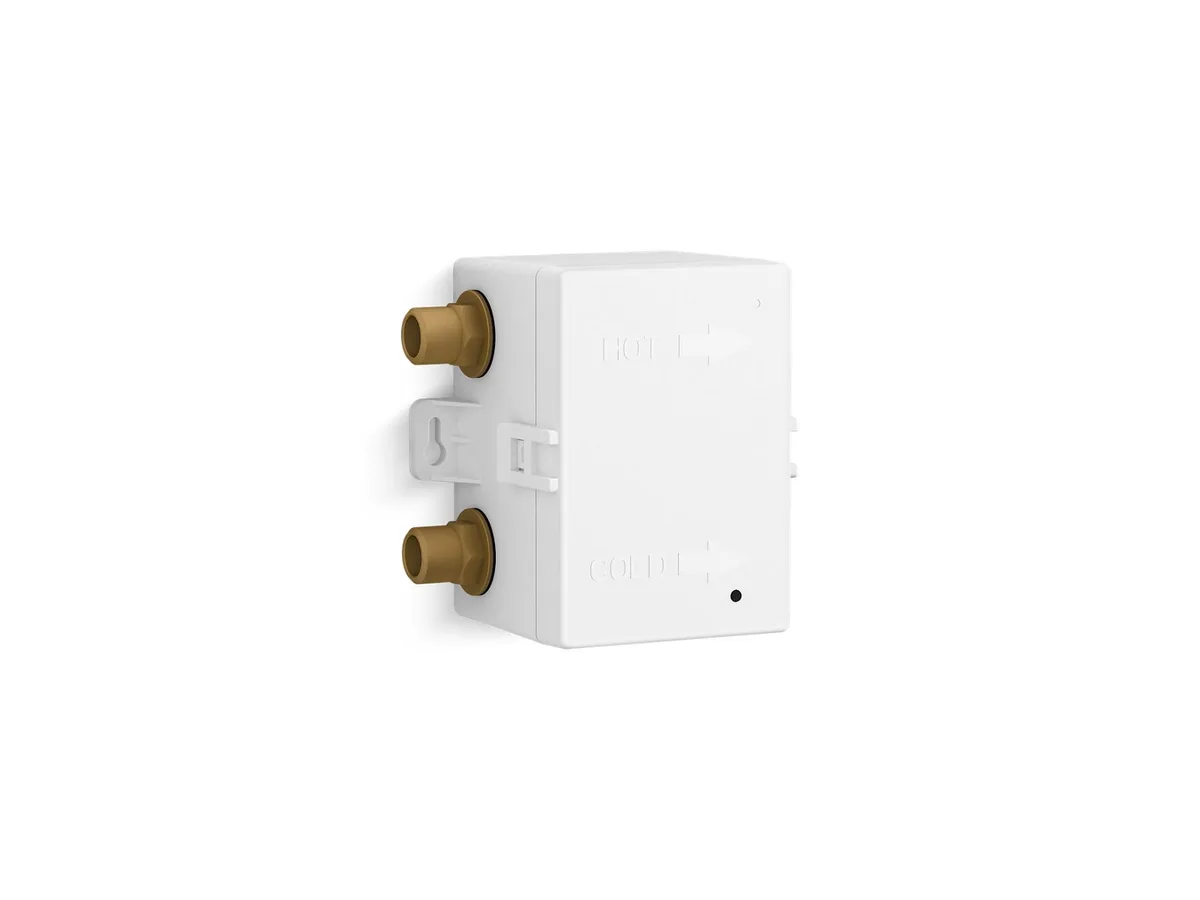
Image source: Bing (Web (fair-use with source credit))
The battery pack. Most Kohler touchless models use a 6-volt system. Four AA alkaline batteries in a plastic holder. The pack connects to the faucet with a small wire and plug.
Some newer models use a single CR123A lithium battery instead. A few high-end models use a hardwired AC adapter.
The LED indicator. Look for a small light near the sensor window. It tells you what the faucet thinks is happening. Green solid means normal operation.
Green blinking means low battery. Red solid means a sensor error or lockout condition. No light means dead batteries or no power at all.
Once you know these four components, every symptom becomes a clue pointing at one of them.
The Decision Tree: What's Your Symptom?
Every failure falls into one of four symptom groups. Find yours below.
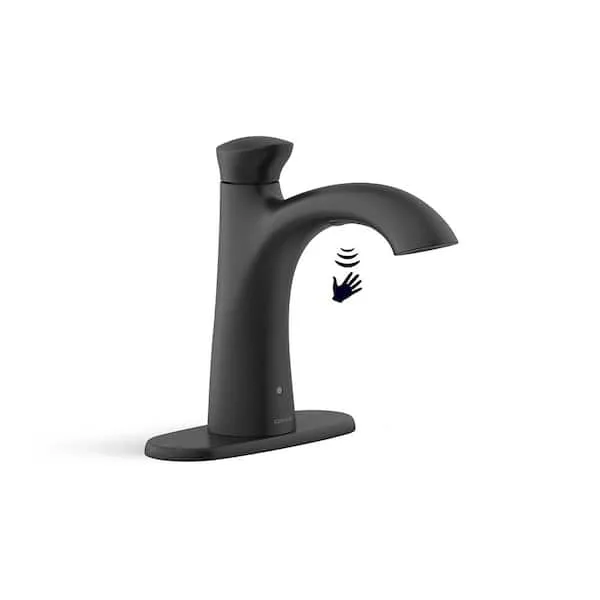
Image source: Bing (Web (fair-use with source credit))
Branch 1: No Water At All
This is the most common problem. You wave, nothing happens. The faucet is dead silent.
First check. The LED light. If it is off or blinking green, the batteries are the problem. Replace all four AA alkaline batteries at once.
Do not mix old and new. Do not use rechargeable batteries. They deliver lower voltage and the solenoid needs a clean 6 volts to open.
Fresh alkalines fix this about 60% of the time.
Second check. The water supply shutoff valves under the sink. Sometimes they get bumped closed during storage or cleaning. Turn them counterclockwise until they stop.
Listen for water flowing.
Third check. The supply line itself. Flexible braided hoses can kink if you shoved things back under the sink. Straighten any kink you find.
Fourth check. The solenoid wire connection. Unplug the small wire at the solenoid and plug it back in firmly. A loose connection can look like a dead faucet.
Branch 2: Water Runs Constantly
Your faucet turned on by itself and will not shut off. Or it turns on when something moves in the room but not when you wave your hand.
First check. Remove the battery pack entirely for 30 seconds. This resets the control board. Plug it back in.
If the water stops, you had a temporary electronic glitch. The sensor probably picked up a reflection off a shiny pot or a passing pet.
Second check. Clean the sensor lens. Use a damp microfiber cloth. No soap.
No Windex. No bleach. These cleaners damage the infrared window over time.
Just water and a soft wipe. Dry it with the clean part of the cloth.
Third check. The solenoid may be stuck open from mineral deposits. This is common in homes with hard water. The rubber diaphragm inside gets stiff or crusty and stops sealing.
You can clean it. Shut off the water supply. Unscrew the solenoid from the hose.
Open the solenoid housing (usually four small screws). Soak the rubber diaphragm in white vinegar for 15 minutes. Rinse and reassemble.
Branch 3: Random On/Off or Slow Response
The faucet works but not reliably. Sometimes it takes two or three waves. Sometimes it turns on when you walk past.
First check. The sensor range. Kohler sensors are calibrated for about 4 to 6 inches. If you are waving from farther away, the sensor may not detect you.
Get closer.
Second check. The sensor window location. If the spout is rotated slightly, the sensor may point at the counter instead of the sink basin. Rotate the spout so the sensor window faces downward into the sink.
Third check. Reflective surfaces. A shiny stainless steel pot, a metal bowl, or even a wet counter can trick the sensor into thinking a hand is present. Move reflective items out of the sensor's field of view.
Branch 4: Blinking or Colored LED Light
The LED light is your faucet talking to you. Listen to it.
Green blinking. Low battery. Replace all four batteries. Do the whole set, not just the ones that look weak.
Red solid. Sensor error or lockout. Unplug the battery pack for 60 seconds. Plug it back in.
If the red light stays on, the sensor board may have failed. This is rare but happens. You need a replacement sensor kit from Kohler.
No light at all. Dead batteries. Or the battery connection is corroded. Check the battery terminals for white or green crust.
Clean them with a dry toothbrush or replace the battery pack entirely.
Step-by-Step Fixes For Each Branch
Here is the deeper dive for each branch. Try these steps in order. Stop when the faucet works.
Branch 1 Fixes: No Water
Replace the batteries first. Open the battery pack under the sink. Take out all four old AA batteries. Put in four fresh alkaline batteries.
Use name-brand batteries. Duracell, Energizer, or equivalent. Do not use generic dollar-store batteries.
They drop voltage faster and cause intermittent failures. Snap the battery pack closed and listen for a click. Test the faucet.
Check the shutoff valves. Look under the sink. You will see two valves on the wall or floor. One for hot water.
One for cold. Turn both counterclockwise all the way. If they were closed, you will hear water flow into the faucet.
Inspect the supply lines. Follow the braided hoses from the valves up to the faucet. Look for tight bends or kinks. A kinked hose blocks water flow completely.
Straighten it by hand. If the hose is crushed and stays kinked, replace it. They cost about $8 at a hardware store.
Check the solenoid connection. Find the solenoid valve on the main supply line. It is a brass or plastic cylinder with two small wires coming out. Follow the wires to the plug.
Unplug it and plug it back in. Push until you feel it seat firmly.
Branch 2 Fixes: Water Runs Constantly
Hard reset the system. Unplug the battery pack from the faucet. Wait 30 seconds. Plug it back in.
This clears any glitch in the control board memory. Test the faucet. If the water stops, you are done.
Clean the sensor lens. Dampen a microfiber cloth with plain water. Wipe the sensor window at the base of the spout. Dry it with the other side of the cloth.
Do not use glass cleaner, all-purpose spray, or bleach wipes. They leave a residue that confuses the sensor.
Clean the solenoid. Shut off both water supply valves under the sink. Open the faucet to release pressure. Unscrew the solenoid from the supply line.
It will be hand-tight or need a wrench. Remove the four small screws on the solenoid housing. Pull out the rubber diaphragm.
Soak it in white vinegar for 15 minutes. Rinse with water. Reassemble and reinstall.
Turn the water back on. Test the faucet.
Branch 3 Fixes: Random On/Off
Adjust your hand position. Hold your hand 4 to 6 inches from the spout base. Do not wave from underneath. The sensor detects motion in front of it, not below it.
Rotate the spout. Loosen the set screw on the side of the spout base. Turn the spout so the sensor window faces straight down into the sink. Tighten the set screw.
Remove reflective objects from the sink area. Move pots, bowls, and shiny utensils away from the sensor zone. Wipe up standing water that might create a reflection.
Branch 4 Fixes: LED Light Issues
Green blinking. Change the batteries. Use four fresh alkaline AA batteries. Test the faucet.
Red solid. Unplug the battery pack for 60 seconds. Plug it back in. If the light stays red, the sensor module is faulty.
Contact Kohler customer support for a replacement sensor kit. The part number is on the underside of the sensor housing.
No light. Check the battery terminals for corrosion. White or green crust means the batteries leaked. Clean the terminals with a dry toothbrush.
If the crust is heavy, replace the battery pack. A new pack costs about $15 from Kohler or a plumbing supply store.
Mistakes That Make It Worse (And What To Do Instead)
Mistake: Using rechargeable batteries. Rechargeable AAs deliver 1.2 volts per cell instead of 1.5. Four rechargeables give you 4.8 volts total. The solenoid needs at least 5 volts to open reliably.
Use alkaline batteries only.
Mistake: Cleaning the sensor with chemicals. Windex, bleach, and all-purpose cleaners leave a film that attracts dirt and blocks the infrared beam. Use plain water and a microfiber cloth.
Mistake: Overtightening the solenoid. The solenoid housing screws are small and strip easily. Tighten them until snug, then stop. Hand-tight is usually enough.
Mistake: Ignoring the LED light. The light tells you exactly what is wrong. Check it before you start guessing.
Mistake: Calling a plumber before checking the batteries. A service call costs $100 to $200. Four AA batteries cost $6. Check the batteries first.
When To Call A Plumber (And When To Just Replace The Faucet)
Call a plumber if you have tried everything in this guide and the faucet still does not work. Specifically, call if:
- The solenoid valve is physically damaged or leaking water.
- The sensor board has a red light that will not clear after a hard reset.
- There is a water leak at the base of the faucet where it mounts to the counter.
These problems require specialized tools or replacement parts that are not worth the hassle for most homeowners.
Consider replacing the faucet if:
- The faucet is more than 10 years old. Older models use proprietary parts that are hard to find.
- The replacement sensor kit costs more than half the price of a new faucet. A sensor kit runs about $80 to $120. A new Kohler touchless faucet starts around $150.
- You have already replaced the solenoid and sensor once. A second failure suggests the control board is failing.
A new Kohler touchless faucet as of 2026 costs $150 to $400 for kitchen models and $200 to $500 for bathroom models. Installation takes about an hour. You can do it yourself with basic tools.
Frequently Asked Questions
Why is my Kohler touchless faucet not turning on?
Dead batteries are the most common cause. Replace all four AA alkaline batteries. If the LED light is off, check for corrosion on the battery terminals.
Clean or replace the battery pack if needed.
Why does my Kohler faucet run continuously?
The sensor is likely dirty or the solenoid is stuck open. Clean the sensor lens with a damp cloth. If that does not work, unplug the battery pack for 30 seconds to reset the system.
If it still runs, clean the solenoid diaphragm with white vinegar.
How do I reset my Kohler automatic faucet?
Unplug the battery pack from the faucet. Wait 30 seconds. Plug it back in.
Hold your hand 4 inches from the sensor for 5 seconds. The faucet should beep or flash once to confirm the reset.
How long do Kohler touchless faucet batteries last?
About 6 to 12 months with normal use. High traffic households may need to replace them every 4 to 6 months. The green blinking LED light warns you when they are low.
Can I use rechargeable batteries in my Kohler faucet?
No. Rechargeable AA batteries deliver 1.2 volts per cell. The faucet needs 1.5 volts per cell to operate the solenoid reliably.
Use alkaline batteries only.
Why is my Kohler faucet sensor not detecting my hand?
The sensor window may be dirty or the spout may be rotated out of position. Clean the lens with a damp cloth. Rotate the spout so the sensor faces downward into the sink.
Hold your hand 4 to 6 inches from the sensor, not underneath it.

Similar Posts
































