REDTIGER F7NP Not Turning On
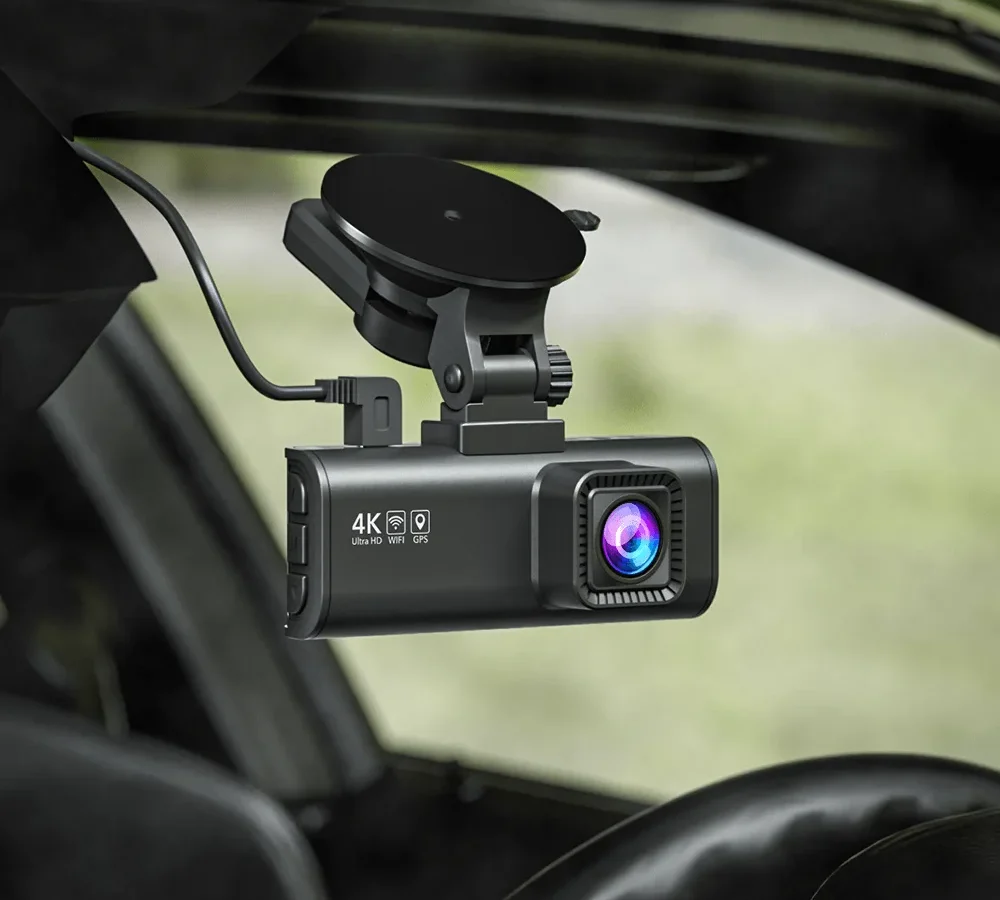
Your REDTIGER F7NP not turning on is frustrating, especially when you need it most. But before you toss it in the bin, let's walk through the likely causes. Most of the time, the fix is simpler than you'd think.
Manufacturer specifications indicate the F7NP draws about 0.4A at 5V when running. That means a blown fuse or a dead power adapter can stop it cold. As of 2026, the most common failure point is still the cigarette lighter fuse.
Let's start with the fastest fix you can try right now.
Quick Answer
Your REDTIGER F7NP not turning on usually means a power issue. Check the cigarette lighter fuse first. Then test the power cable with a different USB source.
If the LED stays off, the internal battery may be deeply discharged. Charge it via USB for two hours before trying again.
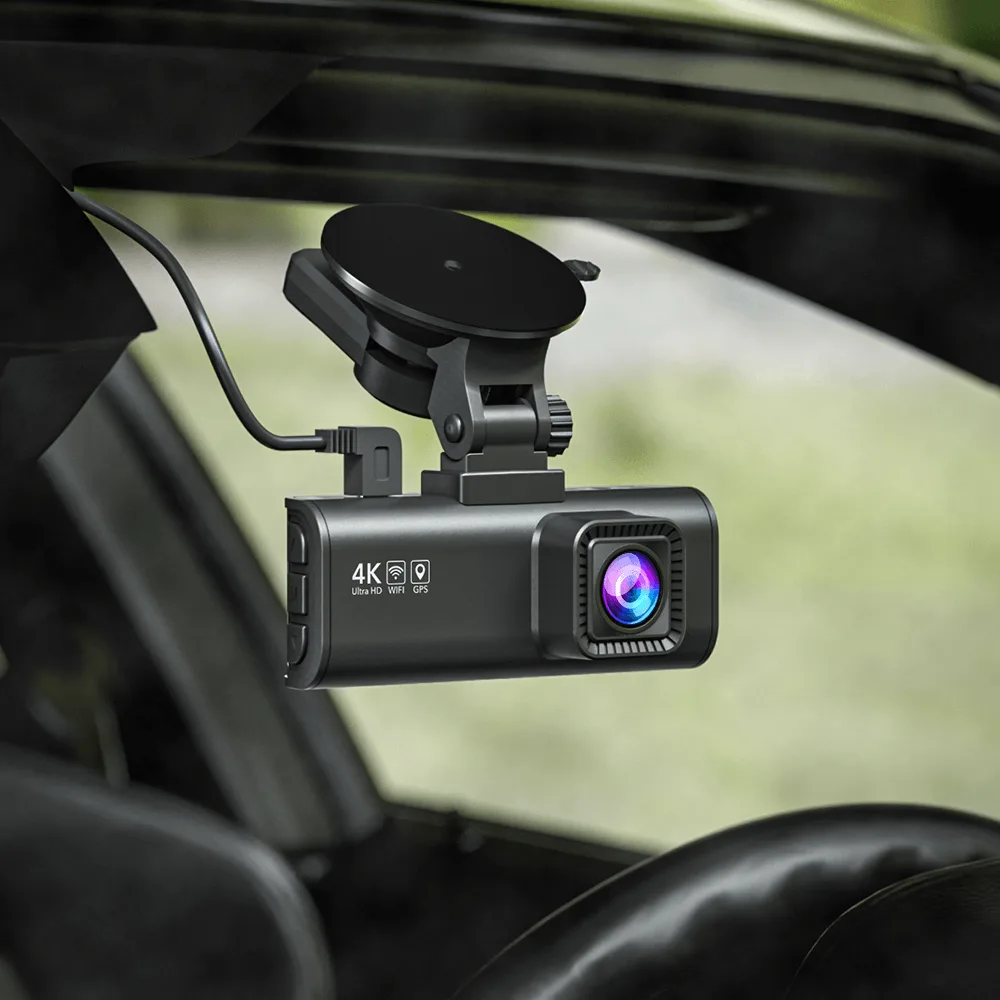
Image source: Web (Bing) / au.redtigercam.com (Web image (fair-use with source credit))
Start Here: What Your LED Is Telling You
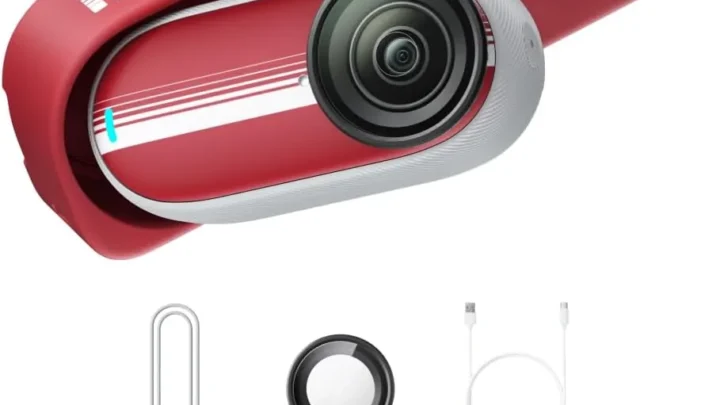
The F7NP has a small LED on the side. It's your best diagnostic tool. A solid blue LED means the camera has power.
A blinking red LED means the internal battery is charging. No LED at all means a power path problem.
Solid blue LED but the camera won't turn on? That's rare. Try pressing the power button for 10 seconds. If nothing happens, use a paperclip to press the reset button.
This forces a hard reboot. If the camera still doesn't respond, the firmware might be corrupted. You can reflash it from a microSD card.
Blinking red LED? This means the camera is getting power but the battery is flat. Leave it plugged into a USB wall adapter for two hours. Don't use the car adapter.
Wall adapters deliver steady current. Car adapters can be noisy or underpowered.
No LED at all? That's the most common scenario. You need to trace the power path from the car battery to the camera. Start with the obvious things.
Check the cigarette lighter fuse. Check the power cable. Check the USB connection at the camera mount.
The same approach works for many common power issues.
No Light at All – Chasing the Power Path
If the LED is completely dark, the camera isn't getting any power. Here's how to find the break in the chain.
Step 1: Check the car's cigarette lighter fuse. This is the most common culprit. Open your car's fuse box. Look for the fuse labeled "CIG" or "ACC".
Pull it out and inspect the metal strip inside. If it's broken, replace it with a fuse of the same amperage. Most cars use a 10A or 15A mini blade fuse.
Don't use a higher rating. That can damage your car's wiring.
Step 2: Test the power adapter. The F7NP comes with a 12V-to-5V adapter. Plug it into a different 12V socket in your car. If you have a USB voltage tester, check the output.
It should be around 5V. If the adapter feels hot or smells like burnt plastic, replace it.
Step 3: Test the USB cable. The cable is the weakest link. It can fail at the connector or inside the wire. Try a different USB cable.
Make sure it's a data cable, not just a charging cable. The F7NP needs all four pins to work. Some cheap cables only have two pins.
Step 4: Test the camera with a different power source. Plug the camera into a USB wall adapter. If it turns on, the problem is in your car's power system. If it still doesn't turn on, the camera itself may have a failure.
That's less common.
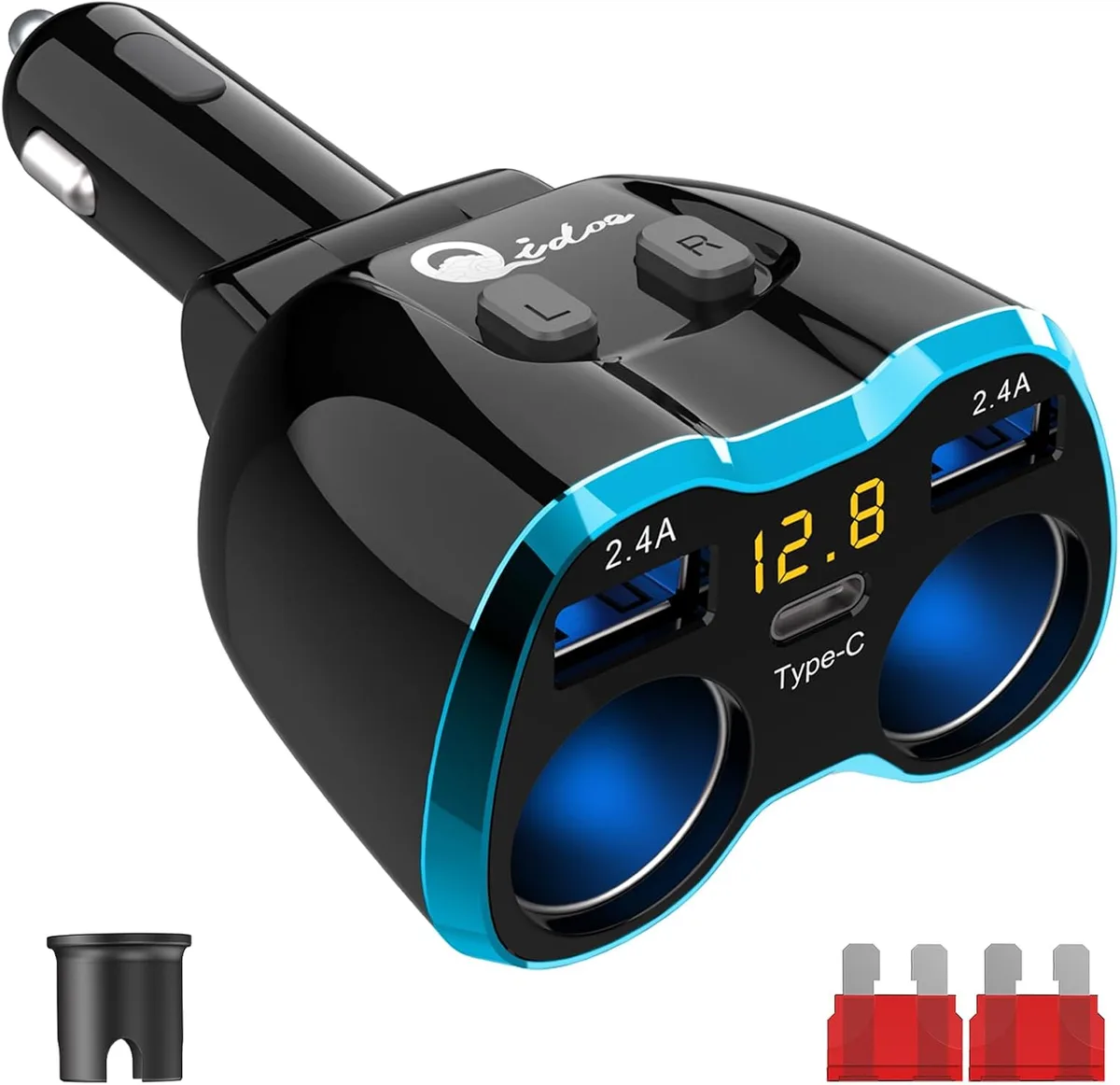
Image source: Web (Bing) / amazon.co.za (Web image (fair-use with source credit))
Step 5: Check the GPS mount. The F7NP's power goes through the GPS mount. If the mount's connector is loose or damaged, the camera won't get power. Try plugging the USB cable directly into the camera body.
If that works, the mount is the problem. You can replace the mount or bypass it.
Faint or Blinking Light – Battery, MicroSD, and Boot Loops
A faint or blinking LED means the camera is getting some power. But it's not enough to boot up properly. This usually points to the internal battery or the microSD card.
The internal battery can die completely. The F7NP uses a 500mAh lithium-polymer battery. If you leave the camera unused for months, the battery can discharge to zero volts. When that happens, the camera's charging circuit may not recognize it.
The fix is to leave the camera plugged into a USB wall adapter for 24 hours. Sometimes the battery needs a trickle charge to wake up. If it still doesn't charge, the battery may need replacement.
You can buy a replacement battery online. It's a 2-pin, 3.7V, 500mAh pack. The swap requires opening the case.
Be careful with the ribbon cables. The same battery drain issue affects many other dash cams and security cameras.
A corrupted microSD card can cause a boot loop. The camera tries to read the card. If it fails, it hangs before the power-on sequence. Remove the card and try turning on the camera.
If it works, format the card in the camera. Don't use a computer to format it. The camera uses a specific file system.
If the card is old or damaged, replace it. Use a high-endurance card rated for dash cams. Standard cards wear out quickly from constant writing.
Firmware corruption is possible but rare. If the camera shows a faint LED but won't boot, try a firmware reflash. Download the latest firmware from the manufacturer's website. Copy it to a freshly formatted microSD card.
Insert the card and turn on the camera. It should automatically update. If it doesn't, the camera may need professional repair.
This is similar to resolving corrupted firmware on other devices.
The Hardwire Kit Trap – ACC, BATT, and Ground Mistakes
If you installed a hardwire kit, the power path is different. The F7NP's hardwire kit has three wires: ACC (accessory), BATT (battery), and GND (ground). Each one needs to be connected correctly.
The most common mistake is wiring ACC and BATT backwards. The ACC wire should connect to a fuse that's only live when the ignition is on. The BATT wire should connect to a fuse that's always live. If you swap them, the camera may not turn on at all.
Or it may stay on all the time and drain your car battery. Use a multimeter to test each fuse before connecting.
The ground wire must connect to bare metal. Many people connect it to a painted screw. That's not enough. Paint is an insulator.
You need to scrape the paint off or find a bare metal bolt. The ground wire is just as important as the power wires. Without a good ground, the camera won't receive power.
The inline fuse can blow. The hardwire kit has a small fuse, usually 2A or 3A. Check it with a multimeter. If it's blown, replace it.
Don't use a higher amperage. That can damage the camera.
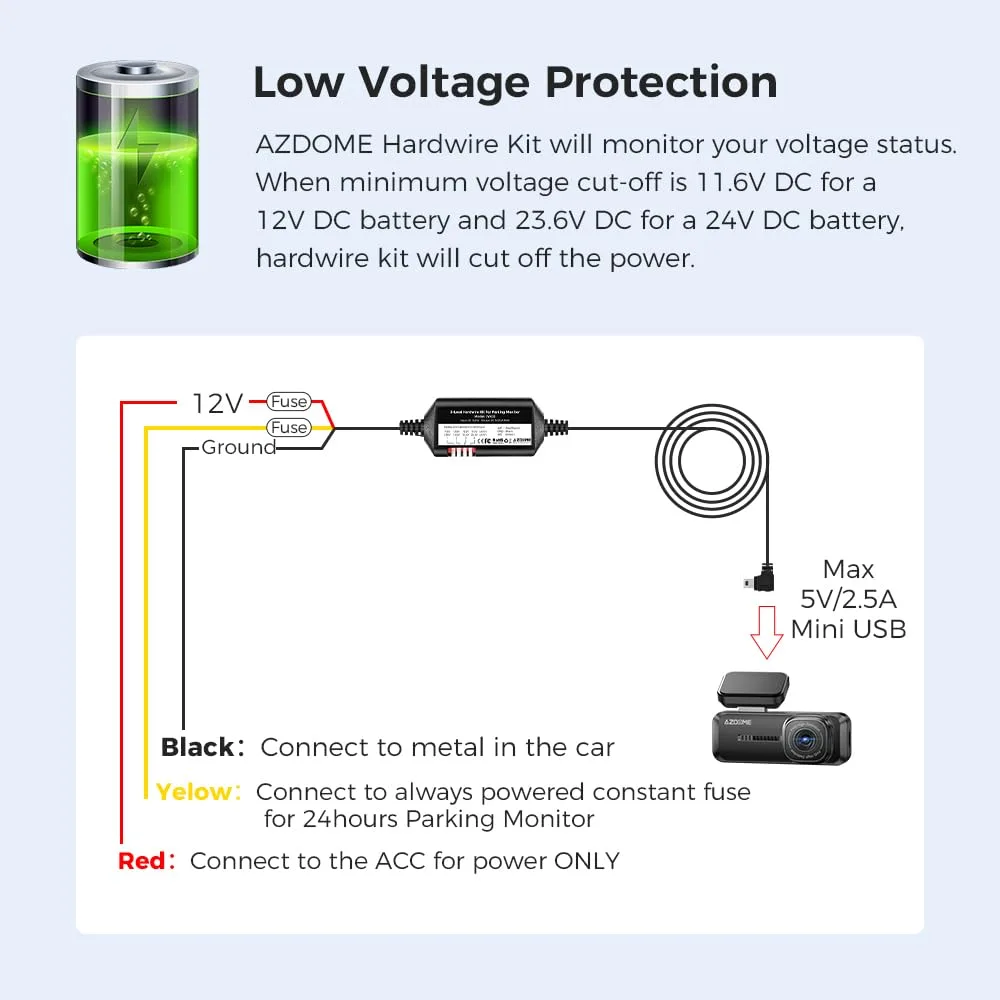
Image source: Web (Bing) / manuals.plus (Web image (fair-use with source credit))
The voltage cutoff can cause issues. Some hardwire kits have a voltage cutoff to prevent draining the car battery. If the cutoff is set too high, the camera may turn off even when the car is running. Check the setting.
The typical cutoff is 11.8V. If you have a smaller battery, you may need a lower setting. Follow the proper installation steps for your specific vehicle.
The parking mode settings can confuse users. If you have parking mode enabled, the camera may appear dead. It only turns on when it detects motion or impact. Try tapping the camera or waving your hand in front of it.
If it wakes up, parking mode is working normally. You can adjust the sensitivity in the settings.
5 Mistakes That Keep Your F7NP Dead (And How to Fix Them)
Even experienced users make these mistakes. Here's what to avoid.
Mistake 1: Using the wrong USB cable. The F7NP needs a data cable with all four pins. Some cables only charge. They look the same but won't power the camera.
Use the cable that came with the camera. If you lose it, buy a high-quality USB-A to USB-C data cable. Don't cheap out.
Mistake 2: Ignoring the fuse. The fuse is the most common cause of no power. But many people forget to check it. They assume the fuse is fine because other things in the car work.
That's not always true. The dash cam's fuse is often separate from the radio or lights. Check the fuse box diagram in your owner's manual.
Mistake 3: Letting the battery drain completely. If you leave the camera unused for months, the internal battery can die. It may not recover. The fix is to charge it slowly.
Use a USB wall adapter, not a car adapter. Leave it for 24 hours. If it still doesn't work, the battery is dead.
You can replace it or use the camera without the battery. The camera will work fine with just the power cable.
Mistake 4: Installing the hardwire kit without testing. Many people install the hardwire kit and then find out it doesn't work. Test the wires before you hide them. Use a multimeter to check voltage at each wire.
Then connect the camera and test it. It's easier to fix a problem when the wires are exposed.
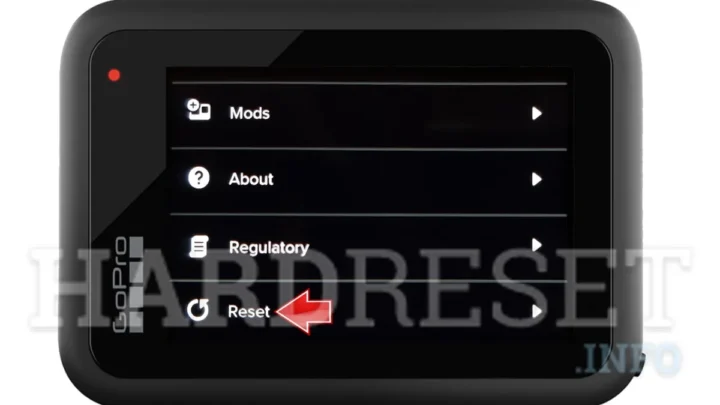
Mistake 5: Forgetting to reset the camera. A simple reset can fix many issues. Press and hold the power button for 10 seconds. If that doesn't work, use a paperclip to press the reset button.
The reset button is a small hole on the side. You'll feel a click. This clears the camera's memory and restarts it.
It's the same approach as fixing common offline mistakes on other devices.
Frequently Asked Questions
How long does the internal battery last?
The F7NP's 500mAh battery lasts about 10 to 20 minutes in parking mode. In hot climates, the battery may fail after 1 to 2 years. If it stops holding a charge, you can replace it or run the camera from the power cable.
Can I use the F7NP without the internal battery?
Yes. The camera works fine with just the power cable. The battery only supports parking mode and keeps the time and date settings.
Without the battery, the camera will start up normally when you turn on the car.
How do I reset the F7NP?
Press and hold the power button for 10 seconds. If that doesn't work, use a paperclip to press the reset button. The reset button is a small hole on the side of the camera.
You'll feel a click when it engages.
What fuse rating does the car need?
The F7NP draws about 0.4A at 5V. Most cars use a 10A or 15A mini blade fuse for the cigarette lighter socket. Check your owner's manual for the exact rating.
Don't use a fuse with a higher amperage than recommended.
Why does the camera turn off when I stop the car?
This is normal. The F7NP is designed to turn off when the car's ignition is off. If you want it to record while parked, you need a hardwire kit with parking mode.
The camera will then detect motion or impact.

Similar Posts