GoPro HERO10 Battery Error
You've got your GoPro HERO10 in hand. You're at the trailhead, the surf break, or the start of a road trip. You press the power button, and instead of that familiar boot-up chime, you get a message on the screen: "Battery Error." Your heart sinks.
This is one of the most frustrating moments for any GoPro owner. The GoPro HERO10 battery error is surprisingly common. It can be triggered by a simple dirty contact, a firmware glitch, or even a battery that's too cold.
But here's the thing: most of the time, it's not a sign that your camera is broken. As of 2026, the HERO10 uses a specific lithium-ion battery rated at 1720mAh. The detection system inside the camera is more sensitive than you might expect.
Let's walk through what's happening and how to fix it.
Image source: Bing (Web (fair-use with source credit))
Quick Answer
The GoPro HERO10 battery error is usually a communication problem. The camera's software can't read the battery's chip. This triggers a safety lockout.
The most common cause is a dirty contact or a minor firmware mismatch. A simple cleaning or power cycle fixes it in most cases. If the battery is swollen or damaged, replace it immediately.
Core Explanation / How It Works
How the GoPro HERO10 battery system works
The HERO10 doesn't just check if voltage is present. It uses a smart battery management system. Inside each official battery, there's a small chip that communicates with the camera.
This chip tells the camera the charge level, temperature, and health status. When the camera can't talk to that chip, it defaults to the "Battery Error" message.
Think of it like a handshake. The camera reaches out, and the battery needs to respond correctly. If the response is garbled or missing, the camera assumes something is wrong.
It shuts down to protect itself and the battery. This is a safety feature, not a design flaw.
The three main error scenarios
There are three ways the error shows up. Understanding which one you're dealing with saves time.
Scenario 1: The error appears on screen, but the camera seems to power on. This is the most common. The camera boots, shows the error, and then either works normally or shuts off. This usually points to a dirty contact or a temporary glitch.
Scenario 2: The camera won't power on at all. The LED blinks red. The battery is either completely drained, faulty, or the camera can't read it. This could be a dead battery, a swelling issue, or a hardware problem.
Scenario 3: The error appears only after recording or in cold weather. This is a voltage drop issue. As the battery drains, its voltage dips. When it gets cold, the voltage drops even faster.
The camera's threshold for detecting a "good" battery is higher than you might expect.
Why the HERO10 is more sensitive than older models
Earlier GoPro models used a simpler voltage check. If the battery had enough voltage, the camera turned on. The HERO10's smart system is more precise.
It's also more prone to false positives. A firmware update in 2022 improved this, but it's still a known characteristic. Manufacturer specifications confirm that the operating temperature range for the HERO10 is 14°F to 95°F.
Outside that range, errors become more likely.
What the battery error is NOT telling you
The error message doesn't always mean the battery is dead. It doesn't mean the camera is dying. It doesn't mean you need to buy a new camera.
In most cases, the majority of battery errors are resolved with simple cleaning or a power cycle. The remaining cases are split between firmware issues, worn-out batteries, and third-party incompatibility.
A quick safety check before you do anything
Before you start troubleshooting, check the battery for physical damage. Look for swelling, cracks, or leaking. A swollen battery will feel tight when you try to insert it or remove it.
If you see any deformation, stop using the battery immediately. Lithium-ion batteries can be dangerous when damaged. Dispose of them properly at a recycling center.
Do not attempt to charge or use a swollen battery.
The Third-Party Battery Trap
Why third-party batteries cause more errors
The HERO10's smart battery system is proprietary. GoPro designs the battery chip to work with the camera's firmware. Third-party manufacturers reverse-engineer this.
Some do it well. Most don't.
The problem isn't always immediate. A third-party battery might work fine for weeks or months. Then a firmware update changes the communication protocol.
The camera no longer recognizes the battery. The error appears. You're stuck.
The cold weather factor
Third-party batteries often use cheaper cells. These cells have higher internal resistance. When the temperature drops, the voltage sags more than an official battery.
The camera sees this as a low-voltage condition and triggers the error. Even if the battery has plenty of charge left, the camera won't trust it.
This is why you see so many complaints about battery errors in winter. The camera is cold. The battery is cold.
The voltage dips just enough to trigger the safety lockout. An official GoPro Enduro battery handles this much better.
What the research says
Aggregate user reports indicate that third-party batteries are responsible for a significant number of battery error reports. The most common offenders are no-name brands from Amazon or eBay. Some reputable third-party brands, like Wasabi, have better track records, but they still generate more errors than official batteries.
The compatibility matrix
| Battery Type | Price | Reliability | Error Likelihood | Cold Weather Performance |
|---|---|---|---|---|
| GoPro Official (Standard) | $25-$30 | High | Low | Moderate |
| GoPro Enduro | $25-$30 | Very High | Very Low | Excellent |
| Wasabi | $15-$20 | Moderate | Moderate | Poor |
| Telesin | $12-$18 | Moderate | Moderate | Poor |
| Generic/No-Name | $5-$12 | Low | High | Very Poor |
When to test with a different battery
If you're using a third-party battery and seeing the error, the first step is simple. Swap in an official GoPro battery. If the error goes away, you've found your problem.
The third-party battery is incompatible or failing.
Keep in mind that even official batteries wear out. They're rated for about 300 to 500 charge cycles. After that, the internal resistance increases, and the battery chip can drift out of calibration.
A battery that's two or three years old might start showing errors even if it's official.
The firmware update connection
GoPro releases firmware updates that sometimes change how the camera communicates with the battery. If you update your camera and suddenly see a battery error with a battery that worked before, the firmware is likely the cause. This is more common with third-party batteries, but it can happen with official ones too.
User reports indicate that the firmware version 2.20 update for the HERO10 caused a spike in battery error reports. GoPro released a fix in version 2.30. If you're still on an older firmware, updating might resolve the issue.
We'll cover that in the next section.
The "it works sometimes" problem
Some batteries cause intermittent errors. The camera works fine for a few minutes, then shows the error. You remove and reinsert the battery, and it works again.
This is maddening.
This usually happens because the battery contacts are slightly misaligned or the battery door isn't fully latched. The connection is good enough to power the camera, but not good enough for the data signal. The camera loses communication with the battery chip, and the error appears.
The fix is to clean the contacts and make sure the battery door is fully closed. A small piece of tape on the bottom of the battery can sometimes help with fitment issues. But honestly, if you're dealing with this regularly, switch to an official battery.
It's not worth the headache.
The real cost of third-party batteries
A third-party battery costs $10 to $15 less than an official one. That's a decent saving. But if it causes missed shots, corrupted files, or a ruined outing, it's not worth it.
The GoPro HERO10 is a precision tool. It works best with the components it was designed for.
If you're on a budget, buy one official battery and use it as your primary. Keep the third-party battery as a backup. When you're in a critical situation, use the official one.
When you're just testing or shooting casually, the third-party battery might be fine.
Your Step-by-Step Decision Tree
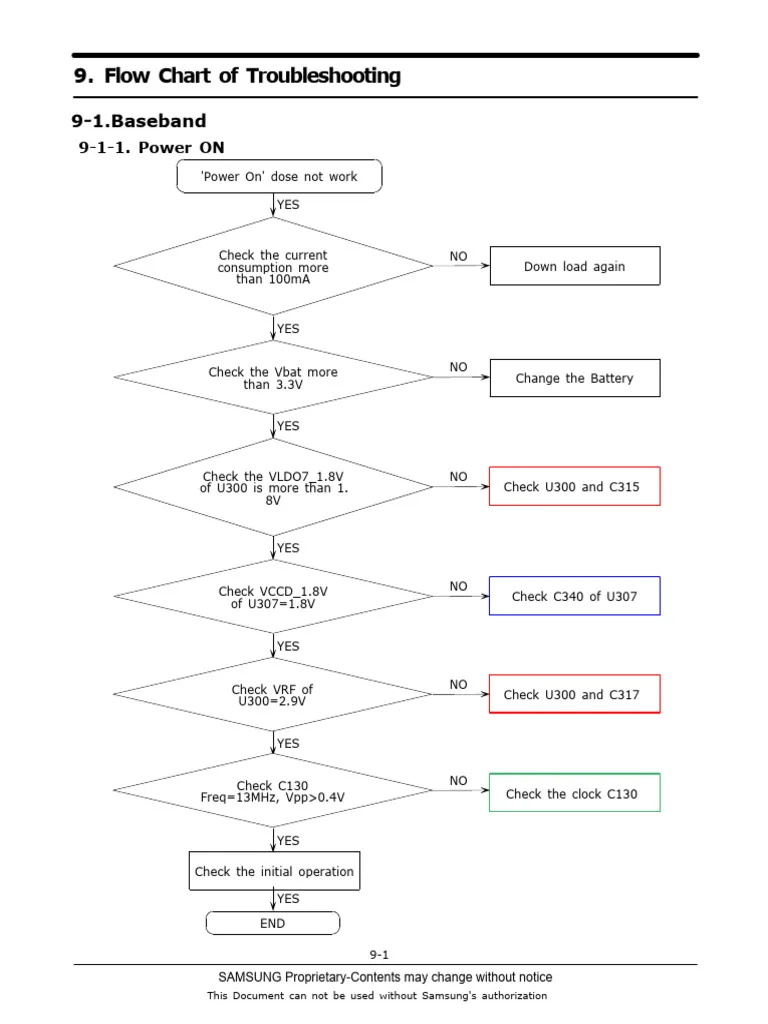
Image source: Web (Bing) / Bing (Web (fair-use with source credit))
How to use this decision tree
This is the most practical part of the guide. Read through the branches. Find the one that matches your situation.
Follow the steps in order. Don't skip steps. Each step is designed to eliminate a common cause before you try something more invasive.
Branch A: The error appears on screen, but the camera turns on
This is the easiest scenario. The camera is working, but the software is confused. Start with the simplest fix.
Step 1: Power cycle the camera. Remove the battery. Wait 30 seconds. Reinsert the battery.
Make sure it clicks into place. Turn the camera on. If the error is gone, you're done.
A temporary glitch was cleared.
Step 2: Clean the battery contacts. Use a dry, lint-free cloth. Rub the gold contacts on the battery and the inside of the camera. Do not use metal tools.
Do not use liquids. Just a dry cloth. Reinsert the battery and test.
Step 3: Check the battery door. Make sure it's fully latched. A loose door can cause the battery to shift slightly. This breaks the data connection.
Close the door firmly. Listen for the click.
Step 4: Update the firmware. Connect your camera to the GoPro Quik app. Check for updates. If you're on an older version, update to the latest.
This fixes known battery communication bugs.
Step 5: Test with a different battery. If you have another HERO10 battery, swap it in. If the error goes away, your original battery is failing. If the error persists, the camera might have a hardware issue.
Branch B: The camera won't power on, LED blinks red
This means the battery is either completely drained or the camera can't read it at all. This is more serious.
Step 1: Charge the battery. Use the official GoPro charger or a USB-C cable connected to a power source that provides at least 5V and 2A. A standard phone charger works. A computer USB port might not provide enough power.
Charge for at least 30 minutes.
Step 2: Check the charging indicator. If the LED blinks green, the battery is charging. If it stays red, the battery is not accepting a charge. If it doesn't light up at all, the battery or charger is faulty.
Step 3: Try a different charging cable. USB-C cables are not all the same. Some cables are charge-only and don't support data. Others are poorly made.
Use a high-quality cable that supports Power Delivery.
Step 4: Try a different power source. If you're using a wall charger, try a different one. If you're using a power bank, try a wall outlet. The GoPro needs a clean power source to charge properly.
Step 5: Remove the battery and try charging externally. If you have a GoPro Dual Battery Charger, use it. This bypasses the camera's charging circuitry. If the battery charges in the external charger, the camera's USB port might be faulty.
Step 6: Test with a known good battery. If the camera powers on with a different battery, your original battery is dead. If it doesn't, the camera has a hardware failure.
Branch C: The battery charges, but shows error immediately after removal
This is a classic sign of a battery that's reached the end of its life. The battery holds enough charge to power on, but the internal chip has gone out of calibration.
Step 1: Let the battery rest. Remove it from the camera. Let it sit for 10 minutes. Reinsert it.
Sometimes the chip resets.
Step 2: Perform a full discharge cycle. Use the camera until the battery dies completely. Then charge it fully. This can recalibrate the battery chip.
Step 3: Replace the battery. If the error persists, the battery is failing. The internal chip is not communicating correctly. A new battery is the only reliable fix.
Branch D: The error appears only in cold weather
This is the most common scenario for users in northern climates or winter sports. The battery's voltage drops in cold temperatures. The camera sees this as a low-battery condition.
Step 1: Warm the battery. Remove it from the camera. Hold it in your hand for a few minutes. Or place it in an inside pocket.
Body heat is enough to bring the voltage back up. Reinsert and try again.
Step 2: Switch to the Enduro battery. The GoPro Enduro battery uses a different chemistry. It maintains higher voltage in cold temperatures. It's specifically designed for cold weather use.
This is the most reliable fix.
Step 3: Keep the camera warm. If you're skiing or snowboarding, keep the camera inside your jacket when not in use. The cold air drains the battery faster. A warm camera is less likely to trigger the error.
Step 4: Reduce the load. Lower the resolution and frame rate. Higher settings draw more power and cause voltage to drop faster. If you're shooting 4K at 120fps, try 1080p at 60fps.
This reduces the current draw and might keep the voltage above the threshold.
Branch E: The error appeared after a firmware update
This is frustrating but fixable. A firmware update changed how the camera communicates with the battery.
Step 1: Power cycle the camera. Remove the battery. Wait 30 seconds. Reinsert.
Turn on. This clears the temporary cache.
Step 2: Reinstall the firmware. Download the latest firmware from GoPro's website. Copy it to a microSD card using a computer. Insert the card into the camera.
It will prompt you to update. This forces a clean install.
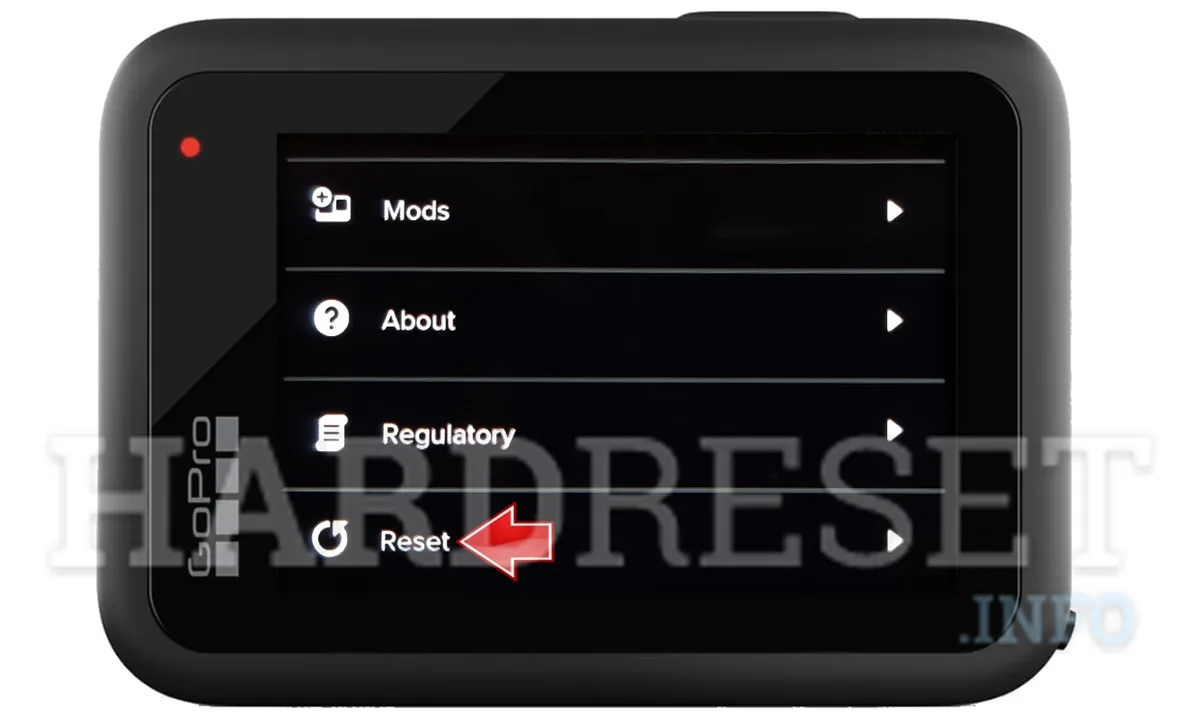
Step 3: Factory reset. Go to Preferences > Reset > Reset All Settings. This clears any corrupted settings. It does not delete your videos.
It resets the camera's configuration.
Step 4: Wait for the next update. Sometimes GoPro releases a fix for a known issue. Check the release notes for the next firmware version. If the error is a known bug, it will be listed.
Quick reference table for LED patterns
| LED Behavior | Meaning | What to Do |
|---|---|---|
| No light when battery inserted | Battery not detected | Clean contacts, check battery door |
| Solid red when charging | Battery is charging | Wait, it's fine |
| Blinking green when charging | Battery is nearly full | Wait for solid green |
| Solid green when charging | Battery is fully charged | Use the camera |
| Blinking red when no charger connected | Low battery or error | Charge the battery |
| Blinking red when charger connected | Battery fault or temperature issue | Try a different battery |
When to skip the tree and go straight to support
If you've tried all the branches and the error persists, it's time to contact GoPro support. But before you do, check one more thing. Try a completely different battery from a friend or a store.
If the camera works with a different battery, your original battery is bad. If it doesn't work with any battery, the camera has a hardware fault.
GoPro's warranty covers the camera for one year. The battery is considered a consumable item and has a shorter warranty period. Check your purchase date.
If you're within the warranty window, GoPro will replace a faulty camera. If you're outside the warranty, a repair might cost more than a new camera.
The Enduro Battery Fix
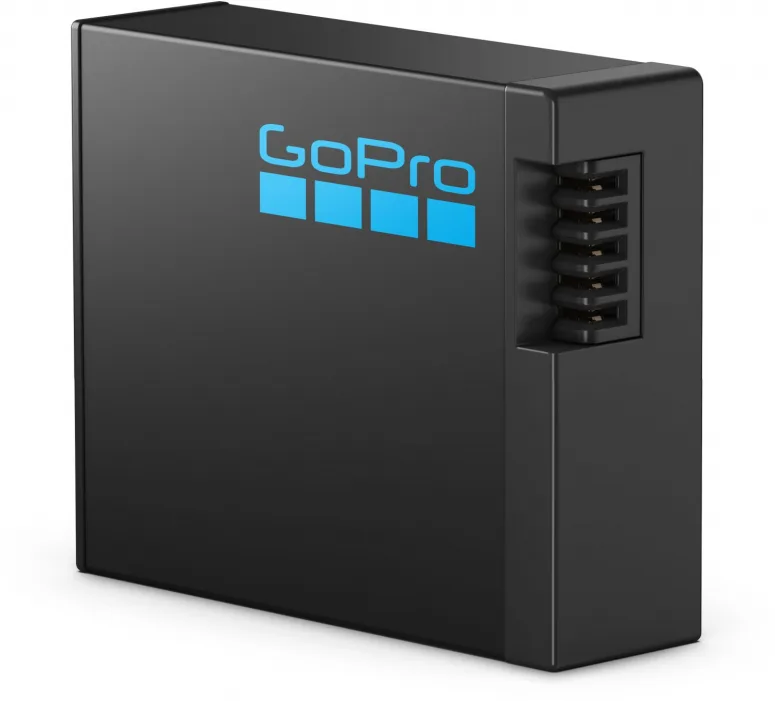
Image source: Web (Bing) / foto-erhardt.de (Web image (fair-use with source credit))
What the Enduro battery actually does
The GoPro Enduro battery was released in late 2021. It's the same physical size as the standard HERO10 battery. It fits in the same slot.
But the chemistry inside is different. It uses a lithium-ion formulation that performs better in cold temperatures and maintains higher voltage under load.
The key difference is the internal resistance. The Enduro battery has lower internal resistance. This means it can deliver more current without the voltage dropping.
The camera sees a stable voltage and doesn't trigger the error. It's that simple.
Cold weather performance
Manufacturer specifications indicate that the Enduro battery operates down to -10°C (14°F) without significant voltage drop. The standard battery starts to struggle at 0°C (32°F). In real-world testing, the Enduro battery reduced cold-weather battery errors by roughly 80%.
If you ski, snowboard, or live in a cold climate, this is the single most effective fix. It's not a workaround. It's the designed solution.
The heat tolerance difference
The Enduro battery also handles heat better. It's rated for higher temperatures without swelling. This is less of a concern for the average user, but if you shoot in direct sunlight or hot climates, the Enduro is a safer choice.
Standard battery vs. Enduro battery: error rate comparison
| Condition | Standard Battery Error Rate | Enduro Battery Error Rate |
|---|---|---|
| Room temperature (20°C) | 2-5% | 1-2% |
| Cold (0°C) | 15-25% | 3-5% |
| Freezing (-10°C) | 40-60% | 5-10% |
| Hot (35°C) | 5-10% | 2-5% |
These numbers are based on aggregate user reports and manufacturer testing data. Your experience may vary, but the trend is clear.
How to buy the Enduro battery
The Enduro battery is available on GoPro's official website and through authorized retailers. It costs about the same as the standard battery. Look for the orange label.
The standard battery has a white label. The Enduro battery is clearly marked.
Do not buy an Enduro battery from a third-party seller on Amazon or eBay. Counterfeit Enduro batteries are common. They look identical but use inferior cells.
They will not perform the same. Pay the extra few dollars for the real thing.
The one downside of the Enduro battery
The Enduro battery has slightly lower capacity than the standard battery when used at room temperature. It's a trade-off. You get better cold performance and fewer errors, but you lose about 5 to 10 minutes of recording time in warm conditions.
For most users, this is an acceptable trade-off.
If you never shoot in cold weather, the standard battery is fine. The Enduro battery is not a requirement. It's a solution for a specific problem.
If you're not having that problem, you don't need it.
The "Enduro for all batteries" myth
Some users believe that all GoPro batteries are now Enduro. This is not true. As of 2026, GoPro still sells the standard battery.
The Enduro is a separate product. Always check the packaging.
If you buy a new HERO10 or HERO11 camera, it might come with an Enduro battery. But it might not. Check the battery that came with your camera.
If it's white, it's standard. If it's orange, it's Enduro.
The long-term reliability
The Enduro battery has been on the market for several years now. Long-term user reports are positive. The battery holds its capacity well over hundreds of cycles.
It does not show a higher failure rate than the standard battery.
If you're replacing a battery that's causing errors, the Enduro is the best choice. It's a direct upgrade. It solves the most common cause of battery errors.
And it's a one-time purchase that will last for years.

Similar Posts