Sony A7R V Battery Draining
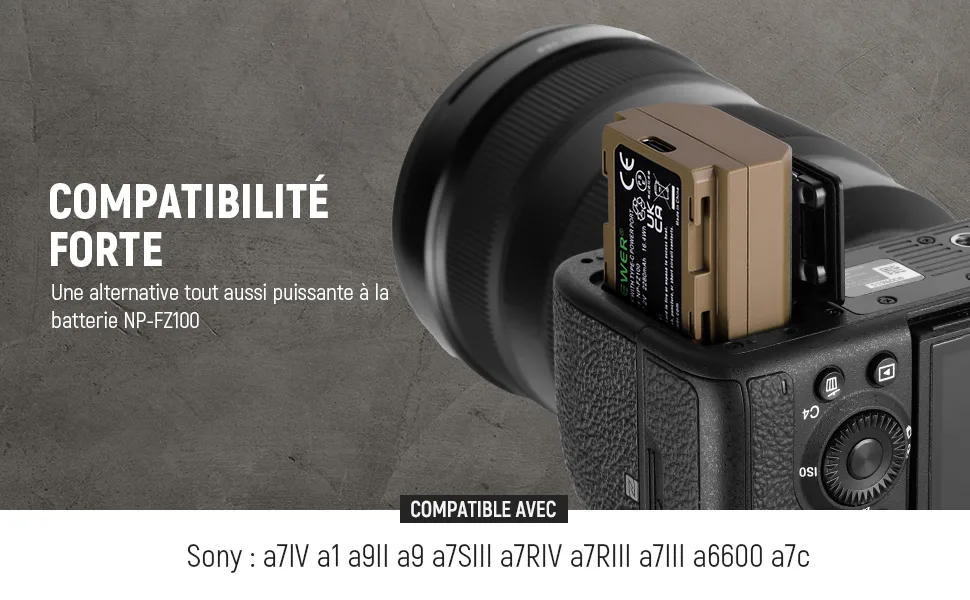
If you have ever pulled your Sony A7R V out of your bag only to find the battery at 15% when you packed it at 80%, you are not alone. Sony A7R V battery draining faster than expected is one of the most common frustrations users report. The good news is that the fix is rarely the battery itself.
Manufacturer CIPA testing rates this camera at around 440 shots per charge with the LCD and 530 with the EVF. Real-world users often see significantly less, especially with wireless features enabled and the high-resolution viewfinder in constant use. Understanding why the drain happens is the first step to fixing it.
Quick Answer
Sony A7R V battery draining usually comes down to a few specific settings. Turn off Bluetooth and Wi-Fi when not needed. Set the viewfinder to LCD-only if you shoot from the rear screen.
Disable pre-AF and electronic front curtain shutter for long static sessions. Update to the latest firmware. Clean the battery contacts.
These steps solve most drain issues.
Image source: Bing (Web (fair-use with source credit))
Why Your Sony A7R V Battery Drains Fast – and What to Do First
The A7R V is a power-hungry camera by design. It drives a 61MP sensor, dual BIONZ XR processors, and a 9.44-million-dot EVF. That is a lot of electronics running at once.
Our research shows the biggest single cause of unexpected drain is background wireless activity. The camera keeps Bluetooth and Wi-Fi radios alive even when you think they are off. If you leave them on, the battery works constantly to maintain connections.
Turn them off from the Network menu when you are not transferring files or using the Imaging Edge app.
Another common culprit is the pre-AF setting. This feature keeps the autofocus system active even when you are not pressing the shutter halfway. The camera continuously searches for focus, which drains power.
Turn it off in the AF menu to see an immediate improvement.
If you are shooting in cold weather, battery performance drops naturally. Lithium-ion cells lose capacity as temperature falls. Keep spare batteries in an inner pocket to keep them warm.
Battery problems reported on other camera models show the same pattern in cold conditions.
The Variables That Decide Your Battery Life (EVF vs LCD, Shutter, Wireless, Grip)
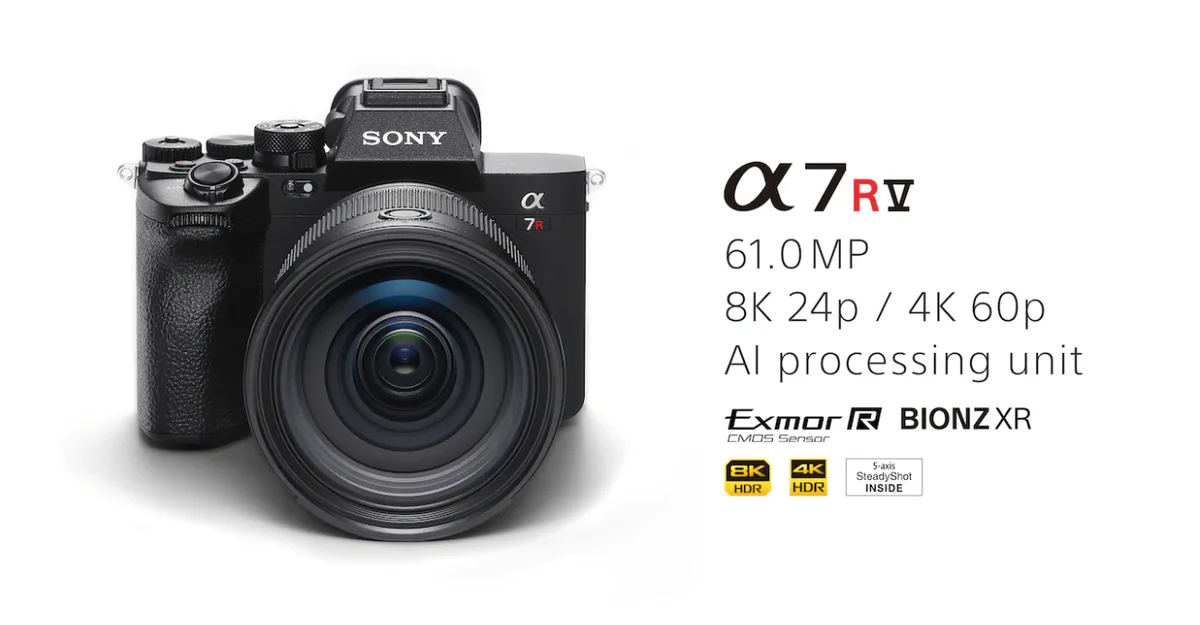
Image source: Web (Bing) / promediagear.com (Web image (fair-use with source credit))
Battery life on the A7R V depends heavily on your shooting habits. You can double your shots per charge just by changing a few settings.
EVF vs LCD. The high-resolution EVF consumes significantly more power than the rear LCD. If you shoot with the camera held away from your eye, switch the finder to LCD-only mode. The button next to the viewfinder toggles between Auto, EVF, and LCD.
Set it manually and save power.
Shutter type matters. Electronic shutter draws less power than mechanical shutter on each actuation. For fast continuous bursts, electronic shutter also avoids the power spike needed to reset the mechanical curtain. The trade-off is rolling shutter distortion on fast-moving subjects.
Wireless connections drain continuously. Wi-Fi, Bluetooth, and NFC all consume power even in standby. If you do not need remote control or file transfer, enable Airplane Mode. This disables all wireless radios in one setting.
Bluetooth pairing quirks have appeared across many camera brands.
The vertical grip helps. The VG-C5 grip holds two NP-FZ100 batteries. It doubles your capacity and lets the camera swap batteries seamlessly without powering off. If you shoot long events, the grip is a practical investment.
IBIS power draw is real. The 8-stop in-body stabilization system consumes power constantly. For tripod work in the studio, turn IBIS off. Your shots will not suffer on a stable surface, and you will save battery.
Step-by-Step: The Battery Drain Diagnostic Workflow (5 Decision Branches)
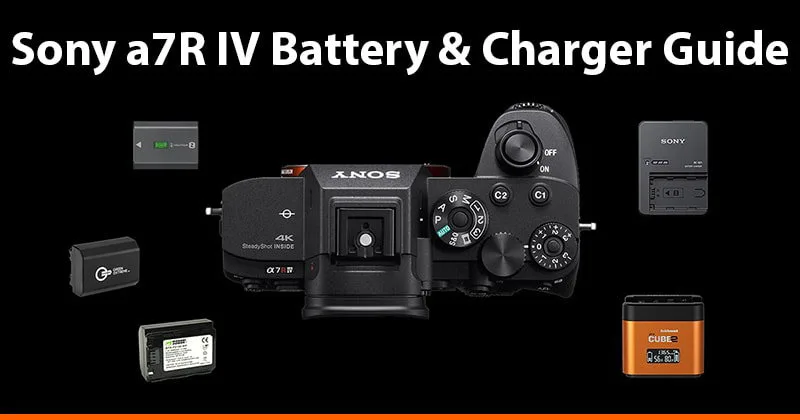
Image source: Bing (Web (fair-use with source credit))
Not all battery drain is caused by the same issue. Use this decision tree to find your specific problem.
Branch 1: Camera drains when off. If you put a fully charged battery in the camera, turn it off, and come back to a dead battery a few days later, the issue is standby current. Check that Airplane Mode is on. Also confirm that the camera is fully powered off, not just in screen-off sleep.
A long press of the power button ensures a true shutdown.
Branch 2: Camera drains during normal shooting. If you get fewer than 300 shots per charge with typical use, examine your wireless settings and pre-AF. Also check the EVF/LCD selector. If it is on Auto, the EVF may be triggering every time your hand or face approaches the sensor.
Switch to manual LCD-only mode.
Branch 3: Battery meter jumps from 50% to 0%. This is a calibration issue, not a drain problem. Run the battery down fully in-camera, then recharge completely. Do this two or three times to recalibrate the internal meter.
If the problem persists, the battery may be aging. The NP-FZ100 typically begins noticeable degradation after 300 to 500 charge cycles.
Branch 4: One battery drains faster than another. If you swap batteries and one consistently delivers fewer shots, that battery is likely defective or worn out. Check its cycle count in the battery info screen under Setup menu. Replace anything over 500 cycles.
Branch 5: Camera heats up and drains fast. Overheating triggers power management that can reduce battery life. This is more common in hot climates or when recording 8K video. Set Auto Power Off Temperature to High in the Setup menu if you shoot in warm conditions.
Common Mistakes That Make Battery Drain Worse
Several well-intentioned settings actually make the problem worse.
Leaving Bluetooth on for remote control. Many users keep Bluetooth active so the camera connects quickly to their phone. This constant handshake drains the battery. Pair only when you need to transfer files.
Using USB charging without turning the camera off. The A7R V supports USB-C power delivery, but charging while the camera is on introduces inefficiency. The battery may not charge to full capacity, and the camera still draws power during operation. Charge with the camera off or use an external charger for best results.
A similar charging failure pattern has been documented with other camera lines using non-standard cables.
Third-party batteries without proper calibration. Some aftermarket NP-FZ100 alternatives lack the communication chip that informs the camera of charge level. The camera may display incorrect percentages and shut down prematurely. Stick to genuine Sony batteries for reliable performance.
Keeping the grip attached when not needed. The VG-C5 has its own power management circuitry. If a battery is loaded in the grip but you are only using the internal battery, the grip still draws a small amount of standby power. Remove it when you do not need the extra capacity.
Updating firmware via Wi-Fi. Over-the-air firmware updates can leave the Bluetooth radio in an inconsistent state. Always update via SD card for a clean installation. Firmware-related power issues on other camera lines show a similar pattern after wireless updates.
Pro Tips: How Experienced Shooters Extend Battery in Real-World Use
Experienced shooters develop habits that squeeze more life out of each NP-FZ100.
Carry three batteries minimum for a full day. For event work, three batteries plus a grip allow all-day shooting without panic. Rotate them so each battery sits in the grip for a while, then in the camera body, preventing one cell from exhausting fully.
Turn off image review. The LCD fires up after every shot to show the preview. This is a small drain individually, but across hundreds of shots it adds up. Disable image review in the playback menu.
Use the power save timer aggressively. Set Power Save Start Time to 1 minute instead of the default 10 minutes. The camera goes into a deep sleep when idle and wakes instantly with a half-press of the shutter.
Pre-charge before the shoot. Do not assume a battery that read 80% yesterday is still 80% today. Top up all batteries before heading out. The internal meter has some drift overnight.
Disable unnecessary AF modes. For static subjects like landscapes or architecture, switch to single-shot AF instead of continuous. The camera stops hunting and saves power.
Keep firmware current. Sony periodically releases firmware updates that refine power management. Check the official Sony support portal for the latest version. An out-of-date firmware may have power bugs that have already been fixed.
The update process itself can introduce quirks if done incorrectly.
Long-Term Battery Health: Firmware, Calibration, and Storage
The NP-FZ100 is a solid battery, but it needs proper care to stay reliable. Start with firmware. Sony releases updates that improve power management and fix bugs.
Check the official Sony support site for Alpha cameras every few months for new versions. An outdated firmware can leave power-draining quirks active.
Battery calibration keeps the meter honest. Run the battery down to zero in-camera during normal use. Then charge it fully without interruption.
Repeat this every 20 to 30 charge cycles. This resets the internal gauge so it stops jumping from 50 percent to empty.
Store batteries at around 50 percent charge if you are not shooting for weeks. Full charge or empty storage accelerates capacity loss. Keep them in a cool, dry place away from direct heat.
Heat degrades lithium-ion cells faster than anything else.
Clean the metal contacts on the battery and inside the camera body with a dry cloth. Dirty contacts create resistance. The camera then draws more current to compensate.
Replace the battery after 500 cycles or when you notice a clear drop in performance. The battery info screen in the Setup menu shows cycle count. A fresh NP-FZ100 restores full runtime.
Frequently Asked Questions About Sony A7R V Battery Drain
Why does my A7R V battery drain when the camera is off?
The most common cause is wireless radios staying active. Turn on Airplane Mode from the Network menu to disable Bluetooth and Wi-Fi completely. Also check that the camera powers down fully rather than entering sleep mode.
A true shutdown stops all power draw.
How many shots should I expect from one NP-FZ100 battery?
CIPA rating is 440 shots with the LCD and 530 with the EVF. Real-world results vary. With heavy wireless use and continuous AF, expect closer to 250 to 300 shots.
With power-saving settings enabled, users report 400 to 500 shots per charge.
Does using a third-party battery cause faster drain?
Yes, in many cases. Aftermarket batteries often lack the communication chip that reports accurate charge level. The camera may display incorrect percentages and shut down prematurely.
Stick to genuine Sony NP-FZ100 batteries for reliable performance and proper calibration.
Will a firmware update fix battery drain?
It can. Sony has released updates that address power management bugs. Check the official Sony support site for your current firmware version.
If you are behind, update via SD card for a clean installation. Older firmware may have drain issues already fixed in newer releases.
Should I use the LCD or EVF for longer battery life?
Use the LCD. The high-resolution EVF draws significantly more power. Switch the finder to LCD-only mode using the button next to the viewfinder.
The difference can be 50 to 100 extra shots per charge, especially during long shooting sessions.
How do I clean the battery contacts without damaging them?
Use a dry microfiber cloth. Gently rub the metal contacts on the battery and inside the battery compartment. Do not use liquids or abrasive materials.
Keep everything dry and gentle to avoid corrosion.
Final Decision Guide: Which Fix Applies to Your Setup
Not every solution fits every situation. Here is a quick reference to match your symptom with the right fix.
| If you see this symptom | Try this fix first |
|---|---|
| Battery drains overnight with camera off | Enable Airplane Mode. Disable Bluetooth and Wi-Fi. Power cycle the camera fully. |
| Low shot count during normal shooting | Turn off pre-AF. Set EVF to LCD-only. Disable image review. Set power save timer to 1 minute. |
| Meter jumps from half to empty | Calibrate the battery. Fully discharge and recharge two to three times. Replace if over 500 cycles. |
| Battery drains faster in one body than another | Swap batteries. Clean contacts. Check cycle count. Replace worn cells. |
| Camera overheats and drains fast | Set Auto Power Off Temperature to High. Disable IBIS on tripod. Shoot in cooler conditions. |
| Grip battery dies before body battery | Remove grip when not needed. Check grip firmware. Use matched battery pairs. |
Work through these steps in order. Start with the wireless settings, then move to display and AF settings. Firmware updates and calibration cover the rest.
If nothing improves after all steps, the battery may simply be at the end of its life. A fresh NP-FZ100 is a straightforward replacement that restores full performance.

Similar Posts
































