SPYPOINT FLEX-M Troubleshooting
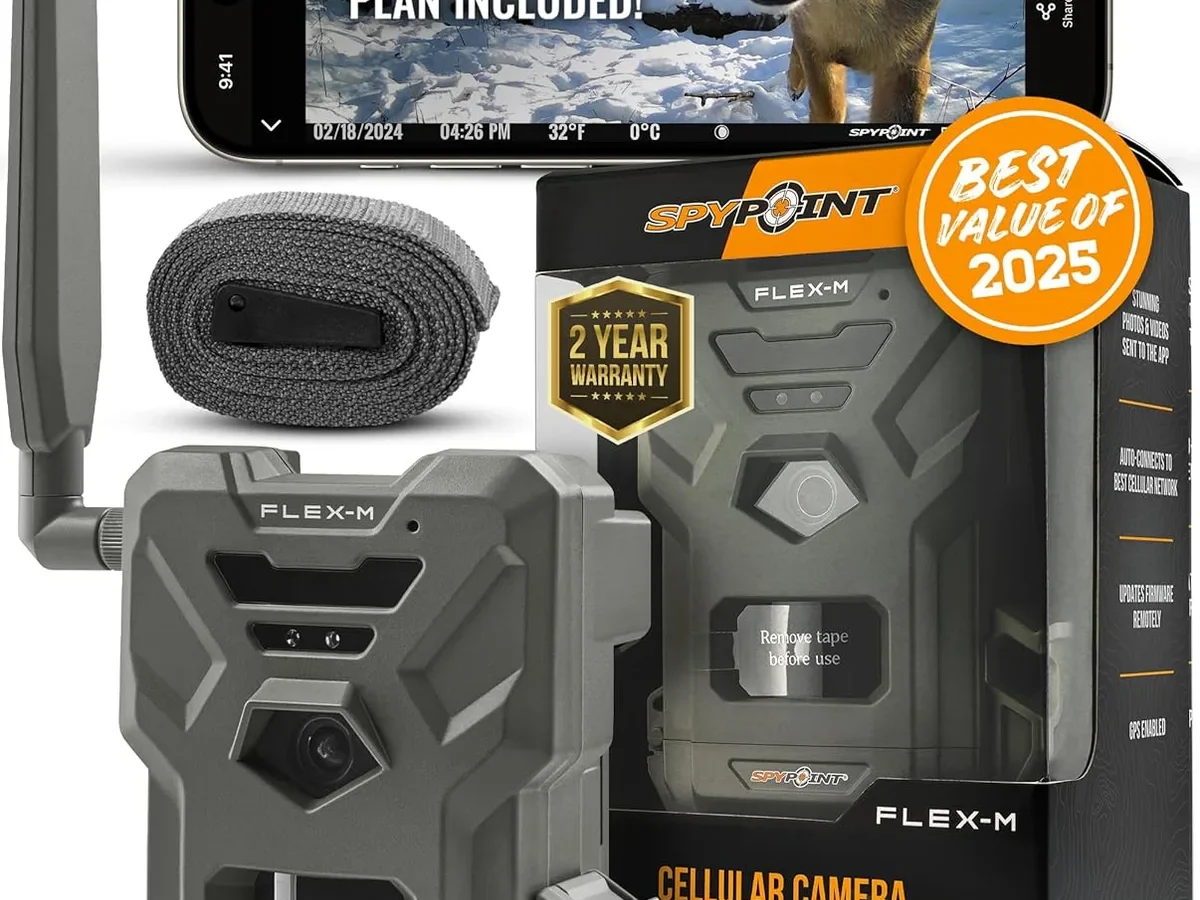
If your Spypoint Flex-M isn't sending photos, holding a charge, or showing up in the app, you are not alone. SPYPOINT FLEX-M troubleshooting usually comes down to one of three core issues: power delivery, cellular connectivity, or SD card configuration. Figuring out which one you are dealing with saves hours of wasted effort.
Manufacturer specifications indicate the Flex-M operates from -20°F to 120°F. Cold weather drains the internal lithium-ion battery faster than expected. Aggregate user reports confirm that most problems fall into predictable symptom groups.
Let us start with the first big question: is the camera dead or just disconnected?
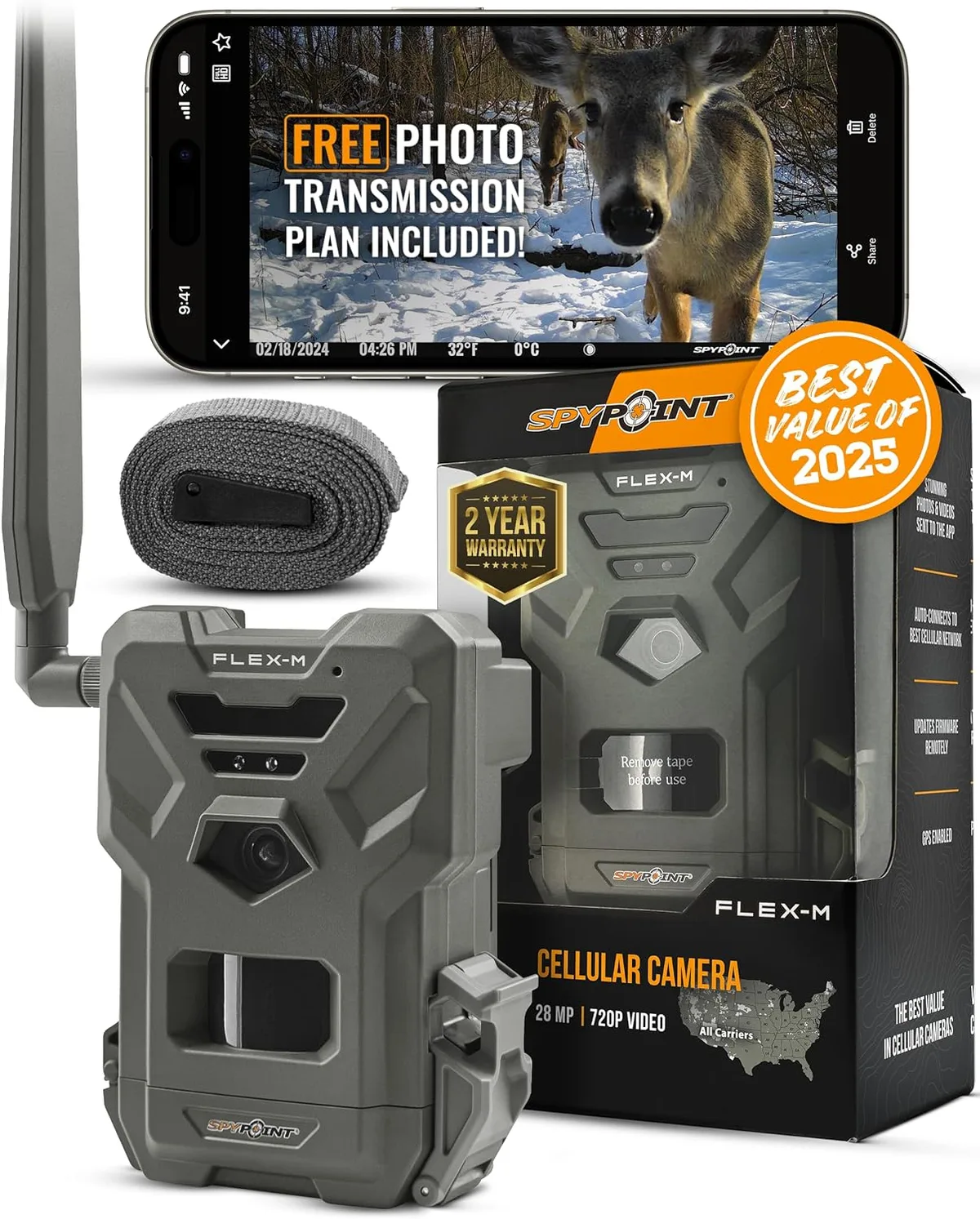
Image source: Web (Bing) / amazon.com (Web image (fair-use with source credit))
Quick Answer
Check the power source first. Confirm your cellular plan is active. Verify the SD card is present and formatted as FAT32.
Then run a soft reset. Most failures trace to one of these four steps.
Start Here: Is It a Power Problem or a Signal Problem?
Before you dig into complex settings, you need to identify which system failed. The Flex-M has two independent systems: the power system (battery and solar) and the communication system (cellular radio and app). They can fail separately.
If the camera is completely dark. No LED lights. No response when you press the button. You have a power problem.
The internal rechargeable battery may be fully drained. Plug it into a USB charger (5V output, 1A or higher) for at least six hours. If the camera still shows no life, the battery itself may have failed.
Spypoint customer support can confirm a replacement under warranty.
If the camera lights up but shows no cellular signal. The LED flashes green then goes solid amber or red. You have a signal problem. The Flex-M uses an embedded eSIM and the Spypoint Link app to connect.
Move the camera to a location with better reception. Open the app and check the signal strength reading. Anything under two bars usually means unreliable transmission.
If the camera lights up and the app says "Offline". The camera seems normal. The issue is likely in the app pairing or the cellular plan. We cover that in the next section.
Per current Spypoint support documentation, the LED status lights are your best diagnostic tool. A slow green blink means the camera is searching for cellular. A fast green blink means it is sending photos.
A solid amber or red light means a connection failure.
Camera's Alive But Won't Send Photos? Check Cellular and Plan
This is the most frequent complaint in aggregate reviews. The camera powers on and takes photos. But nothing shows up in the app.
The culprit is almost always the cellular connection or the data plan.
Step 1: Verify your data plan is active. Spypoint requires an active subscription. Log into the Spypoint Link app and check your account status. If the plan expired, the camera stores photos locally on the SD card but stops transmitting.
Renew the plan. The camera may batch-send the backlog.
Step 2: Check the signal strength. The app shows a numeric dBm reading. Anything below -110 dBm is marginal. If you see that, reposition the camera.
The Flex-M antenna works best when the camera is mounted vertically. Keep the top unobstructed by metal or dense wood. In our research, moving a camera just five feet higher often changes the signal from unusable to stable.
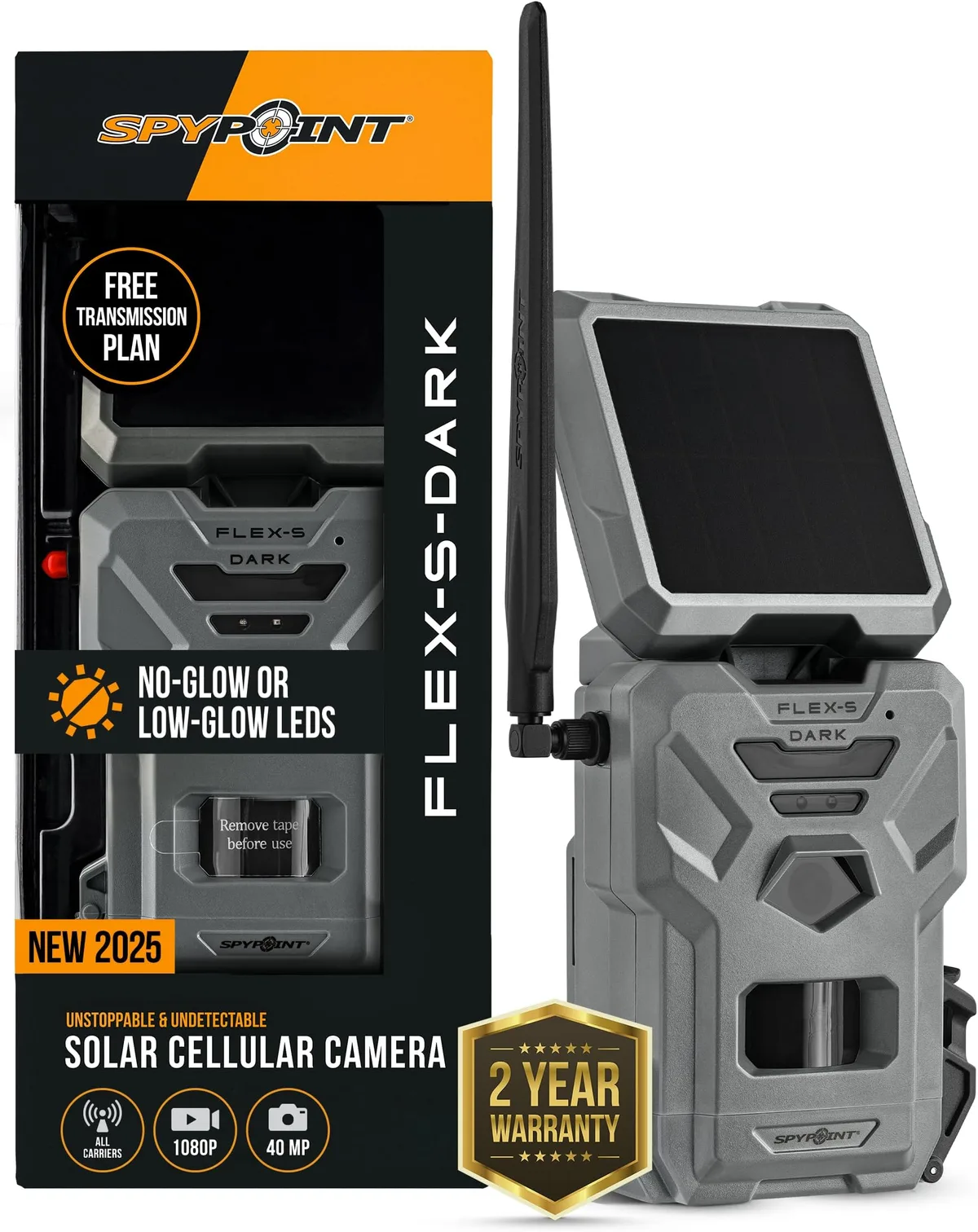
Image source: Web (Bing) / amazon.com (Web image (fair-use with source credit))
Step 3: Confirm the camera is not in "Airplane Mode." If you accidentally enabled it during setup, the cellular radio stays off. Open the app. Go to Camera Settings.
Make sure Cellular is enabled. A related problem can occur with other wireless devices. For example, recurring app pairing failures follow a similar pattern.
Step 4: Wait for the transmission delay. The Flex-M does not send photos instantly. It checks for signal at intervals ranging from every few minutes to every hour depending on your settings. If you just put fresh batteries in, give it up to 30 minutes before assuming failure.
If all four checks pass and photos still do not send, the eSIM may need re-activation. Contact Spypoint support for a new pairing code.
Pictures Not Sending or Showing Up? SD Card and App Settings
Even with a perfect cellular connection and an active plan, the camera may not send photos. That is usually a storage or setting problem.
The SD card must be FAT32 formatted. This is the single most common oversight. The Flex-M does not recognize exFAT or NTFS formats. Insert the SD card into your computer.
Reformat it using the FAT32 file system with a 64KB cluster size. For absolute reliability, use a known good card. If you have been using the same card for years, try a new one.
You might be dealing with SD card corruption issues that affect many camera models.
Verify the SD card is not full. A full card stops all new captures. The Flex-M stores photos locally even when transmission fails.
Check the card manually in a card reader on your computer. Delete old images or format the card in-camera using the settings menu.
Check the camera mode settings. If you accidentally set the camera to "SD Card Only" mode, it never attempts to transmit. Open the Spypoint Link app. Go to Camera Settings.
Confirm the Mode is set to Cellular or Cellular + SD Card. Also verify that the "Send Photos" toggle is enabled.
Check the time-lapse vs. motion settings. In time-lapse mode, the camera takes photos at set intervals. If the interval is too long (e.g., every 60 minutes), you may think it is broken when it is just idle. Switch to motion mode temporarily to test transmission.
Solar Panel Not Charging? Winter Drain? Battery and Power Tips
The Flex-M solar panel is a convenience, not a guarantee. In direct summer sun, it provides enough power to keep the internal battery topped off. In winter, during overcast weeks, or if the panel is shaded, the battery slowly drains.
Clean the solar panel regularly. Dust, pollen, and snow reduce charging efficiency. Wipe it gently with a soft, damp cloth. Do not use abrasive cleaners.
Per manufacturer specs, a dirty panel can lose up to 50% of its charging capacity.
Check the solar panel angle. For maximum output in the northern hemisphere, the panel should face south. It should tilt at roughly a 45-degree angle. If you mounted the camera on a north-facing tree, the solar panel gets almost no direct sun.
Reposition the camera or adjust the bracket.
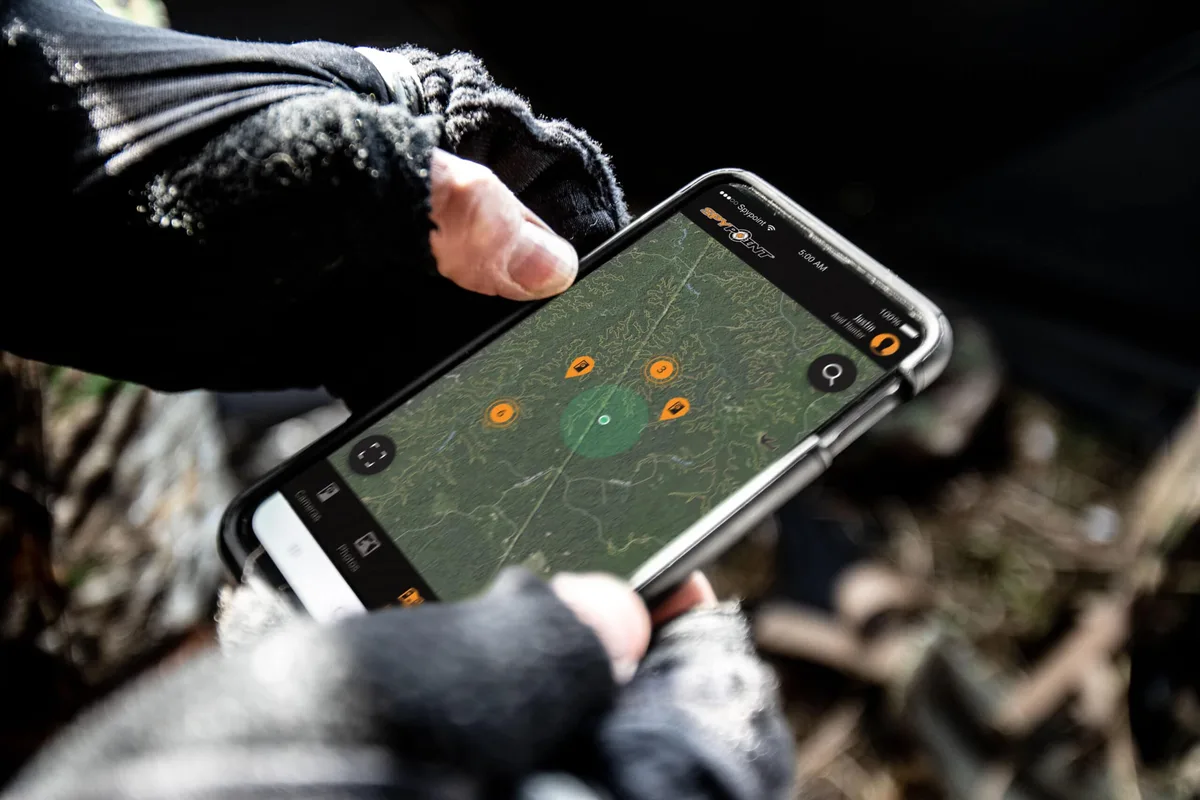
Image source: Web (Bing) / newtech-sa.co.za (Web image (fair-use with source credit))
Monitor battery voltage in the app. The Spypoint Link app shows the internal battery voltage. A fully charged 6600 mAh lithium-ion battery reads about 4.1 to 4.2 volts. If the reading drops below 3.6 volts, expect the camera to start shutting down to protect the battery.
Cold weather accelerates this. At 32°F, the usable capacity of a lithium-ion battery drops by roughly 20%. For a closer look at how cold affects rechargeable cells, read more about battery performance in freezing conditions.
Use the AA battery tray as backup. The Flex-M includes a tray for six AA batteries. When the internal battery dies, the camera switches to the AA batteries. Do not rely on this as a long-term solution.
Alkaline AAs drain fast in cold weather. Lithium AAs perform better in below-freezing conditions and are worth the extra cost.
Disable the flash or reduce its power. The IR LED array draws significant power. If you have the flash set to "High" and the camera triggers dozens of times per day, the battery drains noticeably faster. Lowering the flash setting extends battery life considerably.
When All Else Fails: Soft Reset, Hard Reset, and Factory Reset Flow
If you have checked power, cellular, SD card, and settings, and the camera still acts up, it is time to reset. The Flex-M supports three levels of reset.
Soft reset (quickest). Remove any attached USB cable. Open the battery compartment. Remove all power sources (internal battery connector and AA batteries if installed).
Wait 30 seconds. Reconnect the internal battery first. Then reinsert AA batteries if using.
Power the camera on. This clears minor glitches without losing settings.
Hard reset (medium). With the camera powered on, use a paperclip or SIM eject tool to press the reset pinhole. It is located on the bottom edge of the camera. Hold it for about ten seconds until the LED flashes rapidly.
Release. The camera will reboot. Settings remain saved, but temporary errors clear.
Factory reset (last resort). Open the Spypoint Link app. Go to Camera Settings. Select Advanced.
Select Factory Reset. Confirm. The camera erases all settings and returns to out-of-box state.
After a factory reset, you must re-pair the camera with the app using the QR code process. It acts like a brand new camera. This is also a good time to check if the camera firmware is current.
You can find instructions for updating the firmware on another device guide.
Use the factory reset only when the other resets fail. It solves deep firmware problems. But it is inconvenient because you lose all saved settings.
Frequently Asked Questions
Why does my Spypoint Flex-M show offline in the app?
The most common cause is an expired data plan. Check your subscription status in the Spypoint Link app. If the plan is active, the camera may be in a low signal area.
Move it to a spot with better cellular reception. A soft reset also often restores the connection.
How do I know if my Flex-M battery is dead?
Open the Spypoint Link app and check the voltage reading under Device Info. A fully charged internal battery reads 4.1 to 4.2 volts. Anything below 3.6 volts means the battery is critically low.
The camera may shut down to protect the cells. Charge via USB for at least six hours.
Can I use any SD card with the Flex-M?
No. The card must be formatted as FAT32 with a 64KB cluster size. The camera does not support exFAT or NTFS.
Use a Class 10 or U1 speed card for reliable performance. Cards larger than 256 GB may not work properly.
What does a flashing green LED mean on my Flex-M?
A slow flashing green light means the camera is searching for a cellular network. A fast flashing green light means it is actively transmitting photos. If the light stays solid amber or red, the camera has a connection failure.
Check your plan and signal strength.
How often should I clean the solar panel on my Flex-M?
Clean the solar panel every two to four weeks during the season. Dust, pollen, and snow reduce charging efficiency significantly. Wipe it gently with a soft damp cloth.
Do not use abrasive cleaners or paper towels that can scratch the surface.
Will a factory reset delete my photos?
No. A factory reset erases all camera settings and the app pairing. It returns the camera to out-of-box state.
Photos stored on the SD card remain intact. You will need to re-pair the camera with the app using the QR code process after the reset.

Similar Posts
































