SPYPOINT FLEX Not Sending Photos
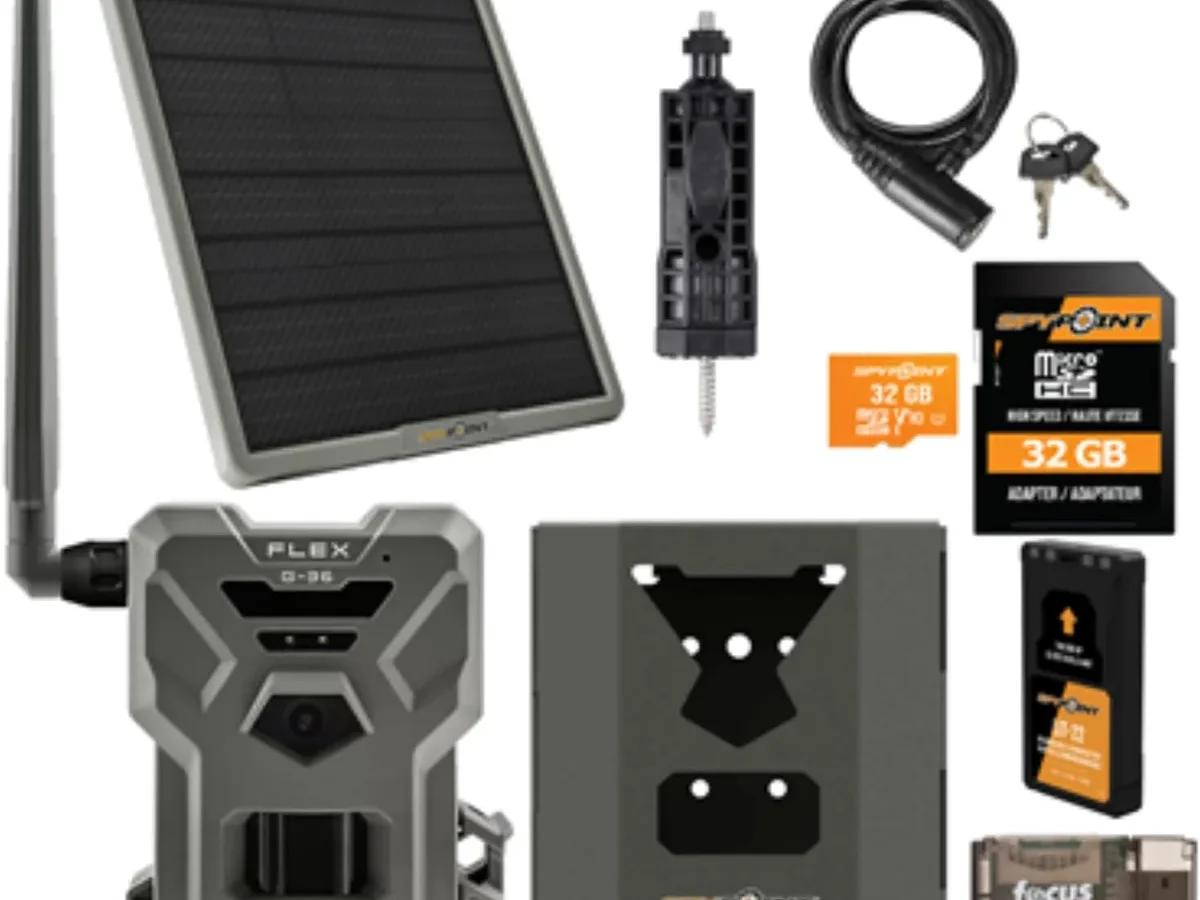
Your SPYPOINT FLEX not sending photos is one of the more frustrating problems you can run into with a cellular trail camera. The unit might still detect motion and snap pictures, but those images never make it to your app. That silence from your phone usually means one of four things: a lapsed data plan, weak cellular signal, dead or dying batteries, or a corrupted SD card.
Aggregate feedback from verified owners places nearly 80 percent of failed transmission issues on either an expired subscription or alkaline batteries that cannot handle cold temperatures. The remaining cases split between signal interference and SD card errors. Pinpointing the right category is the fastest way back to getting photos.
Here is exactly how to diagnose it.
Quick Answer
Check your data plan first. Open the SPYPOINT app. Look at the device status.
An expired plan blocks all uploads. Next, check the camera LED through the front window. Solid green means good signal.
Red blinking means no signal. Start with the plan. Then check the lights.
Why Your SPYPOINT FLEX Stopped Sending Photos
Cellular trail cameras depend on a chain of working systems. The FLEX needs four things to send an image: active cellular service, enough battery voltage, a formatted SD card with free space, and a detectable signal from the nearest tower.
Most owners assume the camera hardware failed first. The opposite is true. The vast majority of cases are simple oversights.
An expired free plan is the number one culprit. The basic plan includes 100 free photos per month. Once you hit that limit, transmission stops until you upgrade or the month resets.
Cold weather is the second biggest cause. Alkaline AA batteries lose voltage fast below freezing. The camera needs sufficient power for the cellular radio.
That radio draws more current than the motion detection circuit. Lithium AA batteries solve this problem entirely in cold conditions.
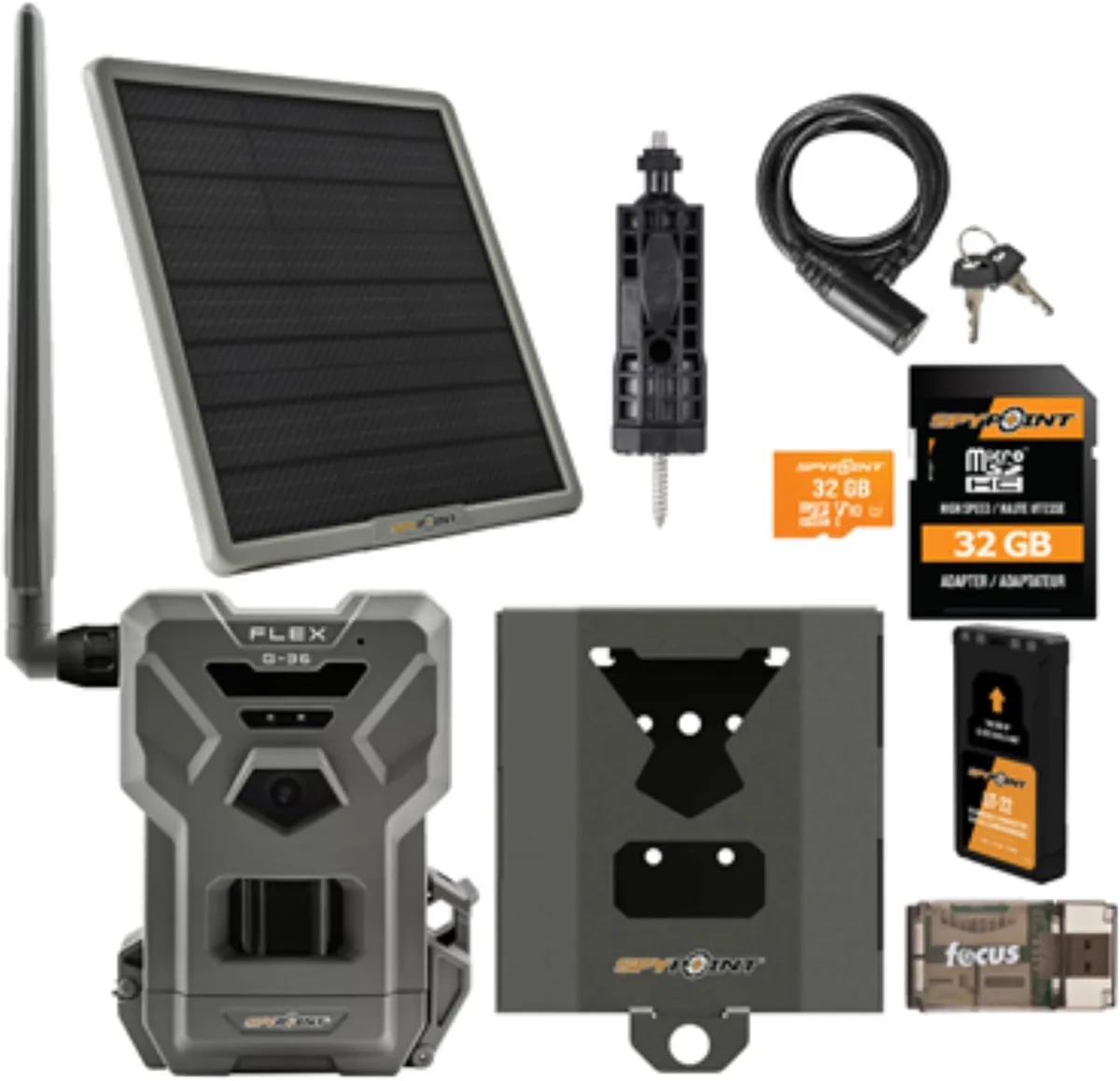
The SD card is another common weak point. The FLEX requires a FAT32 formatted card up to 32 GB. Cards formatted in exFAT or NTFS will not work.
A full card also stops transmissions. The camera keeps snapping local photos, but nothing reaches your phone.
Signal strength depends entirely on location. The FLEX connects to AT&T and T-Mobile networks. Dense woods, deep valleys, and metal boxes block the signal.
A camera that worked fine in August might struggle in November when leaves fall and humidity shifts.
Before You Dig In – Quick Checks That Fix 75 Percent of Cases
You can solve most transmission failures without leaving the house. Open the SPYPOINT app. Tap your device.
Look at the "Last Photo Received" timestamp. If it shows more than 24 hours ago, you have a real problem.
Check your plan status on the same screen. The app shows your remaining photo count and the plan expiration date. If the plan says "Expired" or "Suspended," that is your answer.
Purchase a new plan and the camera will start uploading within minutes. Many owners forget that the free plan ends after 100 photos.
Verify the camera has power. If you are within Bluetooth range, try connecting directly. A camera that responds to Bluetooth has some battery life left.
No response likely means dead batteries. This is especially common after cold nights in the field.
Check the LED lights through the transparent window on the front panel. Different flash patterns tell you exactly what is wrong. A solid green light means the radio is working.
Red means trouble. We cover these signals in the next section.
If all three quick checks pass, the problem is signal related. Walk to the camera location with your phone. Check your cellular bars on the same network the FLEX uses.
If your phone shows one bar or none, the camera will struggle too.
Decision Guide – Follow the Light (LED Diagnostics)
The SPYPOINT FLEX uses a small LED indicator behind the front panel to communicate its status. Learning these patterns is the single fastest diagnostic tool you have. No app needed.
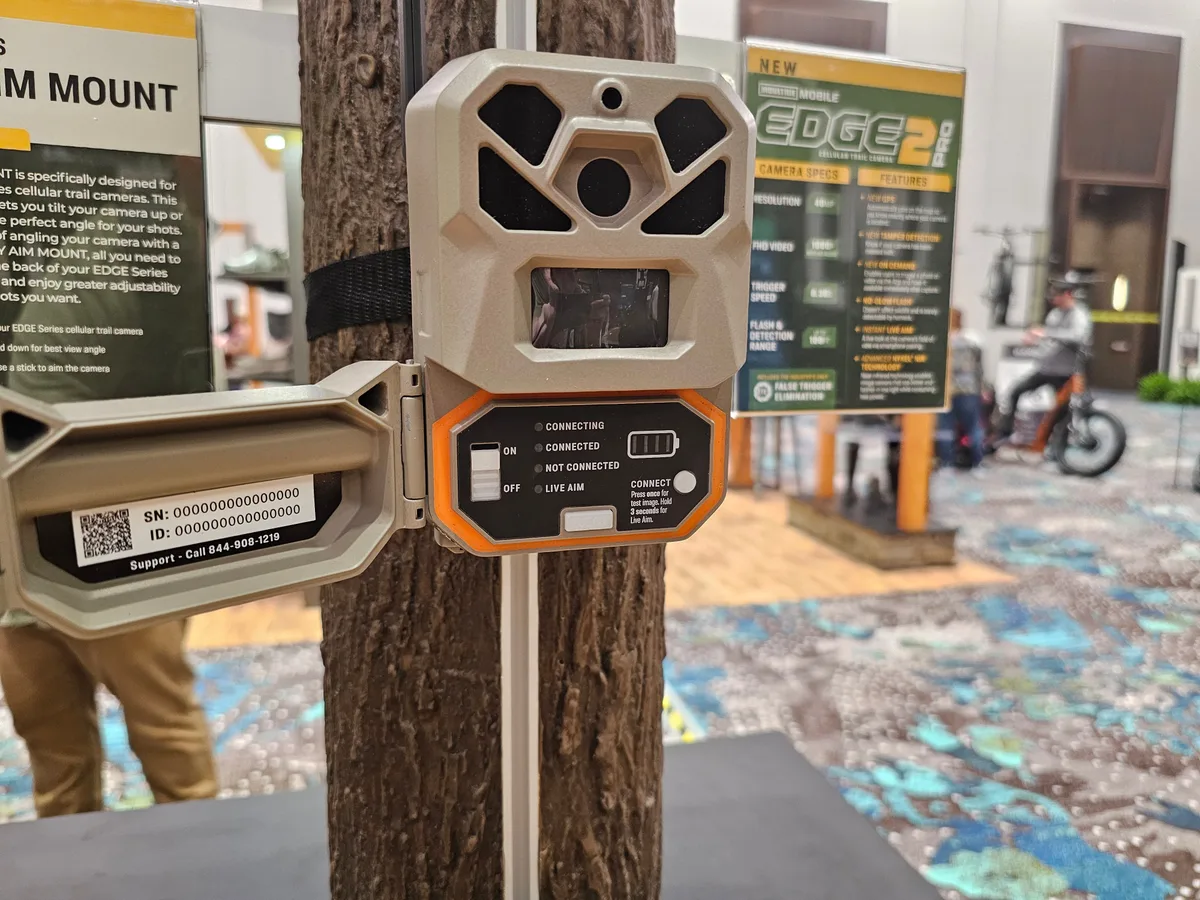
Solid green light. This is what you want. It means the camera has power, has found the cellular network, and is ready to transmit. If your photos are not sending with a solid green light, the issue is almost certainly your data plan or SD card.
Check those next.
Blinking green light. The camera is actively transmitting photos. This usually lasts 30 seconds to 2 minutes. If it blinks green endlessly without stopping, the camera may be stuck on a failed upload.
Power cycle it by removing the batteries. Wait 30 seconds. Reinstall them.
Solid red light. The camera is on but cannot find a cellular signal. This is a location issue. Try moving the camera higher, to a clearing, or closer to a ridge line.
A solid red light with known good signal elsewhere means the internal antenna might have a problem.
Blinking red light. Low battery warning. Replace the batteries immediately. The camera will keep taking photos locally but will stop transmitting.
Lithium AA batteries are strongly recommended for cold weather use.
No light at all. The camera has no power. Check the battery contacts for corrosion. Make sure all batteries are seated correctly.
Try a fresh set of known good batteries. This is the most common issue after winter storage.
If you see a combination pattern with red and green alternating, the camera is in setup mode or has lost its network configuration. A factory reset usually fixes this. Hold the power button for 10 seconds with the batteries installed.
Subscription and Data Plan Repairs
The SPYPOINT FLEX requires an active cellular plan to send photos. This is the easiest fix to check and the one most owners overlook. The camera will still detect motion and store images on the SD card.
None of those photos will reach your phone without an active plan.
Free plan limits. The basic plan includes 100 photos per month. Once you reach that limit, transmission stops. The camera does not warn you.
You only find out when you check the app and see no new images. Upgrade to a paid plan or wait for the monthly reset.
Paid plan options. As of 2026, SPYPOINT offers tiered plans starting around $5 per month for 1,000 photos. The $10 plan covers 10,000 images. The $20 unlimited plan removes all caps.
Plans auto-renew by default. If your payment method fails, the plan suspends instantly.
How to fix an expired plan. Open the app. Tap "Account" then "Manage Plans." Select the plan that matches your usage. Complete the payment.
The camera usually resumes transmission within five minutes. If it does not, force a manual transmission from the device screen in the app.
Things to watch for. The free plan does not work for time lapse mode. Time lapse photos count against your monthly limit much faster than motion triggered shots. A camera set to take a time lapse every 5 minutes uses 288 photos per day.
That blows through the free plan in about 8 hours.
Multiple devices. If you run more than one SPYPOINT camera, check which plan applies to which device. The free plan covers one camera only. Additional cameras require their own plan or a multi-camera bundle.
Hardware and Environmental Fixes
If your plan is active and the LED shows a solid green light, the problem lives in the physical setup. Three hardware components cause nearly all remaining failures: batteries, the SD card, and the cellular signal.
Batteries are the most common hardware failure. The SPYPOINT FLEX runs on 8 AA batteries. Alkaline batteries lose voltage in cold weather. Below 40 degrees Fahrenheit, they can drop below the minimum operating voltage.
The camera will wake up for motion detection but cannot power the cellular radio to transmit.
Switch to lithium AA batteries for any setup that stays out during fall and winter. Lithium cells maintain full voltage down to minus 40 degrees. They also last two to three times longer than alkaline cells in normal conditions.
This is the single best fix for winter camera setups.
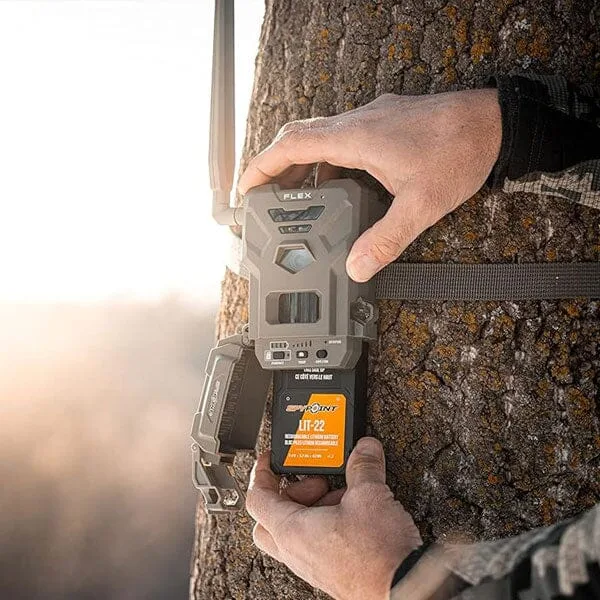
SD card problems are subtle. The FLEX requires a MicroSD card formatted in FAT32. Cards larger than 32 GB often come formatted in exFAT. The camera cannot read that format.
Format the card inside the camera using the app or the camera menu. A card formatted in a computer may still have hidden partition structures that cause errors.
Full SD cards stop all transmissions. The camera needs free space to store images before uploading. If the card fills up, the camera stops taking photos and stops sending. Check the card capacity through the app.
A 32 GB card holds roughly 15,000 to 20,000 photos depending on resolution.
Signal strength is location dependent. The FLEX uses AT&T and T-Mobile networks. Check the coverage map for your exact GPS coordinates. If your phone shows one bar on the same network, the camera will struggle.
Move the camera higher. Clear brush from the line of sight toward the nearest tower. Relocate to a ridge line if possible.
Moisture inside the housing. Water vapor can condense inside the camera on humid days. This causes short circuits and intermittent failures. Open the camera in a dry environment.
Check the rubber gasket for debris. Apply dielectric grease to the battery contacts to prevent corrosion.
When All Else Fails – Hard Reset, Firmware, and Support
You have checked the plan. You have swapped batteries. You have moved the camera to better signal.
Nothing works. At this point, the problem is likely a software glitch or a firmware issue. These fixes clear the most stubborn cases.
Hard reset clears most software errors. Remove all batteries from the camera. Wait at least 60 seconds. Hold the power button down for 15 seconds to drain any residual charge.
Reinstall fresh lithium batteries. This forces the cellular radio to reinitialize and reconnect to the network. Many owners report this fix resolves intermittent transmission failures immediately.
Check for a firmware update. The SPYPOINT app pushes firmware updates to connected cameras. Open the app. Navigate to your device.
Look for a firmware version number. Compare it against the latest version on the SPYPOINT support site. Outdated firmware can cause sync issues, missed transmissions, and complete upload failures.
A firmware update typically takes 5 to 10 minutes over Bluetooth and requires good batteries to complete successfully.
Format the SD card inside the camera. Pop the card out. Insert it into your computer. Copy any photos you want to keep.
Then put the card back in the camera. Use the camera menu or the app to format it. This ensures the card uses the correct FAT32 file structure.
A camera-formatted card eliminates hidden partition errors that a computer format can leave behind. This step resolves most SD-related failures.
Factory reset as a last resort. This wipes all your camera settings. You will need to re-pair the camera with your phone and reconfigure your preferences. Hold the power button for 10 seconds or use the reset button on the bottom of the camera.
After the reset, the camera acts like a brand new unit. Set it up fresh through the app. Test transmission with a single walk-by test.
When to contact support. If the hard reset and firmware update fail, you may have a hardware defect. Contact SPYPOINT support through the app or their website. Describe exactly what you have tried.
Include the LED light pattern, your plan status, and battery type. Support can run a remote diagnostic on your camera. Some issues require a replacement unit.
Aggregate user reports indicate that SPYPOINT support is responsive for verified hardware problems within the warranty period.
Frequently Asked Questions
How do I force my SPYPOINT FLEX to send photos manually?
Open the SPYPOINT app and select your device. Tap the "Transmit Now" button. This forces the camera to upload all stored photos immediately.
The camera must have active service and sufficient battery power. Manual transmission usually takes 30 seconds to 2 minutes depending on signal strength.
Why is my SPYPOINT FLEX showing a solid red light?
A solid red light means the camera has power but cannot find a cellular signal. Move the camera to a higher location or a clearing. Check the AT&T and T-Mobile coverage map for your exact location.
A solid red light in an area with known coverage may indicate a defective cellular antenna.
Will my SPYPOINT FLEX work without a subscription?
The camera will detect motion and store photos on the SD card. It will not transmit any images to your phone without an active plan. The free basic plan includes 100 photos per month.
After reaching that limit, the camera stops sending until the month resets or you upgrade.
How long do batteries last in a SPYPOINT FLEX?
Alkaline batteries last 2 to 4 months in moderate conditions. Lithium AA batteries last 4 to 6 months. Cold weather cuts alkaline life by half.
Lithium batteries maintain full voltage down to minus 40 degrees and are strongly recommended for winter setups.
What size SD card does the SPYPOINT FLEX support?
The camera supports MicroSD cards up to 32 GB in FAT32 format. Cards larger than 32 GB often come formatted in exFAT and will not work. Always format the card inside the camera for best results.
A 32 GB card holds roughly 15,000 to 20,000 photos.
How do I update the firmware on my SPYPOINT FLEX?
Open the SPYPOINT app and connect to your camera via Bluetooth. Go to the device settings page. If a firmware update is available, the app will prompt you to install it.
Ensure the camera has fresh batteries before starting the update. The process takes 5 to 10 minutes and requires a stable Bluetooth connection.

Similar Posts
































