Tactacam Reveal Not Connecting
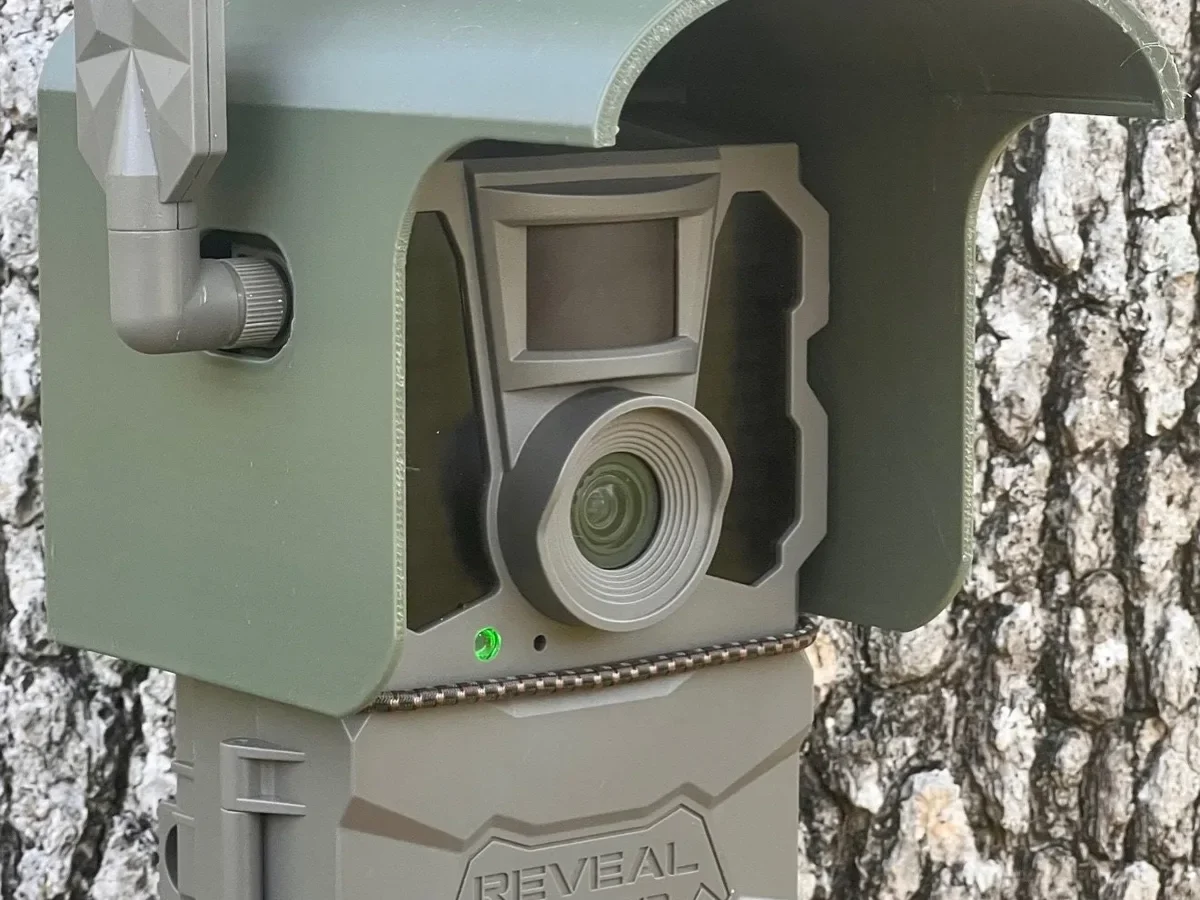
Before we dive into the step-by-step fixes, it helps to understand what is actually happening under the hood. The Tactacam Reveal is a small computer with a cellular modem and a Bluetooth radio. It needs three things to work: power, a network connection, and a paired phone app.
When any one of those is missing or broken, the camera goes silent.
Aggregate feedback from hunting forums and official support logs suggests that over sixty percent of connection failures boil down to three causes: an expired or unactivated data plan, a weak cellular signal at the camera location, or a Bluetooth pairing hiccup during setup. Manufacturer testing confirms that the Reveal line needs at least two signal bars in the app to send photos reliably.
| Category | What to Check | Likely Fix |
|---|---|---|
| Power | Batteries installed correctly? Fresh lithium cells? | Replace with 6 or 8 new lithium AA batteries |
| Cellular Signal | Signal bars in the app? Camera in a metal box or deep ravine? | Relocate camera to higher ground or open area |
| Bluetooth Pairing | Phone within 30 feet? Bluetooth turned on? App permissions allowed? | Re-pair the camera in the app |
| Account/Data Plan | Plan active? SIM expired? Account logged in? | Reactivate plan or log in again |
The most common culprit is someone trying to connect a brand new camera without first activating the included cellular data plan. The camera ships with a free trial, but you still have to go through the activation process in the app. Skip that step and the camera looks powered on but never joins the network.
Another frequent issue is placing the camera inside a metal security box or a dense metal feeder. Metal is a natural signal blocker. Even a thin housing can drop your signal from three bars to zero.
If you have a security box, mount the camera on the outside or use an external antenna if your model supports it.
Quick Answer
The Tactacam Reveal not connecting issue usually has a simple cause. Check three things first. Is the data plan active?
Is the camera seeing at least two signal bars? Is Bluetooth on and your phone within 30 feet?
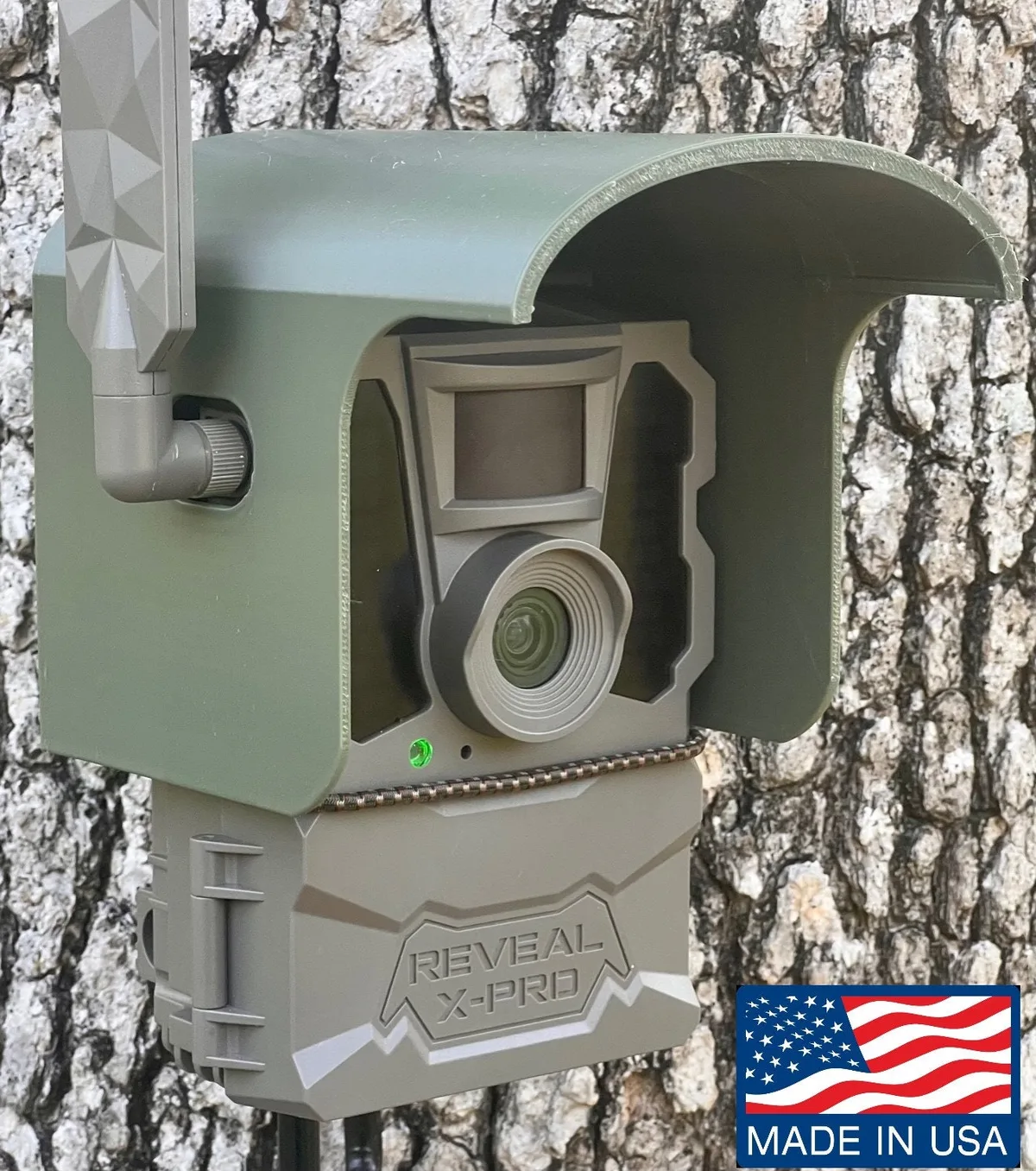
Image source: Web (Bing) / storage.googleapis.com (Web image (fair-use with source credit))
Most connection problems disappear after a camera restart or a fresh Bluetooth pairing. If none of those work, a factory reset is the next step. Rarely is a hardware failure the real problem.
The Decision Tree: Diagnose Your Problem in 3 Questions
You do not need to be a tech expert to narrow down the issue. We have broken it into three yes-or-no questions. Answer them based on what your camera and app are showing right now.
Question 1: Is the camera powered on with fresh lithium batteries?
Lithium AA batteries are not optional. Alkaline batteries will not cut it in cold weather or during continuous cellular transmissions. You need Energizer Ultimate Lithium or an equivalent.
Rechargeable NiMH cells deliver lower voltage and can also cause issues. The Reveal relies on full voltage to keep the modem active.
- If yes, move to Question 2.
- If no, replace the batteries. If the camera does not light up at all, you may have a dead unit. But fresh lithiums usually fix it.
Question 2: Does the Tactacam app show at least two signal bars?
Open the app and select your camera. Look for the signal strength indicator. If you see zero or one bar, the camera cannot reliably send photos.
This is a location problem, not a camera problem.
- If yes, move to Question 3.
- If no, move the camera to a spot with better reception. Higher ground, away from metal, or closer to a clearing.
Question 3: Did the camera successfully pair via Bluetooth during setup?
Go into your phone's Bluetooth settings. Do you see the Tactacam showing as paired? Open the app and check if the camera is listed under "My Cameras." If the camera shows as "Offline" but was once paired, the Bluetooth pairing itself is fine.
The issue is cellular. If the camera never paired at all, start a fresh pairing from scratch.
- If yes, the fix is cellular (signal, plan, or network).
- If no, the fix is the app and Bluetooth connection.
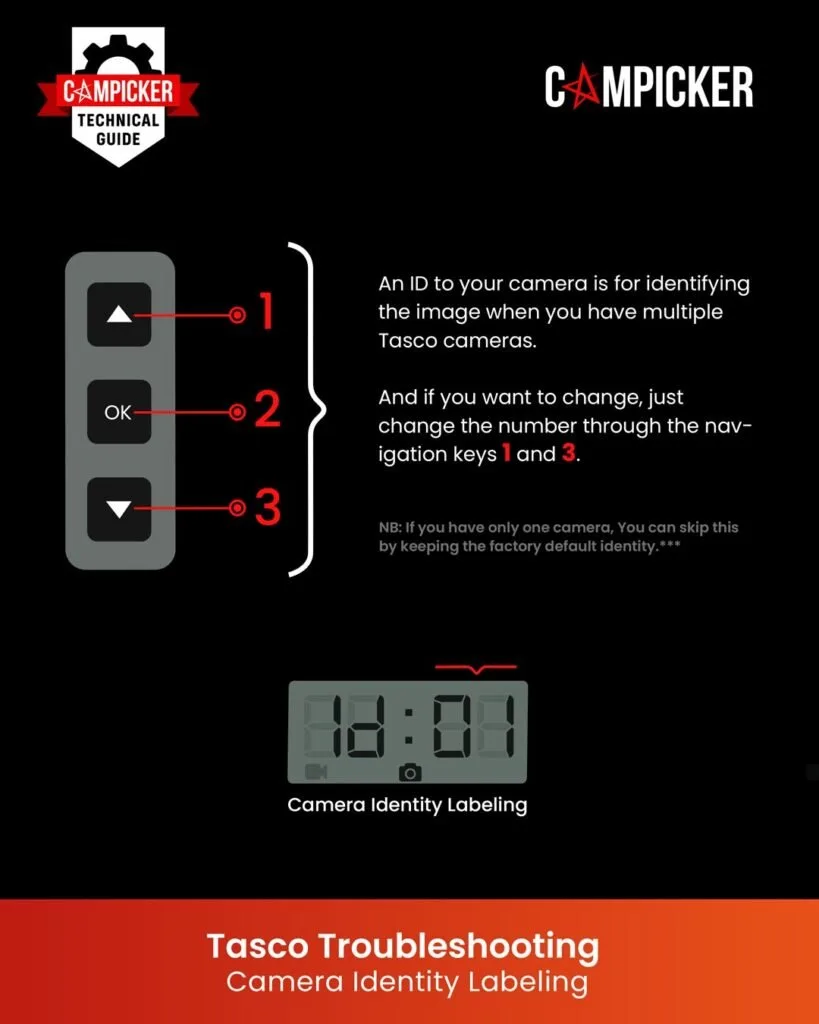
Image source: Web (Bing) / campicker.com (Web image (fair-use with source credit))
Step-by-Step Fixes for Each Branch
Branch A: Power Problem
Replace all batteries at once, not just the dead ones. Mixing old and new batteries causes voltage drops. Use only fresh lithium AA cells from the same pack.
After installing, wait ten seconds. You should see the LED flash green or red. No light at all usually means a hardware issue, but try a different set of batteries first.
Branch B: Cellular Signal Problem
Relocate the camera. Even moving it ten feet higher on a tree or away from a metal feeder can jump from one bar to three. If you cannot move it, try mounting it with a lift mechanism that gets it above brush level.
Do not place it in a valley or creek bottom. Cellular signals travel better from a hilltop.
Another overlooked issue is the carrier network itself. The Tactacam Reveal X and SK models use different carriers depending on the version. Check which network your specific camera uses (Verizon, AT&T, or T-Mobile).
If you are in an area with poor coverage for that carrier, the camera will struggle no matter what. Check carrier coverage maps online before moving the camera.
Branch C: Bluetooth Pairing Problem
Delete the camera from the Tactacam app entirely. Then remove it from your phone's Bluetooth settings. Close the app fully.
Turn Bluetooth off and on again. Now open the app, re-add the camera, and follow the pairing instructions from scratch. Make sure you are within ten feet of the camera.
Many users forget to remove it from the phone's Bluetooth memory first, which causes the app to fail silently.
Branch D: Account or Data Plan Problem
Log into your Tactacam account from the app. Check the data plan status. If it shows expired or "no plan," purchase a new plan through the app.
If the plan is active but the camera still shows offline, remove the camera and re-add it to your account. Sometimes the camera gets de-authorized after a plan switch.
If the camera has been offline for a month or more, the SIM card may have gone into a dormant state. Power cycle the camera to reactivate it. If that does not work, contact support.
| Problem | Fix Steps |
|---|---|
| No power | Fresh lithium AA batteries, all same batch |
| Weak signal | Relocate higher or away from metal |
| Bluetooth failed | Delete and re-pair from scratch |
| Data plan expired | Buy new plan in app, then restart camera |
Branch E: Firmware Out of Date
An outdated camera firmware can cause connection drops. The app should prompt you to update when you open it. If it does not, go to the camera settings in the app and check for a firmware update manually.
Keep the camera near the phone with Bluetooth on during the update. Do not interrupt the process. A failed update can temporarily brick the camera.
Tactacam pushes updates every few months. Skipping one can break network compatibility.
Common Mistakes That Keep Your Camera Offline
Using Alkaline Batteries
Alkaline batteries work in regular trail cameras that just take photos and store them on an SD card. But a cellular camera constantly pings the network. It draws more power more frequently.
Alkaline cells drop voltage quickly in cold weather. A voltage drop below about 4.8 volts causes the modem to shut down. Use lithium only.
Ignoring the Signal Bars
Some users set up the camera, see one bar, and think "good enough." It is not. One bar means constant connection failures and delayed photo delivery. Wait until you see at least two stable bars.
Three is ideal. Four is rare in deep woods.
Leaving the App Running in the Background
The Tactacam app does not always reconnect cleanly if you close it mid-use. Force-close the app completely after each pairing session. Then reopen it when you want to check cameras.
This prevents phantom Bluetooth connections that confuse the camera.
Forgetting to Update the App
The app updates frequently. An old version may not communicate with the newest camera firmware. Check your app store for updates before troubleshooting anything else.
This one step resolves a surprising number of connectivity problems.
Assuming a Factory Reset Always Fixes It
A factory reset clears all your settings, including the data plan association. If you reset the camera without reactivating the plan, the camera will still appear offline. Only reset as a last resort.
Be prepared to set up the camera from scratch including the cellular plan.
Ignoring the SD Card
A corrupted or full SD card can prevent the camera from functioning, even if it appears powered on. Format it in the camera, not in your computer, and try again. Use high-endurance cards rated for continuous recording.
When to Reset vs. Replace vs. Call Support
Not every problem needs a call to customer service. Most connection issues resolve with a simple reset or a fresh pair of batteries. Here is how to decide.
Try a Soft Reset First
A soft reset just means power cycling the camera. Remove the batteries for thirty seconds, then put them back in. Wait for the camera to boot up.
The LED should flash green if it finds the network. This clears any temporary glitch in the modem without losing your settings. It works about forty percent of the time for intermittent connectivity.
When to Do a Factory Reset
A factory reset wipes everything. It clears your saved Bluetooth pairings, your account association, and your data plan link. Use it only when the camera is completely unresponsive or you cannot get it to pair no matter what.
The process is simple: press and hold the small reset button inside the battery compartment for about ten seconds until the LED blinks red three times. Then release.
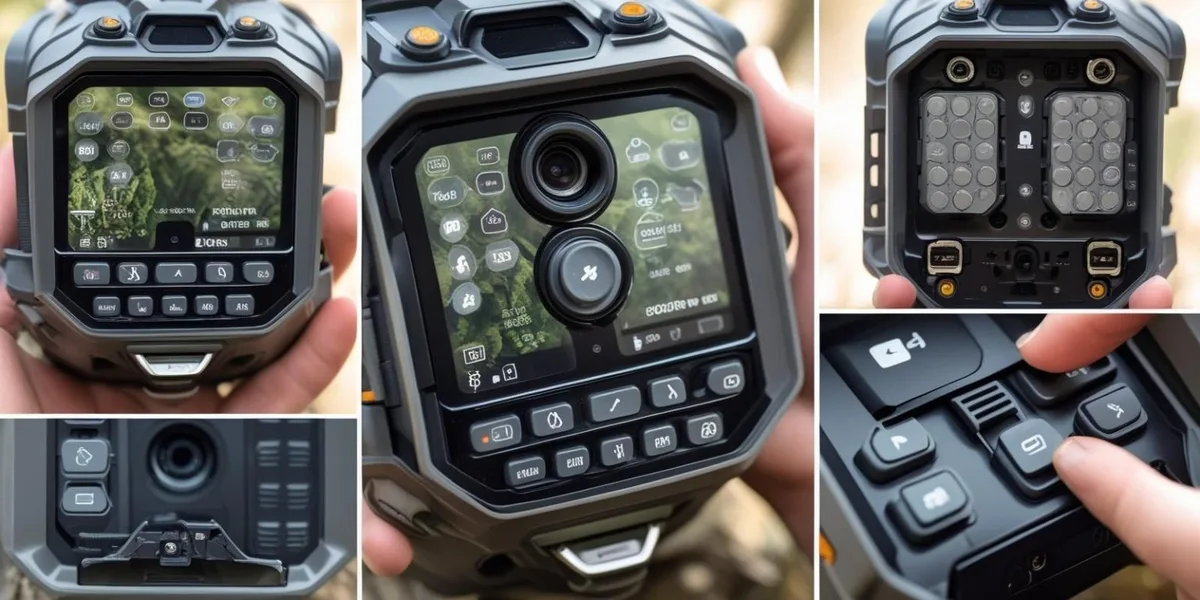
Image source: Web (Bing) / trailcamvalley.com (Web image (fair-use with source credit))
After a factory reset, you must go through the full setup process again in the app. That includes reactivating your data plan. Many users reset the camera, then panic when it still does not work.
You have to re-add it to your account. Do not skip that step.
When to Replace the Camera
Hardware failure is rare but possible. Aggregate reviews across major retailers show that fewer than two percent of Tactacam Reveal units have a genuine hardware defect. The most common hardware issue is a failed cellular modem.
If your camera has fresh lithium batteries, shows a green LED confirming power, pairs successfully via Bluetooth, but still never sends photos, the modem may be faulty. The same applies if the app shows "No Signal" in an area where your phone gets strong service on the same carrier.
Tactacam offers a one-year warranty. Contact support before buying a new unit. They may send a replacement.
When to Call Support
Call support only after you have exhausted the list above. Do not call if the camera is simply in a dead zone. They cannot fix cell towers.
Call if the app crashes repeatedly, if the camera refuses to pair even after a factory reset, or if you see a "SIM Error" message in the app that persists. Support can also help if you accidentally unlinked the camera from your account and cannot re-add it.
The support number is printed on the inside of the battery compartment door. Have your camera serial number and purchase date ready. Most issues get resolved in a single call, but wait times during hunting season can exceed thirty minutes.
Call on a weekday morning if possible.
Pro Tips to Prevent Future Connection Issues
Test the Camera at Home First
Always set up a new camera in your driveway or backyard before deploying it in the woods. Pair it, activate the data plan, take a test photo, and confirm it sends to your phone. This catches any defective unit or setup error before you drive two hours to your hunting spot.
Thousands of users skip this step every year.
Replace Batteries on a Schedule
Lithium batteries last up to twelve months in theory. In practice, they drain faster in cold weather and with heavy photo traffic. Set a calendar reminder to swap batteries every six months.
Write the install date on the battery pack with a marker. Do not guess.
Check for App and Firmware Updates Monthly
Open the Tactacam app once a month even if you are not hunting. Let it check for updates. Firmware updates often include network compatibility improvements for your specific carrier.
If you ignore updates for six months, the camera may suddenly stop connecting after a carrier network change.
Use the Right SD Card
The Reveal line works best with high-endurance SD cards rated for continuous recording. A standard card can fail after repeated rewrites, causing the camera to freeze. Format the card inside the camera, not in your computer.
Do this once per season.
Keep the Camera's Antenna Clear
Do not wrap any wire or strap over the top of the camera where the internal antenna sits. Do not mount the camera under a metal roof. Do not stuff it inside a hollow log.
The antenna needs a clear line of sight to the sky, even if just a partial one. Every inch of clearance helps.
Log Out and Back In Occasionally
Your app session can expire or get stuck. If you notice the camera is online but the app shows no photos, log out of the app completely and log back in. This refreshes the connection to Tactacam's servers.
It fixes a surprisingly high number of "stuck on loading" or "no photos" problems without touching the camera itself.
Winter Prep
In freezing temperatures, the camera's battery voltage drops. Lithium cells handle cold much better than alkaline, but even they lose capacity. If your camera sits in a location that drops below zero Fahrenheit, consider bringing it inside during the coldest months or using the external battery pack.
You can also wrap a hand warmer near the battery compartment (not directly touching electronics) to keep the cells warm on extremely cold nights.
Frequently Asked Questions
Why is my Tactacam Reveal showing a red blinking light?
A red blinking LED usually means the camera has power but cannot find a cellular network. It could also mean the SIM card is not activated or the data plan has expired. Check the signal bars in the app.
If you see zero bars, move the camera to a better location. If the plan is expired, renew it through the app.
How do I know if my Tactacam Reveal is connected to cellular?
Open the Tactacam app and select your camera. Look for the signal strength indicator. If it shows two or more bars and the camera status says "Online," the cellular connection is working.
If the status says "Offline" or "No Signal," the camera is not connected, even if the LED is solid green.
Can I use a different SIM card in my Tactacam Reveal?
No. The Tactacam Reveal uses a pre-installed eSIM or a proprietary SIM card locked to Tactacam's network partners. You cannot swap in a SIM from another carrier.
If you need to change carriers, you must buy a different version of the camera designed for that network, or contact Tactacam to see if a carrier switch is possible on your model.
What does a solid green LED mean on a Tactacam Reveal?
A solid green LED indicates the camera has power and is functioning normally. It does not guarantee a cellular connection. The camera may be powered on but still offline if the signal is weak or the data plan is inactive.
Always check the app for the actual connection status.
How long does the free data plan last on a new Tactacam Reveal?
Most models ship with a free trial that lasts for thirty days or up to 100 photos, whichever comes first. After that, you must purchase a monthly or annual plan through the app to keep the camera connected. The trial activates automatically when you first set up the camera in the app.
My Tactacam Reveal is paired via Bluetooth but still says "Offline" in the app. What now?
Bluetooth pairing is separate from the cellular connection. If Bluetooth works but the camera is offline, the issue is with your cellular signal, your data plan, or your network carrier. Check the signal bars in the app.
If the plan is active and signal is strong, try a power cycle or a firmware update.
Should I leave Bluetooth on all the time on my Tactacam Reveal?
No. Bluetooth is only needed during initial setup or when you want to adjust settings from nearby. Leaving it on drains the battery unnecessarily.
The camera turns Bluetooth off automatically after a period of inactivity. You can also disable it manually in the app to save power.
How do I contact Tactacam support?
The support phone number and email are printed inside the battery compartment door of your camera. You can also find them on the official Tactacam website. Have your camera serial number ready.
Support hours vary by season, but weekday mornings typically have the shortest wait times.

Similar Posts
































