Can AI Translation Devices Translate Pictures: Best Guide

Yes, many AI translation devices can translate pictures using camera-based OCR and machine translation.
AI translation devices can now read menus, signs, labels, forms, and screens from a photo. But results depend on image quality, language support, text layout, and the device’s software. This guide explains how picture translation works, where it helps, where it fails, and how to get more accurate results in real life.
Can AI translation devices translate pictures?
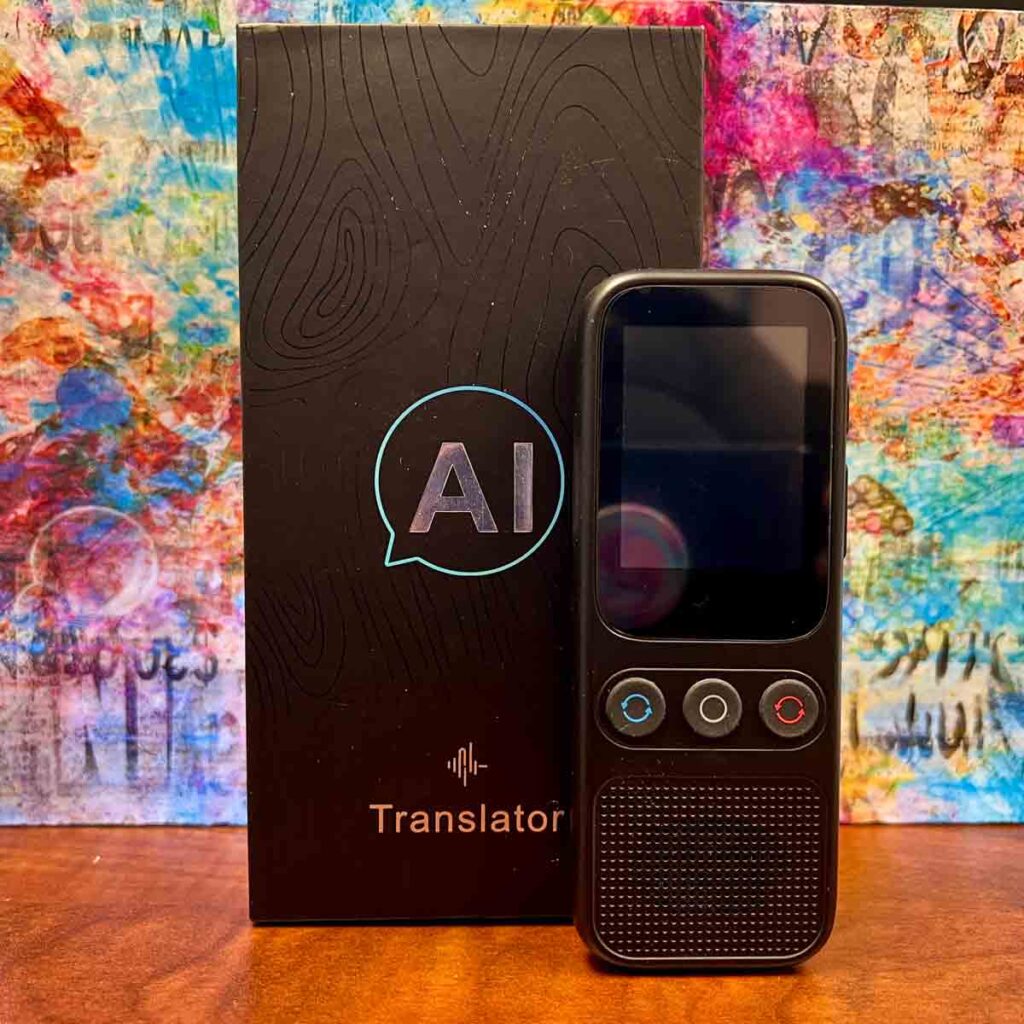
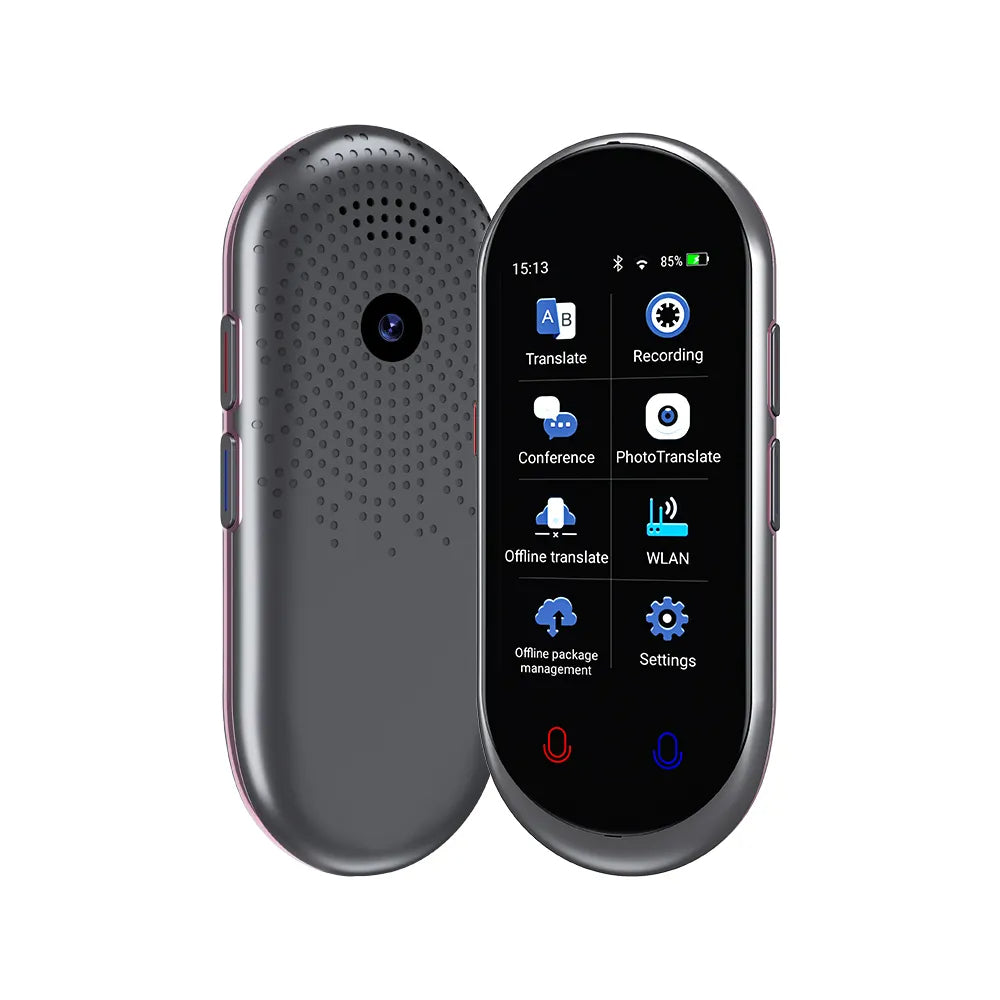
Yes, many AI translation devices can translate pictures. They use a camera to capture text, optical character recognition (OCR) to read it, and machine translation to convert it into another language.
Some devices translate the text on the screen. Others show the translated words over the original image. A few can speak the result aloud, which is useful when you are traveling or helping someone read an unfamiliar document.
Common examples include:
• Handheld electronic translators with built-in cameras
• Smart glasses with translation features
• Smartphones with translation apps
• Digital pens that scan printed words
• Portable devices designed for travel and language learning
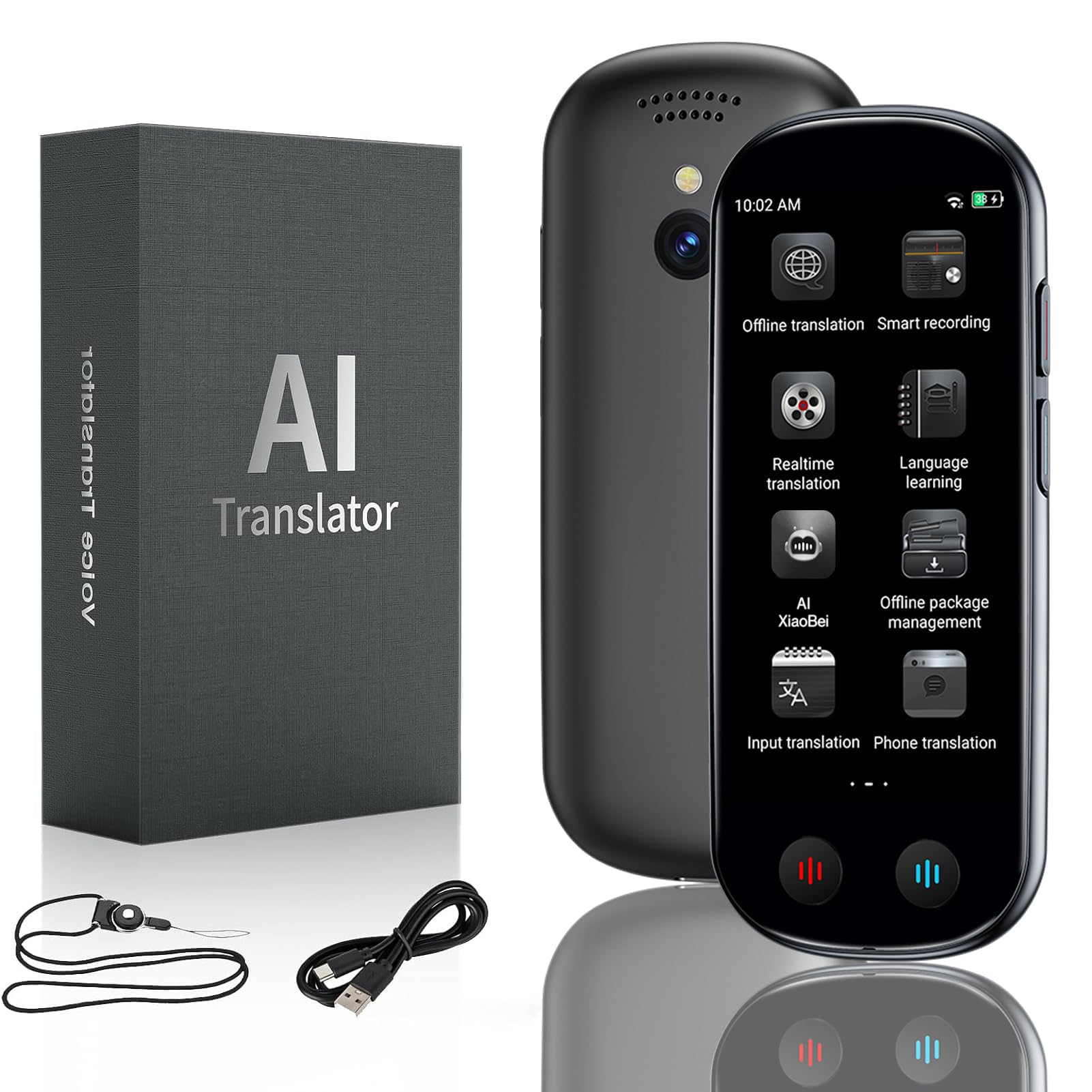
The key point is that not every translation device can read images. A device must have a camera, OCR support, and picture translation software. A device that only translates spoken language may not translate pictures at all.
How does picture translation work?
When an AI translation device translates a picture, it usually follows four main steps.
- The camera captures the image.
The device takes a photo or scans the view in front of it. Good lighting and a steady camera help create a clear image.
- OCR detects the written text.
OCR means optical character recognition. It identifies letters, numbers, punctuation, and word shapes in the image. Modern OCR can read many fonts and scripts, but it may struggle with handwriting or damaged text.
- The system identifies the language.
The software checks the shapes and words to estimate whether the text is Spanish, French, Japanese, Arabic, Chinese, or another supported language. Some devices let you select the source language manually.
- The translation engine changes the text.
The device sends the recognized words through a machine translation system. It then displays or speaks the result in your chosen language.
This process is similar to having a digital assistant look at a menu, copy the words, translate them, and place the answer back on the page. The process feels instant, but several technologies work together behind the scenes.

What types of pictures can AI translation devices read?
Picture translation works best when the image contains clear, printed text. A device may translate:
• Restaurant menus
• Street signs
• Train and bus notices
• Product packaging
• Medicine labels
• Hotel instructions
• Museum descriptions
• School worksheets
• Printed letters and forms
• Computer screens and phone displays
Some systems can also read text in a live camera view. You point the camera at a sign, and the translation appears without taking a separate photo.
However, the picture must contain readable text. A photo of a painting, a person, or a symbol without words does not give the translation system enough language data. The device may identify an object, but that is different from translating text.

Can AI translation devices translate handwritten text?
Sometimes, but handwritten text is one of the hardest types of text for AI to read. Neat block letters may work well. Cursive writing, unusual spacing, faded ink, and personal notes often cause errors.
A handwritten prescription is a good example. The device may recognize some letters but produce an unsafe or incorrect result. Never rely on machine translation alone for medical instructions, legal documents, or emergency information.
For handwritten text, try these steps:
• Take the photo in bright, even light.
• Keep the page flat.
• Avoid shadows from your hand or phone.
• Use a sharp image with high resolution.
• Select the correct source language.
• Compare the result with a trusted human reader.
AI can assist with handwriting, but it should not replace a qualified translator when accuracy matters.
How accurate is picture translation?
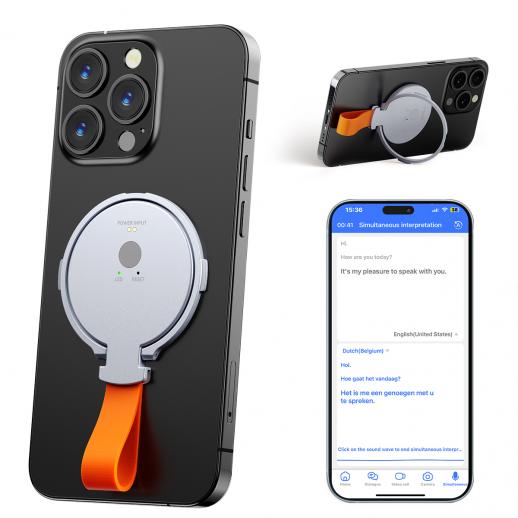
The accuracy of picture translation can be very good for short, clear, printed phrases. It is less reliable for complex writing, slang, jokes, legal terms, and text with cultural meaning.
Accuracy often drops when the image contains:
• Small or blurry letters
• Glare from glass or plastic
• Curved text on bottles
• Decorative fonts
• Mixed languages
• Vertical writing
• Words cut off at the edge of the image
• Low contrast between text and background
• Tables, columns, or unusual page layouts
Translation quality also depends on context. For example, the word “bank” can refer to a financial institution or the side of a river. A short label may not provide enough information for the system to choose the right meaning.
In practical use, picture translation is best treated as a helpful first draft. It can tell you what a sign or menu probably means. For contracts, immigration papers, medical records, and safety instructions, use a professional translator or a trusted bilingual expert.
What are the benefits of AI picture translation?
AI picture translation solves several common problems for travelers, students, workers, and families.
It works quickly
You do not need to type every word. Point the camera at the text, wait a moment, and read the result.
It helps in unfamiliar places
A translated menu or train notice can make travel less stressful. Even a rough translation may help you choose food, find a platform, or understand a local rule.
It supports many languages
Leading translation tools support dozens of languages. Some also support different writing systems, such as Latin, Cyrillic, Arabic, Devanagari, Chinese, Japanese, and Korean scripts.
It can read text aloud
Spoken output helps when you cannot read the translated script. It can also help with pronunciation when learning a new language.
It reduces typing mistakes
Typing foreign words on a small screen can be difficult. Image translation captures the text directly, which saves time and avoids spelling errors.
It supports accessibility
People with reading difficulties or limited language skills may use camera translation to understand important printed information. The feature can also help families communicate across language barriers.
What are the limitations and risks?
AI translation devices are useful, but they are not perfect. A confident-looking translation can still be wrong.
One major risk is false confidence. The software may produce a smooth sentence even when it misread the original text. This is especially dangerous with medicine, allergies, building safety, and legal instructions.
Privacy is another concern. Some devices process images on the device. Others send pictures to a cloud server. Before scanning passports, bank statements, school records, or private messages, check the device’s privacy policy and storage settings.
Other limitations include:
• No internet connection for cloud-based features
• Limited language support on cheaper devices
• Delays when the server is busy
• Problems with regional dialects
• Incorrect translations of names and addresses
• Difficulty preserving tone and humor
• Errors caused by logos or stylized text
• Battery drain during long camera sessions
A useful rule is simple: use AI for convenience, but use human review for consequences.

How to get better picture translations
Small changes can improve results a lot. When an AI translation device translates pictures, the quality of the input often matters as much as the translation engine.
Try this simple process:
- Clean the camera lens.
A fingerprint can make small text look soft.
- Use strong, even light.
Avoid glare, deep shadows, and direct flash on glossy paper.
- Hold the device straight.
A flat, centered image is easier for OCR to understand than a sharply angled photo.
- Fill the frame with the text.
Do not include too much empty space. At the same time, keep whole words and sentences inside the image.
- Use the correct language settings.
Automatic language detection is helpful, but manual selection can improve accuracy.
- Translate short sections.
A full page with several columns may confuse the system. Scan one paragraph, sign, or label at a time.
- Check names and numbers.
AI often makes mistakes with dates, prices, addresses, room numbers, and product codes.
- Compare unclear results.
Take a second photo, crop the text, or use another translation tool. If the meaning still seems unclear, ask a person.
These steps are simple, but they prevent many common OCR errors.

AI translation devices versus phone apps
A phone app and a dedicated AI translation device may use similar translation technology. The better choice depends on your needs.
A smartphone is often the most flexible option. It has a strong camera, access to many apps, and easy updates. It may also translate text, speech, websites, and conversations in one place.
A dedicated translator can be easier for travel. It may have a simpler interface, a larger translation button, offline language packs, and a design made for quick use. Some people also prefer not to hand their personal phone to a stranger during a conversation.
Consider these factors:
• Camera quality
• Offline translation support
• Available languages
• Battery life
• Screen size
• Ease of use
• Privacy controls
• Cost of updates or subscriptions
• Support for live camera translation
Before buying, confirm that the device supports image translation. Product descriptions sometimes highlight voice translation while giving little detail about OCR or camera features.
Can AI translate pictures offline?
Some AI translation devices can translate pictures offline, but only if they include offline OCR and offline language data. Other devices need Wi-Fi or mobile data to send the image to a remote translation service.
Offline translation is useful on airplanes, in rural areas, and when roaming costs are high. It can also provide more privacy because the image may stay on the device.
Offline tools may have fewer languages and weaker results than cloud-based systems. Download the needed language packs before traveling, then test them with real signs, labels, and menus.
Do not assume that offline voice translation also means offline picture translation. These features may use separate software.
Real-life examples of picture translation
Imagine you arrive at a train station in Seoul. A camera translator may read a platform sign and show the English meaning. It can help you understand the general message, but you should still confirm the platform number and departure time.
Now consider a restaurant menu in Italy. The device may translate “pasta al forno” into a phrase that sounds literal. A local server can explain the dish more naturally, including ingredients and common allergens.
At work, an employee may scan a machine label written in German. The result can provide a quick idea of the warning. For a safety procedure, however, the company should use an approved human translation.
These examples show the right role for AI. It is a bridge, not always a final authority.
Lessons from using camera translation tools
The most important practical lesson is to check the original text after receiving a translation. A device can miss a small word such as “not,” change a number, or confuse a warning with an instruction.
Another lesson is to avoid translating a whole scene when one sign matters. Cropping the image gives the OCR system less clutter and usually produces a cleaner result.
It also helps to save the original photo. If the translation looks strange, you can zoom in, retake the image, or show it to someone who knows the language.
For important communication, use two methods. For example, scan a label, listen to the translation, and then ask a bilingual person to confirm it. This extra step takes little time and can prevent a serious mistake.
Frequently Asked Questions About Can AI Translation Devices Translate Pictures
Can AI translation devices translate pictures in real time?
Yes, some devices translate text through a live camera view. The words may appear on the screen as you move the camera, but speed and accuracy depend on lighting, internet access, and the device’s processor.
Do all electronic translators translate pictures?
No. Some electronic translators only support speech or typed text. Look for camera translation, OCR, or image translation in the product specifications before buying.
Can an AI device translate a photo from my phone?
Many translation apps can import a saved photo or use the phone camera directly. Dedicated devices may support photo transfer, but compatibility varies by model.
Can AI translate pictures with multiple languages?
Often, yes. Some tools can detect and translate more than one language in the same image. Mixed scripts, crowded layouts, and overlapping text can still lead to mistakes.
Can picture translation replace a human translator?
No. It can help with everyday signs, menus, and short labels, but it should not replace a professional for legal, medical, financial, or safety-related documents.
Does picture translation require the internet?
Not always. Some devices offer offline picture translation through downloaded language packs, while others require an internet connection for OCR or machine translation.
How can I make an AI translation device read a blurry picture?
Retake the image with better light, clean the lens, hold the camera steady, and move closer. Cropping the text and selecting the source language manually can also improve the result.
Conclusion
AI translation devices can translate pictures when they include a camera, OCR, and machine translation features. They work well for clear printed text, travel signs, menus, labels, and short notices. Their results become less dependable with blurry images, handwriting, complex layouts, slang, and high-stakes documents.
For the best outcome, use good lighting, keep the camera steady, scan small sections, and check important details such as names, dates, prices, and warnings. Treat the tool as a helpful language bridge, not a perfect human translator.
Try picture translation on a simple sign or menu, compare the result with the original, and learn which device or app fits your needs. Share your experience or explore more language technology guides to make your next trip or translation task easier.

Similar Posts