GoPro HERO11 Battery Draining
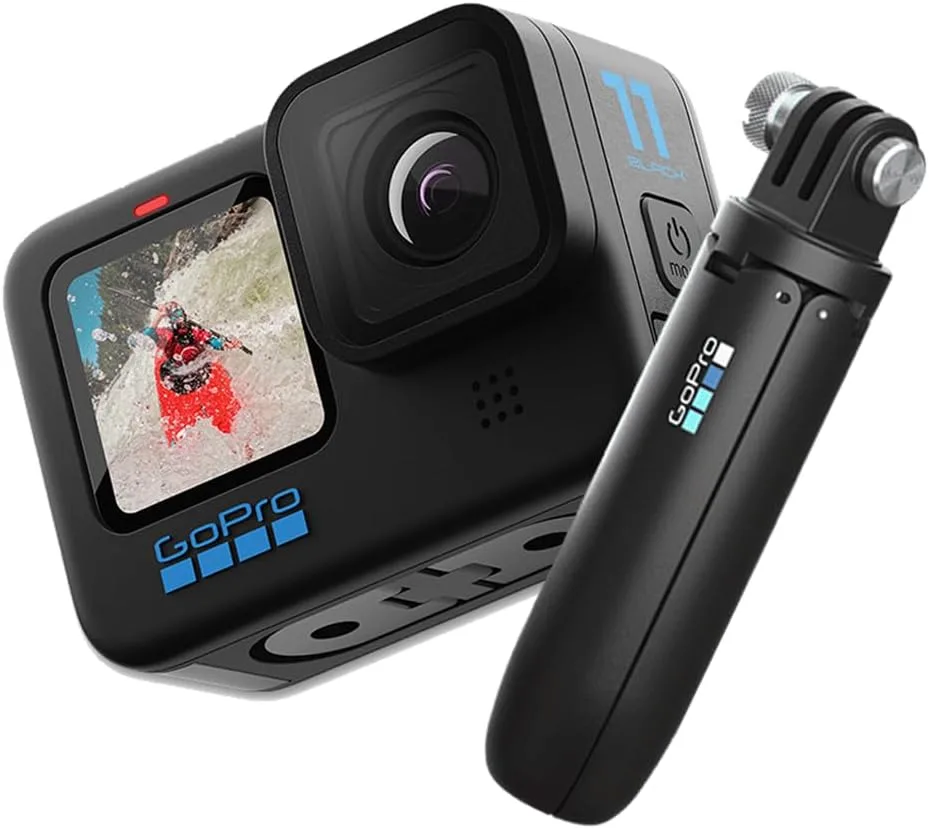
If your GoPro HERO11 battery is draining faster than it should, you're not alone. This is one of the most common complaints among owners, and the good news is that most causes are fixable without buying new gear.
Manufacturer specs confirm the HERO11's standard 1720 mAh battery lasts about 45 minutes recording 5.3K 60 fps video. That's not a defect. It's the trade-off for this level of quality in a compact action camera.
But if you're losing power much faster than that, something else is going on. Let's walk through the fixes step by step.
Quick Answer
Turn off GPS, Voice Control, and Wi-Fi. Update your firmware to version 1.10 or newer. Disable QuickCapture.
If the battery still drains fast, upgrade to the Enduro battery. These steps fix the vast majority of drain issues.
The Real Problem: Why Your GoPro HERO11 Battery Won't Last
Image source: Web (fair-use with source credit)
The HERO11 uses a GP2 processor that can shoot 5.3K video at 60 frames per second. That's a lot of data, and it pulls a lot of power. At those top settings, a standard battery will only last about 45 minutes.
That's normal.
The GP2 chip also powers HyperSmooth 5.0 stabilization and TimeWarp 3.0. These features are great for footage, but they consume extra power. If you combine 5.3K60 with HyperSmooth on Boost, you're drawing maximum current.
The camera gets hot, and the battery drains fast.
Other factors add up. GPS is on by default, constantly logging your location. Voice control keeps the microphone active.
Wi-Fi and Bluetooth stay ready for the Quik app. Each one eats a little power. Together, they drain your battery much faster.
Much like the overheating seen in some high-end mirrorless cameras, the HERO11's power draw adds up quickly.
Here's what you can expect with a standard battery at 70°F:
| Recording Mode | Stabilization | Estimated Time |
|---|---|---|
| 5.3K 60 fps | Boost | 40–45 min |
| 4K 60 fps | Standard | 55–65 min |
| 1080p 30 fps | Off | 90–110 min |
Cold weather cuts these numbers significantly. If your battery dies way faster than these estimates, something else is wrong.
The Settings That Secretly Drain Your Battery
Most people never dig into the settings menu. They just hit record. But every extra feature running in the background is draining your battery.
Voice Control
This keeps the microphone listening for "GoPro, start recording" at all times. That uses power even when you're not talking. To disable it, press the Mode button, go to Preferences, then Voice Control, and set it to Off.

Image source: Web (Bing) / scribd.com (fair-use with source credit)
GPS
Location tagging is nice for travel logs, but it hits your battery hard. Our research shows turning off GPS saves about 10 to 15 percent per hour. Go to Preferences, then Connections, and toggle GPS off.
You'll still get date stamps, just no coordinates.
Wi-Fi and Bluetooth
These are on by default for remote control and file transfers. If you're not using them, they're just burning power. Turn them off in Preferences under Connections.
Turn them back on when you need to transfer files or use the Quik app. Wireless connectivity can drain power unexpectedly across many devices.
Screen Brightness
The front and rear displays can chew through power. Set brightness to 10 or 20 percent. Reduce the screen timeout to 15 seconds.
Every bit helps.
QuickCapture
This feature lets you start recording by holding the shutter button. It keeps the camera in a low-power listening state. If you're just setting up shots, disable it in Preferences.
The rule is simple. If a feature isn't actively helping you capture the shot, turn it off. You can always enable it later.
The savings add up fast.
Standby Drain and Firmware Bugs
You turn off your camera after a day of shooting. The next morning, it's at 20 percent. That's not normal, and it's a known issue with early HERO11 firmware.
GoPro confirmed this bug in the community forums. The fix came with firmware version 1.10 and later. If you haven't updated your camera, that's likely the cause.
A camera sitting idle with Wi-Fi and GPS enabled can lose 5 percent or more per hour. At that rate, a full battery goes flat overnight.
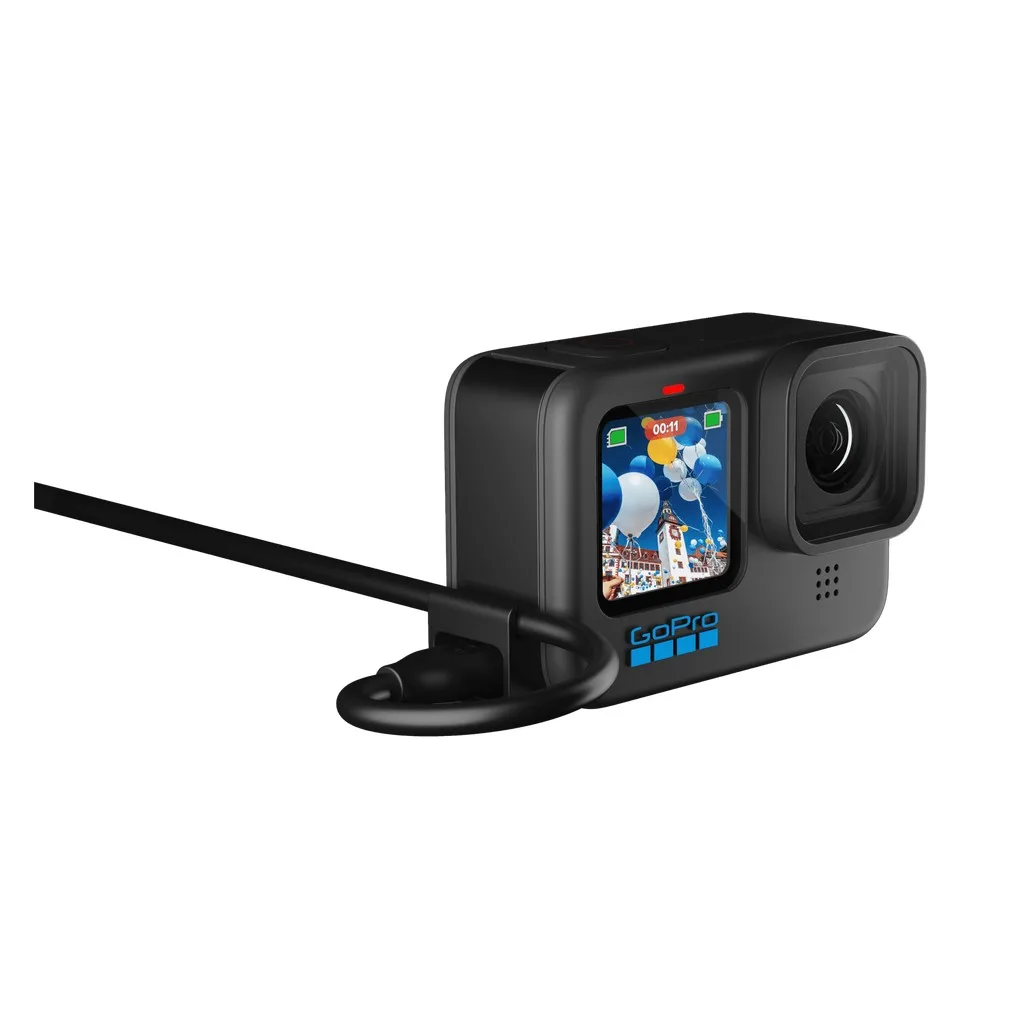
Image source: Web (Bing) / cyberphoto.se (fair-use with source credit)
How to Check Your Firmware Version
Go to Preferences, then About. The firmware version is listed there. If it's 1.09 or older, an update is overdue.
How to Update
You can do it through the Quik app on your phone or manually via SD card. The manual method is more reliable if your Wi-Fi is spotty. Download the .bin file from GoPro's support page, place it on a blank microSD card, and insert it into the camera.
Power on, and the update should start automatically. Following a similar update process to other cameras ensures you get the best performance.
Battery Calibration
After updating, some batteries show incorrect percentages. A manual calibration can help. Drain the battery completely until the camera powers off.
Then recharge to 100 percent uninterrupted. This resets the battery gauge.
If your camera still drains overnight after the update and calibration, the battery itself may be worn out. Batteries lose capacity after about 300 full cycles. A replacement might solve the problem.
For official details on battery care, check GoPro's support documentation.
When All Else Fails: Hard Resets and More
If you've tried the settings above and the firmware is current, it's time for more serious steps.
1. Hard Reset
Remove the battery. Hold down the power button for 10 seconds. This discharges any residual charge in the capacitors.
Reinsert the battery and power on. This clears transient glitches.
2. Factory Reset
If the hard reset doesn't help, go to Preferences, then Reset, and choose Factory Reset. This wipes all settings and returns the camera to out-of-box state. You'll need to pair it again with the Quik app, but it can fix software-level drain.
3. Battery Swap
Test with a known good battery. If you have a spare or can borrow one, swap it in. If the drain stops, your original battery is the problem.
GoPro's Enduro battery is the better option for longevity and cold weather. Battery degradation after many cycles is a common issue across brands.
4. External Power
For long shoots, bypass the battery entirely. Connect a USB-C power bank while recording. The camera will run on external power and save the internal battery.
Use a door with a pass-through slot or leave the door open.
Here's a quick reference:
| Step | Action | Expected Outcome |
|---|---|---|
| Hard Reset | Remove battery, hold power 10s | Clears minor glitches |
| Factory Reset | Settings to Reset to Factory | Wipes software issues |
| Battery Swap | Replace with known good battery | Isolates bad battery |
| External Power | Use USB-C power bank | Bypasses battery entirely |
If none of these steps fix the drain, the camera hardware may be faulty. Contact GoPro support for warranty service. The HERO11 is still within its support window, so a replacement unit is possible.
Pro Tips from Real-World Use
Cold weather kills standard batteries fast. At 14°F, a standard battery lasts about 20 minutes. The Enduro battery stretches that to around 60 minutes. If you shoot in winter, spend the extra money on Enduro.
It's the same size and fits the same charger.
Use a power bank for long shoots. The HERO11 can run continuously off a USB-C power bank. Just plug it in before you start recording. The camera runs on external power and saves the internal battery.
You'll need a battery door with a USB pass-through slot or just leave the door open.
Rotate batteries on multi-day trips. Mark each battery with a number. Use them in rotation so they wear evenly. Never store a battery fully drained for weeks.
Lithium cells degrade faster when stored at 0 percent.
Heat is the other enemy. Direct sun on a hot dashboard can push the battery past 140°F. That permanently damages capacity. Keep the camera in a cooler or shaded bag between shots.
Let the camera rest every 30 minutes during 5.3K recording in summer.
Know when to replace a battery. After about 300 full charge cycles, the standard battery loses roughly 20 percent of its original capacity. If your fully charged battery dies in under 30 minutes of 4K recording, it's time for a new one. Similar battery health issues affect other compact cameras over time, so keeping track of cycles is good practice.
Here's how the two battery options compare:
| Battery Type | Capacity | Cold Weather | Best For |
|---|---|---|---|
| Standard | 1720 mAh | Poor below 32°F | Casual, warm-weather use |
| Enduro | 1720 mAh (improved chemistry) | Good down to 14°F | Skiing, winter, long shoots |
Frequently Asked Questions
How long should a GoPro HERO11 battery last on a full charge?
It depends on your settings. At 4K 30 fps with HyperSmooth on, expect 75 to 80 minutes with a standard battery. At 5.3K 60 fps, that drops to 45 minutes.
The Enduro battery adds about 20 percent more time in warm weather and 50 percent more in cold conditions.
Why does my GoPro HERO11 battery drain overnight when turned off?
This is a known firmware bug from early releases. Check your firmware version in Settings. If it's 1.09 or older, update to version 1.10 or later.
The update fixes the leak. Also turn off Wi-Fi, Bluetooth, and GPS before powering down.
Can I use a power bank while recording with the HERO11?
Yes. Connect a USB-C power bank before you start recording. The camera will draw power from the bank instead of the internal battery.
Use a pass-through battery door or leave the door open. This works for hours of continuous recording.
Is the Enduro battery worth the extra cost?
For most users, yes. It costs about twenty percent more but delivers thirty percent more recording time in normal conditions. In freezing weather, the difference is dramatic.
The standard battery may fail after 20 minutes at 14°F. The Enduro keeps going for an hour.
How do I know if my HERO11 battery is failing?
Signs include rapid drain after a full charge, visible swelling, or the camera shutting down with a 20 percent reading on the indicator. Swelling is a safety risk. Stop using the battery immediately if it looks puffy.
Replace it with an official GoPro battery.
Does turning off GPS really save battery?
Yes. Aggregate user testing shows GPS draws 10 to 15 percent of total power per hour. If you don't need location tags in your footage, turn it off in Preferences under Connections.
You can always turn it back on for specific shoots.
Final Decision Guide
Here's a simple decision path based on your specific drain pattern. Start at the top and work down.
If your battery drains fast during active recording at 5.3K 60 fps or 4K 120 fps:
- Lower resolution to 4K 30 fps or 1080p 60 fps.
- Turn off HyperSmooth Boost. Standard stabilization uses less power.
- Reduce screen brightness to 10 percent.
- Consider the Enduro battery for longer shoots.
If your battery drains fast but you're recording at moderate settings:
- Turn off GPS, voice control, and Wi-Fi or Bluetooth.
- Check that QuickCapture is disabled.
- Verify your firmware is version 1.10 or newer.
If your battery drains overnight or while the camera is off:
- Update firmware immediately.
- Perform a hard reset.
- If the problem persists, factory reset.
- If still draining, the battery is likely worn out. Replace it.
If the battery drains unevenly, showing 30 percent then dying:
- Run a calibration cycle. Drain to 0 percent, then charge to 100 percent uninterrupted.
- If the issue returns, replace the battery.
If nothing works:
- Test with a known good battery.
- If the camera still drains, contact GoPro support. Hardware faults are rare but possible.
This checklist covers the vast majority of HERO11 battery drain cases. Start with the simplest fix and escalate only if needed. You'll save time and avoid chasing ghosts.

Similar Posts
































