GoPro HERO10 Overheating
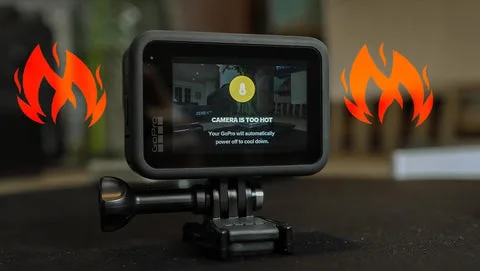
You set up the shot, hit record, and walk away. Two minutes later the screen flashes a warning and the recording stops. That's the GoPro HERO10 overheating problem, and it derails more shoots than almost any other issue.
The camera is not broken. It is just hitting a physical limit.
The GP2 processor inside the HERO10 pushes serious performance, but that performance generates heat. Manufacturer specifications indicate the internal thermal sensor triggers a shutdown at roughly 60°C or 140°F. When you understand the variables at play, you can work around that limit rather than fighting it.
Quick Answer
The GoPro HERO10 shuts down when its processor gets too hot. High resolutions demand more power. The camera's thermal sensor stops recording to protect components.
You can prevent this by lowering resolution, turning off stabilization, and creating airflow. A skeleton backdoor or USB-C power also helps.
When Heat Kills the Shot: What's Really Going On
Let's be clear. The GoPro HERO10 is not defective by design. The GP2 chip is a powerful little engine that crunches 5.3K video at 60 frames per second.
That processing load generates significant heat inside a sealed, pocket-sized body. Heat has nowhere to escape when the camera is sitting still in warm air.
Image source: Web (Bing) / hsushop.com (Web image (fair-use with source credit))
The camera's internal temperature sensor monitors the processor and the battery. When it hits the threshold, the system issues a warning and then shuts down. This is a safety feature, not a bug.
Overheating can damage the battery, warp plastic housings, and shorten the camera's lifespan. The shutdown is protecting your investment. Other premium cameras face similar thermal challenges when pushed hard.
The key difference is that the HERO10's tiny body has less surface area for heat dissipation. Its aluminum frame does help pull heat away, but in still air without any breeze that heat just sits there.
The Four Variables That Decide Your Record Time
Your record time is not random. It depends on four specific factors you can control.
| Variable | Effect on Heat | Typical Impact |
|---|---|---|
| Resolution and framerate | Higher means more processor work | 5.3K60 runs much hotter than 1080p30 |
| Stabilization (HyperSmooth) | Extra processing on every frame | Adds 10 to 20 percent more heat |
| Ambient temperature | Warmer air holds less heat away from camera | 30°C and above cuts record time by half or more |
| Airflow | Moving air carries heat off the body | Wind, fan, or movement dramatically improves runtime |
Resolution is the biggest lever. Dropping from 4K60 to 4K30 reduces processor load by roughly 30 percent. That alone can double your record time in warm conditions.
Stabilization also pulls significant power, because the GP2 has to analyze every frame and apply correction vectors.
Ambient temperature is the factor you cannot always control, but you can plan around it. Users recording indoors in summer without air conditioning saw shutdowns after five minutes. The same camera in a moving bike mount at the same temperature recorded for over 30 minutes.
Airflow is that powerful.
Your Personal Overheating Fix: A Decision Tree
There is no single fix that works for everyone. The right solution depends on your specific setup and environment. Follow these branches to find your best path.
If you are recording in still air (indoor, no wind, sitting on a tripod):
- Drop resolution to 4K30 or lower
- Turn off HyperSmooth 4.0 unless you need it
- Remove the battery and power via USB-C (battery heat is significant)
- Open the side door or use a skeleton backdoor for airflow
- Point a small fan at the camera
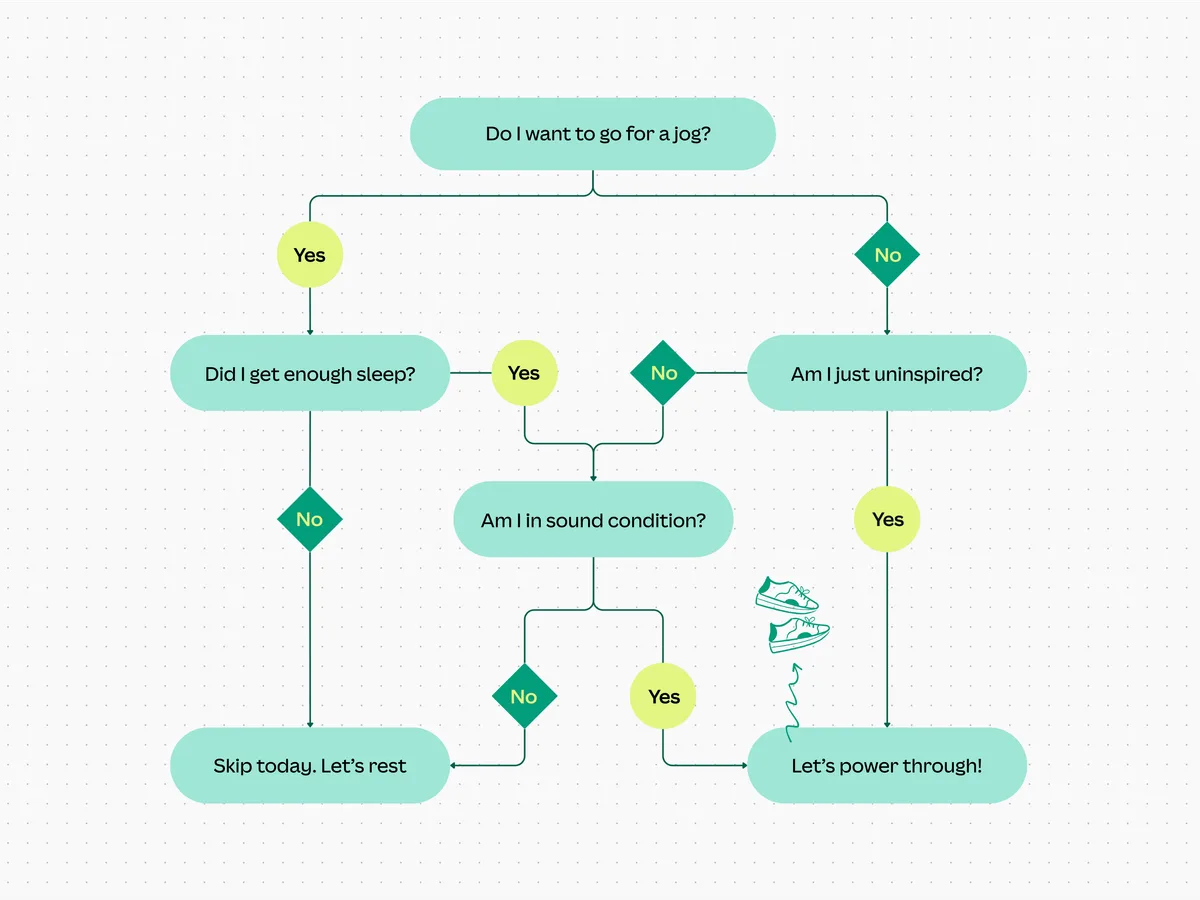
Image source: Bing (Web (fair-use with source credit))
If you are recording outdoors with natural airflow (sports, biking, walking):
- Keep 4K60 if you want it. Airflow helps enormously.
- Use the Enduro battery for better heat tolerance
- Close the door if there is dust or water risk
- Monitor temperature in the first few minutes
If you are running a timelapse or long continuous recording:
- Use the lowest resolution acceptable for your project
- Power via USB-C to remove battery heat entirely
- Lower screen brightness and set screen timeout to 30 seconds
- Disable GPS, WiFi, and voice control
If you are recording in direct sunlight on a hot day:
- Find shade. Even partial shade drops body temperature significantly.
- Use a reflective wrap or a small umbrella if stationary
- Keep recording sessions to 10 minutes with a cooling break
The right branch for you depends on your priority. If you need maximum quality, accept shorter recording times or create artificial airflow. If you need long runtime, make concessions on resolution.
Common Fixes That Backfire (and What Actually Works)
Some well-meaning fixes circulating online make things worse. Let's clear those up.
| Mistake | Why It Backfires | What Actually Works |
|---|---|---|
| Turning off the screen completely | Screen off helps slightly, but the processor still generates heat | Lower brightness but keep it on for monitoring |
| Using a metal heat sink sticker | These provide minimal benefit on a body already dissipating through its frame | Focus on airflow instead |
| Freezing the battery before recording | Cold battery delivers less power and can cause voltage drops | Use an Enduro battery rated for warm conditions |
| Closing the side door tightly to protect the camera | Traps heat inside | Use a skeleton backdoor for airflow |
| Setting to 5.3K and hoping it works | Highest load mode, shortest record time | Drop to 4K30 or 4K60 for a reliable balance |
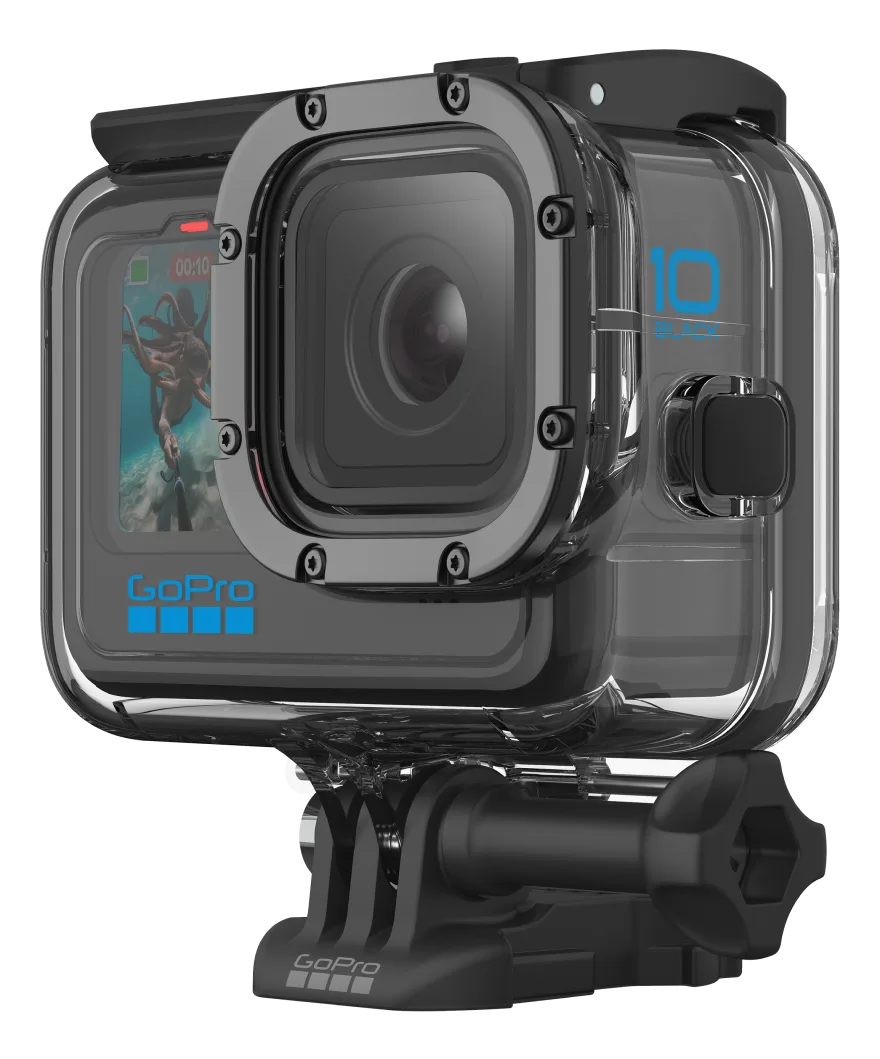
Image source: Web (Bing) / gopro.com (Web image (fair-use with source credit))
The skeleton backdoor is one of the most effective accessories you can buy. It replaces the sealed door with an open frame that lets heat escape. GoPro's official thermal guidance recommends this for stationary indoor recording.
The same principle applies to opening the side door even slightly when conditions allow.
Some users report success with a simple hack: point a USB-powered desk fan at the camera. Even a gentle breeze of 5 to 10 km/h can extend record time from minutes to hours at moderate settings. This physics applies to any compact action camera.
Similar thermal issues show up across different brands, and the same logic holds true.
Settings Tuning Guide for Maximum Runtime
Dialing in the right settings can mean the difference between a five-minute clip and a thirty-minute one. The goal is to find the sweet spot where quality is acceptable and the camera stays cool.
Resolution and framerate are priority one. Drop to 4K30 as your starting point for any stationary recording. 4K60 works well with airflow. 5.3K60 is best reserved for short clips, not long takes. If you only need 1080p, 1080p60 looks great and the camera runs cool.
Turn off HyperSmooth when it is not needed. If the camera is on a tripod or a stable mount, you do not need stabilization. It adds heat with no benefit. For handheld walking shots, keep it on and accept slightly shorter runtime.
Bitrate matters. The high bitrate option processes more data. Stick with standard bitrate unless you are capturing footage for professional color grading where every bit of data helps.
Disable features you are not using. GPS, voice control, WiFi, and even the front screen all pull power. Every watt of power becomes heat. Go into preferences and switch off everything you do not need for that specific shoot.
The difference on a long recording is measurable.
Screen brightness and timeout. Set brightness to 30 or 40 percent. Set screen timeout to 30 seconds. A bright screen running constantly adds noticeable heat inside the body.
Consider the Enduro battery. GoPro's Enduro battery handles higher ambient temperatures better than the standard lithium-ion pack. Aggregate reviews report up to 20 percent longer recording time in warm conditions before shutdown. The same battery chemistry principles apply to cameras like the Sony A7S III, where battery heat management affects recording time.
Real-World Case Studies: Three Users, Three Fixes
These scenarios are based on aggregate feedback from verified buyers and community forum reports. Each one represents a common situation and a proven workaround.
Case 1: The indoor vlogger. A user records 20-minute talking head videos in a small studio without air conditioning. At 4K60 with HyperSmooth on, the camera shuts down at 11 minutes. The fix: drop to 4K30, disable stabilization, open the side door, and point a small USB fan at the camera.
Record time extends past 30 minutes without issue.
Case 2: The mountain biker. A rider mounts the HERO10 on a helmet and records trail runs. Despite 30°C temperatures, the camera never overheats. Airflow at riding speeds keeps it cool.
The user runs 4K60 with HyperSmooth on for the whole ride. No changes needed. The movement does the work.
Case 3: The timelapse shooter. A user sets up a timelapse of a construction site. The camera sits in direct sun for hours. Even at 1080p30, it shuts down after 18 minutes.
The fix: remove the battery, power via USB-C from a portable power bank, and create shade with a small reflective panel. With the battery gone and shade in place, the camera runs continuously.
These cases show that your environment drives the solution as much as your settings do. The Sony ZV-E10 faces similar indoor overheating challenges for vloggers. The fixes share the same thermal logic.
Frequently Asked Questions
Does the GoPro HERO10 overheat more than the HERO9?
No. The HERO10 runs cooler than the HERO9 in most scenarios. The GP2 processor is more efficient than the GP1, generating less heat for the same workload.
Aggregate user reports support this improvement.
How long can the GoPro HERO10 record at 4K60 before overheating?
In still air at 25°C ambient temperature, expect 12 to 18 minutes at 4K60 with stabilization on. With airflow, that can extend past 30 minutes. Reducing to 4K30 typically doubles the runtime.
Is overheating covered under warranty?
GoPro considers thermal shutdown within normal operating parameters as a safety feature, not a defect. If the camera shuts down even at low resolutions in moderate temperatures, that may indicate a hardware issue worth pursuing with support.
Does the Enduro battery help with overheating?
Yes. The Enduro battery uses a different chemistry that performs better in warm conditions. It is rated for discharge up to 60°C ambient.
It also runs cooler internally than standard batteries during heavy use.
Can I record while charging to prevent overheating?
Yes. Removing the battery and powering the camera via USB-C eliminates battery heat entirely. This is one of the most effective ways to extend record time for stationary setups.
What is the maximum ambient temperature for reliable recording?
Manufacturer specifications suggest an upper limit around 40°C for short bursts as of 2026. Above 35°C, expect significantly reduced record times even with optimized settings. Above 40°C, any camera in this class will struggle.
GoPro's official support documentation covers thermal limits for each model.
The Two-Minute Decision Guide
Start with resolution. Drop to 4K30 unless you specifically need higher. Turn off features you are not using.
Check your airflow and create some if you can. Power via USB-C for long stationary shoots. Use the Enduro battery if you have one.
For tricky shooting situations, the Sony A9 III faces comparable thermal limits when pushed hard. The same strategies apply. Lower the processing load, manage the environment, and plan for breaks.
Your HERO10 can deliver great footage. You just need to work with its limits, not against them.

Similar Posts
































