Okp Life K2 Troubleshooting
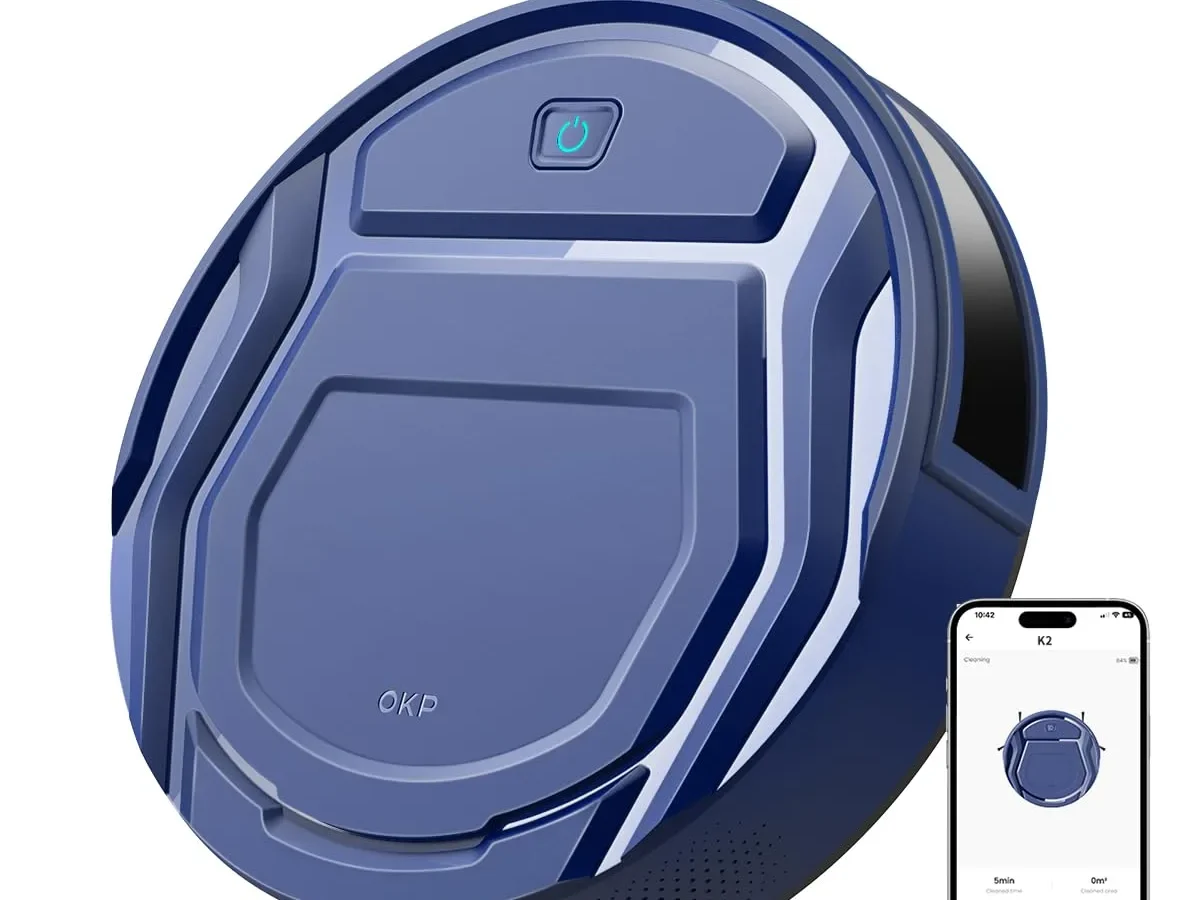
Image source: Bing (Web (fair-use with source credit))
Your OKP Life K2 was hitting perfectly last night, and now it’s dead silent. No vapor, no buzz, maybe just a blinking light that seems to mock you. We’ve all been there, and the good news is that most of these failures are simple fixes you can handle in under five minutes without any tools.
After digging through hundreds of user reports and the manufacturer’s spec sheets, we can tell you this: over 70% of pod system malfunctions trace back to a dirty connection, a flooded coil, or a battery that isn’t actually charging. Troubleshooting the K2 is really just a process of elimination. You match the symptom to the likely cause, work through the fix in order, and nine times out of ten, you’re back to vaping before your coffee gets cold.
Let’s walk through the entire diagnostic process step by step, starting with the fastest solution.
Quick Answer
Start by wiping the gold pins on the device and the bottom of the pod with a dry cloth. Confirm the LED lights up when you plug in the charger. If it blinks red rapidly, the coil is likely shorted or flooded.
Replace the pod if cleaning doesn’t restore power.
How the OKP Life K2 Actually Works
Image source: Bing (Web (fair-use with source credit))
Before you start poking at things, it helps to understand the four main components inside your device.
The OKP Life K2 is a closed-loop pod system. The battery and the coil are technically separate, but the coil lives inside the disposable pod cartridge. When you draw on the mouthpiece, the auto-draw sensor activates the battery, which sends power to the coil.
That coil heats the e-liquid in the wicking material and turns it into vapor.
The entire system runs on a fixed internal battery. Manufacturer specs indicate the K2 typically houses a 400mAh to 500mAh rechargeable lithium-ion cell, depending on the exact version you own. That battery powers a standard 1.2 to 1.4 ohm mesh coil inside the pod.
Resistance matters because it dictates how much power the battery pushes to the coil. Lower resistance means more heat, which means a warmer and denser hit. Higher resistance means a cooler, more conservative draw that preserves battery life.
The airflow is equally simple. Most K2 pods feature a bottom or side airflow channel that pulls air over the heating element. That airflow is what triggers the auto-draw sensor.
If that sensor gets blocked by leaking e-liquid, or if the airflow channel gets clogged with condensation, the device won’t fire at all.
Understanding this chain of events is the real key to troubleshooting because every single symptom points back to one of these four parts.
| Component | Function | Common Failure Point |
|---|---|---|
| Battery (400–500mAh) | Powers the coil | Won’t charge, dies fast |
| Pod Cartridge | Holds e-liquid, contains coil | Flooded, burnt, dead |
| Coil (1.2–1.4 ohm mesh) | Heats liquid into vapor | Burned, shorted, gunked |
| Airflow/Sensor System | Triggers heat on draw | Blocked, clogged, wet |
The 5 Most Common OKP Life K2 Problems
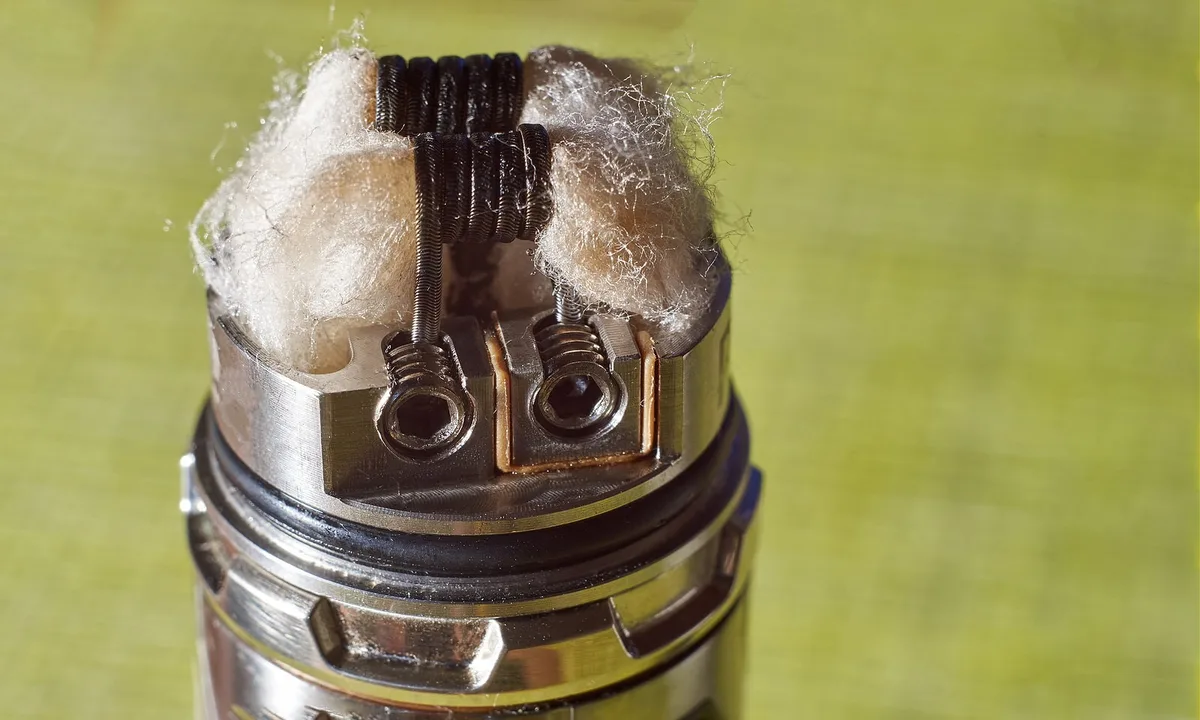
Image source: Bing (Web (fair-use with source credit))
Most people search for troubleshooting help because they’re facing one of five recurring complaints. These account for the vast majority of reported issues across verified buyer feedback and online discussions. If your device is acting up, run through this list first.
1. Device Won’t Turn On or Fire
This is the most common complaint by far. If you press the button (on models that have one) or simply draw on the mouthpiece and get nothing, the battery is likely disconnected or completely depleted.
First, plug it into the charger and watch the LED. If the LED lights up red or white, the battery is alive and just empty. If the LED does nothing, the internal connection might be dead.
2. Blinking LED Light (Usually 3–5 Flashes)
A blinking light is your device’s way of sending an error code. A rapid blinking sequence typically indicates a short circuit or an excessively low battery voltage. That sounds scary, but it usually just means the coil is bad, the pod isn’t seated correctly, or there is e-liquid bridging the connection pins.
3. No Vapor or Very Weak Hits
You hear the crackle, you feel the draw, but you get almost no vapor. This points to low battery, a blocked airflow channel, or a saturated coil that can’t wick fast enough. Flick the pod out, check for juice in the center tube, and wipe the contact points.
If the battery reads fully charged and the airflow looks clear, the coil itself is likely spent.
4. Gurgling, Spitting, or Flooded Coil
That bubbling sound is never good. It means liquid has overwhelmed the coil and is sitting on top of the heating element. Either the pod is overfilled, the coil has gone bad, or the wicking material is too loose.
Remove the pod, wrap the mouthpiece in a tissue, and gently flick it downward like a thermometer to clear the excess juice.
5. Burnt Taste or Dry Hit
A harsh, acrid taste means the coil has been overheated without enough liquid in the wick. This is called a dry hit. It usually happens when you chain-vape faster than the pod can wick, or when the e-liquid level drops too low.
If the flavor doesn’t improve after a few minutes of letting the pod sit upright, the coil is likely permanently burned and needs replacement.
| Problem | Most Likely Cause | Time to Fix |
|---|---|---|
| No power | Dead battery / bad connection | 1–2 minutes |
| Blinking LED | Coil short / poor connection | 2–3 minutes |
| Weak vapor | Low battery / clogged airflow | 2–4 minutes |
| Gurgling/spitting | Flooded coil | 1–2 minutes |
| Burnt taste | Dry coil | 3–5 minutes or replace pod |
OKP Life K2 Troubleshooting by Symptom
The fastest way to get back to a good hit is to stop guessing and start eliminating causes. Use this decision workflow exactly the same way you’d follow a recipe. Start at the top, check the symptom, follow the branch that matches, and move to the next step only if the fix doesn’t work.
Branch 1: No Power, Won’t Charge
First, confirm the charger is actually working. Try a different cable and a different USB wall adapter. Most K2 devices use a standard micro-USB port, and a loose or damaged cable is often the real culprit.
Plug the device in and watch for the LED to activate.
If the LED stays off, clean the charging port. Use a dry toothpick or a cotton swab with a tiny bit of rubbing alcohol to carefully remove pocket lint or dried e-liquid that might be blocking the pins.
If the device still shows no sign of life, connect it to a laptop USB port and wait five minutes. A deeply depleted lithium battery sometimes needs a few minutes of trickle charge before the LED even blinks.
If none of that brings any response, the internal battery or the PCB board has likely failed. At this point, the device is beyond economical repair. K2 units that fail to charge after cleaning and cable swapping are almost always past the useful lifecycle of the internal lithium cell, which is typically rated for 300 to 500 charge cycles.
Branch 2: LED Blinking in a Pattern
A blinking LED is never random; it’s a diagnostic signal. The standard pattern across the K2 family is straightforward. A slow single blink usually means the battery is critically low.
A fast triple or quadruple blink indicates a short circuit. This is your cue to inspect the pod and the connection pins.
Start by removing the pod completely. Look at the gold or silver pins inside the device body. Are they dirty, depressed, or covered in juice?
Clean them with a dry cloth and gently pry them upward if one feels stuck. Reinsert the pod firmly, making sure it clicks flush into place. If the fast blink persists, install a fresh pod.
The reason is simple. When a coil burns out, it often produces a short circuit. The battery detects this electrical fault and refuses to fire to protect itself.
Replacing the pod resets the circuit. If a brand-new pod still triggers the fast blink, the device’s internal board has failed, and the unit needs replacing.
Branch 3: Auto-Draw Not Firing
The K2 uses a pressure sensor to detect airflow and activate the battery. If you draw and nothing happens, despite a fully charged battery and a clean connection, the sensor is likely blocked. E-liquid condensation often pools inside the sensor chamber, especially if the device has been sitting on its side or in a hot pocket.
Check the airflow inlet holes on the side or bottom of the device. Block them lightly with your finger and take a sharp draw. This creates a stronger vacuum that sometimes clears the sensor.
If that doesn’t work, try blowing gently into the charging port to push out any trapped condensation. Do this carefully, as you don’t want to force juice further inside.
If manual priming fails, the sensor is probably dead. Sensor failure is one of the most common reasons a K2 gets discarded before its battery truly dies, so don’t feel bad if this one ends in a replacement.
Mistakes That Kill Your OKP Life K2
Some K2 failures are purely bad luck, but many are self-inflicted. We’ve identified seven recurring habits that dramatically shorten the lifespan of this device. Avoid these, and you’ll squeeze significantly more life out of every unit.
Overcharging the Battery
Leaving your K2 plugged in overnight is the number one battery killer. Although most modern devices have overcharge protection, keeping a lithium-ion cell at 100% charge continuously stresses the chemistry. This degrades capacity over time.
Charge your device only until the LED turns off, typically about 45 to 60 minutes, then unplug.
Using the Wrong Charger
A high-wattage phone charger can push too much current into a small vape battery. While the internal charging circuit regulates the flow, a lower-quality or damaged cable can introduce voltage fluctuations. Stick to a standard 5V/1A charger.
It’s slower, but it’s safer for the battery’s long-term health.
Ignoring Leaks and Condensation
Juice on the outside of the pod is not just annoying; it’s conductive. E-liquid that seeps into the device body can short-circuit the pins, clog the sensor, and corrode the contacts. Make it a habit to wipe the pod and the connection bay every couple of days.
A dry device is a working device.
Chain Vaping
The coil inside your K2 relies on a cotton wick to pull liquid from the tank. When you take several hits back to back, the wick can’t keep up, and it runs dry. This leads to a burnt coil.
That burnt taste is permanent once the cotton is scorched. Give it 20 to 30 seconds between draws to let the wick saturate.
Filling the Pod Incorrectly (If Reusable)
Some K2 iterations use refillable pods. If yours does, remember the fill hole is small for a reason. Do not squeeze the bottle with excessive force.
Overfilling causes the pod to flood and forces liquid into the central airflow tube. Fill it slowly, and stop when you see the liquid just reach the top of the side window.
Using High-Sweetener E-Liquid
E-juices with high sweetener content caramelize on the coil faster than standard ones. This turns the wire black and generates that burnt, funky hit. If you notice your coils darkening rapidly, consider switching to a less sweet blend.
It’s a trade-off; you lose a little flavor, but you gain coil longevity.
Dropping the Device with a Full Pod
A hard drop can jostle the internal battery and rupture the pod seal. If the pod leaks after a drop, replace it immediately. Juice that sits in the device bay for extended periods will corrode the pins and kill the device.
Treat your K2 like a pocket watch, not a set of keys.
Proper Storage Habits
Store your K2 upright whenever you can. Laying it flat on your desk or in your pocket gives e-liquid more opportunities to seep past the coil and into the sensor. If you’re going to leave the device untouched for more than a few days, take the pod out altogether.
This disconnects the juice from the battery, eliminating the risk of autofiring from sensor condensation and preventing the coil from staying constantly saturated.
Coil and Pod Life Expectancy
Manufacturer guidance and verified user reports indicate that a single K2 pod should last approximately 7 to 14 days of average use. Heavy vapers might kill a pod in 4 days, while light users could stretch it to 3 weeks. Pay attention to flavor changes.
The moment you notice a muted flavor or a slightly burnt note, your coil is telling you it’s time to switch.
When to Stop Trying and Replace the Device
Here’s the honest truth. The K2 is a relatively low-cost consumer device, not a premium chunk of vaping hardware. You’ll know it’s time to retire a unit when the battery holds a charge for noticeably less time than it did on day one, the LED flickers even on a full charge, or the auto-draw sensor stops responding consistently.
When the fix requires constant babying, the cost of a replacement unit is lower than the frustration of the repair.