Safelink Tracking Number Not Working
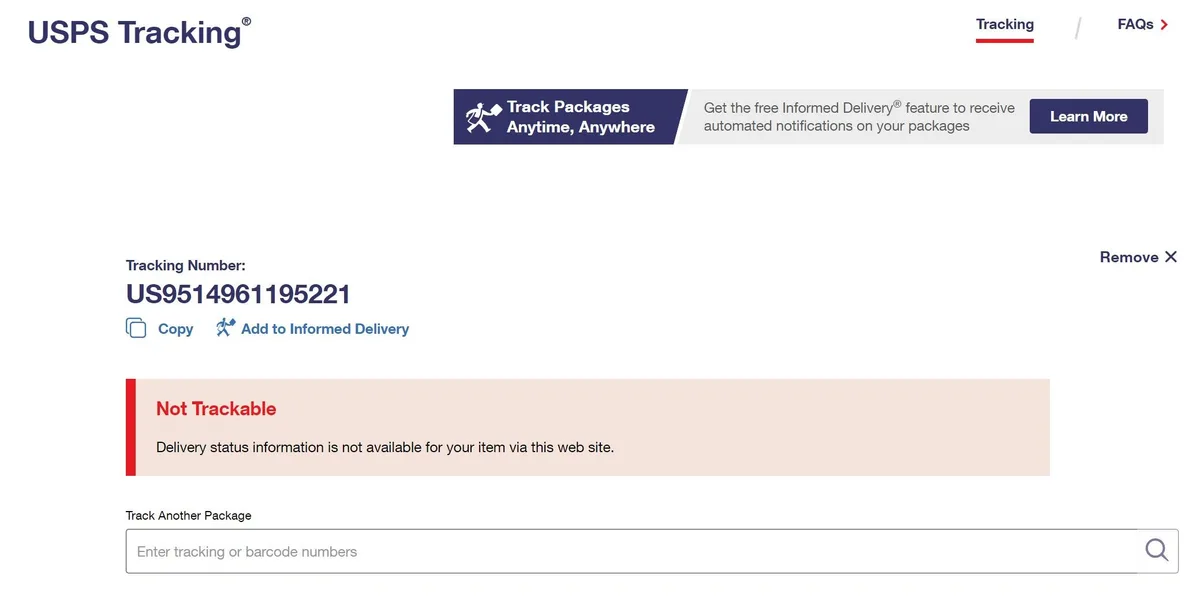
Your Safelink order is on the way. You got that email with a tracking number. But when you type it into the website, nothing happens.
"Not Found." "Invalid Number." "No Results."
That sinking feeling is frustrating, especially when you're waiting on a free phone you need. If your Safelink tracking number not working right now, don't worry. In most cases, the number is fine and the problem is just timing or a simple user error.
Based on Safelink's standard shipping practices, tracking numbers are typically entered into the carrier system 24 to 48 hours before the carrier physically scans the package. Let's break down exactly why this happens and what you can do to fix it.
Image source: Bing (Web (fair-use with source credit))
Quick Answer
Your Safelink tracking number is probably valid. It just hasn't been scanned by the carrier yet. Wait 48 hours from when you received the email.
Check on the correct carrier website, not Safelink's site. If it still fails, contact Safelink support. They can resend the correct number or investigate the shipment.
Why Your Safelink Tracking Number Shows "Not Found"
This is the most common issue. You get the email with the number. You copy the digits into a carrier site.
The system tells you it does not exist. It feels like the package is lost before it started.
Here is the reality of shipping logistics. When Safelink creates a shipment for your phone, they generate a tracking number at the same time they print the shipping label. That number goes into the carrier's database as pre-shipment information.
The carrier has not picked up or scanned the package yet. The box might still be sitting in a Safelink warehouse waiting for daily pickup.
The tracking number exists. It is real. But it will not show movement until the carrier physically scans the barcode.
That first scan usually happens at the origin facility, often late in the evening after pickup. If you check too early, you will always see an error or a "Label Created" status.
The carrier system can take up to 48 hours to register a new tracking number. This delay is standard across USPS, FedEx, and UPS. Customer reviews confirm this timing pattern.
Most tracking issues resolve within two days without any action needed from you.
The Three Main Reasons Tracking Numbers Fail
Not every tracking issue is the same. The fix depends on which of these three scenarios applies to you. Here is how to figure that out quickly.
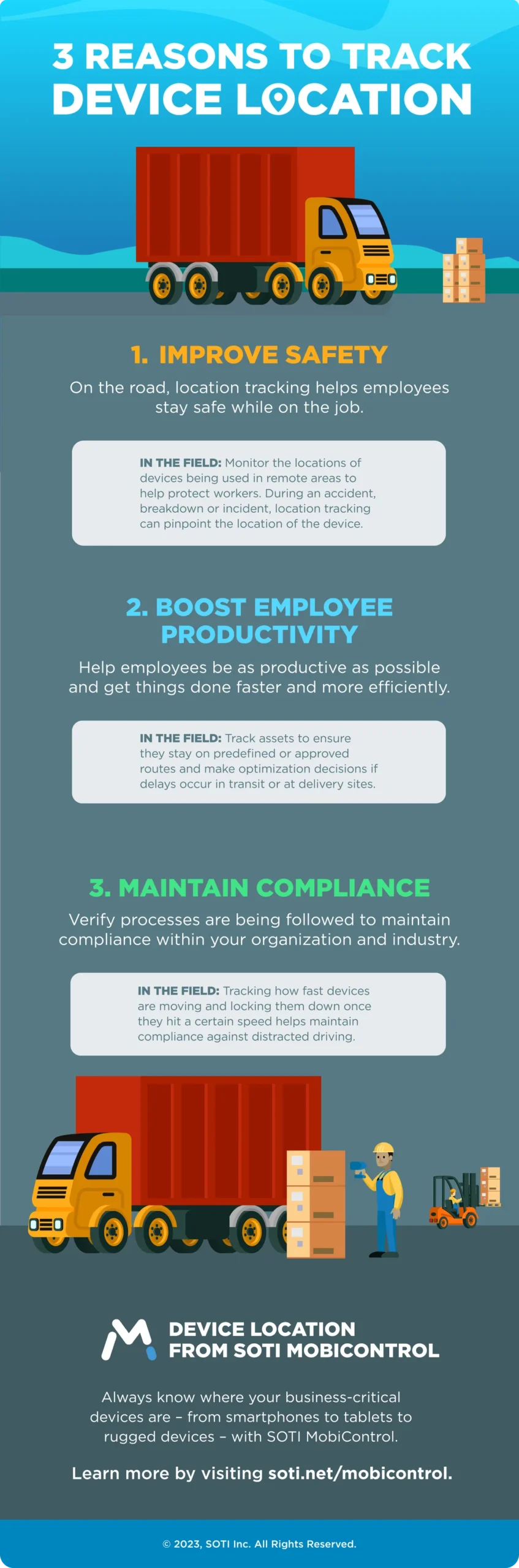
Image source: Bing (Web (fair-use with source credit))
Reason 1: It Is Too Early
If you received your tracking number within the last 48 hours, the package is almost certainly in pre-shipment status. The carrier has the data but has not touched the box.
How to confirm: Enter the number on the carrier's website. If you see "Label Created," "Pre-Shipment," "Shipping Label Created, USPS Awaiting Item," or "Ready for Pickup," you are in this category. The tracking is working.
There is nothing to track yet.
What to do: Nothing. Check back after 48 hours. Most packages show a first scan within that window.
Reason 2: Wrong Carrier Website
Safelink uses multiple carriers depending on your location and the phone model. The most common is USPS. But they also use FedEx and occasionally UPS.
If you assume it is USPS and the number is for FedEx, you will get a "Not Found" error.
How to check: Look at the first few characters of your tracking number. USPS numbers are typically 20 to 22 digits long. FedEx numbers are usually 12 to 15 digits and start with a number.
UPS numbers are alphanumeric and start with "1Z." If unsure, try the number on each carrier website. The correct one will accept it and show a status.
What to do: Use the carrier lookup tool on Safelink's website. Log into your account and look at the order details. It should specify which carrier is handling your shipment.
Reason 3: Typo or Missing Number
Human error happens. You might have misread a digit from the email. The email itself might have a formatting error, like a missing digit or extra space.
How to check: Go back to the original email from Safelink. Copy the tracking number directly from the email, not from memory. Paste it into the carrier site without extra spaces.
If it still fails, type it manually one digit at a time.
If the number is truly invalid, Safelink might not have assigned a real tracking number to your order yet. Your order could still be processing. The email might have been sent prematurely.
What to do: If manual entry fails, log into your Safelink account and check the order status. If the account shows no tracking number, contact support.
Decision Guide: Step-by-Step Fixes
Now that you know which reason applies, here is exactly what to do for each situation. Follow the branch that matches your case.
Scenario A: "Not Found" Within First 48 Hours
You have a tracking number. You checked the right carrier. It says "Not Found" or "Label Created."
Action plan:
- Wait. Set a reminder for 48 hours from the time you got the email.
- Do not call Safelink support yet. They will tell you the same thing.
- After 48 hours, check again. If it still says "Not Found," escalate.
- If it changed to "In Transit" or "Accepted," you are all set.
Scenario B: Stuck on "Label Created" for Days
The tracking number works and shows "Label Created." But it has been three, four, or five days with no update.
Action plan:
- This is a valid concern. It usually means the carrier has not picked up the package from Safelink's warehouse.
- Contact Safelink customer service. Ask them to confirm if the package was handed to the carrier.
- Request a trace or investigation. Safelink can initiate this with the carrier.
- Ask if they can reship the order with a new tracking number.
- Do not wait longer than five business days without contacting support.
Scenario C: No Updates for Over a Week
The tracking number is valid. It showed a scan or two. Then nothing for seven or more days.
Action plan:
- This is a lost or stuck package. The carrier has misplaced it.
- Contact the carrier directly with the tracking number. File a missing mail claim if it is USPS.
- Contact Safelink support and inform them of the delay. Ask for a replacement.
- Safelink can reship the phone once the carrier confirms the package is lost.
- Keep a record of the tracking number and your order number for reference.
Scenario D: No Tracking Number at All
Your order status shows "Processing" or "Shipped." But no tracking number was emailed to you.
Action plan:
- Check your spam and junk folders. Search for "Safelink tracking" in your email.
- Log into your Safelink account and look under order history. The number may be there even if the email was not sent.
- If it is missing, contact Safelink support. Request them to resend the tracking information.
- Ask for an estimated shipping timeline. Your order may still be in processing.
Common Mistakes That Waste Your Time
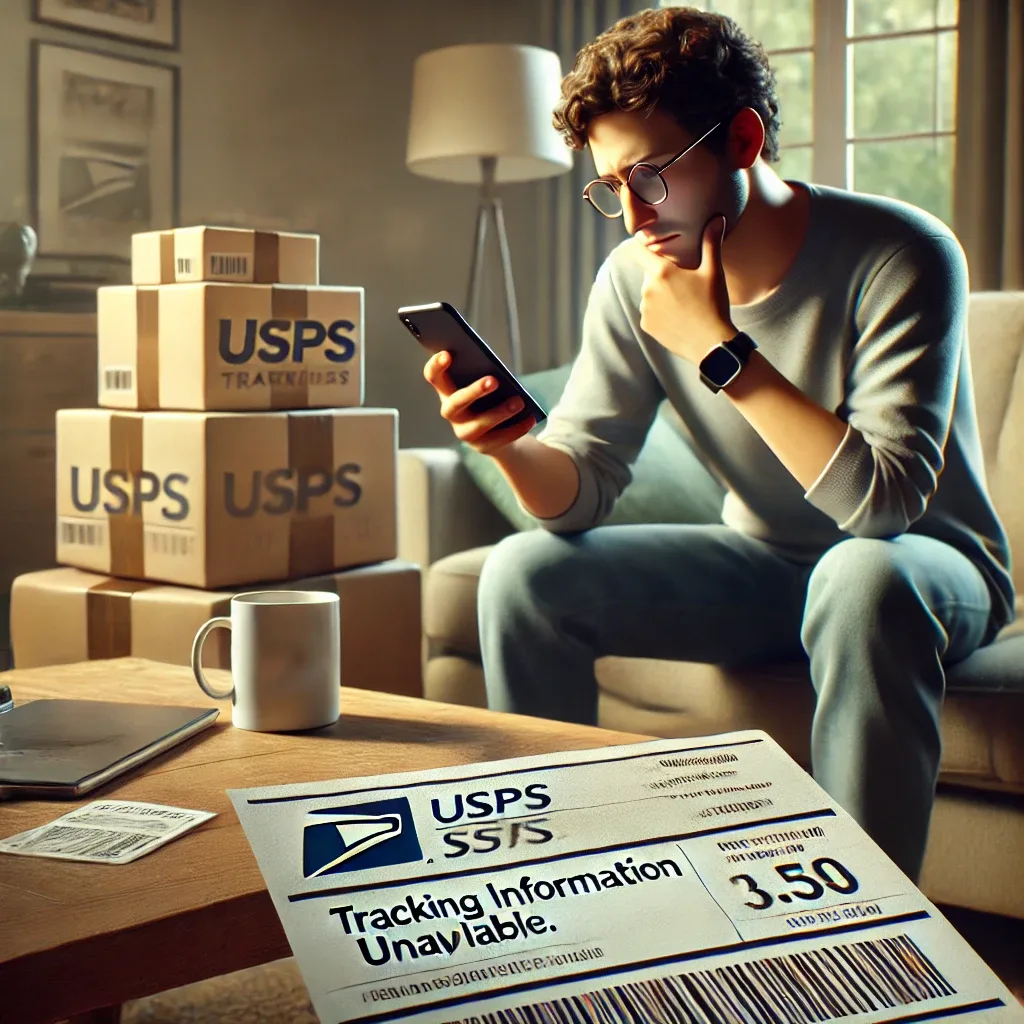
Image source: Bing (Web (fair-use with source credit))
Some mistakes cause most of the support calls about tracking. Avoid these and you will save yourself a lot of frustration.
Mistake one: Checking the tracking number too often. Carrier scans happen in batches, usually once or twice a day. Checking every hour does not make the package move faster.
Set a calendar reminder for 48 hours and leave it alone.
Mistake two: Using the wrong carrier website. A FedEx number will never work on USPS.com. If you are unsure, use a universal tracking tool like the one on Safelink's site.
Mistake three: Confusing the order number with the tracking number. Your order number is a Safelink internal reference. It will not work on any carrier website.
The tracking number is a separate string of digits for the shipping label.
Mistake four: Assuming the email means the package is in transit. The email means the label was printed. That is all.
The package may still be sitting in a warehouse for days. This is normal for Safelink's fulfillment process.
Mistake five: Calling support too early. If you call within the first 48 hours, they will tell you to wait. You waste your time and theirs.
Call only after the 48-hour window if the tracking still shows nothing or if it has been stuck for several days.
When to Contact Safelink Support
Knowing when to call saves you time. Here is the threshold.
Contact support if:
- Your tracking number shows "Not Found" after 48 hours
- Your tracking has been stuck on "Label Created" for more than five business days
- You have waited over a week with no new scans
- You never received a tracking number at all
When you call, have your order number ready. Tell them which scenario you are experiencing. Ask for a specific action: resend the tracking number, investigate with the carrier, or reship the order.
Safelink support hours are typically 8 AM to 8 PM EST. Wait times can be long. Call earlier in the day for faster service.
Frequently Asked Questions
How long does Safelink shipping usually take?
Most Safelink orders arrive within 7 to 14 business days from the order date. Processing takes 3 to 5 business days. Shipping takes another 2 to 8 business days depending on your location and the carrier.
Why does my tracking number say "Label Created" for days?
"Label Created" means Safelink printed the shipping label but the carrier has not picked up the package yet. This is normal. It can take 1 to 3 business days for the carrier to collect the shipment.
Can I change my shipping address after the order is placed?
You can try, but it is difficult once the order is in processing. Contact Safelink support immediately. If the package has already shipped, you may need to redirect it through the carrier.
What should I do if my package shows as delivered but I did not receive it?
Check with neighbors and around your property first. If it is not found, contact Safelink support. They can initiate a trace with the carrier.
You may need to file a police report for theft.
Does Safelink use USPS or FedEx by default?
Safelink uses both carriers. The choice depends on your location, the phone model, and inventory availability. Check your order confirmation email to see which carrier is handling your shipment.
How do I find my Safelink tracking number if I lost the email?
Log into your Safelink account. Go to order history. Your tracking number should be listed there.
If it is not, contact support and they can look it up using your order number.

Similar Posts