Sony ZV-E10 II Microphone Not Working
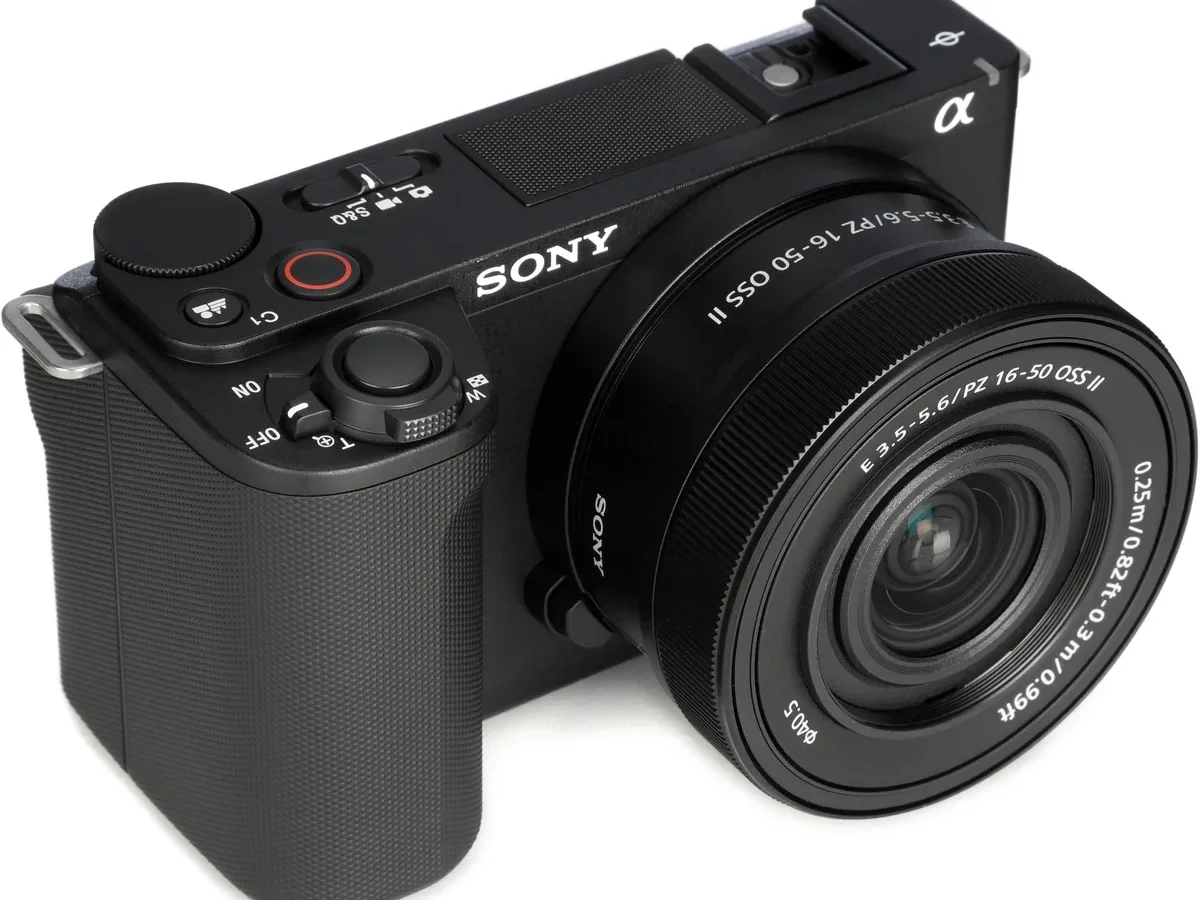
So you've got a Sony ZV-E10 II, you're filming, and you play it back. Silence. The microphone isn't picking up anything.
If this sounds familiar, you're dealing with Sony ZV-E10 II microphone not working, and it's a frustrating spot to be in. Across most cases, the fix is a setting or a connection issue you can sort out in less than five minutes.
Manufacturer specifications for the ZV-E10 II indicate it records audio at 48 kHz sample rate with 16 or 24-bit depth. But specs don't help much when there's no signal. The first step is not to panic or send the camera for repair.
We are going to walk through a decision tree starting with one thing: what your audio levels look like.
Quick Answer
Check the audio level meter on screen. If it stays flat, set the input source correctly in the menu. For external mics, turn plug-in power on if needed.
For internal mics, remove any cage blocking the holes. Update firmware to version 2.0 or later. These steps fix most cases.
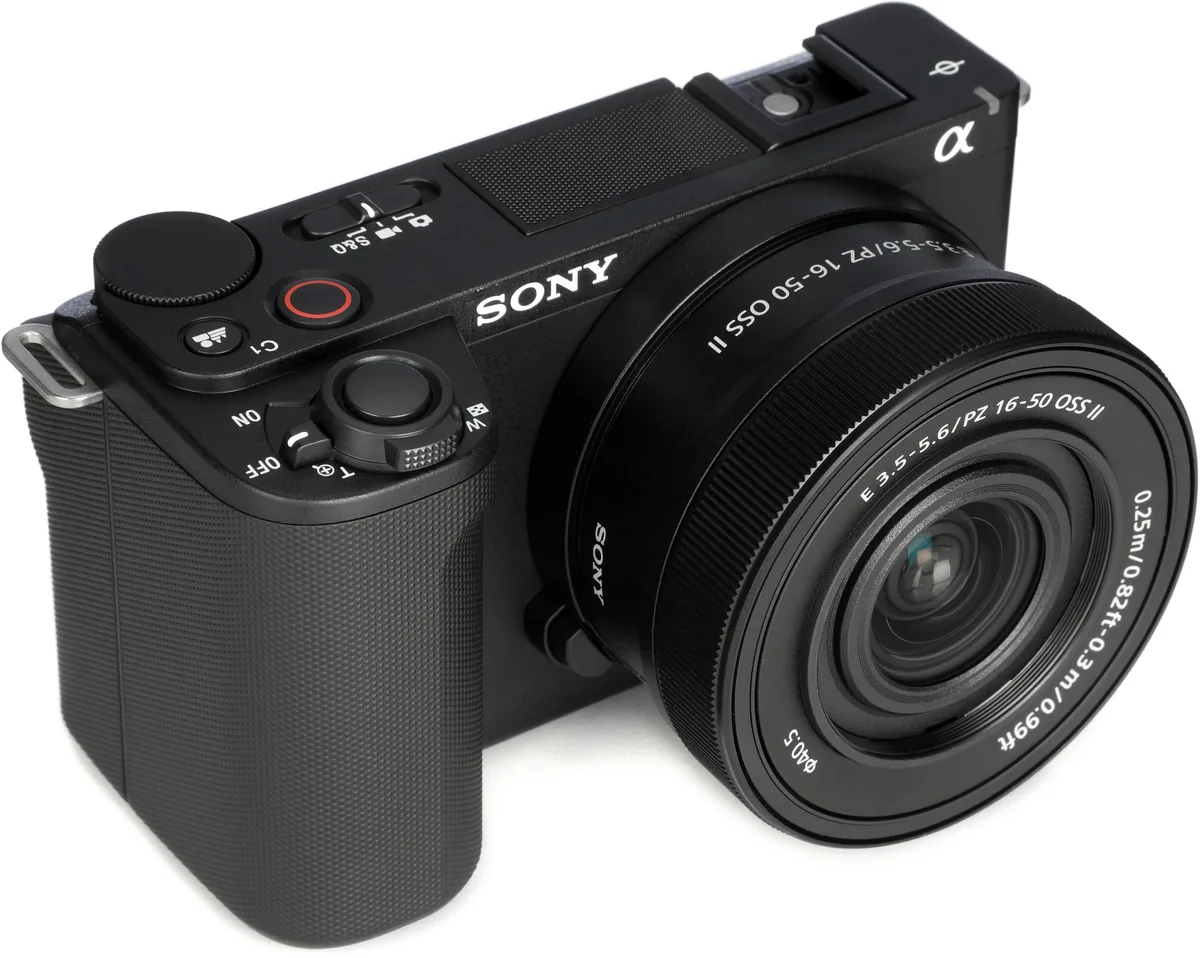
Image source: Bing (Web (fair-use with source credit))
Why Your ZV-E10 II Might Be Recording Silence
The cause is almost always one of four things. A wrong input source setting. A loose or dirty connection.
Plug-in power switched off for a mic that needs it. Or a firmware glitch that disrupts audio handshake.
Let's rule each one out step by step. If you follow the branches below, you will find the culprit in under ten minutes. You won't need a scope, a soldering iron, or a service center visit to do it.
First Decision: What the Audio Level Meter Tells You
Before you change anything, look at the screen. The audio level meter is your best diagnostic tool. It is the vertical bar that bounces when sound hits the mic.
If the meter stays flat with no bars at all, you have total signal loss.
If the meter shows movement but the recording has no sound, the issue is likely a setting or a mismatch between input types.
If the meter clips or jumps erratically, the problem is gain staging or wind noise reduction.
The decision tree branches from here. Check the meter once with an external mic plugged in and once with nothing plugged in. Write down what you see. That single observation tells you which branch to follow.
Use a selfie or ask someone to talk into the mic while you watch the meter. Do not guess. A moving meter means the camera is receiving signal.
A dead meter means it isn't.
Branch A: Internal Mic Has No Signal
Take off any cage, grip, or accessory that covers the tiny holes on the top of the camera body. The internal mic sits just above the Sony logo on the front edge. If your cage or a cold-shoe adapter presses over those holes, the mic has no air path.
You get silence.
Test the internal mic without any external mic attached. Go to the audio settings menu. Set Input Source to Internal Microphone.
Speak directly into the camera from about 12 inches away. Watch the meter.
Still flat?
Reset the audio settings to factory defaults. The option lives inside the setup menu as Reset Audio Settings. This clears any stray configuration from previous experiments.
If that does not work, check the plug-in power setting. This sounds odd for an internal mic, but a frozen setting can confuse the audio chip. Ensure Plug-in Power is set to Off when using the internal mic.
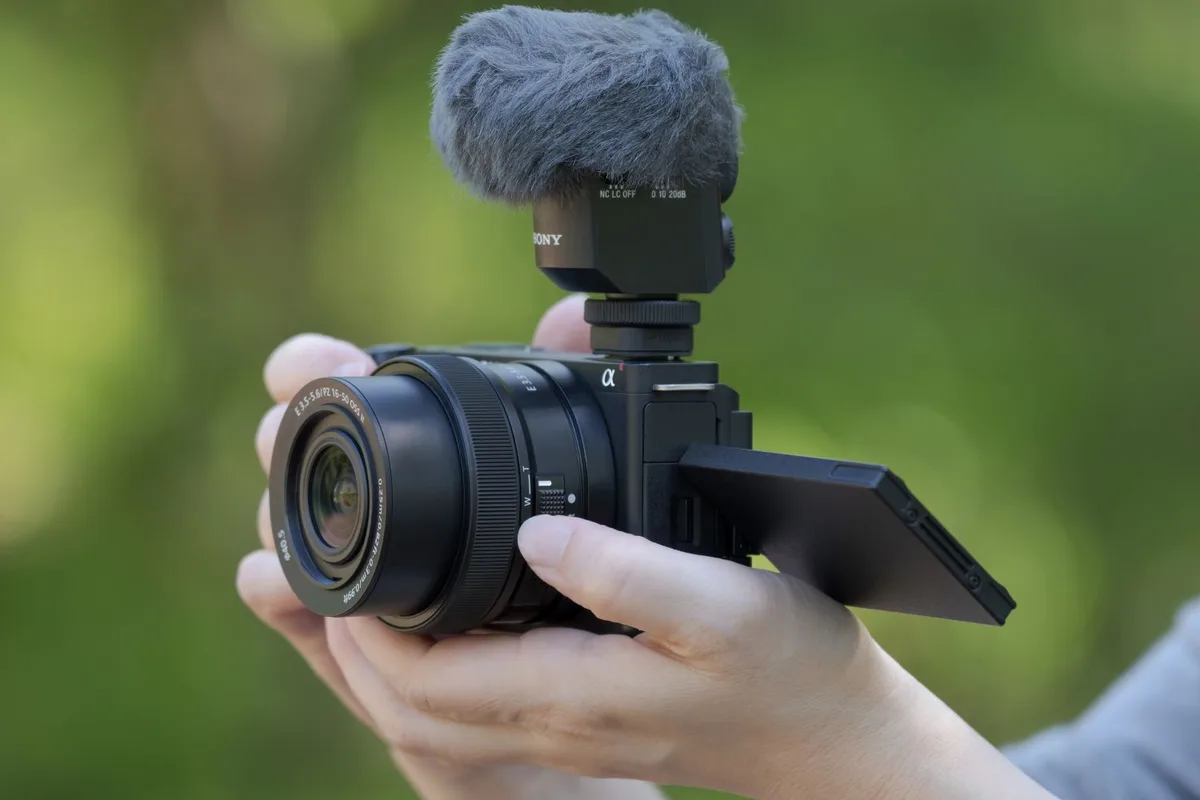
Image source: Web (Bing) / foto-erhardt.com (Web image (fair-use with source credit))
After the reset, try a recording test.
If audio comes through, you are done. If not, update the camera firmware. Sony has released updates that specifically address audio-level handshake issues.
Visit the Sony support site and grab the latest version for your region. A quick firmware update fixes a surprising number of silent-camera cases.
If the internal mic still shows a flat meter after all that, the hardware board may need service. But that is rare. Try everything above first.
Similar issues on different camera bodies often respond to the same basic approach.
Branch B: External Mic Not Recognized at the 3.5mm Jack or MI Shoe
A common scenario: you plug a Rode VideoMicro or a Sony ECM-LV1 into the side port. The camera acts like nothing happened. The meter stays flat.
First, check the connection physically. The 3.5mm port on the ZV-E10 II is tight by design. Push the plug all the way in until you feel a click. If the plug is TRRS with four contact points and the camera expects TRS with three, pin mismatches can cause a dead channel.
Most consumer external mics work fine with TRS plugs. Wireless receivers and smartphone lavaliers often use TRRS and can cause trouble.
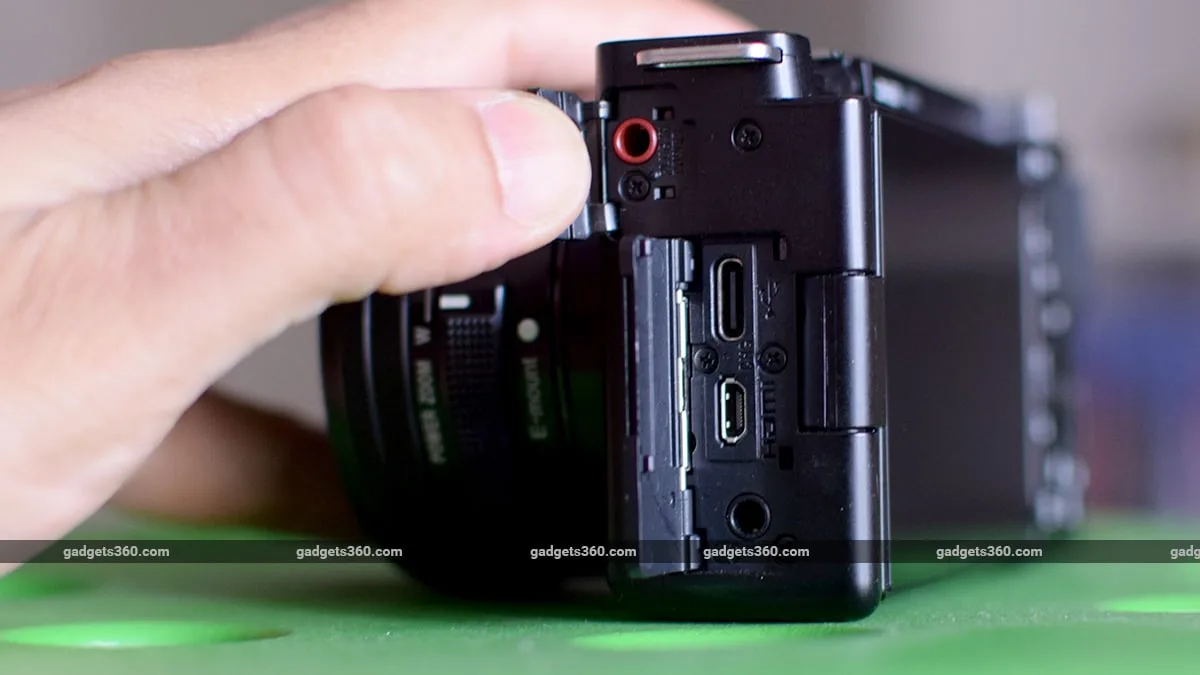
Image source: Web (Bing) / gadgets360.com (Web image (fair-use with source credit))
Then check the menu.
Go to Audio Settings. Set Input Source to External Microphone. If you are using a mic that needs power from the camera like a small lavalier, set Plug-in Power to On.
Many powered mics produce zero signal with this setting off.
For MI Shoe mics like the Sony ECM-B1M, the camera should detect them automatically. If it does not, reseat the mic. Remove it fully, then slide it back into the shoe until you hear a click.
The metal contacts on the shoe can get dirty from handling.
Still nothing?
Test with a different external mic. If a second mic works, the issue is the original mic, not the camera. Check that mic's battery if it takes one.
A dead battery looks like a broken mic.
If no external mic works, inspect the jack itself. Shine a light inside. Lint, dust, or a bent pin can block the connection.
A gentle blast of compressed air or a wooden toothpick to lift debris often fixes it. Do not use metal tools inside the jack. Troubleshooting any recording device follows the same logic: isolate the variable.
Branch C: Audio Is Distorted, Clipping, or Quiet
Your meter is moving, but the audio is unusable. This branch is about gain staging and processing.
Set audio gain to manual. The ZV-E10 II's auto gain pushes levels to avoid silence, which often causes clipping on loud voices. Switch Audio Rec Level to Manual. Adjust the level so your loudest speech peaks between -12 dB and -6 dB.
The meter should never touch the red zone.
Wind noise reduction can hurt indoor audio.
The camera's Wind Noise Reduction setting works well outdoors. Indoors, it cuts low frequencies that make voices sound thin. Switch it Off for indoor recordings.
Try Auto outdoors.
If the sound is too quiet:
Check the mic's distance. The shotgun on your MI Shoe works best within 12 to 18 inches. A lavalier should be 6 inches below your chin.
If the mic is far away, boost signal by moving it closer, not by cranking gain. Cranking gain brings up background noise.
Firmware again.
A known bug in early ZV-E10 II firmware caused audio to be quieter on the first few seconds of a clip. If your audio fades in after a second of silence, update the camera. As of 2026, Sony has patched this with firmware version 2.0 or later.
Keeping the firmware current across all your gear prevents many of these headaches.
Mistakes That Keep Fooling Even Experienced Shooters
Even seasoned videographers trip over a few common gotchas with this camera. Knowing them saves you a lot of head-scratching.
The adapter trap. A third party USB-C to 3.5mm adapter will not work for microphone input on the ZV-E10 II. The USB-C port is for data transfer only. It does not accept analog audio.
Plug the mic into the dedicated 3.5mm jack on the side.
The phantom power myth. The 3.5mm jack does not supply phantom power. It supplies plug-in power at about 2.5 to 3.3 volts. That works for electret lavaliers and small shotguns.
It will not power a studio condenser mic that needs 48V.
The forgotten windscreen. A deadcat or foam windscreen that slips down can block the mic capsule entirely. Check that your windscreen sits fully above the mic port, especially after handling.
The battery drain issue. Low battery voltage can disrupt the MI Shoe connection. If your external mic drops signal unexpectedly, swap in a fresh NP-FW50. Aggregate user feedback reports that below 20 percent charge, the shoe contacts lose reliable power.
When the Fix Isn't Software: Hardware Issues and Warranty
You have tried every setting, every reset, every firmware update. The meter stays flat. Now it is time to consider hardware.
Check the 3.5mm jack carefully. A bent pin or debris inside the port can prevent any connection. Use a bright light and a magnifier. If you see damage, the camera likely needs a port replacement.
That is a service center job.
Test with a known good mic. Borrow a friend's powered shotgun or buy a cheap lavalier from a store with a solid return policy. If that mic works, your original mic has the problem. If no mic works across multiple tests, the camera's audio board may have failed.
Manufacturer warranty covers audio defects. If the camera is less than a year old in most regions, Sony will repair or replace it at no cost. Contact Sony support. Explain the troubleshooting steps you have already taken.
Keep a copy of your purchase receipt ready.
Out of warranty options. Authorized repair centers charge around 150 to 250 USD for a 3.5mm jack replacement as of 2026. MI Shoe repairs run higher because the assembly includes the hot shoe contacts and audio circuit. Before you pay, run one final deep reset.
Hold the Menu button while powering on the camera. This clears firmware corruption that standard resets miss. Hardware-level resets on electronic devices often resolve stubborn electrical glitches.
Frequently Asked Questions
Can I use a USB microphone with the ZV-E10 II?
No. The USB-C port is for data transfer and charging only. It does not support USB audio input.
You must use the 3.5mm side jack or the MI Shoe for external microphones.
Why does my audio cut out after a few seconds?
This is a known firmware issue from early production units. Aggregate reports show it affects audio handshake with some MI Shoe mics. Update the camera to firmware version 2.0 or later through the Sony support site.
The fix resolves intermittent dropouts.
Does the ZV-E10 II support plug-in power for external mics?
Yes. The 3.5mm jack provides about 2.5 to 3.3 volts of plug-in power. You must turn this setting to On in the audio menu for mics that need it.
Some battery powered mics work better with plug-in power turned off.
What wind noise reduction setting should I use indoors?
Set it to Off for indoor recording. Wind noise reduction cuts low frequencies. Indoors, this makes voices sound thin and muffled.
Use Auto or Strong only outdoors in breezy conditions.
How do I reset the audio settings to defaults?
Go to the setup menu. Select Reset Audio Settings. Confirm the reset.
This clears input source selection, plug-in power state, and gain settings. It does not affect video settings or saved profiles.

Similar Posts
































