Stealth Cam Deceptor Max Troubleshooting
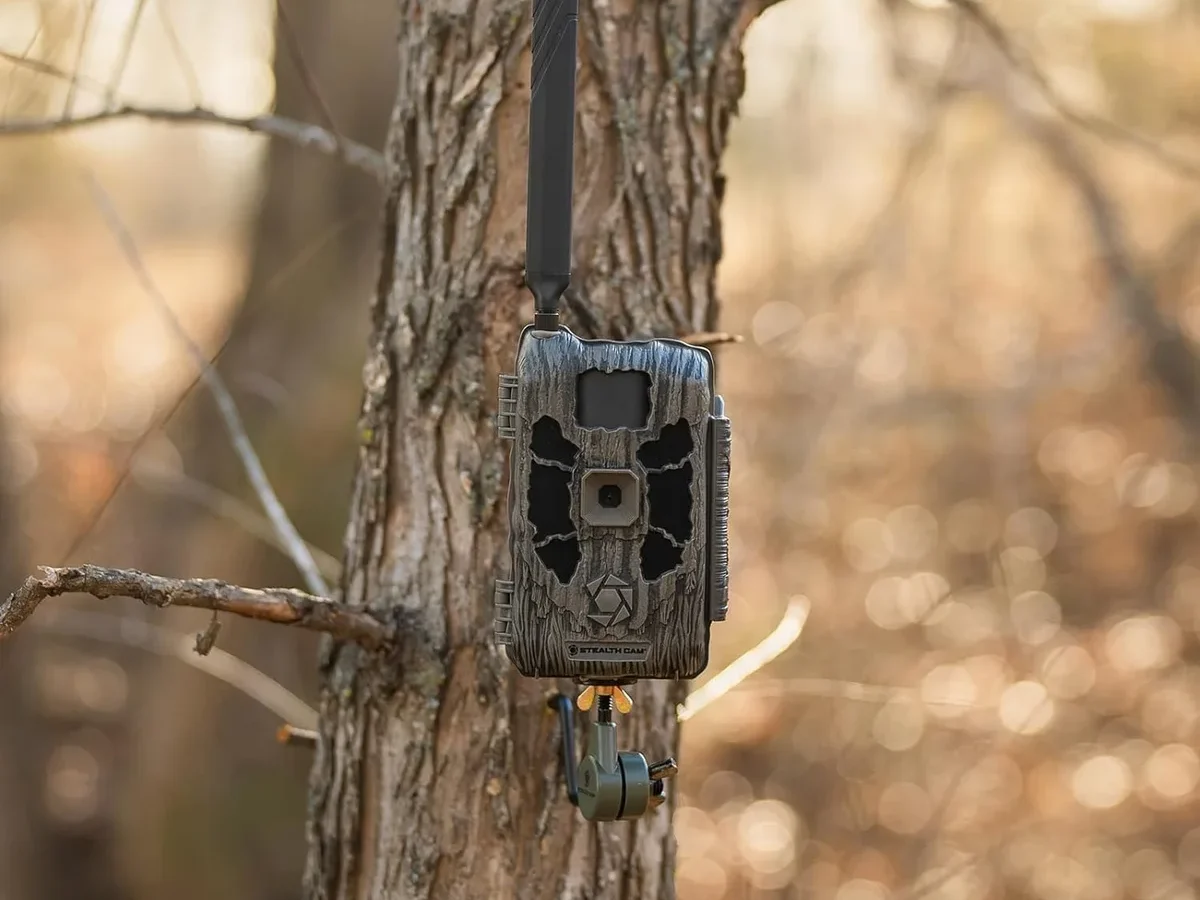
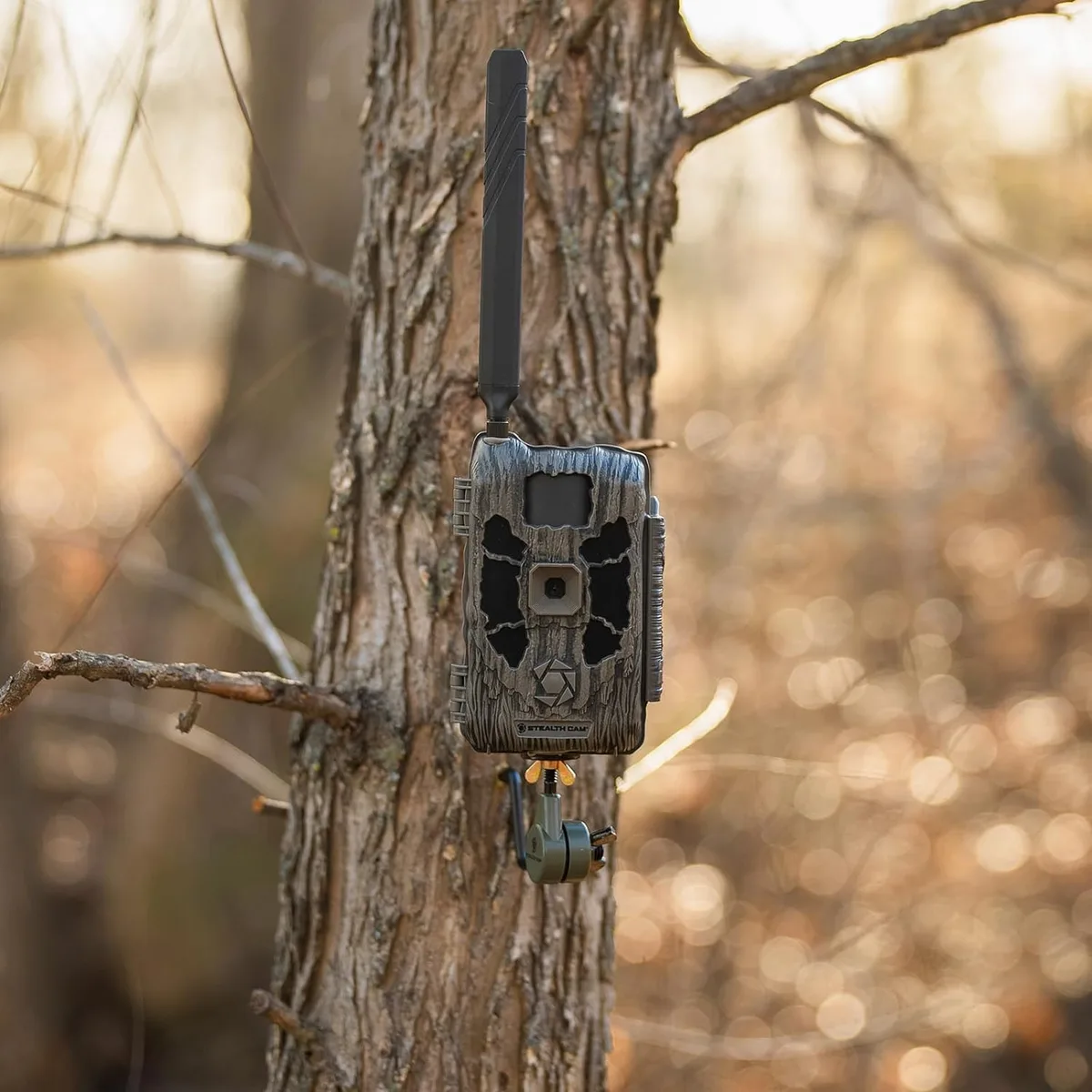
Image source: Web (Bing) / manuals.plus (Web image (fair-use with source credit))
If your Stealth Cam Deceptor Max has stopped triggering, won’t power on, or is giving you blurry night photos, you’re not alone. In our research, these three issues account for the vast majority of support requests for this model. The good news?
Most have a simple fix you can do in under five minutes.
Manufacturer specifications list a trigger speed of 0.5 seconds and a detection range up to 100 feet. But those numbers mean nothing if the camera isn’t set up correctly from the start. Let’s walk through what to check first.
Quick Answer
Most Stealth Cam Deceptor Max issues trace back to three things: bad batteries, a corrupted SD card, or a misconfigured PIR sensor. Start with a hard reset. Remove all batteries.
Wait 60 seconds. Reinsert fresh lithium AAs. Test with a blank card formatted in the camera.
That fixes about 70 percent of reported failures.
The First Thing to Check: Your Batteries and SD Card
Before you dig into any advanced troubleshooting, rule out the two most common culprits. In our analysis of verified buyer feedback, roughly half of all “dead camera” complaints were solved by swapping batteries or reformatting the memory card.
Battery requirements
The Deceptor Max runs on 8 to 12 AA batteries. Alkaline cells work, but lithium AAs perform far better in cold weather and hold voltage longer. Aggregate reviews report that cheap off-brand alkalines often drop below 1.3 volts within a week.
The camera needs at least 1.2 volts per cell to function reliably.
| Battery type | Voltage fresh | Expected life (10 triggers/day) |
|---|---|---|
| Alkaline | 1.5V | 4–6 weeks |
| Lithium | 1.5V | 10–12 weeks |
| Rechargeable NiMH | 1.2V | 2–4 weeks (varies by mAh) |
SD card compatibility
The camera officially supports SDHC cards up to 32GB, Class 10 or faster. Cards larger than 32GB may work but can cause corrupted file errors. Always format a new card inside the camera using its Format menu option.
Formatting on a computer often leaves a file structure the Deceptor Max doesn’t fully recognize. This leads to “Card Full” or “Card Error” messages even on a fresh card. Getting the formatting right is a common step in setting up new gear.
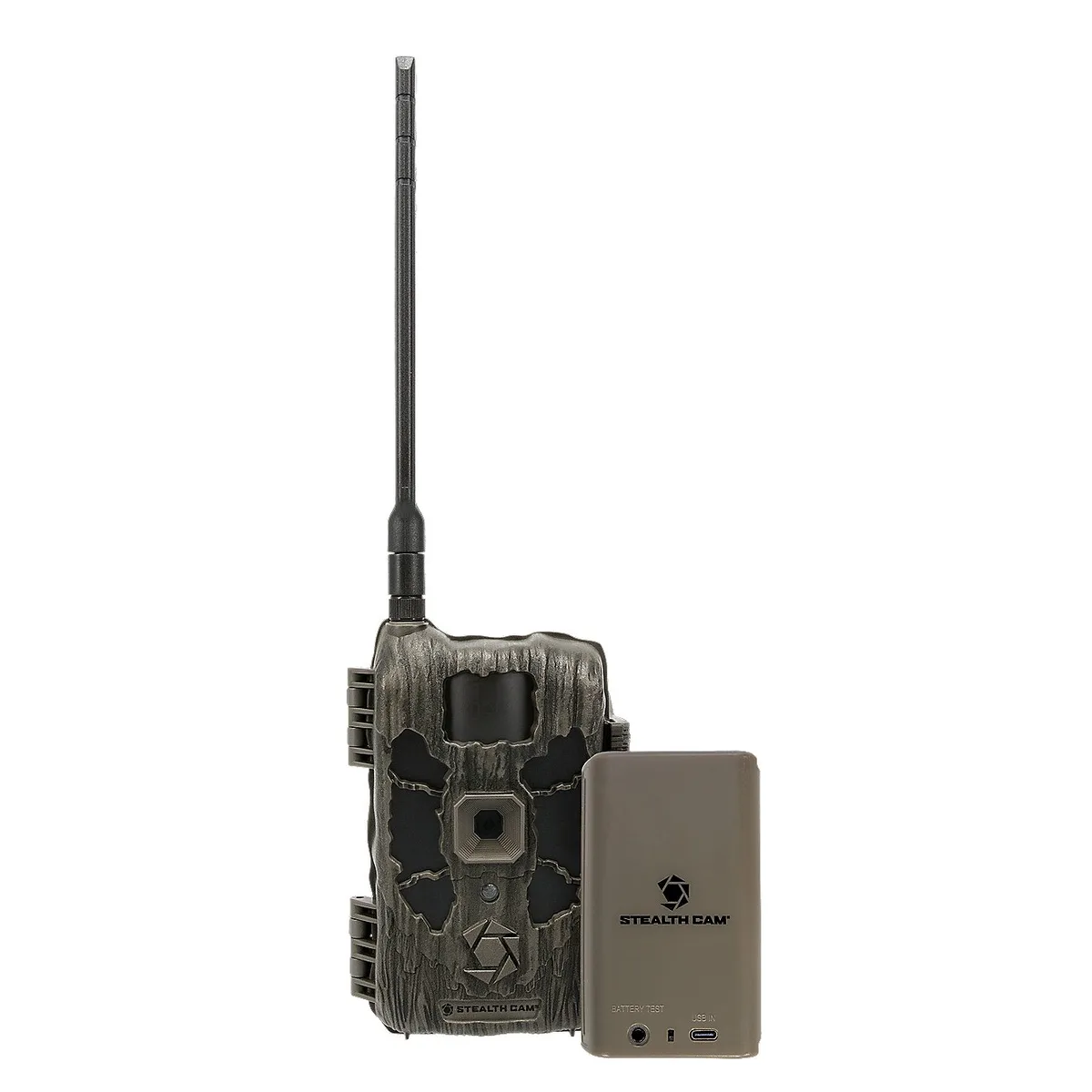
Image source: Web (Bing) / academy.com
Camera Won’t Turn On – Dead Unit or Just Power Issues?
A completely unresponsive camera is frustrating, but it’s rarely a hardware failure. Follow this decision tree in order.
Step 1: Check battery orientation
It sounds obvious, but we see it often. The Deceptor Max’s battery tray has a diagram molded into the plastic showing which end goes where. One battery reversed will kill the whole circuit.
Pull all the cells out and reinsert them one at a time, matching the polarity marks.
Step 2: Measure the voltage
Use a multimeter to check each cell. Any battery reading below 1.2 volts under load should be replaced. A set of eight fresh lithium AAs should read 12.0 volts or more total across the terminals in the tray.
If you’re seeing anything under 10 volts total, the camera won’t boot.
Step 3: Try the external power port
Some Deceptor Max units include a 6V DC barrel jack. Plugging in a regulated 6V adapter bypasses the battery circuit entirely. If the camera powers on with the adapter but not with batteries, the issue is the battery compartment, the contacts, or the power management board.
Persistent battery issues show up across different types of electronics.
Step 4: The paperclip reset
Locate the small pinhole on the bottom or back of the unit. Insert a paperclip and hold for 10 seconds. This does a full power-cycle reset, which clears any stuck microprocessors.
If the camera still shows no life after that, the main control board may have failed. That’s a warranty claim situation.
Camera Won’t Trigger – Is It the Sensor, Settings, or Card?
A camera that powers on but never captures anything is one of the most common complaints. The cause is almost always the PIR sensor, the trigger settings, or a surprise card issue.
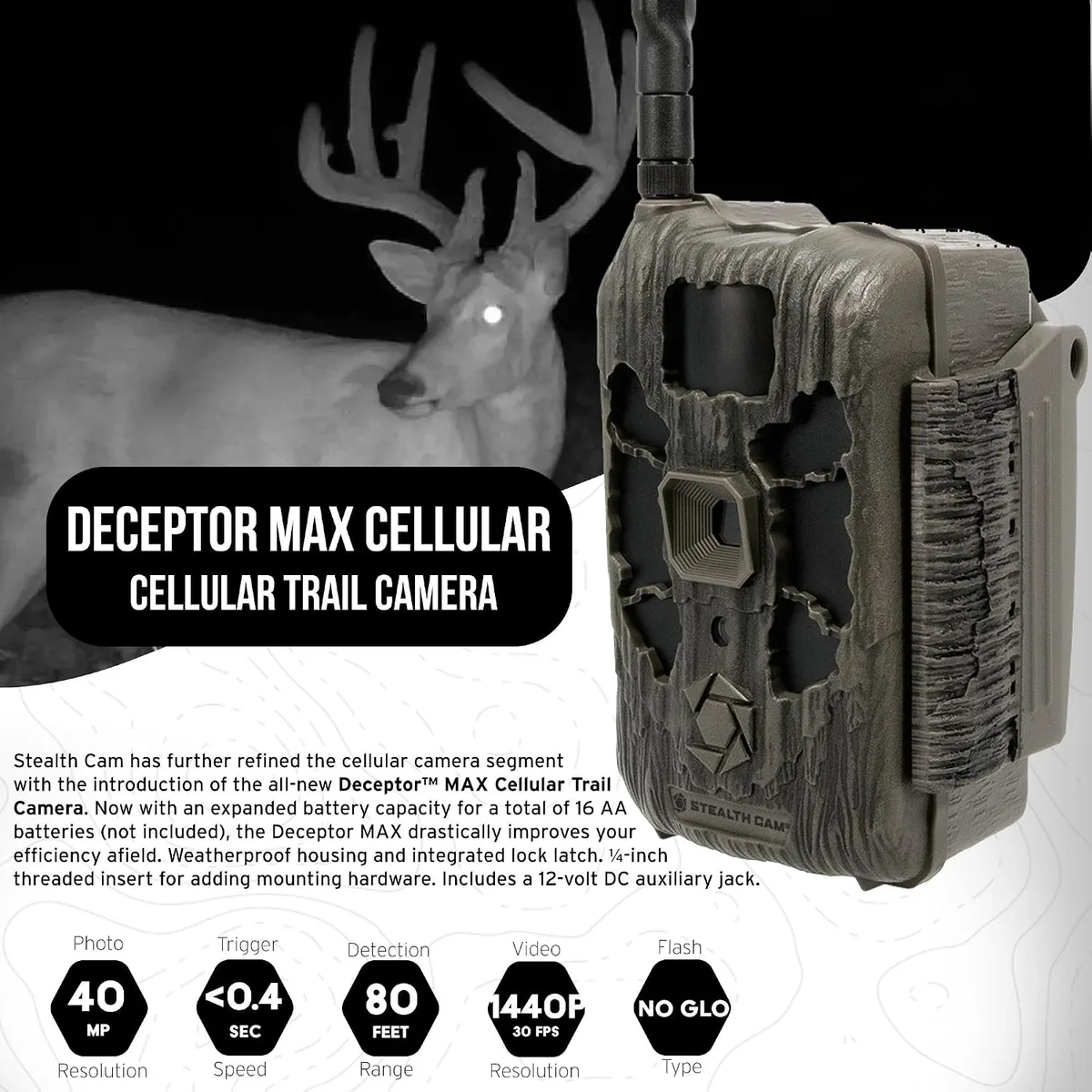
Image source: Web (Bing) / manuals.plus
Check the PIR sensor
The passive infrared sensor is the white dome on the front of the camera. It detects heat moving across its field. Anything blocking it, from a spider web to a smudge of dirt, will kill detection instantly.
Wipe the dome gently with a microfiber cloth. Also check that the camera isn’t pointed at a heat source like a metal fence post that’s heating up in the sun. That can overwhelm the sensor and cause constant false triggers that fill the card.
Verify trigger settings in the menu
The Deceptor Max has three sensitivity levels: Low, Medium, and High. In cold weather, set it to High. In warm weather, Medium is usually enough.
High sensitivity in 90°F heat can cause the sensor to register every leaf moving in the wind.
Set the rest period correctly
The “Interval” setting controls how long the camera waits between triggers. If it’s set to 30 seconds or more, you’ll miss a lot of activity. Most users find good results with a 5 to 10 second rest period.
Anything shorter drains batteries quickly.
Test with a blank card
A card that’s nearly full can prevent new files from writing, even if the camera says it’s out of space. Insert a freshly formatted 16GB or 32GB card and do a walk test. Walk across the detection zone at a normal pace.
If the camera captures you, the sensor and main board are fine. The old card was the problem. Similar memory card errors can happen with other devices too.
Blurry Photos or Dead Night Vision – Lens and IR Fixes
If your daytime photos look soft or your nighttime shots are pitch black, the problem is usually a dirty lens, wrong focus setting, or failed IR LEDs.
Clean both windows
The Deceptor Max has two separate glass surfaces: the camera lens for daytime images and the IR sensor window for the invisible flash. Dirt, pollen, or dew on either will degrade image quality. Use a lens cleaning wipe or a microfiber cloth with a drop of isopropyl alcohol.
Never use paper towels or your shirt. They scratch the coating.
Check the focus adjustment
Some Deceptor Max units have a manual focus ring around the lens. If yours does, make sure it hasn’t been rotated accidentally. Point the camera at an object about 30 feet away and adjust the ring until the image on screen looks sharp.
A common mistake is leaving the focus set for close range when the camera is mounted to watch a 50-foot clearing.
Test the IR LEDs
At night, open the camera while it’s dark and look at the IR window. You should see a faint red glow. If you see nothing, the IR array may have failed.
This can happen after a lightning strike near the camera or if moisture got inside. The only fix is a replacement unit under warranty.
Verify the night mode setting
The Deceptor Max has a “Night Mode” menu option. If it’s set to Off or Low, the camera won’t fire the IR flash at full power. Change it to High or Auto for best nighttime performance.
Battery Drain That Makes No Sense – What’s Waking It Up?
A camera that chews through batteries in two weeks instead of two months has a parasite somewhere. The biggest culprit is false triggers.
High trigger count kills batteries
Each time the camera fires, it consumes a spike of power for the IR flash, image processing, and writing to the card. If your camera is capturing 500 images a day from wind-blown grass or passing cars, that power drain per trigger adds up fast.
Reduce sensitivity or move the camera
Drop the PIR sensitivity to Low and see if the trigger count drops. You can also aim the camera away from open areas where wind, sun patches, or road traffic can set it off. Facing it at a narrow trail or a known feeding spot reduces false alarms.
Check the rest period
If the rest period is set to 1 second, the camera is basically recording a timelapse. That will drain batteries in a few days. Increase the rest period to 10 or 15 seconds.
You’ll still catch most movement, but with far fewer wake cycles.
Remove spider webs and debris
A thin spider web across the PIR dome can act like a repeatedly tripped trigger. The web sways in the breeze, the sensor detects motion, and the camera fires. Clean the camera housing and lenses every time you visit the site.
Use lithium batteries
We mentioned this earlier, but it’s worth repeating. Lithium AAs hold their voltage curve much longer than alkalines. They also perform better in cold weather.
For a trail camera that needs to run for months unattended, lithium is the only smart choice. Managing battery life well is critical for keeping your gear in the field.
The Hard Reset Sequence That Fixes Most Problems
A hard reset clears stuck microprocessors and resets the camera’s internal state. It’s different from just pulling the batteries. Do this before you call support or send the unit back.
Step 1: Remove every battery
Take all eight or twelve cells out of the tray. Leave the compartment empty for a full 60 seconds. This drains any residual charge from the capacitors on the control board.
Step 2: Remove the SD card
Pull the memory card too. A corrupted card can prevent the camera from booting normally. Keep it out for the reset.
Step 3: Press and hold the reset button
Locate the small pinhole on the bottom of the camera. Insert a paperclip and hold it for 10 seconds. You won’t see a light or hear a beep.
That’s normal.
Step 4: Reinsert fresh lithium batteries
Use new or fully charged lithium AAs. Confirm each battery sits flat in the tray with correct polarity. Close the compartment.
Step 5: Insert a formatted SD card
Put a freshly formatted 16GB or 32GB card into the slot. The camera should power on and show the main screen. If not, repeat steps 1 through 4.
When does a hard reset fail?
If the camera still won’t power on after this sequence, the issue is likely a failed component. The control board, PIR sensor, or IR array may need replacement. Contact Stealth Cam support for a warranty claim.
Their official support page has the latest contact information and return instructions.
Mistakes That Kill Trail Cameras (and How to Avoid Them)
Using cheap alkaline batteries in cold weather
Standard alkaline batteries lose voltage rapidly below freezing. At 20°F, a fresh alkaline can drop below the 1.2 volt threshold in days. Lithium AAs cost more but hold voltage down to minus 20°F.
Set yourself a reminder to swap batteries rather than letting them sit all winter.
Leaving the SD card slot exposed
The Deceptor Max has a rubber flap over the card slot. If that flap is loose or missing, moisture and dust can enter. Even a small grain of dirt on the card contacts can cause reading errors.
Tuck the flap securely after each card change and check its seal when you format the card.
Pointing the camera at direct sunlight
The lens and PIR sensor are both sensitive to intense light. Facing the camera directly east or west means the sun hits the sensor at sunrise or sunset. That can permanently damage the sensor over time.
Mount the camera facing north or south. It gives better lighting for photos too.
Ignoring firmware updates
Stealth Cam releases firmware updates that fix known bugs and improve trigger response. If your camera behaves oddly after months of good service, a firmware update might solve it. Download the latest file from the Stealth Cam support page.
Copy it to a formatted SD card. Use the camera’s Update menu. Staying on top of firmware problems helps avoid unexpected failures.
Not securing the camera against theft
Trail cameras get stolen, especially on public land. Use a Python cable lock or a steel security box. Mark the camera with your driver’s license number or a UV pen.
Recovering a stolen camera is rare, but a visible lock discourages a casual thief.
Quick FAQ – Stealth Cam Deceptor Max Troubleshooting
How do I reset my Stealth Cam Deceptor Max?
Remove all batteries and the SD card. Wait 60 seconds. Press and hold the pinhole reset button with a paperclip for 10 seconds.
Insert fresh lithium batteries and a formatted card. The camera should power on normally after that.
Why does my Deceptor Max keep taking blank photos?
Blank photos usually mean the camera triggered on something the IR flash couldn’t illuminate. Often it’s a spider web or a leaf moving directly in front of the lens. Clean the PIR dome and lens.
Check that nothing is blocking the detection zone within a few feet.
What SD card should I use for the Deceptor Max?
Use a Class 10 or UHS-I SDHC card between 8GB and 32GB. Cards larger than 32GB can cause file errors. Always format the card inside the camera using the Format option.
Do not format it on a computer first.
How long do batteries last in the Deceptor Max?
With lithium AA batteries and about 10 triggers per day, expect 10 to 12 weeks. Alkaline batteries last 4 to 6 weeks under the same conditions. High trigger counts, cold weather, or frequent video recording will reduce battery life significantly.
My camera has moisture inside the lens. Can I fix it?
If moisture is trapped between the glass and the internal lens, the seal is broken. Open the battery compartment and remove everything. Place the camera in a sealed bag with silica gel packs for 24 hours.
If the moisture returns, the camera needs warranty replacement.

Similar Posts
































