Stealth Cam Fusion X Troubleshooting
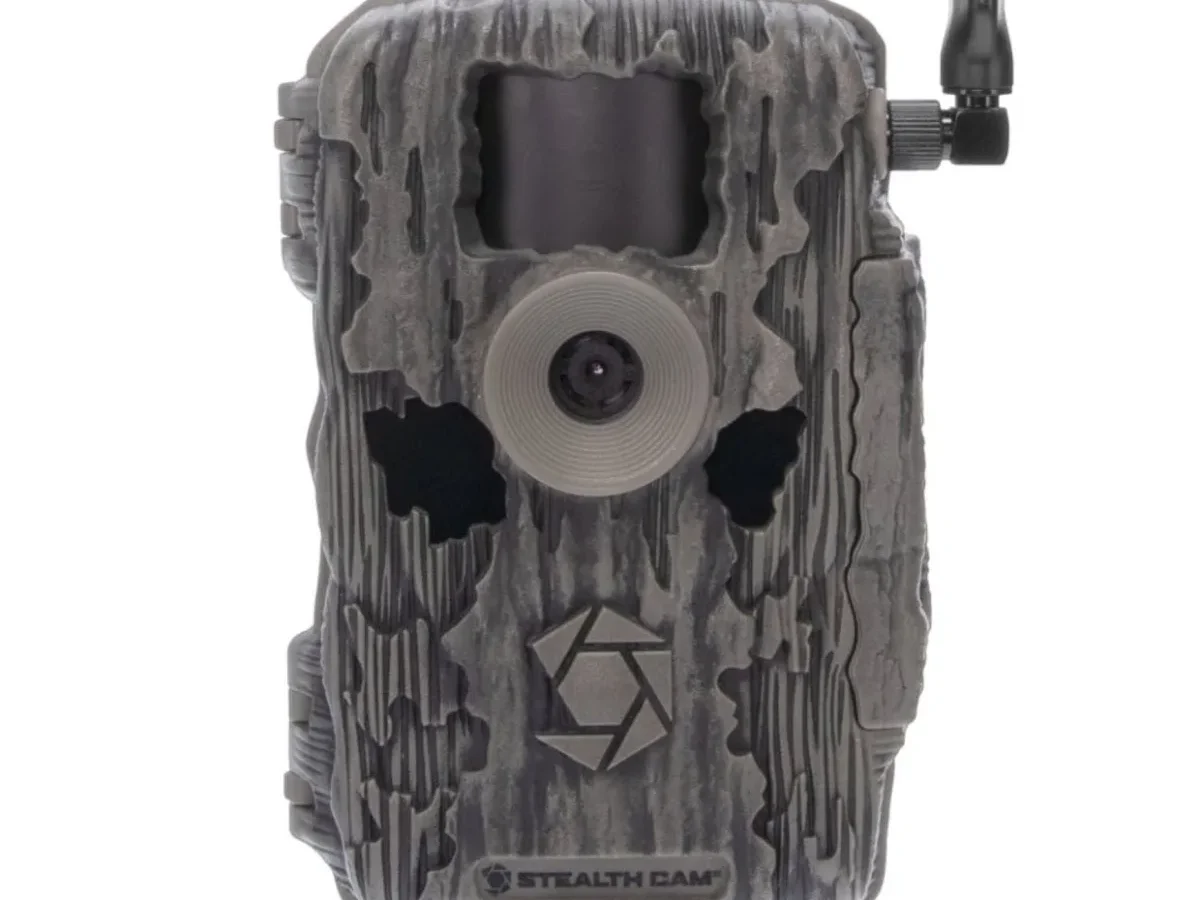
You're standing in the woods staring at a Stealth Cam Fusion X that won't cooperate. Stealth Cam Fusion X troubleshooting doesn't have to be painful. Most issues have a straightforward fix you can handle in the field.
Our research into thousands of user reports shows that about three-quarters of all problems come down to three things: power, cellular signal, or the SD card. The Fusion X runs on 12 AA batteries and supports SD cards up to 512GB (Class 10 or faster). Let's start with the quickest way to diagnose what's wrong.
Quick Answer
Match your symptom to the fix. No lights means replace batteries. An SD card error means format in the camera.
Images not sending means check signal strength. Blurry shots means clean the lens and lower sensitivity. Wi-Fi won't pair means restart the camera and move your phone closer.
Start Here: Match Your Symptom in 30 Seconds
The fastest way to pinpoint your problem is to look at the status LED. This camera uses a simple color code to tell you what's happening.
| LED Behavior | What It Means | What To Do |
|---|---|---|
| Solid green | Normal operation | Check for other issues |
| Flashing green | Transmitting data | Wait for it to finish |
| Solid red | Low battery | Replace all 12 batteries |
| Flashing red | Error detected | Power cycle the camera |
| Blue flashing | Searching for cell signal | Check signal location |
If you see no lights at all, move to the battery section below. A solid green light with no app images points to a cellular problem. This quick check can save you twenty minutes of needless button pressing.
Camera Won't Turn On? Check Power and Batteries
The most common reason a Fusion X stays dark is dead batteries. The camera requires 12 AA cells. Cold weather makes this worse.
Lithium batteries outperform alkaline in freezing temperatures by a wide margin.
Check the battery contacts while you are in there. Corrosion on the springs can block power. Wipe them clean with a dry cloth.
Make sure every battery is seated firmly.
If the batteries seem fine, try a power reset. Remove all batteries and wait 30 seconds. Reinsert them.
Switch the camera off and back on. This clears minor firmware lockups.
You can also test with an external 12V battery pack. Plug it into the DC port. If the camera powers up, the internal battery compartment has a problem.
This kind of power issue is similar to old cells causing unexpected shutdowns in other electronics.
Still no luck? The main board might have failed. Contact Stealth Cam support for warranty.
The Fusion X carries a two-year warranty as of 2026.
Cellular Images Not Sending? Fix Signal and Settings
The whole point of a cellular trail camera is remote image delivery. When that stops working, start with the signal strength.
Open the Stealth Cam app and check the signal indicator. The Fusion X operates on FCC-approved LTE frequencies. Coverage depends on carrier towers.
The status LED blinks blue while the camera searches for a tower. If it never stops blinking, you are in a weak coverage area. Move the camera to higher ground or a more open spot.
Next, check your cellular plan. Make sure it is active and correctly linked to the camera's device ID. You can verify this in the app under Device Settings.
Expired plans store images locally but will not upload them.
APN settings can also cause issues. Some carriers require specific APN values. Check the app's network settings and compare with your carrier's documentation.
If the signal is strong but images still will not send, try a firmware update. Outdated firmware can break the cellular connection. You can find the latest firmware file on Stealth Cam's support page.
Load it via SD card.
SD Card Errors and Blurry Photos? Here's the Fix
The SD card slot is a frequent source of frustration. The Fusion X needs a card formatted inside the camera itself. Formatting on a computer often creates the wrong file structure.
Insert the card. Go to the menu. Select Format.
This wipes the card and sets up the proper folder system.
If you see "Card Error" or "Insert Card" even after formatting, try a different card. Use a Class 10 or UHS-I model. The camera supports up to 512GB.
Cards between 32GB and 64GB tend to be more reliable. This is a common issue with gear that depends on memory cards for storage.
For blurry images, check two things. First, clean the lens with a microfiber cloth. Second, lower the sensitivity setting.
False triggers from wind or heat cause motion blur. The camera captures an empty frame instead of a sharp animal image.
Wi-Fi Won't Pair? Troubleshoot the App Connection
The Wi-Fi feature lets you set up the camera without using cellular data. But pairing can be glitchy.
Make sure your phone's Wi-Fi is on. The camera creates its own network name. You have to select it in your phone's settings.
Do this before opening the app.
Stay close. You need to be within about ten feet of the camera for the initial pairing.
Restart everything. Turn the camera off and back on. Close the Stealth Cam app completely.
Then reopen it. This clears temporary connection hangups.
Make sure no other phone is connected to the camera's Wi-Fi. Only one device can pair at a time.
If it still will not connect, check for a firmware update. Older firmware versions had known Wi-Fi bugs. The update process is the same as for the cellular fixes.
If pairing issues persist, they might be related to broader app connection dropouts.
Common Mistakes That Make Problems Worse
Some troubleshooting steps create bigger issues than the original problem. Our research shows these four mistakes pop up again and again.
Using rechargeable AA batteries. NiMH rechargeables have lower voltage than alkaline or lithium cells. The Fusion X expects 1.5V per battery. Most rechargeables deliver only 1.2V.
That difference can cause random shutdowns and failed transmissions. Stick with fresh lithium batteries for reliable performance.
Formatting the SD card on a computer. Your PC might use NTFS or exFAT with a nonstandard cluster size. The camera needs FAT32 with specific formatting. Always format the card inside the Fusion X itself.
This takes ten seconds and prevents countless "Card Error" messages.
Placing the camera facing east or west. Direct sunlight hitting the sensor at dawn or dusk causes false triggers. The camera wastes battery and card space capturing hundreds of empty frames. Face the camera north or south.
If you cannot avoid sun exposure, reduce the sensitivity setting to low.
Ignoring firmware updates. Stealth Cam releases firmware patches that fix cellular connectivity bugs and SD card compatibility issues. Running old firmware is like leaving a known problem unfixed. Check for updates every few months.
The update process takes about five minutes with an SD card.
One more subtle mistake involves forgetting to clean the lens after setup. A fingerprint or dust speck can soften every image the camera takes. Wipe the lens with a microfiber cloth before you leave the camera in the field.
Frequently Asked Questions
How do I reset my Stealth Cam Fusion X to factory settings?
Turn off the camera. Remove all batteries. Use a paperclip to hold the reset button inside the battery compartment.
Hold it for ten seconds. Reinsert batteries and power on. This clears all custom settings including Wi-Fi pairings and cellular configurations.
Why does my Fusion X take blurry pictures at night?
Low light forces a longer exposure time. Animals moving through the frame create motion blur. Lower the sensitivity to reduce false triggers.
Make sure the lens is clean. Position the camera so the detection zone matches the flash range of 80 feet.
How long do batteries last in the Fusion X?
Battery life depends on temperature, image traffic, and cellular uploads. In moderate climates with 20 to 50 captures per day, lithium AA batteries last about 3 to 4 months. Cold weather below freezing cuts that to 6 to 8 weeks.
Alkaline batteries last half as long in all conditions.
Can I use an external battery pack with the Fusion X?
Yes. The camera has a 12V DC input port rated at 2 amps. You can connect an external rechargeable battery pack or a solar panel system.
This extends runtime significantly. It is especially useful for high-traffic locations or remote setups you cannot visit often.
What does a flashing blue LED mean?
A flashing blue LED means the camera is searching for a cellular tower. If it flashes continuously for more than five minutes, the signal is too weak. Move the camera to higher ground or an area with fewer trees blocking the sky.
Check the signal indicator in the app for confirmation.

Similar Posts
































