Why Is Ring Video Doorbell Pro 2 Offline: Quick Fixes
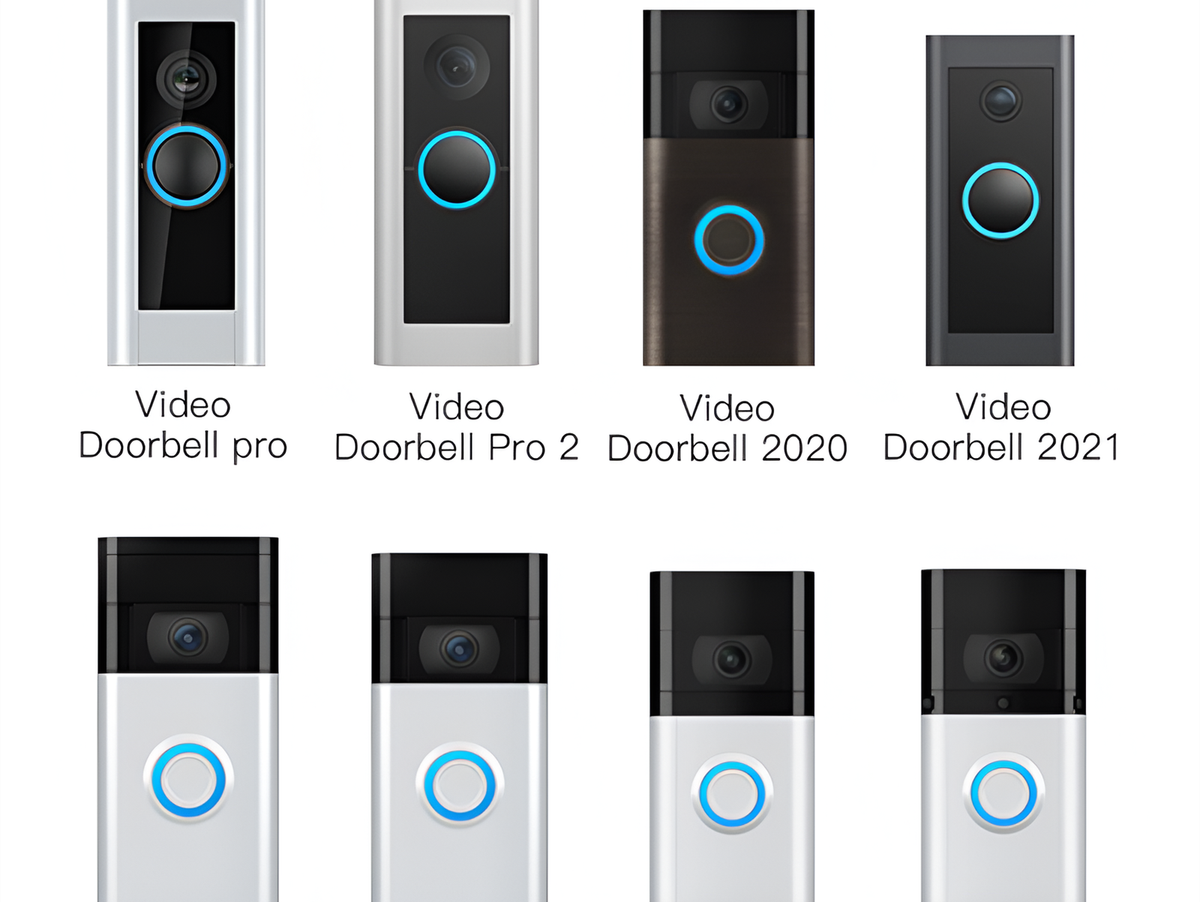
A Ring Video Doorbell Pro 2 usually goes offline because of Wi-Fi issues, power problems, weak signal, or app glitches.
If your Ring Video Doorbell Pro 2 keeps dropping offline, you are not alone. I have seen this happen with smart doorbells more times than I can count, and the cause is often simpler than it seems. In this guide, I’ll walk you through the real reasons a Ring Video Doorbell Pro 2 goes offline, how to fix it fast, and how to keep it stable long term.
:strip_icc()/BHG-how-to-install-video-doorbell-6833360-part-01-step-05_30445-c97141832b6541158a12194e97fccded.jpg)
Why the Ring Video Doorbell Pro 2 Goes Offline
A Ring Video Doorbell Pro 2 depends on two things at all times: a steady power supply and a strong internet connection. If either one gets shaky, the device can disconnect from the Ring app and show as offline.
In my experience, the most common cause is weak Wi-Fi, especially when the router is far from the front door. The second most common issue is power instability, which can happen if the transformer, wiring, or doorbell chime setup is not providing enough consistent power.

Common Reasons Your Ring Video Doorbell Pro 2 Is Offline
There are several likely reasons the Ring Video Doorbell Pro 2 is offline. Some are simple, while others need a little more digging.
Weak or unstable Wi-Fi
The Ring Video Doorbell Pro 2 needs a strong 2.4 GHz Wi-Fi signal to stay connected. If the signal is weak at your front door, the device may connect and disconnect over and over.
Things that can weaken Wi-Fi include:
- Thick walls
- Metal doors or screens
- Long distance from the router
- Interference from other devices
- Router placement near floors or corners
A lot of users assume the doorbell is broken when the real issue is that the Wi-Fi signal at the door is just too low.
Power supply problems
The Ring Video Doorbell Pro 2 is wired, so it relies on proper electrical power. If the transformer is underpowered, the device may not function well and can go offline.
Common power-related issues include:
- Low transformer voltage
- Loose wiring at the doorbell
- Old or damaged chime wiring
- Poor installation
- Power fluctuations in the home
I once helped troubleshoot a setup where the doorbell looked fine on the outside, but the transformer was not delivering stable power. Once that was fixed, the offline problem disappeared almost immediately.
Router or internet outage
Sometimes the Ring Video Doorbell Pro 2 is offline simply because the internet is down. Even a short outage can make the device appear unavailable in the app.
This can happen during:
- ISP outages
- Router reboots
- Modem issues
- DNS problems
- Firmware updates on the network gear
If other smart devices are also offline, the issue is probably with the network, not the doorbell itself.
App sync or account issues
The Ring app may show the device as offline even when the doorbell is partly working. This can happen when the app needs a refresh, your account session expires, or the device status fails to update correctly.
Try signing out and back in, then reopen the app. Sometimes the problem is just a stale device status, not a real connection loss.
Firmware or software bugs
Like any smart device, the Ring Video Doorbell Pro 2 can run into firmware bugs. A bad update or temporary software problem may cause the doorbell to drop off the network.
Updates usually improve performance, but occasionally they create short-lived issues. This is why it helps to keep the device updated and restart it after major changes.
Router settings blocking the device
Some router settings can stop the Ring Video Doorbell Pro 2 from connecting well. This happens more often than people think.
Problem settings may include:
- MAC address filtering
- Firewall restrictions
- Band steering issues
- DHCP problems
- Guest network isolation
If your network has been customized, the doorbell may need a closer look.
How to Fix a Ring Video Doorbell Pro 2 Offline
When a Ring Video Doorbell Pro 2 is offline, the best fix is to move step by step. Start with the simplest checks first so you do not waste time.
1. Check your Wi-Fi network
First, confirm that your internet is working on other devices. If phones, laptops, or TVs are also losing connection, the issue is likely your network.
Then check whether the doorbell is too far from the router. If your Wi-Fi signal is weak near the front door, consider a mesh extender or a better router location.
2. Restart the router and modem
A simple reboot can solve many connection problems. Unplug the modem and router, wait about 30 seconds, and plug them back in.
After the network comes back online, give the Ring Video Doorbell Pro 2 a few minutes to reconnect. This often clears temporary glitches.
3. Check the doorbell power
Make sure the device is getting proper power. If the unit is hardwired, inspect the connection points and check whether the chime and transformer are working.
If you are not comfortable checking electrical wiring, call a licensed electrician or a qualified installer. That is safer and usually faster than guessing.
4. Reconnect the device in the Ring app
Sometimes removing and re-adding the device helps. Open the Ring app, check the device status, and follow the connection steps if the app prompts you.
You can also try:
- Closing and reopening the app
- Logging out and back in
- Checking for app updates
- Rebooting your phone
These small steps often fix display issues that look like an offline device.
5. Move the router or add a Wi-Fi extender
If the signal is poor, the best fix may be physical. Moving the router closer to the front of the home or adding a mesh node can make a huge difference.
For larger homes, a Wi-Fi extender or mesh system is often the cleanest fix. I have seen many Ring problems disappear after improving signal strength by just one room’s distance.
6. Restart the Ring Video Doorbell Pro 2
If the device itself is frozen, restart it. A reset or power cycle can clear short-term bugs and restore normal behavior.
If you need to do this, follow Ring’s reset steps for your model carefully. Do not rush the process, and allow the unit time to reconnect after rebooting.
7. Update firmware and the Ring app
Keep both the Ring app and your doorbell firmware current. Updates often include fixes for stability, connection strength, and battery or power behavior.
If the app is outdated, it may not communicate correctly with the device. That can make a healthy doorbell look offline when it is not.
How to Tell Whether the Problem Is Wi-Fi or Power
This is one of the biggest questions people have. A Ring Video Doorbell Pro 2 can go offline for either reason, but the signs are different.
If it is a Wi-Fi issue, you may notice:
- Slow live view loading
- Choppy motion alerts
- Frequent disconnects
- The device reconnects near the router
- Other devices on the network work fine, but the doorbell does not
If it is a power issue, you may notice:
- Black screen or no response
- Chime not working
- Short connection periods followed by dropouts
- The unit feels inconsistent after installation
- Problems started after wiring changes or a storm
A good rule of thumb is this: if your internet is strong but the doorbell still drops offline, power becomes the top suspect.
Preventing Future Offline Problems
Once your Ring Video Doorbell Pro 2 is back online, the next step is keeping it that way. Prevention is a lot easier than repeated troubleshooting.
Here are the habits that help most:
- Keep the router close enough for a strong front-door signal
- Use a mesh Wi-Fi system if your home is large
- Check the transformer rating before installing the doorbell
- Keep the Ring app updated
- Review router settings after changing internet equipment
- Restart the router once in a while to clear network clutter
- Avoid placing the router behind heavy furniture or in cabinets
I always tell people to think of the doorbell like a runner. It does best when the path is clear, the power is steady, and the signal is strong. If one of those pieces is weak, the whole system feels unreliable.
Real-World Troubleshooting Tips From Experience
Over time, I have noticed a few patterns with the Ring Video Doorbell Pro 2 offline issue. The fixes that work best are usually the ones that address the root cause, not just the symptom.
A few practical lessons:
- Do not assume the device is defective right away
- Test Wi-Fi strength at the front door before replacing hardware
- Check transformer and wiring if the problem started after installation
- Reboot the router before doing anything more advanced
- If problems happen at the same time every day, look for interference or network congestion
One mistake I see often is people resetting the device over and over without checking the network. That can waste time and sometimes makes the setup harder than it needs to be.
When You May Need Professional Help
Sometimes the Ring Video Doorbell Pro 2 offline issue is not a DIY fix. If you have tested the network and power, but the device still drops offline, it may be time to bring in help.
You may need an electrician or installer if:
- The transformer voltage is wrong
- The wiring looks damaged
- The doorbell was installed years ago
- The chime setup is unusual
- The device loses power after storms or outages
You may need your internet provider or a network technician if:
- Multiple devices are dropping offline
- The Wi-Fi signal is weak across the house
- The router keeps rebooting
- The modem logs show repeated disconnects
Frequently Asked Questions of Why Is Ring Video Doorbell Pro 2 Offline?
Why does my Ring Video Doorbell Pro 2 keep going offline at night?
This often happens when Wi-Fi gets weaker due to network congestion or router settings that shift performance during busy hours. It can also point to power instability if the issue happens around the same time every day.
Can a weak transformer make the Ring Video Doorbell Pro 2 go offline?
Yes, a weak or incorrect transformer can absolutely cause offline problems. The device needs steady power to stay connected, so an underpowered setup can make it disconnect often.
Why does the Ring app say my doorbell is offline but it still works sometimes?
That usually means the app status is delayed or out of sync. The doorbell may still be partially connected, but the app is not updating the status correctly.
Will a Wi-Fi extender help my Ring Video Doorbell Pro 2 stay online?
Yes, if the problem is signal strength, a Wi-Fi extender or mesh node can help a lot. The best results come from placing the extender closer to the front door, not deep inside the house.
Should I reset my Ring Video Doorbell Pro 2 if it goes offline?
A reset can help if the device is frozen or the connection has become unstable. Still, it is smart to check Wi-Fi and power first so you do not erase settings before finding the real cause.
Conclusion
A Ring Video Doorbell Pro 2 going offline usually comes down to weak Wi-Fi, power issues, router trouble, or a temporary app glitch. Once you check those main areas, most problems become much easier to solve.
The best approach is simple: start with the network, verify the power, update the app, and only then move to resets or hardware changes. If you take it step by step, you can save time, avoid frustration, and get your doorbell back to working the way it should.
If this guide helped, try the troubleshooting steps today and keep an eye on your signal and power setup. For more smart home fixes and practical tips, explore related guides and share your experience in the comments.

Similar Posts