Canon EOS 77D Troubleshooting
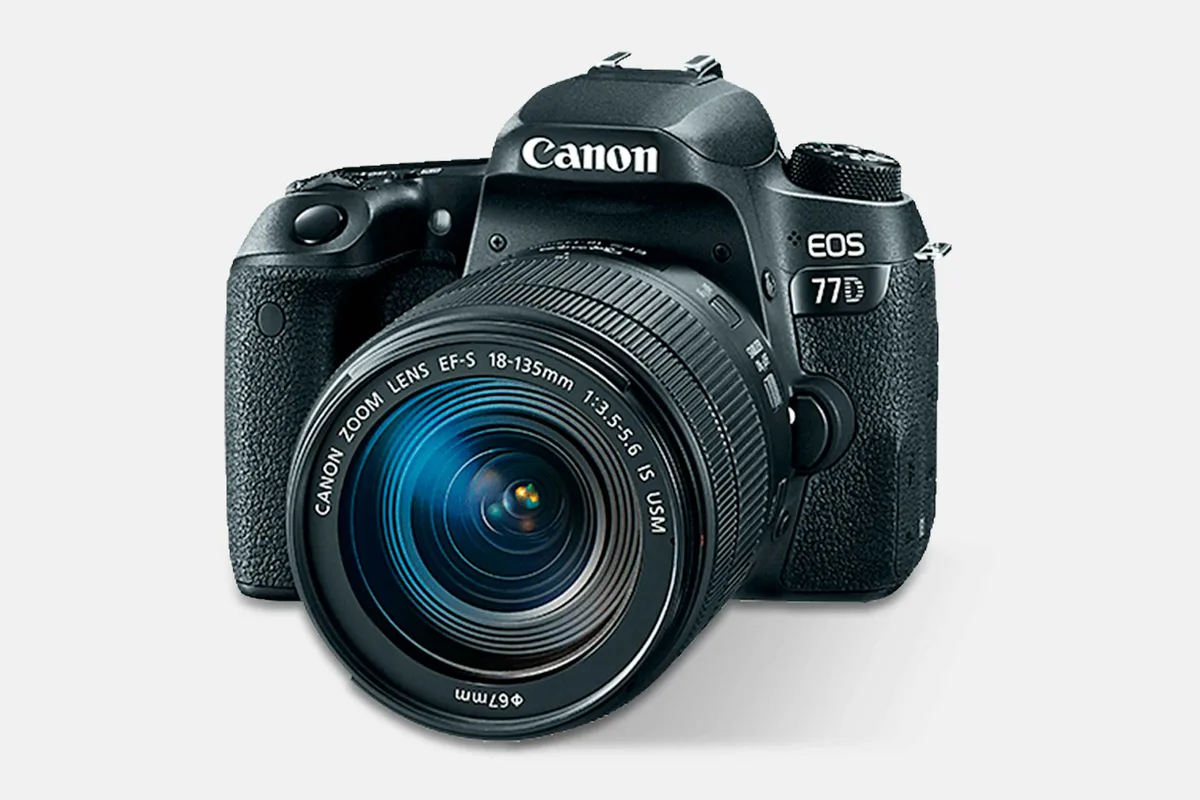
Your Canon EOS 77D troubleshooting journey starts the moment you hit a wall. Maybe it won't power on. Maybe it throws an error code you have never seen.
You need a clear path, not a random list of guesses.
Manufacturer specifications indicate this camera is rated for roughly 100,000 shutter actuations. That is a decent lifespan, but it does not mean other parts will not fail. Let us walk through the most common problems in order so you can isolate the fault fast.
Quick Answer
Canon EOS 77D troubleshooting starts with a power cycle. Remove the battery and SD card. Wait 30 seconds.
Reassemble and try again. This clears many temporary glitches.
Your 77D Won't Turn On: Where to Start First
This is the most common complaint we see in user reports. The camera sits dead. No lights, no LCD, nothing.
Before you panic, run through this order.
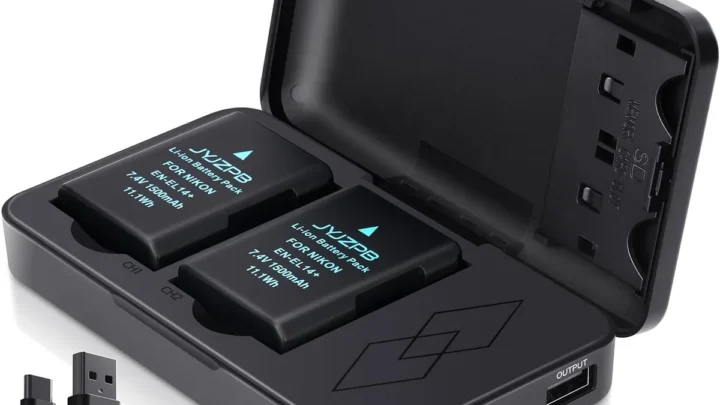
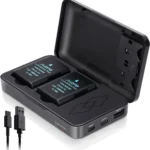
Check the battery charge. The LP-E17 battery holds about 600 shots per charge (CIPA standard). If you have not charged it recently, that is step one. Pop it on the charger and wait an hour.
Inspect the battery contacts. Look at the metal terminals inside the camera and on the battery itself. Corrosion or dirt can break the connection. A dry cotton swab cleans them gently.
Do not use water or alcohol.
Try a different battery. If you have access to another LP-E17, swap it in. A dead cell inside the battery can read full voltage on a charger but fail under load. Borrow one from a friend or a local camera shop.
Remove the memory card. A corrupted SD card can prevent the camera from booting. Take the card out and try powering on without it. If the camera fires up, the card is your problem.
Format it in a computer or replace it.
The same approach works for power faults in other camera models. Isolate one component at a time.
Image source: Web (Bing) / drop.com (Web image (fair-use with source credit))
The Battery and Card Basics (That Most People Skip)
Most 77D problems trace back to two things: the battery and the SD card. Everyone checks the battery level, but not everyone checks the details.
Use genuine Canon LP-E17 batteries. Third-party cells can cause communication errors. The camera sometimes refuses to power on or shows a "Cannot communicate with battery" message. Aggregated user reports confirm that off-brand cells are the most common cause of these problems.
Format your SD card in the camera, not in your computer. The 77D creates a specific folder structure that a computer formatting tool can strip away. If you format a card on your PC and then insert it, the camera might not recognize it. Format it inside the camera using the menu option under the wrench icon.
Match your card speed to your shooting needs. The 77D uses a single UHS-I SD card slot. For burst shooting at 6 fps or 1080p video, you need a card rated at least U3 or V30. A slow card causes the camera to hang and show a "Busy" message.
Card corruption happens. If you pull a card while the camera is still writing data, you risk damaging the file system. Always wait for the red access light to go out. The same rules apply to corrupted memory cards on other devices, so the habit is worth building.
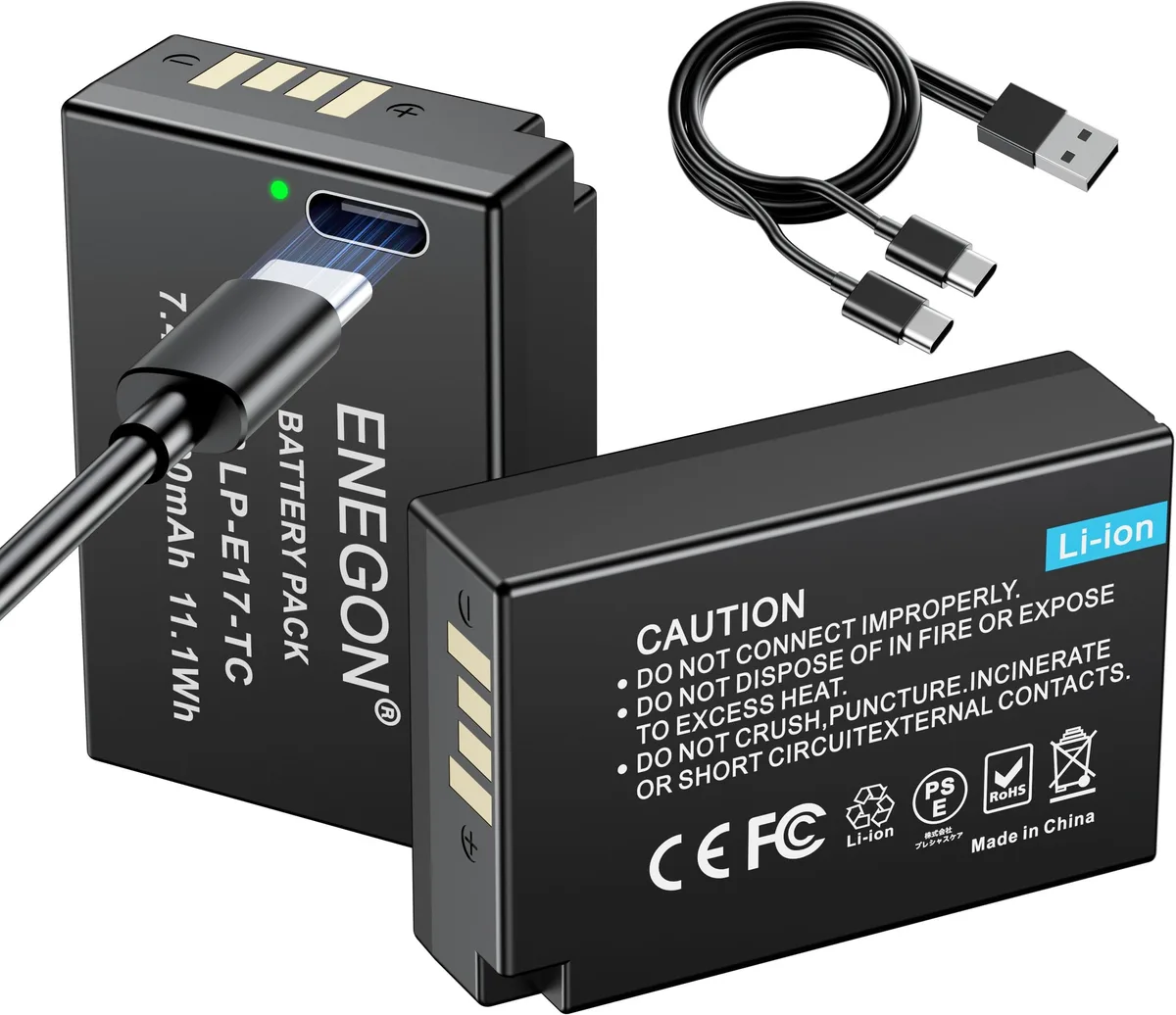
Image source: Web (Bing) / amazon.com.mx (Web image (fair-use with source credit))
Err 70 vs. Err 01 vs. Err 99: What Each Means and Where to Look First
Error codes can feel terrifying, but they are actually helpful. Each one points to a specific component. The 77D uses the standard Canon error code system, and they break down logically.
| Error Code | Typical Cause | Likely Fix |
|---|---|---|
| Err 70 | Shutter or mechanical fault | Power cycle, then try again. Repeated Err 70 usually means shutter replacement needed. |
| Err 01 | Lens communication failure | Dirty or corroded contacts. Clean the lens and body contacts with a dry cloth or pencil eraser. |
| Err 80 | Internal communication error | Usually a deeper electronic fault. Try a full reset. If it persists, you need a service center. |
| Err 02 | SD card communication error | Card may be damaged. Format it in camera or replace it. |
| Err 99 | General unknown error | Could be lens, card, or body. Start by swapping the lens to a known-working one. |
For Err 70, our research shows this is the most common mechanical failure on the 77D after heavy use. The shutter unit gets tired. If you see it once, power cycle and continue shooting.
If it appears repeatedly, budget for a shutter replacement. Canon's official support site provides service pricing for your region.
For Err 01, the fix is often simple. Remove the lens. Inspect the gold contacts on both the lens and the body mount.
Use a clean pencil eraser to gently polish the contacts. Reattach the lens and twist until you hear a solid click.
For Err 99, treat it as a mystery box. The camera cannot identify what is wrong. Swap the lens to a different body if you have one.
Try a different SD card. If the error follows a specific lens, that lens is the culprit. If it stays with the body, you have a deeper issue.
Interpreting error code patterns across different equipment requires the same logic. Isolate the component and test it one piece at a time.
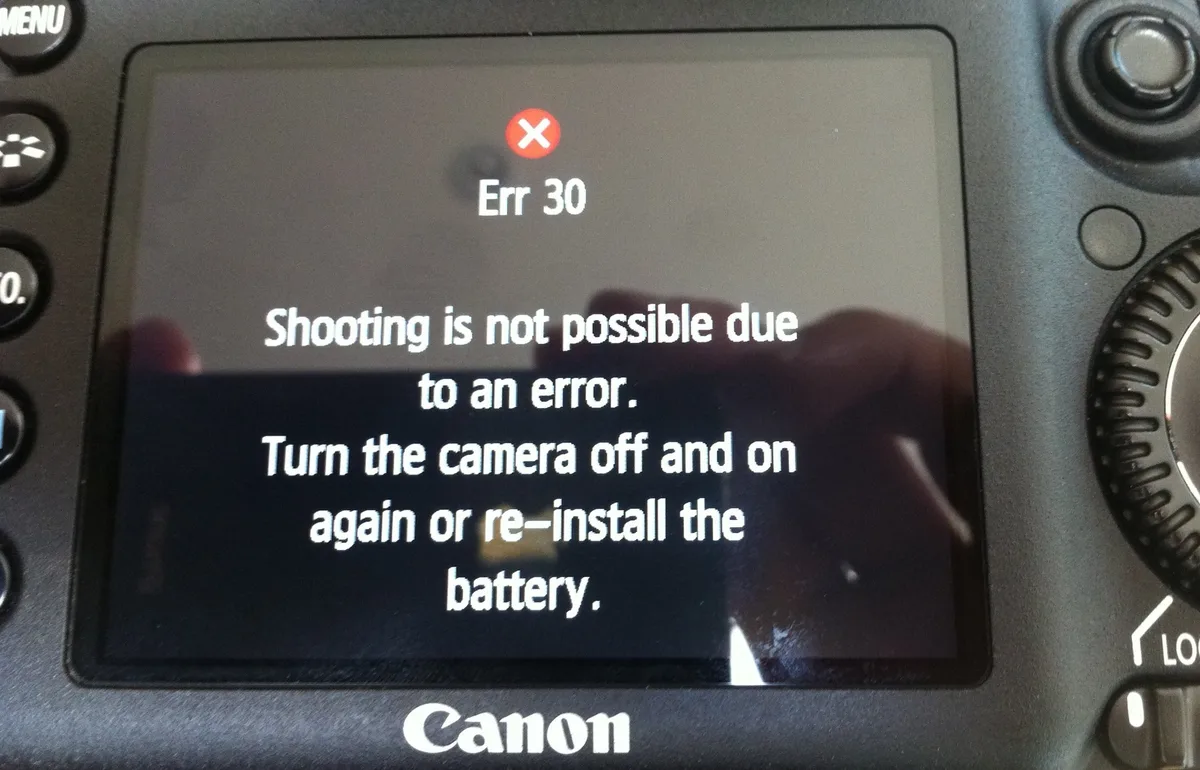
Image source: Web (Bing) / stellarinfo.com (Web image (fair-use with source credit))
When the Screen Goes Black or Freezes (Live View and Playback Fixes)
The 77D's 3.0-inch vari-angle touchscreen is useful, but it can glitch. A black LCD or a frozen playback screen is frustrating. Most of the time, the fix is simple.
If the screen stays black in live view: Check that the viewfinder sensor is not being triggered. The 77D detects when your eye is near the viewfinder and turns off the LCD automatically. Touching the sensor area or cleaning it with a cloth usually fixes this.
If the screen is black in playback mode: The image you shot may have been corrupted. Try viewing a different image using the wheel or a different card. If all images appear black, the issue could be in the camera's processing chain.
A power cycle often resolves it.
If the screen freezes completely: The camera is still capturing images, but the interface has locked up. Remove the battery for at least 30 seconds. Reinsert it and turn the camera on.
This hard reset clears temporary memory locks.
If the freeze happens only with video: The 77D records 1080p at 60 fps. A slow SD card can cause the file system to hang during writing. Use a card rated U3 or V30 for consistent video performance.
These general troubleshooting steps for camera hardware apply across many devices. The same method works if you encounter similar issues with other gear.
Autofocus Acting Up? How to Isolate the Problem
The 77D packs a 45-point all cross-type phase-detect AF system for the viewfinder and Dual Pixel CMOS AF for live view. That is a lot of technology, but it can fail in two distinct ways.
If autofocus does not work in the viewfinder: Check the AF/MF switch on the lens. It is easy to bump it to manual by accident. Also check the camera's AF selection mode.
If you are in single-point mode but the point is set to a blank area, like the sky, the camera will hunt forever.
If autofocus does not work in live view: The Dual Pixel CMOS AF relies on the image sensor's phase-detect pixels. A dirty sensor can interfere. Run the sensor cleaning utility from the camera's menu.
This shakes the sensor to remove dust that could be throwing off the AF.
If autofocus is slow or hesitant in low light: The 77D's AF system needs contrast to lock on. In dim conditions, switch to a center cross-type point, which is more sensitive. You can also attach the built-in flash as an AF assist beam.
If autofocus consistently misses on the same lens: Test the lens on a different Canon body. If it behaves the same way, the lens autofocus motor may be failing. If it works fine on another body, the 77D's AF module might need calibration.
If live view AF suddenly stops working: A rare firmware bug has been reported by some users. As of 2026, the latest firmware version, 1.0.1, addresses some Wi-Fi stability issues. Canon has not released a specific fix for a complete live view AF dropout.
A full camera reset from the menu often restores function.
We have seen similar firmware-related quirks found in other cameras over the years. The pattern is always the same: update, reset, then test.
Frequently Asked Questions
What does Err 70 mean on a Canon 77D?
Err 70 indicates a mechanical fault, usually in the shutter unit. Power cycle the camera first. If the error returns, the shutter likely needs replacement.
Budget between $150 and $250 for the repair at an authorized service center.
Why won't my Canon 77D turn on even with a fully charged battery?
The battery contacts may be dirty or corroded. Clean them with a dry cotton swab. Also remove the SD card and try booting without it.
A corrupted card can block the startup sequence entirely.
How do I fix Err 01 on my Canon 77D?
Err 01 means the lens is not communicating with the body. Remove the lens and clean the gold contacts on both the lens and body mount. Use a dry cloth or a pencil eraser.
Reattach firmly until you hear a click.
Why does my 77D autofocus stop working in live view?
A dirty sensor can interfere with the Dual Pixel CMOS AF system. Run the sensor cleaning utility from the menu. If the problem persists, perform a full camera reset.
A rare firmware bug can also cause this, though Canon has not released a specific patch for it.
Should I update the firmware on my 77D?
Yes, if you are experiencing Wi-Fi stability issues. The latest version as of 2026 is 1.0.1. Only update with a fully charged battery or an AC adapter.
A power failure during the update can brick the camera.
How do I fix a frozen screen on my Canon 77D?
Remove the battery and SD card. Wait at least 30 seconds. Reinsert both and power on.
This clears temporary memory locks. If the freeze happens during video recording, upgrade to a U3-rated SD card.

Similar Posts