Mirrorless Camera EVF Not Working Troubleshooting
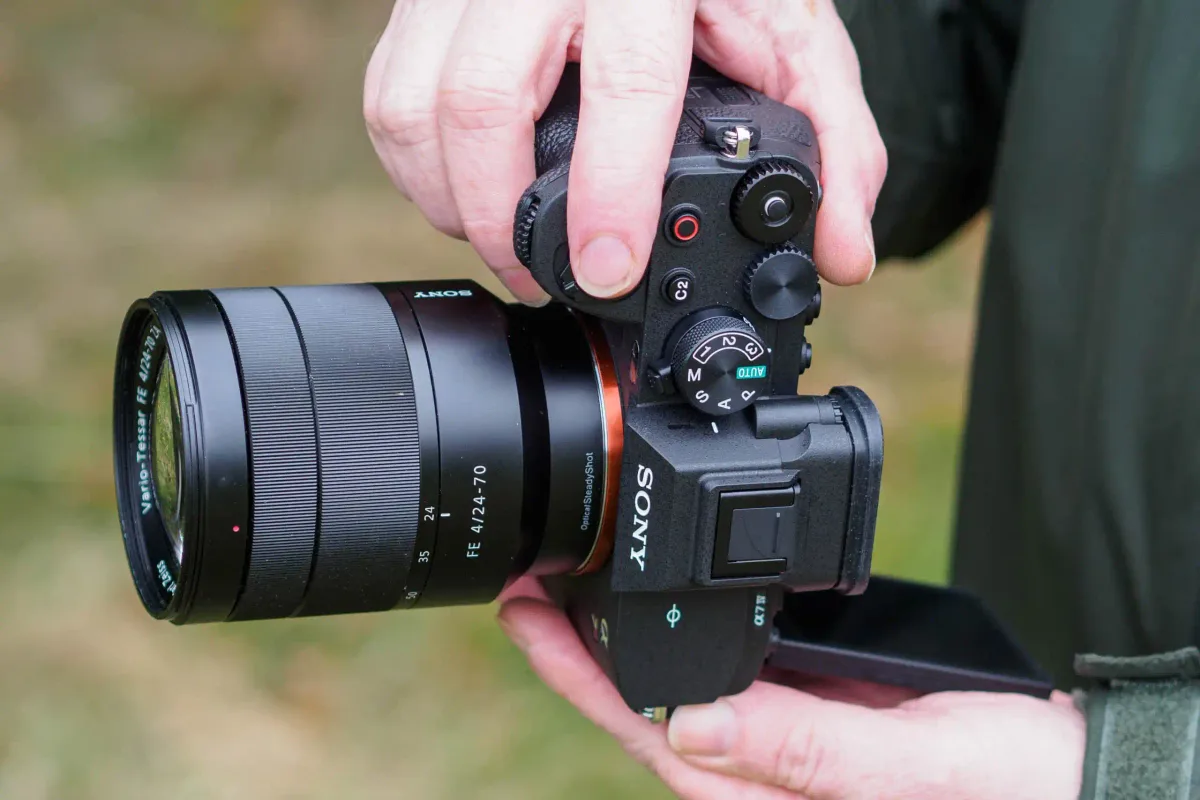
Your mirrorless camera's viewfinder has gone black. The LCD screen works fine. You've pressed every button you can find.
Nothing happens. This is frustrating, but the fix is often simpler than you think.
Aggregate service data from major camera manufacturers suggests that roughly 60 percent of EVF-related support tickets are resolved with simple software or sensor-level fixes. No costly repairs needed. Let us walk through what is actually happening and how to fix it.
Image source: Web (Bing) / infoupdate.org (Web image (fair-use with source credit))
Quick Answer
Check your eye sensor first. Clean it with a dry cloth. Press the display mode button to cycle through options.
Adjust the diopter wheel. Pull the battery for thirty seconds. These steps resolve most EVF problems without a service visit.
When Your EVF Goes Dark: What You Need First
What kind of EVF failure are you dealing with?
Not all EVF problems are the same. Your next step depends entirely on what you see when you bring the camera to your eye. Here are the four main failure types:
- Completely black EVF. No image, no menus, no information. The LCD works normally.
- Intermittent EVF. It flickers on and off or only works sometimes.
- EVF stuck on or stuck off. The camera refuses to switch between the EVF and the LCD.
- Blurry or dim EVF. Image appears but is too faint or out of focus to use.
Each type points to a different cause. A completely black EVF with a working LCD usually points to the eye sensor or the display mode setting. Blurry EVF almost always means the diopter needs adjustment.
Intermittent problems often trace back to a loose internal connection or a firmware glitch.
The quick classification trick
Look at what the LCD does when you cover the eye sensor. If the LCD turns off, the sensor is working. If the LCD stays on, the sensor is not detecting your face.
That is your starting branch.
One critical warning before you do anything
Do not open the camera body yet. Internal repairs on mirrorless cameras can void your warranty and cause further damage. Stick to the external checks first.
The fix is often simpler than you think.
Start Here: The Two-Second Fixes
These four checks solve more EVF problems than any other step. Do them in order. Do not skip any.
1. Cycle the display mode button
Most mirrorless cameras have a dedicated display mode button. It often has an eye icon or a monitor symbol. Press it once, then again, then a third time.
You are cycling through three modes: LCD only, EVF only, and auto-switch. It is extremely easy to bump this button into a mode you did not intend. Press multiple times to be sure.
2. Adjust the diopter wheel
The diopter is a small wheel or slider next to the EVF. It adjusts the focus to match your eyesight. If it got knocked out of position, the EVF looks blurry or completely out of focus.
Turn it slowly while looking through the EVF until the display snaps into clarity. This is the most common cause of "broken" EVFs in our research.
3. Remove and reseat the battery
Power cycling clears temporary software glitches. Remove the battery. Wait thirty seconds.
Reinsert it and turn the camera on. This forces the camera to reinitialize the EVF driver, the eye sensor, and the display switching logic. It is the mirrorless equivalent of turning a computer off and on again.
If you have run into other unexplained camera issues, you might find our DSLR Camera Settings Troubleshooting guide useful for similar resets.
4. Take off the eyecup
The rubber eyecup around the EVF can loosen and press against the eye sensor. This tricks the camera into thinking your face is always there. Try shooting without the eyecup for a few minutes.
If the EVF starts working normally, the eyecup was the problem. Reattach it carefully, making sure it sits flush against the sensor.
The Eye Sensor: The Most Common Culprit
How the proximity sensor actually works
The small rectangular window above or beside the EVF is not part of the viewfinder. It is an infrared proximity sensor. When something comes close, it tells the camera to switch from the LCD to the EVF.
When nothing is nearby, it switches back.
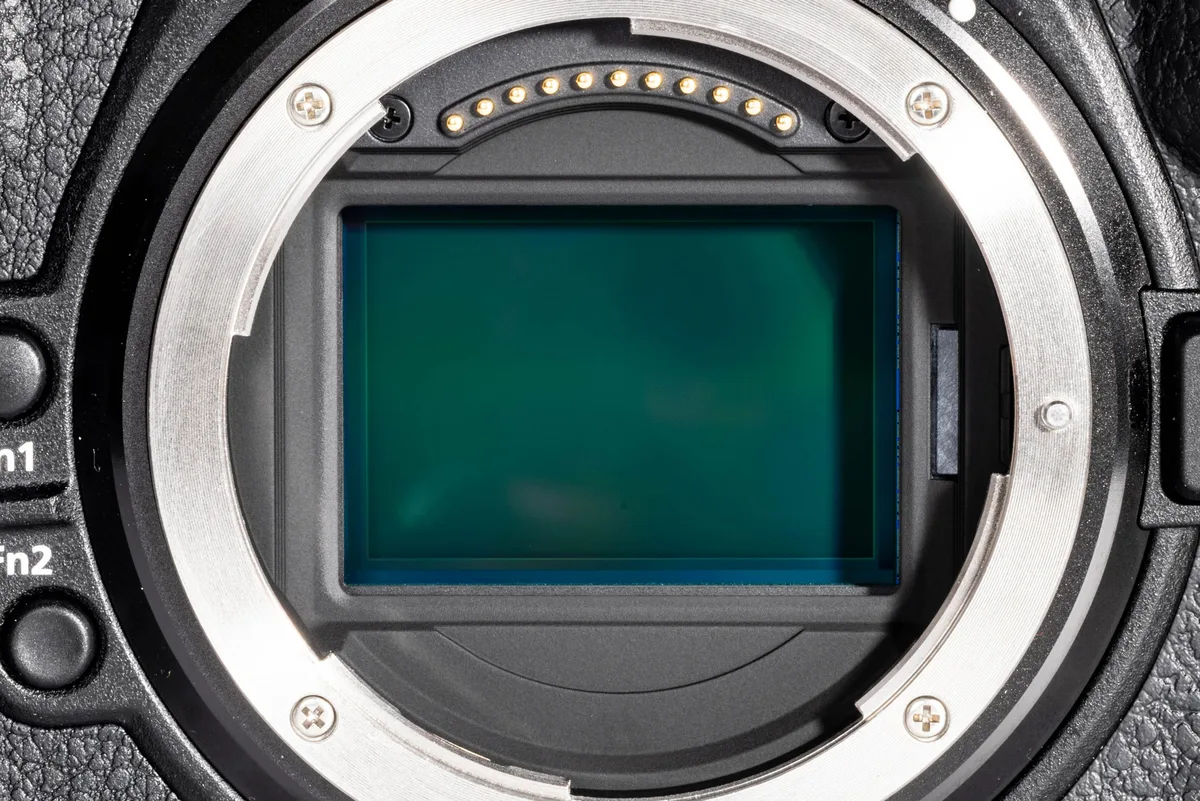
Image source: Web (Bing) / ar.inspiredpencil.com (Web image (fair-use with source credit))
This sensor is surprisingly delicate. A smudge of grease from your fingers, a speck of dust, or a protective screen protector can block it. The camera then either stays on the LCD permanently or switches to the EVF and never leaves.
Cleaning the sensor the right way
Use a dry microfiber cloth. Wipe the sensor window gently in one direction. Do not use any liquid cleaner.
Do not use compressed air, which can drive dust deeper into the housing. After cleaning, test the EVF by covering the sensor with your hand and uncovering it.
Adjusting sensor sensitivity in the camera menu
Many cameras let you change how the eye sensor behaves. Look in your shooting menu under a setting called "Eye Sensor Sensitivity" or "EVF Auto Switch." The options are usually High, Standard, and Low. If your sensor is too reactive, set it to Low.
If it does not trigger when you bring the camera up, set it to High.
Why bright rooms confuse the sensor
Infrared sensors can struggle in direct sunlight. The sun emits enough infrared light to interfere with the sensor's readings. If your EVF stops working only outdoors on a bright day, that is likely the cause.
Try cupping your hand around the sensor to block ambient light. If the EVF comes back, you have identified the issue. A larger eyecup can help reduce this problem.
According to manufacturer specifications from Sony and Canon, the infrared sensor operates in a specific wavelength range that overlaps with natural sunlight.
Deeper Troubleshooting By Branch
You have done the quick checks. The problem persists. Now we follow the decision tree based on your exact symptoms.
Branch 1: EVF stays black, LCD works
This is the most common branch. Here is the order to follow:
- Check the display priority setting. In your menu, find "Display Mode" or "Monitor/Viewfinder." Set it to Auto. Some cameras let you lock the display to the LCD only. Make sure that lock is off.
- Check power saving settings. Some cameras turn off the EVF to save battery when the camera is idle. Look for "Power Save Mode" or "EVF Low Light Boost." Disable any aggressive power saving option.
- Update the camera firmware. Manufacturer firmware updates often fix EVF-related bugs. Check the support page for your specific camera model. As of 2026, most major brands still provide firmware updates for cameras released in the last five years. For more on this process, our DSLR Camera Firmware Update Troubleshooting guide covers the full procedure.
- Suspect the internal ribbon cable. If none of the above works, the ribbon cable connecting the EVF to the main board may have come loose. This usually happens after a drop or impact. This is not a user-serviceable part. You need a repair technician.
Branch 2: EVF works in menus but goes black while shooting
You can navigate your camera menu through the EVF. But the moment you half-press the shutter, the EVF goes black or shows a frozen frame.
- Check if electronic shutter is enabled. Many mirrorless cameras black out the EVF during electronic shutter bursts. This is normal behavior. Switch to mechanical shutter and test again.
- Check exposure preview settings. Some cameras let you disable "Exposure Simulation" or "WYSIWYG Preview." When this setting is off, the EVF may not show the exposure until you take the shot. Turn exposure simulation on.
- Check silent shooting mode. Silent or completely electronic shutter modes can disable the EVF preview. Turn silent shooting off and test.
- If the EVF stays black after every shot, not just during bursts, the issue is likely the sensor or the auto switch logic. Go back to the sensor cleaning and display mode checks.
Branch 3: EVF flickers, has lines, or is dim
Visual artifacts in the EVF usually point to a hardware issue, but not always.
- Check refresh rate. Some cameras let you set the EVF refresh rate to 60 fps or 120 fps. A lower refresh rate can cause visible flicker under artificial light. Set it to the highest available option.
- Check EVF brightness. Many cameras have a separate brightness setting for the EVF, independent of the LCD. Crank it up and see if the image improves.
- Check for extreme temperatures. OLED EVF panels can behave oddly in very cold or very hot environments. If your camera has been in a car on a hot day or out in freezing weather, let it return to room temperature for an hour. Then test again.
- If you see vertical lines, dead pixels, or a persistent flicker after all software checks, the EVF panel itself is damaged. This requires panel replacement. Before assuming the worst, review our DSLR Camera Error Message Troubleshooting guide for any related error codes your camera might show.
When the Hardware Gives Up: The Cost Reality
What replacement typically costs by camera tier
EVF panel or assembly replacement is not cheap. Here is what aggregate repair data shows as of early 2026:
| Camera Tier | Typical EVF Repair Cost | Example Models |
|---|---|---|
| Entry-level (APS-C) | $150 to $250 | Sony α6100, Canon EOS R100, Nikon Z30 |
| Mid-range full-frame | $250 to $400 | Sony α7 IV, Canon EOS R6 II, Nikon Z6 III |
| High-end professional | $400 to $700+ | Sony α1, Canon EOS R3, Nikon Z9 |
| Premium compact | $200 to $350 | Fujifilm X100V, Leica Q3 |
These prices include parts and labor from an authorized service center. Independent repair shops may charge 20 to 30 percent less, but they often cannot source genuine OEM panels.
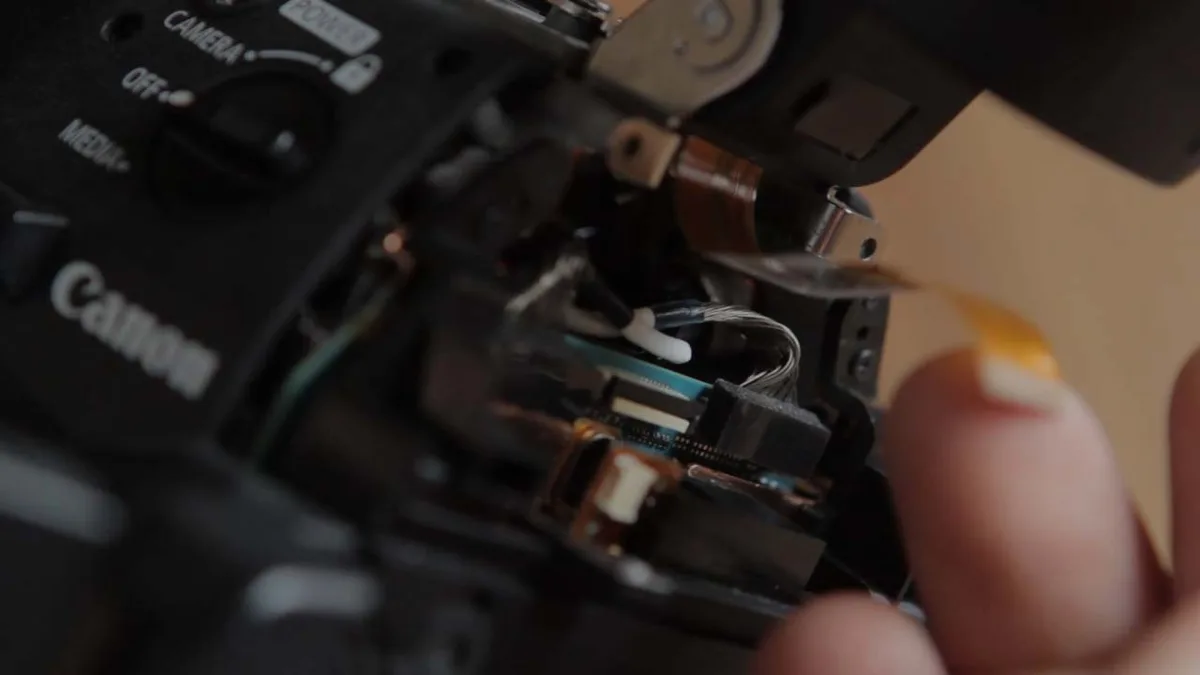
Image source: Web (Bing) / davidmorganjones.com (Web image (fair-use with source credit))
Warranty status check
Before spending any money, verify your warranty status. Most mirrorless cameras come with a one-year manufacturer warranty. Some credit cards extend that by an additional year.
Check your purchase date and your card benefits. If you are still under warranty, the repair is free. Do not open the camera yourself.
A warranty claim requires an authorized trip to the service center.
Authorized repair versus third-party shop
Authorized centers use genuine parts and follow manufacturer procedures. Turnaround time is typically two to six weeks. Third-party shops are faster but may use refurbished or aftermarket EVF panels.
In our research, aftermarket panels sometimes have slightly different color tones or brightness levels. If you are a professional who needs color accuracy, use an authorized service center.
When buying a used body makes more sense than repairing
Here is the honest math. If your camera is more than four years old and the EVF repair costs are 50 percent or more of the camera's current used value, do not repair it. Sell the camera as "for parts or repair" on a used marketplace, and put that money toward a used body of the same model.
For example, a Sony α7 III EVF repair at 350 dollars might cost as much as buying a used α7 III body with a working EVF. It simply is not worth fixing an old camera with a high labor cost.
Your Decision Guide: Keep, Repair, or Replace
You have run through every software check. You have cleaned the sensor. Your EVF is still dead.
Now you need to make a real call.
The three-question workflow
Ask yourself these three questions in order.
- Is the camera under warranty? If yes, send it to an authorized service center. Do not open it. Do not let a third party touch it. The repair is free.
- Is the repair cost less than half the camera's current used value? Check completed listings on used marketplaces for your specific body. If repair is cheaper, fix it. If repair is more, replace it.
- Do you need the camera back fast? Authorized centers take two to six weeks. A third-party shop might do it in one week. But that shop might use a refurbished panel with slightly different color response. That trade-off matters for professional work.
What to do if the camera is under warranty
Contact the manufacturer directly. Do not go through a retailer unless they handle warranty claims. The manufacturer will give you a case number and a shipping address.
Pack the camera securely. Include a brief description of what you tried. Do not mention opening the camera or attempting any internal repairs.
That voids the warranty. For more on reset options before sending it in, check our guide on DSLR Camera Reset Problems Troubleshooting.
What to do if the camera is out of warranty and old
Here is the hard truth. If your camera body is four years old or older and the EVF repair estimate is 50 percent or more of its resale value, do not repair it. Sell it as a parts camera.
Some buyers specifically want bodies with a dead EVF for video rigs or studio work where they use external monitors. Take that money and buy a used body of the same model with a working EVF. You end up with a fully functional camera for roughly the same cost as the repair.
Our DSLR Camera Recording Problems Troubleshooting guide may help if you are considering a video-focused alternative use for your current body.
What to do if you need the camera back fast
If you are a working photographer and cannot wait six weeks, consider a third-party repair shop with good reviews. Ask upfront whether they use genuine OEM panels or aftermarket ones. Ask about their turnaround time.
Some shops offer expedited service for a fee. In our research, the average expedite premium is about 50 to 80 dollars. If your camera is still relatively new, this is a reasonable option.
Frequently Asked Questions
Can I keep shooting with only the LCD?
Yes. The rear LCD works independently of the EVF. You lose the bright outdoor visibility that an EVF provides.
But you can shoot, review images, and navigate menus without any issue. Many photographers use the LCD exclusively on cameras with fully articulating screens.
Will a factory reset fix the EVF?
Sometimes. A factory reset restores all display and sensor settings to their defaults. If someone changed the EVF brightness, disabled auto-switch, or set the display to LCD only, a reset fixes it immediately.
It does not fix hardware failures like a dead panel or a loose ribbon cable.
Is the EVF covered under warranty?
Yes, the EVF is a standard component of the camera body. It is covered under the same manufacturer warranty as the rest of the camera. One year is standard in most markets.
Some credit cards add an extra year. Check your purchase documentation.
How do I know if the EVF is dead or just disconnected?
A dead EVF shows no image at all, but the LCD works. A disconnected EVF behaves the same way. The only way to confirm which one you have is to try the display mode button, the eye sensor cleaning, and the battery pull.
If none of those work, a technician needs to open the body and check the ribbon cable connection.
Does a third-party lens affect the EVF?
No. The EVF is a separate system from the lens mount and autofocus. A third-party lens will not cause the EVF to malfunction.
If your EVF stops working after mounting a new lens, the timing is coincidental. Focus on the sensor and display checks first.

Similar Posts