Vantrue N2 Pro SD Card Problems
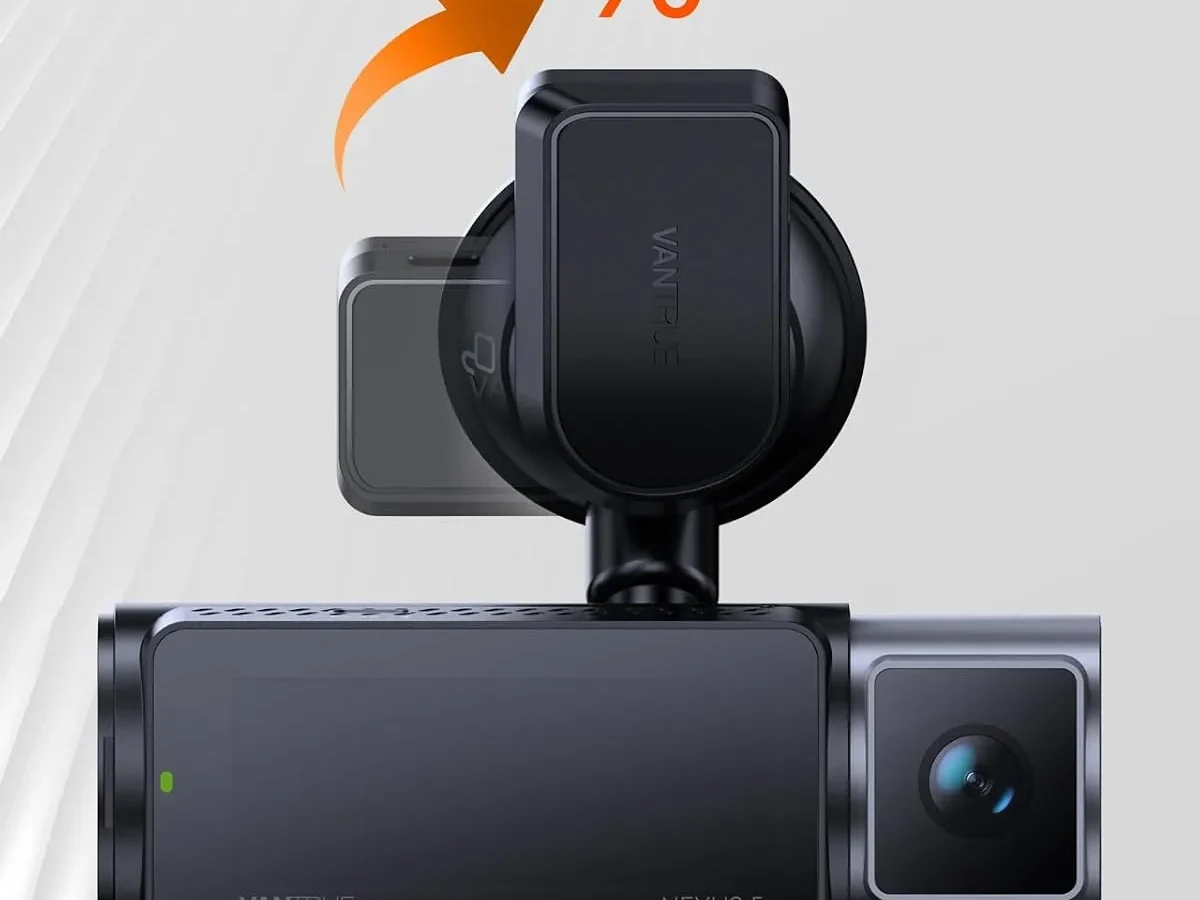
If you own a Vantrue N2 Pro, you've probably run into Vantrue N2 Pro SD card problems at some point. That frustrating "Card Error" message, recordings that won't save, or the camera randomly deciding it doesn't like the card anymore. These issues are incredibly common, and they're almost always fixable without buying a new camera.
Manufacturer specifications indicate the N2 Pro requires a U3 or higher speed class card for reliable dual-channel recording. As of 2026, most users still run into trouble because they pick the wrong card or skip the formatting step. Let's walk through exactly what's going wrong and how to fix it.
Quick Answer
Vantrue N2 Pro SD card problems usually come from three causes. The wrong card type is the most common. Heat damage kills cards over time.
Formatting issues cause immediate errors. Use a high endurance U3 card formatted in the camera. That solves most problems.
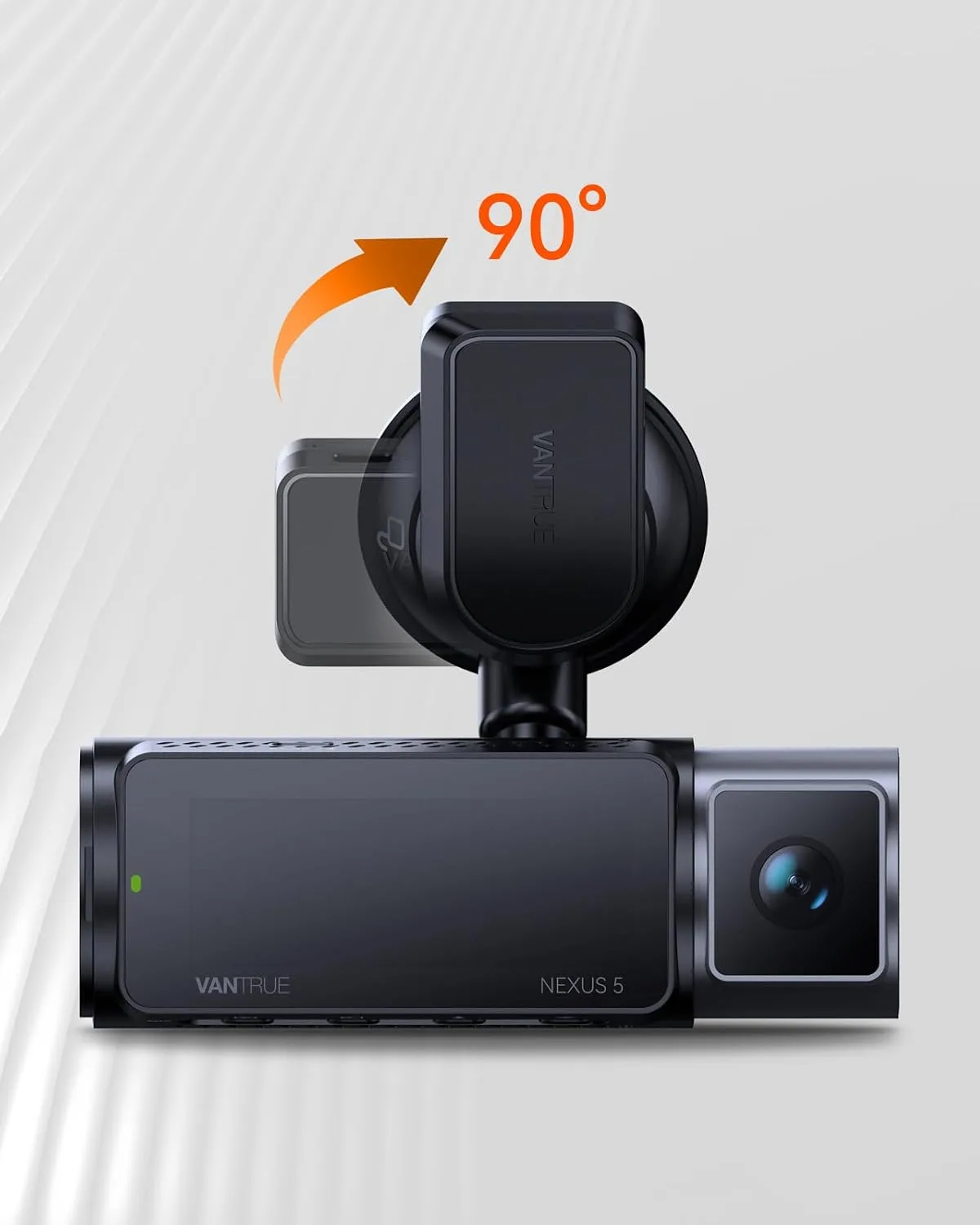
Image source: Bing (Web (fair-use with source credit))
What's Actually Going Wrong? Common SD Card Problems on the N2 Pro
The N2 Pro is a dual-channel dash cam. It records front and cabin views simultaneously. That means it writes a lot of data, constantly.
When the card can't keep up, things break.
Here are the most reported problems from verified buyer feedback:
- "SD Card Error" message on startup. The camera refuses to record. This usually means the card isn't formatted correctly or isn't compatible.
- Recordings that won't play back. Files are corrupted or missing. This often points to a slow or failing card.
- The camera stops recording mid-trip. Loop recording fails, and the card fills up. The camera can't overwrite old files properly.
- The card gets hot to the touch. Extreme heat damages the card's internal components over time.
- The camera says "Card Full" but the card isn't full. A formatting issue or file system error.
Aggregate reviews report that these problems are most common with cards that are too slow, too large, or not designed for continuous recording. The N2 Pro is picky, but it's not unreasonable. It just needs the right hardware.
Why the N2 Pro Is So Picky About SD Cards (Heat, Speed, and Firmware)
Three factors make the N2 Pro more demanding than your average camera.
Heat. The N2 Pro uses a supercapacitor instead of a battery, which is great for safety. But the camera still sits on a windshield in direct sunlight. Interior car temperatures can exceed 140°F (60°C) in summer.
Standard SD cards aren't built for that. They degrade, and data gets corrupted. High endurance cards are rated for higher temperatures.
Speed. Dual-channel recording means the camera writes two video streams at once. If the card can't write fast enough, the camera drops frames or stops recording. Per SD Association standards, U3 class guarantees a minimum write speed of 30 MB/s.
That's the bare minimum for the N2 Pro. Slower cards (U1 or Class 10) will fail under load.
Firmware. Vantrue has released firmware updates that improve SD card compatibility. If you're running old firmware, the camera may reject cards that work fine after an update. Checking for updates on the official Vantrue site is a quick fix that many people overlook.
Keeping firmware updated prevents bugs, just like we cover with the Eufy Indoor Cam Troubleshooting guide.
The Decision Tree: Diagnose Your Exact Problem Step by Step
Let's figure out what's wrong with your specific setup. Start at the top and follow the branch that matches your situation.
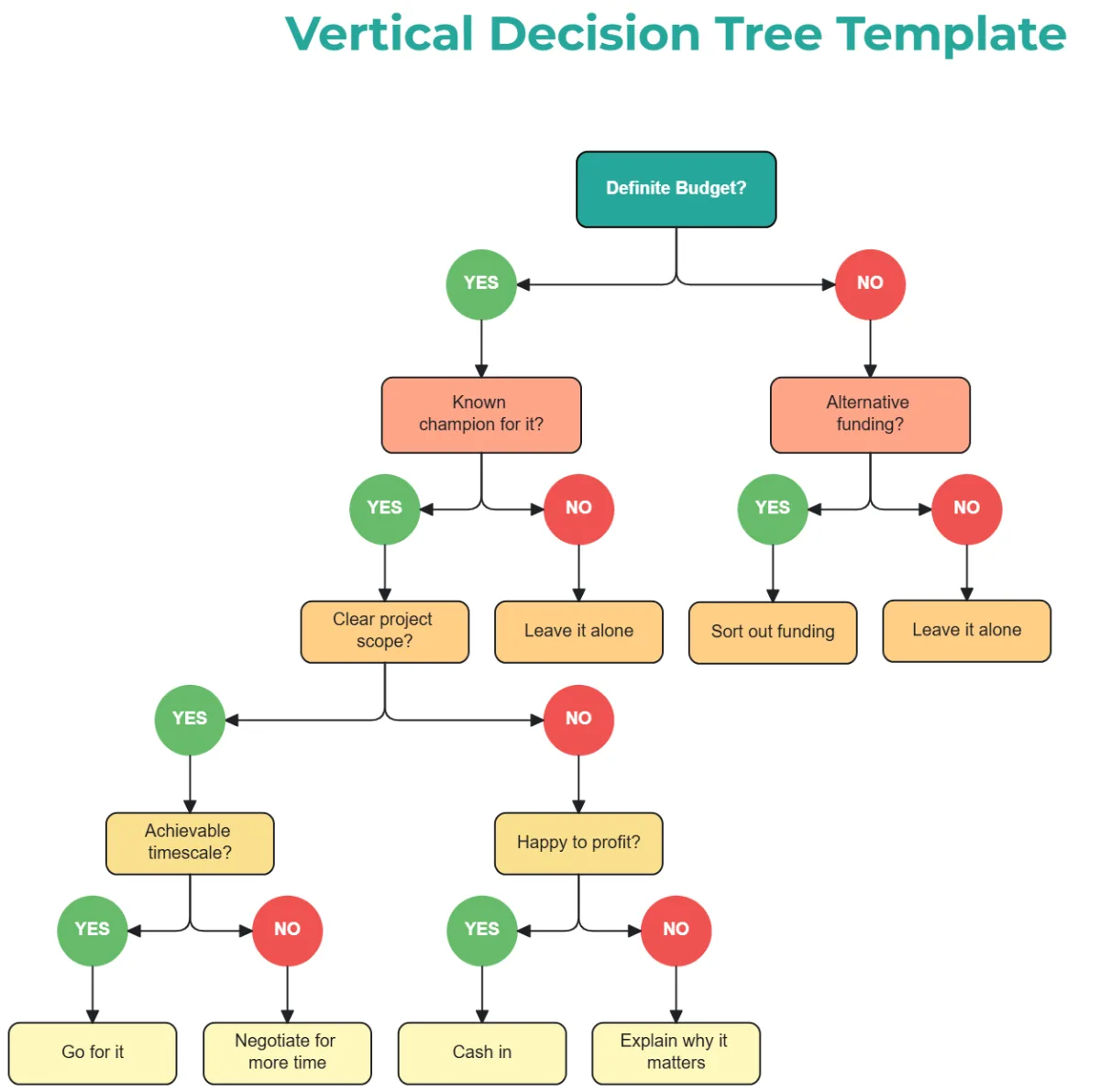
Image source: Web (Bing) / template.net (Web image (fair-use with source credit))
Branch 1: You see "SD Card Error" on the screen
Try this first: Format the card inside the camera. Go to Settings > Format. If that works, the card was just misformatted.
If the error persists, move to the next step.
Next step: Try a different card. If a known-good card works, your original card is likely damaged or incompatible. If no card works, the camera's card slot may be faulty.
Branch 2: Recordings are corrupted or missing
Check the card speed. Use a free tool like H2testw to verify the card's real write speed. Fake cards often report higher speeds than they deliver. If the card is slow or has errors, replace it with a high endurance U3 card.
Check the card's health. SD cards have a limited lifespan. Continuous recording in a dash cam wears them out faster. If the card is over a year old, it's likely failing.
Branch 3: The camera stops recording or says "Card Full"
Format the card in the camera. Do not format it on a computer. The N2 Pro uses a specific file system. Formatting on a PC can cause issues.
Check your loop recording settings. Set it to 3 or 5 minutes. Shorter loops are easier on the card and reduce the chance of corruption.
Branch 4: The card gets extremely hot
Replace with a high endurance card. These are designed to handle higher temperatures. Also, ensure the camera isn't in direct sunlight for extended periods. Use a sunshade when parked.
The Right Card for the Job: What to Buy (and What to Avoid Entirely)
Not all SD cards work well with the N2 Pro. Here's what our research recommends.
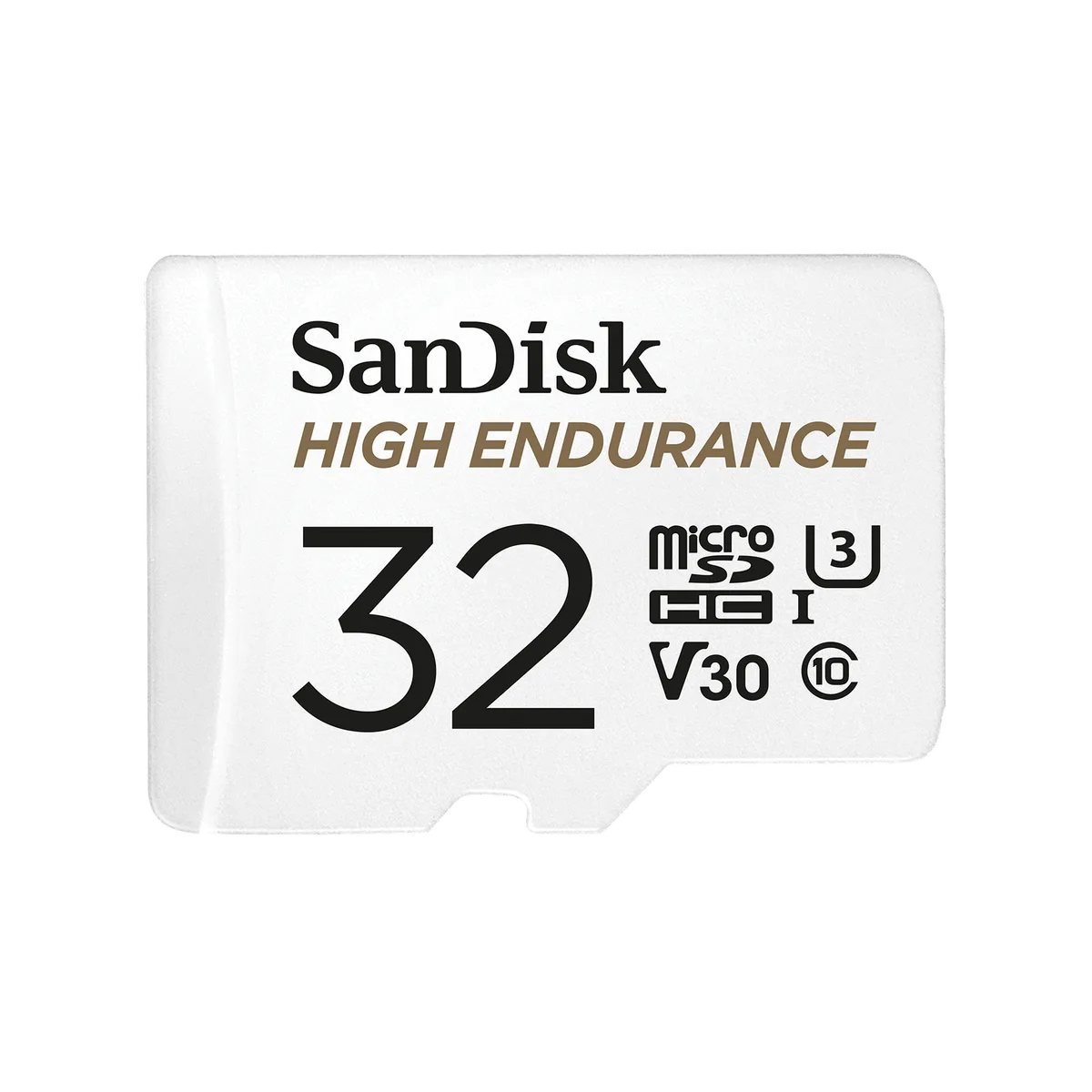
Image source: Web (Bing) / shop.sandisk.com (Web image (fair-use with source credit))
What to buy
| Feature | Recommendation |
|---|---|
| Capacity | 64GB or 128GB |
| Speed class | U3 or V30 |
| Type | High endurance (e.g., SanDisk High Endurance, Samsung Pro Endurance, Kingston High Endurance) |
| Brand | Trusted manufacturers only |
What to avoid
- Standard SD cards. Regular SanDisk Ultra or Samsung Evo cards are not designed for continuous recording. They'll fail within months.
- Cards larger than 256GB. The N2 Pro officially supports up to 256GB. Larger cards may not work or may cause issues.
- Fake or counterfeit cards. These are common on online marketplaces. They report false capacities and speeds. Buy from official stores or authorized resellers.
- U1 or Class 10 cards. They are too slow for dual-channel recording.
Fake cards are a common problem across all cameras. If you've ever run into a similar issue with a security camera, the same troubleshooting steps apply. Our Wyze Cam V4 Offline article covers similar card-related issues.
Common Mistakes That Kill SD Cards (and Wipe Out Your Footage)
Even with the right card, you can shorten its life with simple mistakes. Here's what to avoid.
Formatting on a computer instead of the camera. The N2 Pro uses a specific file system. Formatting on a PC can cause compatibility issues. Always format in the camera.
Not formatting regularly. Even with a good card, the file system can get messy. Format the card in the camera every two to four weeks. This clears out old file structures and prevents corruption.
Removing the card while the camera is recording. This can corrupt the card's file system. Always power off the camera first, then remove the card.
Using a cheap card reader. Some readers can damage the card's contacts or cause errors. Use a quality reader if you need to transfer files.
Ignoring heat exposure. The N2 Pro is designed for car use, but extreme heat still damages cards. Use a sunshade when parked in direct sunlight.
Not updating firmware. Vantrue releases firmware updates that improve SD card compatibility. Check the official site every few months. If you've had issues with other cameras, like a Reolink RLC-811A Troubleshooting scenario that needed a firmware fix, the same logic holds.
Frequently Asked Questions
What SD card does the Vantrue N2 Pro need?
The N2 Pro needs a high endurance microSD card with a U3 or V30 speed class. Capacities from 64GB to 256GB work best. Standard consumer cards fail quickly in dash cams because they aren't built for continuous writing.
Why does my N2 Pro keep saying "Card Error"?
This usually means the card isn't formatted correctly or isn't compatible. Format the card inside the camera first. If the error continues, the card is likely damaged or counterfeit.
Try a different high endurance card as a test.
How often should I format the SD card in my N2 Pro?
Format every two to four weeks inside the camera. This clears out old file structures and prevents data corruption. Regular formatting extends the life of the card.
Do not format on a computer.
Can I use a 256GB card in the Vantrue N2 Pro?
Yes. The N2 Pro officially supports up to 256GB. Make sure it is a U3 or V30 high endurance card.
Cards larger than 256GB are not officially supported and may cause problems.
How long does a dash cam SD card usually last?
High endurance cards in a dash cam typically last 6 to 24 months. The lifespan depends on heat exposure, recording hours, and card quality. Replace the card at the first sign of errors or corruption.
Why does my N2 Pro stop recording after a few minutes?
The card is likely too slow or failing. Dual-channel recording needs a consistent write speed of at least 30 MB/s. A U3 card fixes this.
Also check that the card isn't full and that loop recording is enabled.
Fix It or Replace It? Your Final Decision Guide
Let's wrap this up with a clear decision. You have two options: fix the problem or replace the card.
Fix it first. If you have a compatible card that just needs formatting, do that. If the firmware is outdated, update it. If the card is overheating, use a sunshade.
These are free fixes that solve a lot of issues.
Replace the card if: the card is over a year old, you see frequent errors, the card fails the H2testw speed test, or you are using a standard (non-endurance) card. A new high endurance card costs $15 to $30. That is cheap insurance for your footage.
Replace the camera if: multiple new high endurance cards all fail, the card slot is physically damaged, or the camera freezes with every card. In that case, the camera itself is the problem. Contact Vantrue support first.
They may offer a repair or replacement.
Here is a quick summary table:
| Your Situation | Recommended Action |
|---|---|
| Card error with a new high endurance card | Format in camera, update firmware |
| Card error with an old card | Replace with new high endurance card |
| Corrupted recordings | Test card speed, replace if slow |
| Camera freezes with every card | Contact Vantrue support |
| Overheating card | Use sunshade, switch to high endurance |
The bottom line is simple. Most Vantrue N2 Pro SD card problems come down to the wrong card or a card that has worn out. A high endurance U3 card formatted in the camera solves the vast majority of issues.
If you follow that one rule, you will save yourself a lot of frustration.

Similar Posts