Why Is Bose Quietcomfort Ultra Headphones Crackling: Fixes
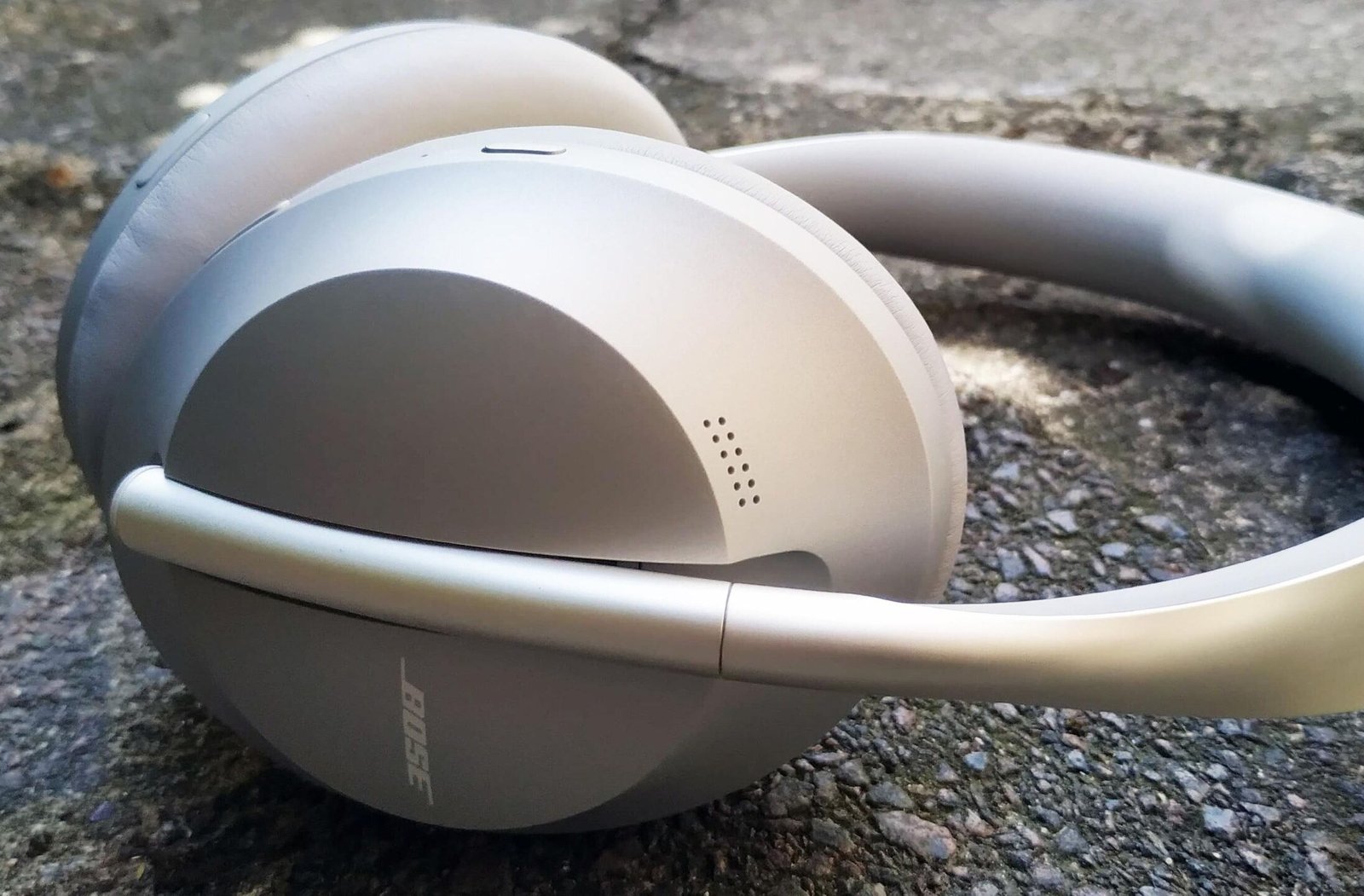
Bose QuietComfort Ultra headphones usually crackle because of Bluetooth interference, firmware bugs, or ANC-related audio glitches.
If you’ve noticed crackling in your Bose QuietComfort Ultra Headphones, you’re not alone. I’ve seen this issue come up with premium wireless headphones more often than people expect, and the cause is usually fixable once you know where to look. In this guide, I’ll walk you through the most common reasons Bose QuietComfort Ultra Headphones crackling happens, what it sounds like, how to troubleshoot it, and when it may point to a deeper hardware issue.

Why Bose QuietComfort Ultra Headphones Crackle
Crackling usually means the headphones are getting a noisy or unstable audio signal. With Bose QuietComfort Ultra Headphones, that can come from software, wireless connection problems, or the audio source itself.
In simple terms, the sound is being interrupted somewhere along the chain. That interruption may be tiny, but in premium headphones, even small glitches can be easy to hear. I’ve found that many users blame the hardware first, when the real issue is often a bad Bluetooth connection or outdated firmware.
The most common causes include:
• Bluetooth interference from nearby devices, Wi-Fi routers, or crowded wireless spaces
• Outdated Bose firmware that causes audio instability
• A weak connection between the headphones and phone, laptop, or tablet
• ANC or transparency mode bugs that create popping or crackling sounds
• Audio source problems such as a damaged file, bad streaming quality, or low-quality codec support
• Physical issues like dust, moisture, or speaker driver damage
The good news is that most cases of Bose QuietComfort Ultra Headphones crackling are not permanent. A few careful checks can often fix the issue fast.
Common Causes of Crackling Sound
Understanding the cause makes the fix much easier. I always suggest starting with the simplest possibility first, because wireless audio problems are often stacked like dominoes.
Bluetooth interference
Bluetooth uses radio waves, and those waves can get messy in busy environments. If you’re near a microwave, router, smartwatch, phone, or even a crowded airport, the signal can stutter.
That stutter can sound like crackling, ticking, or brief static bursts. It may happen only in certain rooms or only when your phone is in your pocket.
Firmware bugs
Headphone firmware is like the internal brain of the device. If the software has a bug, the audio path can glitch.
Bose has released firmware updates for audio performance and stability in the past, and that matters here. If your headphones have not been updated in a while, crackling may simply be a software issue.
ANC or transparency mode problems
Active Noise Cancellation can sometimes create odd audio behavior when the system is adjusting to outside sound. I’ve personally seen cases where the crackling only appeared in Quiet mode or Aware mode, which made the fix easier to narrow down.
If the sound changes when you switch between modes, that’s a big clue. It often points to the processing system, not the speaker itself.
Low battery or power instability
When battery levels get very low, some wireless headphones behave unpredictably. Audio may cut in and out, or you may hear light crackling before the battery finally dies.
This is not always the main cause, but it is worth checking. A near-empty battery can make an already weak Bluetooth signal feel even worse.
Audio source issues
Not every crackle comes from the headphones. Sometimes the problem is the device or app sending the sound.
Examples include:
• A damaged music file
• A streaming app with glitches
• A laptop audio driver issue
• A poor Bluetooth codec negotiation
• A video call app that compresses audio too aggressively
If the crackling happens only with one app or one device, the headphones may be fine.
Hardware damage or contamination
Moisture, sweat, dust, or a loose driver can also cause crackling. This is less common than software or Bluetooth issues, but it does happen.
If the sound is present on all devices, all apps, and all settings, then hardware damage becomes more likely. That is when a service check may be needed.
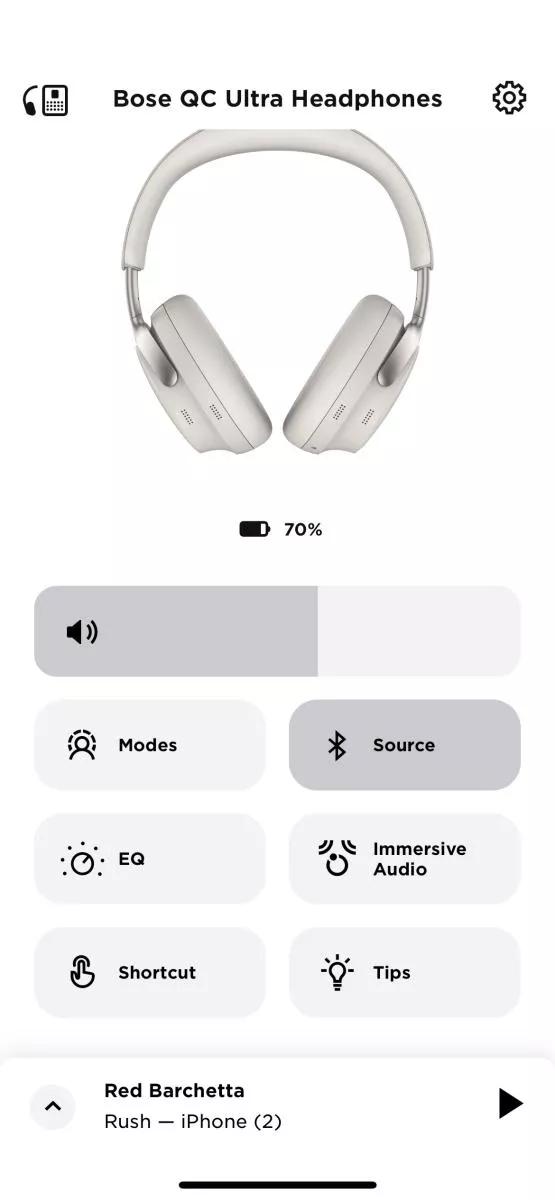
How to Troubleshoot Bose QuietComfort Ultra Headphones Crackling
The best way to handle Bose QuietComfort Ultra Headphones crackling is to test one thing at a time. That keeps you from guessing and helps you find the real trigger.
1. Restart the headphones
Turn them off, wait 10 seconds, and power them back on. This sounds too simple, but it can clear small software hiccups.
I’ve seen this fix random audio noise more often than people expect. It’s the easiest first step, so always start here.
2. Charge the headphones fully
Connect them to power and let them reach 100 percent. If the battery is low, audio stability can suffer.
After charging, test the headphones again at a medium volume. If the crackling disappears, low power may have been part of the problem.
3. Forget and re-pair the Bluetooth connection
Remove the headphones from your device’s Bluetooth list, then pair them again. A fresh connection can clear out corrupted pairing data.
Use these steps:
• Open Bluetooth settings on your phone or computer
• Forget Bose QuietComfort Ultra Headphones
• Turn Bluetooth off and back on
• Re-pair the headphones
• Test audio with a known good song or video
If crackling stops after re-pairing, the issue was likely connection-related.
4. Try another device
Connect the headphones to a different phone, tablet, or laptop. If the crackling disappears, the original device may be the real source.
This is one of the best troubleshooting tricks because it separates headphone problems from source problems. I always recommend this before assuming anything is broken.
5. Update the firmware
Use the Bose app or the official update method available for your headphones. Firmware updates can improve stability and fix bugs tied to wireless audio.
If you have not checked for updates in a while, do it now. A lot of modern headphone issues are fixed in software before they ever need hardware repair.
6. Change noise cancellation settings
Switch between Quiet mode, Aware mode, and any custom settings. Listen closely to see whether the crackling changes.
If the crackling only happens in one mode, that tells you the processing feature may be involved. That is useful information if you contact support later.
7. Move away from wireless interference
Test your headphones in a different room or outside. Keep them away from routers, smart home hubs, and other Bluetooth devices.
If the crackling gets better in a cleaner wireless space, interference is probably the culprit. That is especially common in apartments, offices, and airports.
8. Clean the headphones carefully
Check the ear cups, vents, and exposed surfaces for dust, sweat, or moisture. Use a soft, dry cloth and avoid liquid cleaners unless the manufacturer says they are safe.
Even small debris can affect sound or create odd behavior. Be gentle, because premium headphones deserve careful handling.
9. Reset the headphones
If the problem continues, reset the headphones following the official Bose reset method. This can clear deeper software issues that a normal restart does not fix.
A reset is often the turning point when crackling keeps coming back after pairing and rebooting. It is worth doing before you assume the hardware is bad.
10. Contact support if the problem remains
If you still hear crackling on every device, with updated firmware, after reset, the issue may be hardware-related. In that case, Bose support or an authorized repair provider can check the drivers, battery, or internal components.
If the headphones are still under warranty, do not open them yourself. That can create more trouble than it solves.
When Crackling Means a Hardware Problem
Not every crackle is software-related. Sometimes the headphone driver, internal wiring, or battery system is the real problem.
Signs of hardware trouble include:
• Crackling on every device and every app
• Sound distortion even after a reset
• Crackling that gets worse when you move the ear cup
• One side sounding different from the other
• Static that appears even when nothing is playing
If you notice these signs, stop troubleshooting endlessly. At that point, it is smarter to get a repair or replacement check.
From experience, people often spend days fighting a hardware issue that software steps will never fix. Once the problem is repeatable in every setup, the odds shift toward a physical fault.
How to Prevent Bose QuietComfort Ultra Headphones Crackling
Prevention is easier than repair. A few habits can keep your headphones sounding clean and stable for longer.
• Keep firmware updated whenever Bose releases one
• Store the headphones in a dry case when not in use
• Avoid exposing them to sweat or rain for long periods
• Charge them before the battery gets extremely low
• Use them away from heavy wireless congestion when possible
• Keep your phone or laptop audio drivers updated
• Clean the headphones with a soft dry cloth on a regular basis
I also recommend testing new devices carefully before assuming the headphones are at fault. Sometimes the problem starts with a new phone, a new app, or a bad audio setting.
Think of it like keeping a car tuned. Small maintenance steps can prevent bigger problems later.

What Bose QuietComfort Ultra Headphones Crackling Sounds Like
Crackling can show up in different forms, and each one gives a clue.
You may hear:
• Light static during quiet parts of a song
• A sharp pop when switching tracks or opening an app
• Repeating ticks during calls
• Intermittent bursts when moving your head
• Constant fuzz at certain volume levels
If the sound only appears during silence, it may be more noticeable because the headphones are not masking it with music. If it happens during bass-heavy tracks or calls, the source may be sending unstable audio.
That pattern matters. The more specific the timing, the easier the diagnosis becomes.
Frequently Asked Questions of Why Is Bose QuietComfort Ultra Headphones Crackling?
Why do my Bose QuietComfort Ultra Headphones crackle only on Bluetooth?
Bluetooth crackling often happens because of signal interference or a weak connection. Try re-pairing the headphones, moving closer to the device, and testing in a less crowded wireless space.
Can firmware updates fix Bose QuietComfort Ultra Headphones crackling?
Yes, firmware updates can fix bugs that affect sound stability. If your headphones are not updated, that should be one of the first things you check.
Why does the crackling happen only when ANC is on?
Active Noise Cancellation uses processing that can sometimes reveal or create audio glitches. If the crackling changes with ANC modes, the issue may be tied to the headphones’ software or processing system.
Is crackling a sign that the headphones are damaged?
Not always. Many cases come from Bluetooth, firmware, or source-device issues, and those are usually fixable. If the crackling happens on every device and every setting, then hardware damage becomes more likely.
Should I reset my Bose QuietComfort Ultra Headphones if they crackle?
Yes, a reset is a smart step if simple fixes do not work. It can clear deeper software problems and is worth trying before seeking repair.
Can low battery cause Bose QuietComfort Ultra Headphones crackling?
Yes, low battery can make wireless audio less stable in some cases. If the crackling starts near the end of the battery cycle, charging fully may help.

Conclusion
Bose QuietComfort Ultra Headphones crackling is usually caused by a small but fixable problem, not a total failure. In most cases, the issue comes from Bluetooth interference, outdated firmware, ANC behavior, or a bad audio source.
The smartest path is to test the simple fixes first: restart, recharge, re-pair, update, and reset if needed. If the crackling still shows up on every device and every setting, that is the point where hardware damage becomes more likely.
If you use these steps carefully, you can save time, avoid guesswork, and get back to clean sound faster. Try the fixes one by one, keep notes on what changes, and share your experience or questions if you want help narrowing it down further.

Similar Posts