Action Camera Lens Fogging Troubleshooting
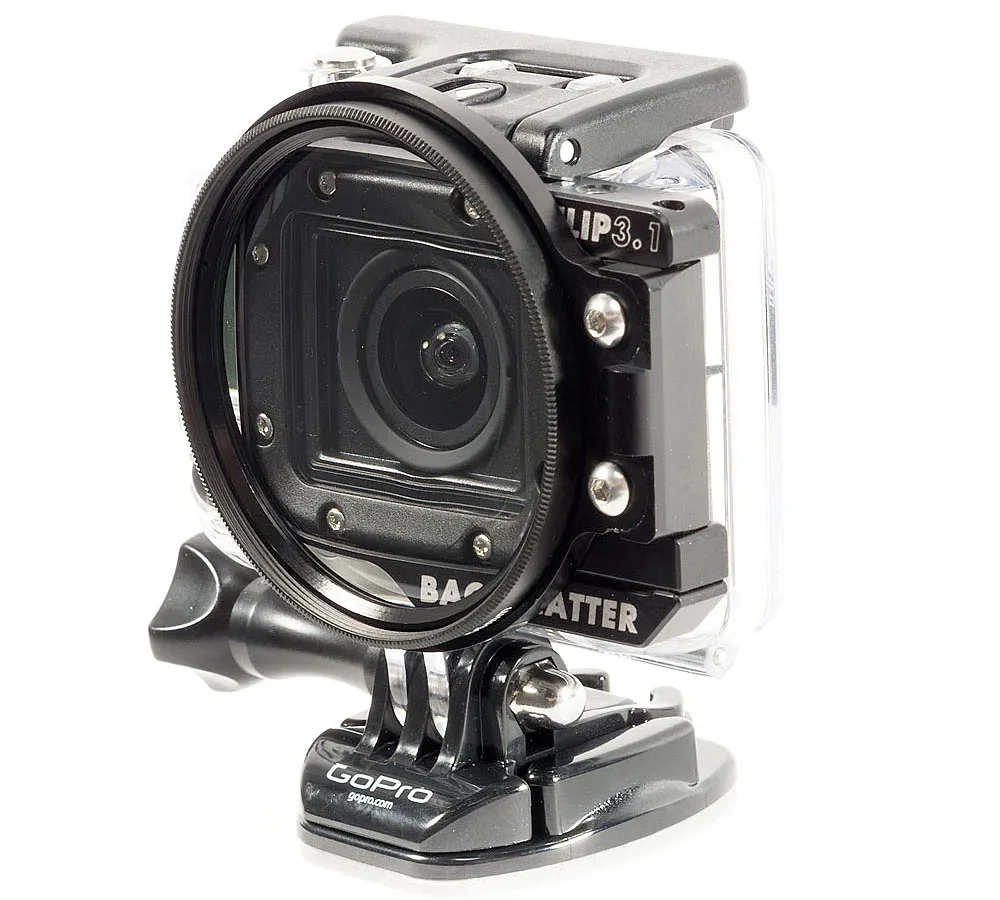
If you are dealing with action camera lens fogging troubleshooting, you already know the frustration. You line up the perfect shot, hit record, and a hazy film wrecks every frame. That fog is moisture condensing on cold lens surfaces.
It happens when your camera moves between environments faster than the air inside can adjust.
As of 2026, even the latest waterproof models trap some ambient humidity during assembly. A temperature swing of just 15°C (27°F) can push that internal moisture past the dew point. The right fix depends entirely on where that moisture is sitting.
Let us walk through how to tell the difference.
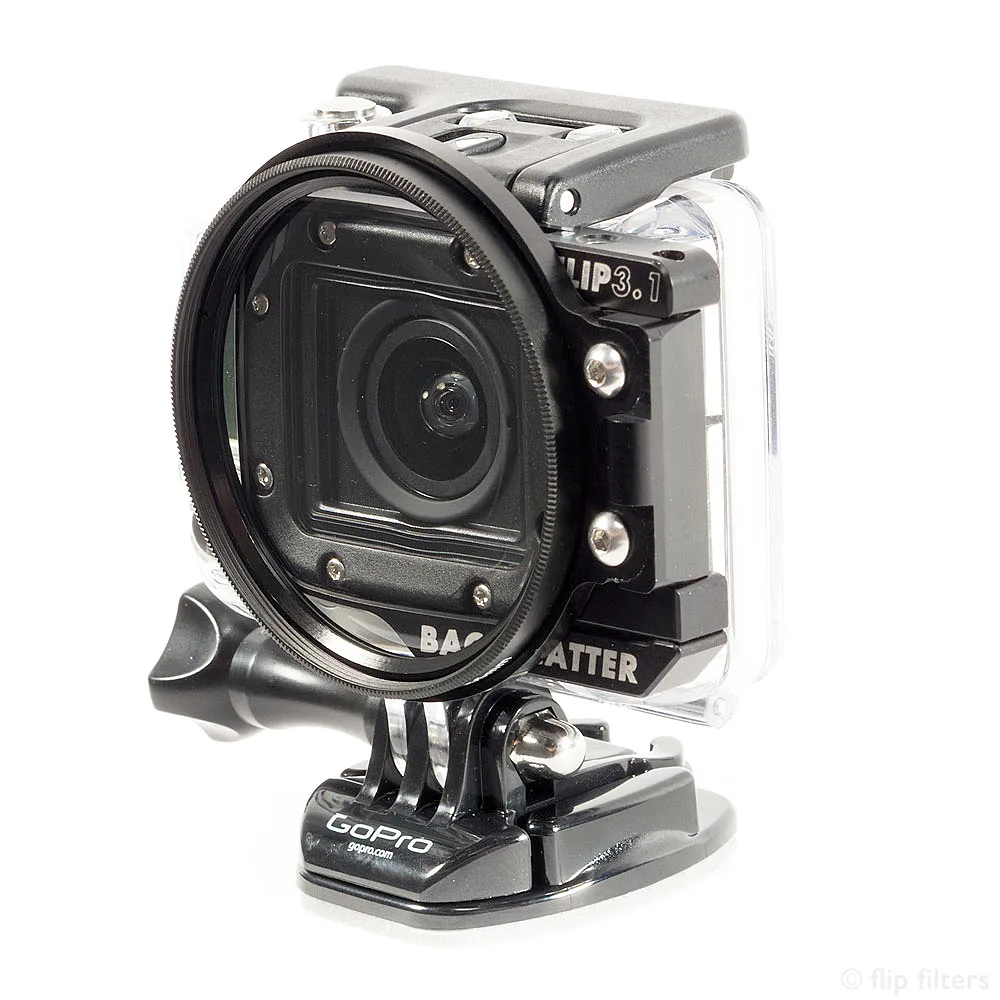
Image source: Bing (Web (fair-use with source credit))
Quick Answer
Action camera lens fog is condensation. It forms when warm, humid air inside hits a cold lens. The fix depends on the fog location.
External fog clears by wiping the glass. Internal fog needs drying agents or seal inspection. Never open the camera in a damp environment.
Let the camera acclimate before each use. Use silica gel packs for persistent internal moisture.
Is It Inside the Lens or Just on the Glass? The First Decision
This is the most important question. The solution path changes completely based on your answer. External fog sits on the outer surface of the lens glass.
You can wipe it off with a microfiber cloth and it stays gone. Internal fog appears behind the glass. It fogs again seconds after wiping because the moisture is trapped inside the camera or the sealed housing.
How to test:
Power the camera off. Let it sit for two minutes at room temperature. Wipe the lens firmly with a dry cloth.
If the glass stays clear, you had external condensation. If the haze returns within 10 seconds, the moisture is inside.
Image source: Web (Bing) / outex.com (Web image (fair-use with source credit))
Decision table:
| Fog Location | Wipe Test Result | Next Step |
|---|---|---|
| External (on glass) | Clears, stays clear | Acclimate or wipe before recording |
| Internal (behind glass) | Clears, returns quickly | Use silica gel or inspect housing seal |
External fog is harmless and easy to manage. Internal fog means moisture trapped in the camera body or inside an accessory housing. That needs a different approach.
This decision point comes from broader principles covered in our guide on general camera care.
External Condensation: Why It Happens and How to Clear It Fast
External condensation is just physics. Warm, humid air hits a cold glass surface. The air cools and can no longer hold its moisture, so water droplets form.
You see this on a cold drink on a hot day. The same thing happens to your action camera lens when you pull it from an air conditioned room into humid outdoor air.
Quick fixes:
- Wipe the lens with a dry microfiber cloth right before you start recording
- Keep the camera in the same environment for 10 to 15 minutes before use
- Hold the camera screen side down so the lens faces away from direct sunlight
- Use a small handheld fan or natural breeze to speed up glass warming
External fog usually clears on its own once the lens warms up to ambient temperature. The key is patience. Most fogged shots happen because people hit record before the camera has acclimated.
If you are shooting in very cold conditions, like skiing or snowboarding, the opposite problem can occur. Cold air meets the warm lens from the camera's internal heat. The same wipe and wait approach works.
For persistent external fog in humid climates, some users apply a very thin film of anti-fog spray to the lens glass. This works for about one or two hours before needing reapplication. Only use products safe for coated optics.
Do not use glass cleaner or household sprays. The science behind this is straightforward. The National Oceanic and Atmospheric Administration explains how humidity and temperature interact at the dew point.
Internal Fog: What It Means and Your Fix Options
Internal fog is more serious. It means moisture has entered the sealed area of the camera body or the waterproof housing. This can happen from a damaged gasket, a cracked seal, or slowly accumulated humidity over time.
It can also happen if you opened the camera in a damp environment and sealed the moisture inside.
The main causes:
- A worn or dirty O-ring on the battery or memory card door
- A cracked or misaligned housing seal
- Opening the camera in high humidity (like at the beach or near a waterfall)
- Storing the camera without drying it first after use in wet conditions
Fix options in order of least invasive to most invasive:
- Silica gel pack method. Place the camera in a sealed bag with a few silica gel packets for 12 to 24 hours. Do not open the camera. The silica will slowly pull moisture from the inside.
- Housing inspection. Remove the camera from any dive housing or frame. Check the O-rings for cracks, dirt, or dryness. Clean them with a lint free cloth and apply a thin layer of silicone grease if the manufacturer recommends it.
- Open air drying. If the camera has a removable battery and door, leave both open in a dry, low humidity room for 24 hours. Do not use direct heat or a hair dryer.
- Professional service. If internal fog remains after 48 hours of drying, the seal may have failed. Contact the manufacturer or a certified repair shop.
Do not attempt to open a fully sealed camera body unless you are following an official service guide. Removing the lens assembly without proper tools can cause permanent damage. This kind of moisture issue is similar to problems covered in our guide on fixing camera error messages.
The Common Fixes That Make Fogging Worse (Don't Do These)
Some well intentioned fixes are worse than doing nothing. Avoid these at all costs.
The microwave myth. Heating silica gel packs in a microwave can damage them. Some packs contain metal indicators that spark. Use an oven at the temperature specified on the pack, typically 90 to 110°C.
The rice trick. Putting your camera in a bag of uncooked rice does more harm than good. Rice dust can get into ports, charging contacts, and the lens mechanism. It also does not dry as effectively as silica gel.
Blowing hot air directly at the lens. A hair dryer aimed at the lens can melt internal seals or warp the housing. If you need warm air, set the dryer on low and keep it at least 30 cm away. Better to just wait.
Opening the camera too soon in the field. If you see fog during a dive or in rain, do not open the camera to wipe the lens. You will let even more moisture inside. Wait until you are in a dry, low humidity environment.
Then open it carefully and let it air out.
Ignoring the O-rings. A small crack or piece of grit on an O-ring can let in water during a dive. Always inspect the seal before submerging the camera. A tiny bit of sand can destroy the waterproofing.
If you have gone through all the proper drying steps and the fog persists, it may be time to check the camera's firmware or seek warranty service. Our article on firmware update troubleshooting can guide you on safely updating the software.
Pro Workflow: Temperature Acclimation and Silica Gel Strategies
This is the workflow that experienced action camera users rely on. It takes about 30 minutes of prep time and saves hours of ruined footage.
Step 1: Acclimate the camera before use. Place the camera in the environment where you will be shooting for at least 15 minutes. If you are moving from cold to hot, keep the camera in its case or a sealed plastic bag during the transition. Open the bag once the camera has reached the new temperature.

Image source: Web (Bing) / shopee.com.my (Web image (fair-use with source credit))
Step 2: Use fresh silica gel packs. Keep two or three silica gel packets inside the battery compartment or inside the housing whenever the camera is not in use. Replace them every month or when the indicator dot changes color. Rechargeable silica gel packs can be dried in an oven at 110°C for two hours.
Step 3: Store the camera in a dry bag. After a shoot in wet conditions, wipe the outside dry. Remove the battery and memory card. Place the camera in a sealed bag with several silica gel packs for 24 hours before storing it normally.
Step 4: Check the weather forecast. If you know a temperature drop is coming, pre warm the camera in your jacket pocket or a small insulated pouch before exposing it to cold air. This gradual change reduces the chance of condensation forming.
| Scenario | Acclimation Time | Recommended Action |
|---|---|---|
| Air conditioned room to humid outdoors | 10 to 15 minutes | Wipe lens just before recording |
| Warm car to cold snow | 5 to 10 minutes | Keep camera in pocket until ready |
| Cold dive boat to warm water | 15 to 20 minutes | Seal camera bag before entering water |
This proactive approach works consistently across all brands. Many professional shooters use this exact workflow for shooting in tropical climates, ski slopes, and underwater environments.
When to Give Up and Use the Warranty or Open the Camera
Not every fog problem has a DIY fix. Sometimes the seal has failed completely. Moisture can be trapped so long that corrosion becomes a real risk.
Knowing when to stop trying matters.
Signs you need professional service:
- Fog appears in the exact same spot every time, even after 48 hours of drying
- You see water droplets or discoloration inside the lens assembly
- The camera shows condensation on the inside of the LCD screen as well
- Moisture appears after every single use regardless of acclimation steps
If your camera is still under warranty, contact the manufacturer before attempting any disassembly. Opening the camera yourself almost always voids the warranty. Aggregate user reports indicate that manufacturers like GoPro and DJI will service or replace units with persistent internal fog, provided the seals have not been physically damaged by the user.
When opening the camera yourself makes sense:
Only attempt this if the warranty has expired and you have the right tools. You will need a precision screwdriver set, a plastic spudger for prying, and a clean workspace. Follow the official service manual from the manufacturer.
Do not guess at disassembly steps.
The most common cause of permanent internal fog is a cracked O-ring or a loose lens retaining ring. Replacing a damaged O-ring costs a few dollars. It can save you from buying a new camera.
If you see visible damage to the black rubber gasket on the battery door or housing, that is your first suspect.
For cameras that have been fully submerged and show persistent internal fog, the risk of corrosion on the circuit board is high. In our research, cameras with internal moisture left untreated for over a week often develop permanent issues with the power button, microphone, or stabilization system. At that point, professional repair or replacement is the only realistic path.
If you are troubleshooting a different type of camera issue, our guide on resetting camera settings may help you narrow down the problem.
Frequently Asked Questions About Action Camera Fog
How long does it take for action camera fog to clear on its own?
External fog usually clears in 30 seconds to 2 minutes once the lens warms up. Internal fog needs 12 to 48 hours of drying with silica gel packs. If it does not clear in 48 hours, you likely have a seal problem.
Can I use an anti-fog wipe on my action camera lens?
Yes, but only on the exterior glass surface. Use wipes designed for optical coatings. Never apply them inside a sealed housing.
They can leave residue that attracts dust and traps more moisture over time.
Will placing my camera in rice fix fog?
No. Rice does not dry effectively enough for sealed electronics. It also leaves dust in ports and under buttons.
Silica gel packets are the safe alternative. They pull moisture out of the air inside a sealed bag far better than rice.
Why does my action camera fog up only when I'm diving?
Water temperature is usually cooler than the air inside your housing. That temperature difference causes condensation on the glass. Pre acclimate the camera and housing together for 15 minutes before the dive.
Use one anti fog insert inside the housing near the lens.
Does a lens fog issue mean my camera is broken?
Not necessarily. External fog is normal physics. Internal fog that clears with drying is manageable.
Persistent internal fog after drying suggests a broken seal. That may require a repair or replacement, but it is not automatically a total loss.
How often should I replace the O-rings on my action camera?
Manufacturer specifications recommend checking O-rings every 6 months. Replace them once a year or sooner if you notice cracks, stretching, or stiffness. Silicone grease should be reapplied lightly each time you inspect the seal.

Similar Posts











[…] For reference, similar moisture issues affect action cameras too. If you've dealt with lens fogging on a GoPro, you recognize the pattern. We cover that in more depth on our page about action camera lens fogging troubleshooting. […]