Canon EOS Rebel T8i Troubleshooting
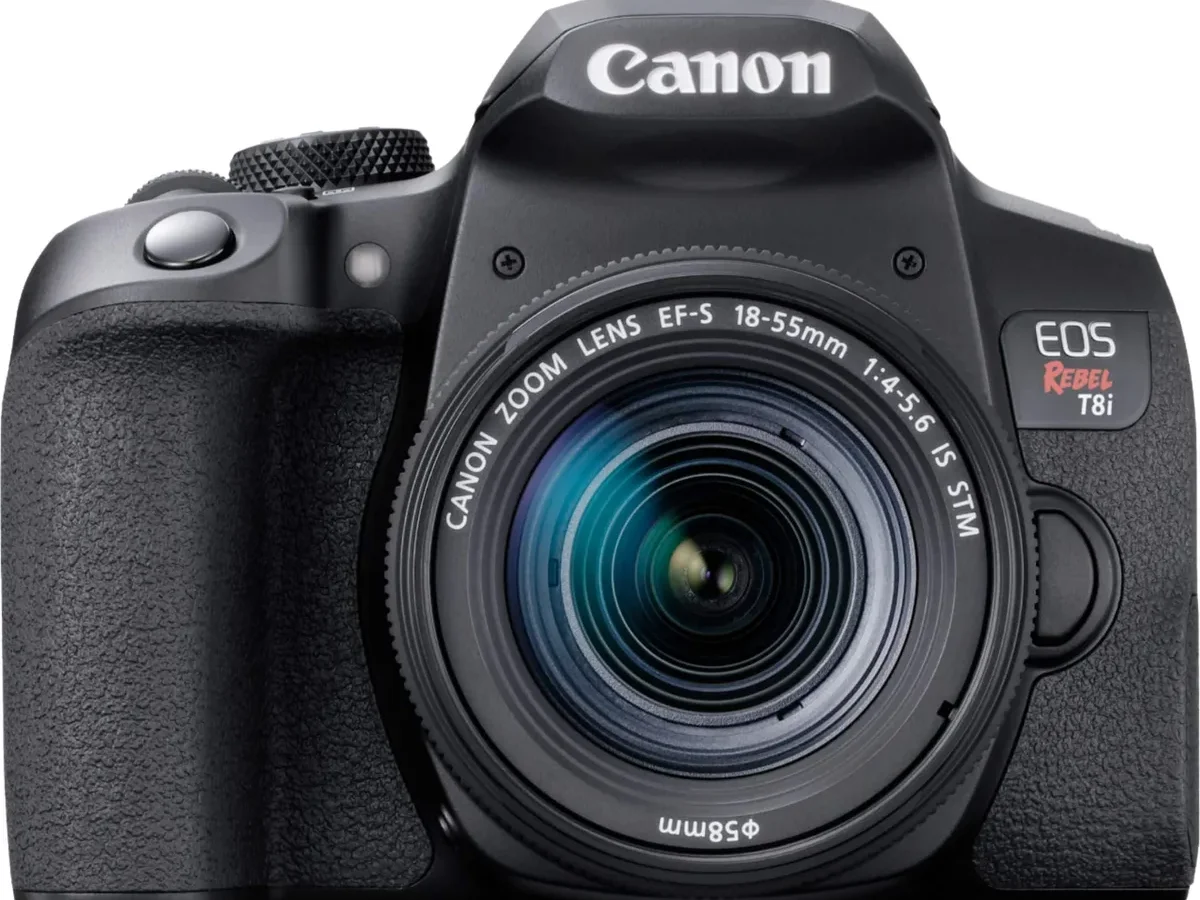
Your Canon EOS Rebel T8i just froze mid-shoot. Or maybe it powers on but gives you a blinking error code and refuses to take a photo. That's where troubleshooting needs to start: not with random button-pressing, but with a clear look at what the camera is actually telling you.
Manufacturer specifications indicate the T8i uses a DIGIC 8 processor and an LP-E17 battery rated for approximately 800 shots per CIPA testing conditions. Knowing these baseline numbers helps you rule out simple problems before diving into deeper fixes. Let's walk through the most common failure symptoms and the exact step to take for each one.
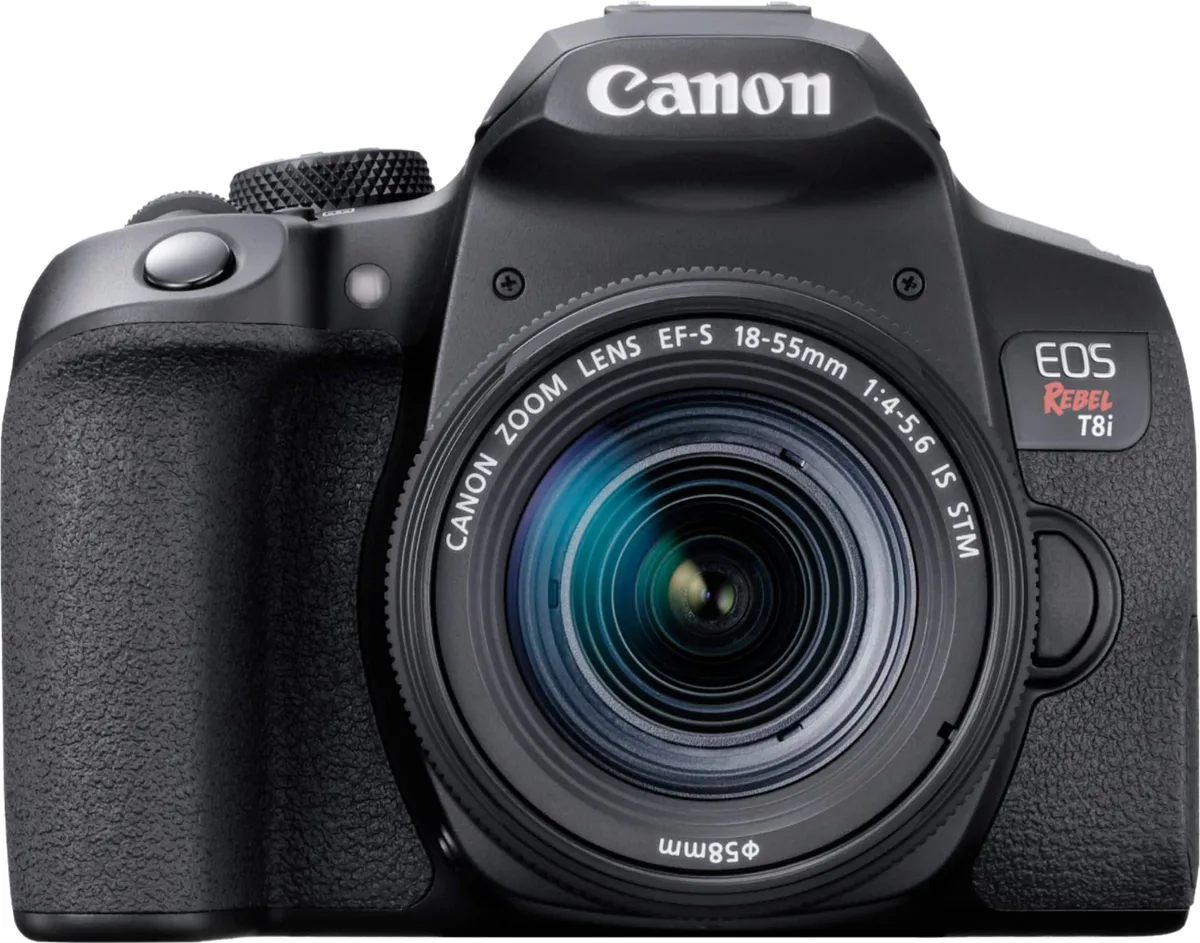
Image source: Bing (Web (fair-use with source credit))
Quick Answer
Troubleshoot your Canon EOS Rebel T8i by identifying the error code or symptom first. Check the battery charge and SD card write-protect switch. Clean the lens contacts with isopropyl alcohol.
Perform a factory reset from the menu. If error codes persist, update the firmware via Canon's official site.
Start Here – Find Your Camera Problem First
Before you pull the battery or start pressing buttons, figure out what your camera is actually doing. The symptoms tell you where to look. Different error codes point to completely different fixes.
| Symptom | Likely Cause | Next Step |
|---|---|---|
| Camera won't power on | Dead battery, bad charger, or card error | Go to "Camera Won't Turn On" |
| Err 01 on the LCD | Dirty or loose lens contacts | Clean lens mount and re-seat lens |
| Err 60, 70, or 80 | Mechanical or firmware failure | Remove battery, wait, reinsert |
| Shutter won't fire | Card full, no card, or low battery | Check card and battery first |
| Blank LCD, viewfinder black | Mirror locked up or lens cap on | Cycle power, check cap |
| Blurry photos | Motion blur or missed focus | Check shutter speed and AF mode |
| Video stops early | Card too slow or overheating | Use UHS-I card, let camera cool |
Start with the symptom that matches yours. Each section below gives the exact decision tree for that specific problem.
Camera Won't Turn On? Power, Battery & Card Fixes
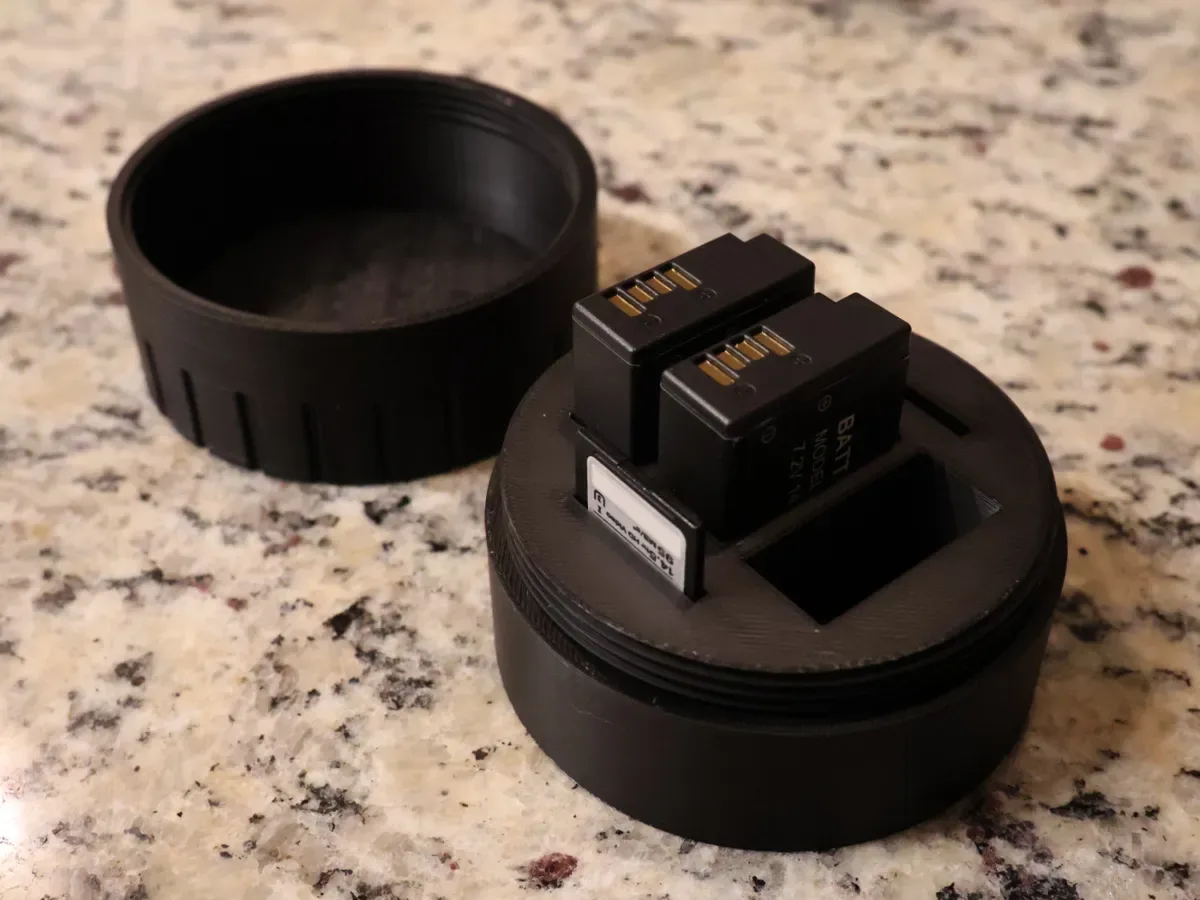
Image source: Web (Bing) / makerworld.com (Web image (fair-use with source credit))
If your T8i shows no signs of life at all, work through this order.
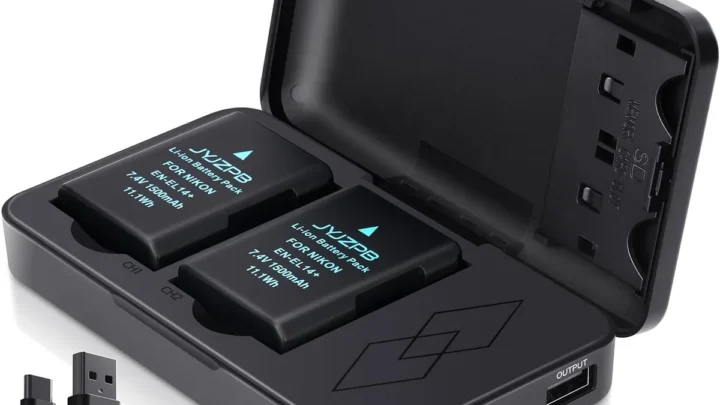
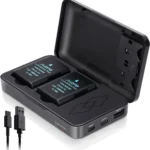
First, check the battery. The LP-E17 battery needs to hold a charge above roughly 6.8 volts to fire up the DIGIC 8 processor. Remove the battery and inspect the gold contacts.
If they look dull or tarnished, clean them gently with a dry cloth.
Reinsert the battery firmly. Make sure the battery lock lever clicks into place. A loose battery can cause intermittent power loss.
Plug the LC-E17 charger into a wall outlet, not a USB port. The charger's green LED should light up when a battery is inserted. If the LED stays off, the charger or battery may be faulty.
You can find a replacement battery for roughly $45 to $65 from Canon or verified sellers.
Next, check your memory card. A corrupted or locked card can prevent the camera from powering on completely. Slide the write-protect switch on the card to unlock it.
If the camera still won't start, try formatting a different card in another camera or a computer. This is a common issue that people sometimes mistake for a dead board, similar to issues covered in a guide on trail camera SD card corruption troubleshooting.
If the camera powers on but the LCD stays black, press the Info button or try switching between the viewfinder and Live View. You may have accidentally set the display to turn off.
Autofocus Not Working or Err 01? Fixing Lens & AF Problems
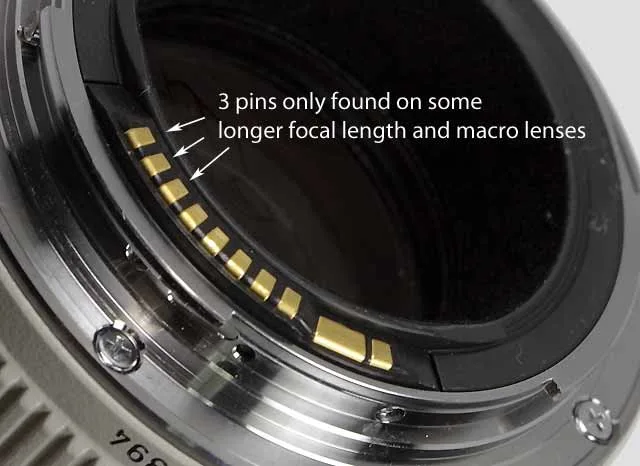
Image source: Web (Bing) / eflens.com (Web image (fair-use with source credit))
An autofocus that won't lock or the dreaded "Err 01" message usually points to the connection between the camera body and the lens. The T8i uses the standard EF/EF-S lens mount with electronic contacts that transmit focus and aperture data.
Start with the simplest check. Look at the side of your lens for the AF/MF switch. If it's set to MF (manual focus), the autofocus won't work no matter what you do in the menu.
Flip it back to AF.
If that doesn't help, remove the lens. Press the lens release button, twist the lens counterclockwise, and lift it off. Inspect the gold contact pins on both the lens and the camera body.
Dirty contacts are the number one cause of communication errors.
Clean the contacts gently with a lint-free cloth lightly dampened with isopropyl alcohol. Allow them to dry completely before reattaching the lens. Re-seat the lens firmly until you hear a click.
If Err 01 still appears, test with a different lens. This tells you whether the problem is in the lens or the camera body. A body-side contact issue may require a visit to an authorized service center.
Per Canon's official support documentation for the EOS Rebel T8i, Err 01 indicates a communication failure between the camera and lens. The same basic isolation steps apply to electrical contact issues you'd see in other gear, like trail camera connection problems troubleshooting.
Shutter Stuck, Err 60/70/80 – Mechanical & Firmware Recovery
Error codes 60, 70, and 80 sound frightening, but they don't always mean your camera is dead. Each code points to a different internal failure.
Err 60 means a mechanical malfunction in the mirror or shutter mechanism. Try this first: remove the battery, wait 30 seconds, then reinsert it. This resets the mirror control circuit.
If the error returns, the shutter unit or mirror box may need professional service.
Err 70 indicates a memory or processing error inside the camera. Again, start with a battery pull. Then format your SD card in-camera using the Menu option.
A corrupted card can sometimes trigger Err 70. If the error persists, a firmware reinstall may help.
Err 80 points to a fatal hardware or firmware failure. This is the most serious code. Begin by removing the battery and the memory card.
Leave both out for a full minute. If Err 80 appears after reassembly, the camera needs a trip to Canon service.
For any persistent error, update your firmware. Go to Canon's official support site for the Rebel T8i, download the latest firmware file, and copy it to the root directory of a formatted SD card. Insert the card, go to Menu > Firmware Update, and follow the on-screen prompts.
Never remove the battery or card during an update. A failed update can brick the camera. You can find similar guidance on trail camera firmware update troubleshooting.
Blurry Photos, Bad Exposure & Video Recording Stops
Soft or blurry images frustrate everyone. But the fix is usually straightforward. The T8i's 24.1 megapixel sensor reveals even slight focus errors.
First, rule out motion blur. Check your shutter speed. A general rule is to shoot at 1 over the focal length.
For a 50 mm lens, that means at least 1/50 second. For moving subjects, go faster. If you see blur in one direction, that's motion blur.
If the whole image is uniformly soft, that's missed focus.
Check your autofocus mode. One-Shot AF works for still subjects. AI Servo AF tracks moving subjects.
If you're in the wrong mode, the camera may not lock focus properly.
For video, the Rebel T8i records 4K at up to 30 fps. If recording stops early, you're hitting the 29 minute 59 second limit per file. Use a UHS-I memory card rated Class 10 or faster.
Slower cards cause the camera to stop recording to avoid data corruption.
Overheating can also stop video. The sensor temperature protection kicks in during extended 4K recording in warm environments. Let the camera rest for 10 to 15 minutes.
Reducing the recording resolution to 1080p helps keep the sensor cooler.
Common Mistakes That Look Like Hardware Failure
Some of the most frustrating "broken camera" moments turn out to be simple oversights. Before you pack your T8i for repair, check these easily overlooked culprits.
Is the lens cap still on? It sounds obvious, but it's a common reason for a black viewfinder or completely dark images. Remove it and try again.
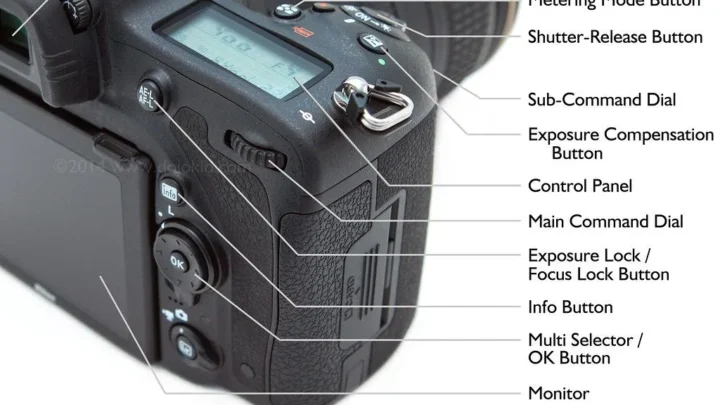
Is the mode dial in a locked position? Certain Scene modes and the Guide mode disable some buttons and menu options. Switch to P, Av, Tv, or M to regain full control.
Is the SD card write-protect switch slid to Lock? If it is, the camera won't shoot or format. Slide it back to the unlocked position. This trips up a lot of people, and it's similar to issues covered in trail camera SD card corruption troubleshooting.
Did you try a full factory reset? Go to Menu, find the Clear Settings option, and choose Clear All Camera Settings. This resets every menu option to default without wiping your photos. It resolves many glitchy behaviors that feel like hardware problems.
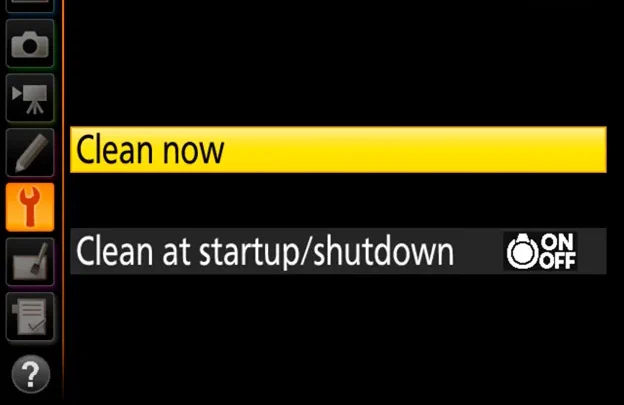
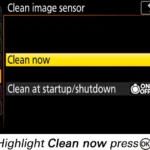
When a "broken" camera just needs a cleaning. Dirty lens contacts, a dusty sensor, or corroded battery terminals can mimic serious failures. Clean the gold contact pins on both the lens and body with isopropyl alcohol. Run the sensor cleaning function from the menu.
Check the battery compartment for any debris or corrosion.
Does the flash refuse to pop up? Hold the flash button on the side of the prism housing for a full second. In some modes, the flash is disabled by default. Switch to P or Av mode for full flash control.
Frequently Asked Questions
How do I factory reset my Canon Rebel T8i?
Go to the Menu, select the wrench icon tab, scroll to Clear Settings, and choose Clear All Camera Settings. Confirm your selection. This resets all shooting modes and menu options to factory defaults without deleting your photos.
What does Err 70 mean on a Canon T8i?
Err 70 indicates an internal memory or processing error. Remove the battery and memory card, wait 30 seconds, then reinsert them. Format the card in-camera.
If the error persists, update the firmware through Canon's official support site.
Why won't my T8i connect to Wi-Fi?
First, ensure Bluetooth is enabled on your phone and the Canon Camera Connect app is installed. Reset the camera's wireless settings from the menu. If the connection drops repeatedly, try resetting the network settings on the camera as you would with trail camera connection problems troubleshooting.
How do I clean the sensor on my T8i?
Use the in-camera sensor cleaning function from Menu under the wrench tab. For stubborn dust, use a blower or a sensor cleaning swab from a photography supply store. Never use compressed air, which can damage the shutter.
Why does my T8i keep stopping video recording?
The camera stops at the 29 minute 59 second file limit per clip. Use a UHS-I SD card rated Class 10 or faster. Overheating during 4K recording can also cause stops.
Let the camera cool for 10 minutes between long clips.
Can I use an external microphone with the T8i?
Yes. The T8i has a 3.5 mm external microphone input on the left side of the body. Plug in a compatible microphone for better audio quality in video recordings.
The built-in microphone picks up camera handling noise.
How do I update the firmware on my Rebel T8i?
Download the latest firmware file from Canon's official support page. Copy it to the root of a formatted SD card. Insert the card, go to Menu, select Firmware Update, and follow the on-screen prompts.
Never remove the battery or card during the update. Follow a trail camera firmware update troubleshooting approach for similar guidance.

Similar Posts