DSLR Camera Flash Not Working Troubleshooting
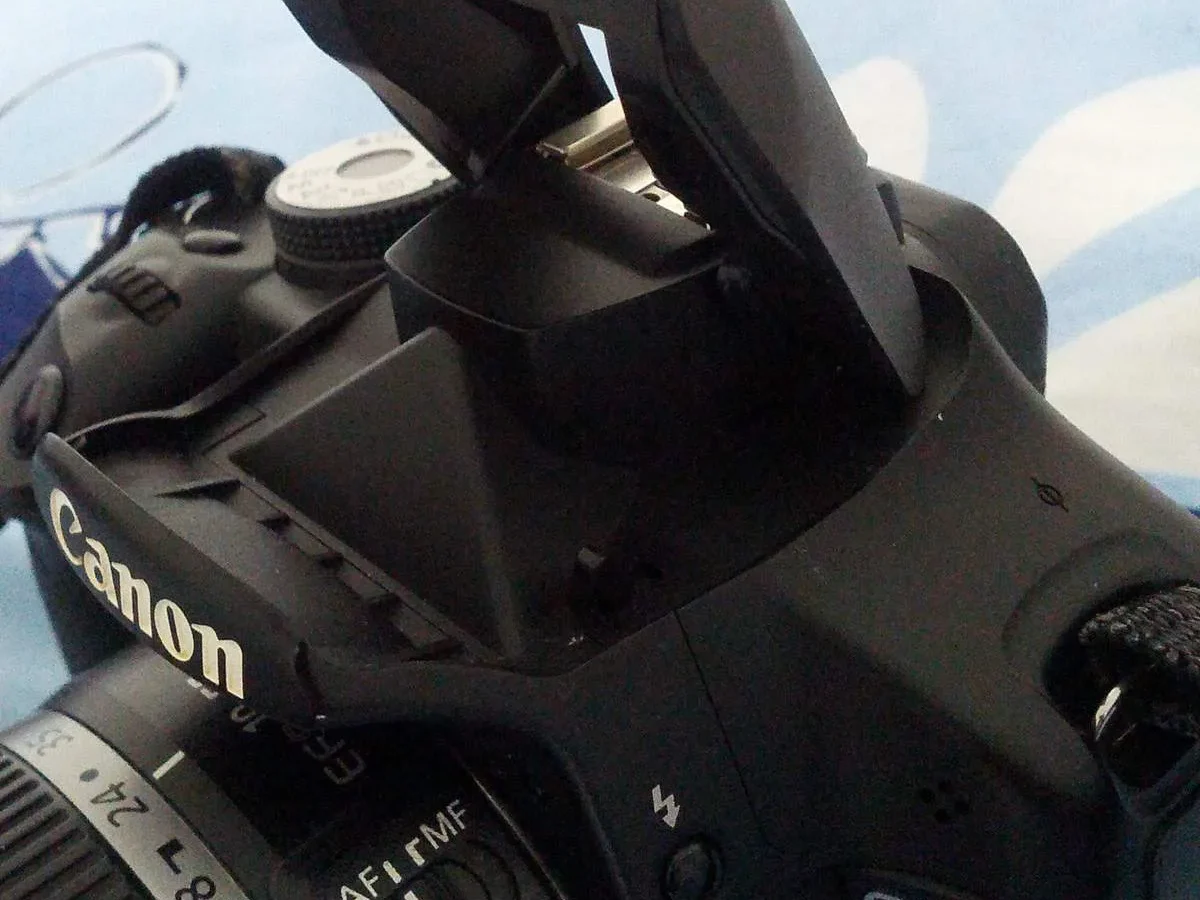
Your DSLR camera flash not working troubleshooting starts with a simple truth: most flash failures have nothing to do with a broken speedlight. Nine times out of ten, the culprit is a wrong setting, a dead battery, or a dirty contact.
Manufacturer specifications indicate that modern DSLR flash systems use a sync speed cap of around 1/200th or 1/250th of a second. Exceed that and the flash either won’t fire or you’ll get a half-black frame. That single number often solves the whole puzzle.
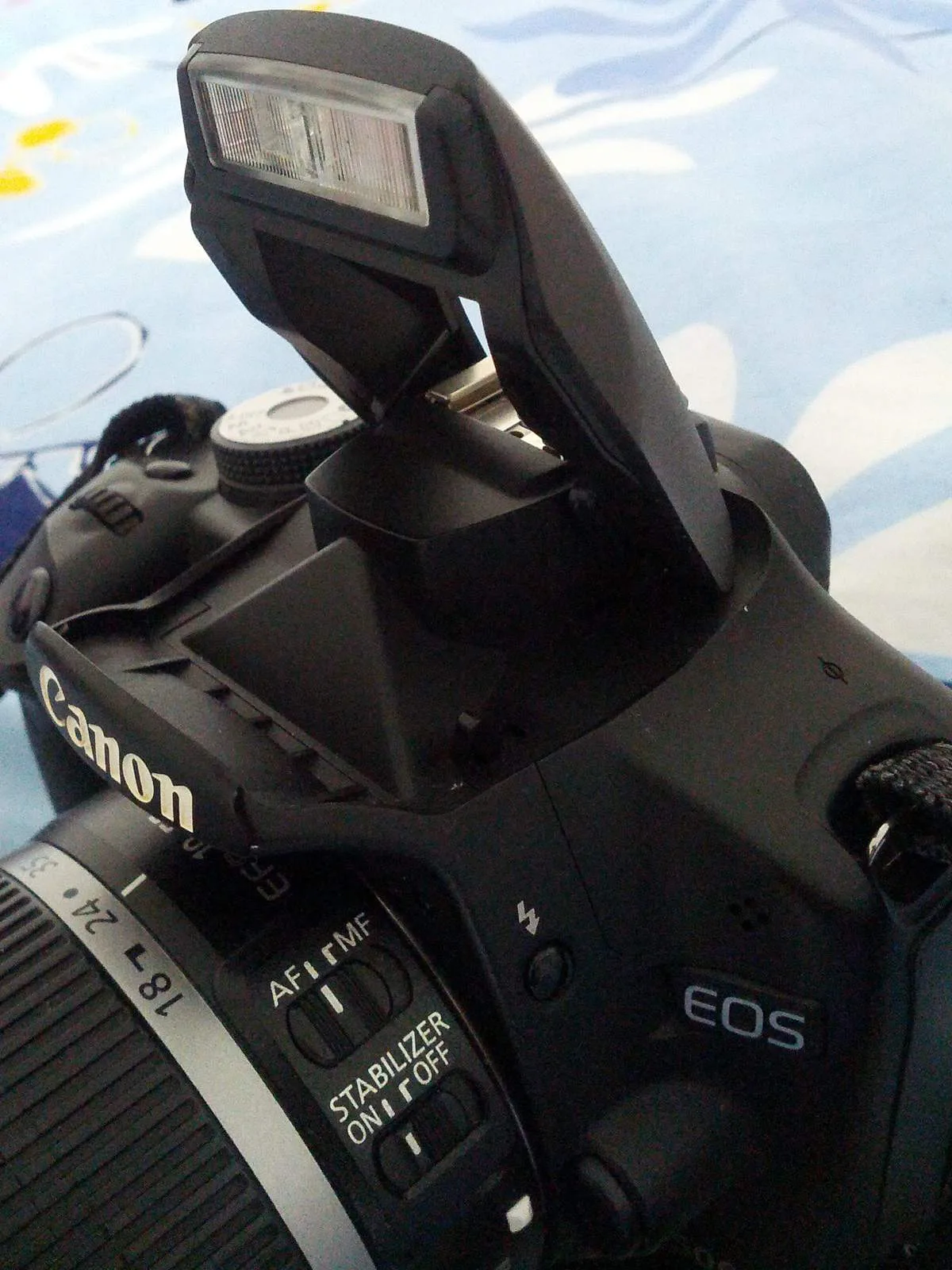
Image source: Web (Bing) / tutorialgeek.net (Web image (fair-use with source credit))
Quick Answer
Turn off the camera. Remove all batteries. Wait ten seconds.
Reinsert them. Set the shutter speed to 1/125s. Set the mode dial to Auto.
Test the flash. Works now? That’s 90% of cases solved.
Before You Start: The Obvious Things to Rule Out
Check the camera menu. Is flash set to Off or No Flash? Many cameras have a physical flash-disable switch.
Silent/electronic shutter mode kills flash by design. Switch to mechanical shutter.
Check the shutter speed dial. If it’s above the sync speed (usually 1/200s or 1/250s), the flash won’t fire. Drop it to or below that number.
Pop the built-in flash manually. If it works, the camera’s flash circuit is fine. Your problem is the hotshoe or the external flash.
If the built-in flash fails, the issue may be the camera’s flash capacitor or mainboard. That needs a repair shop.
For external flash users, verify the flash is seated fully on the hotshoe. A loose mount breaks the electrical connection. Tighten the locking ring.
Put the flash in manual mode at full power and press the test button. If it fires, the flash unit is working. The problem is communication between camera and flash.
If it doesn’t fire, the flash unit itself is suspect.
Built-In Flash vs External Flash: Different Troubleshooting Paths
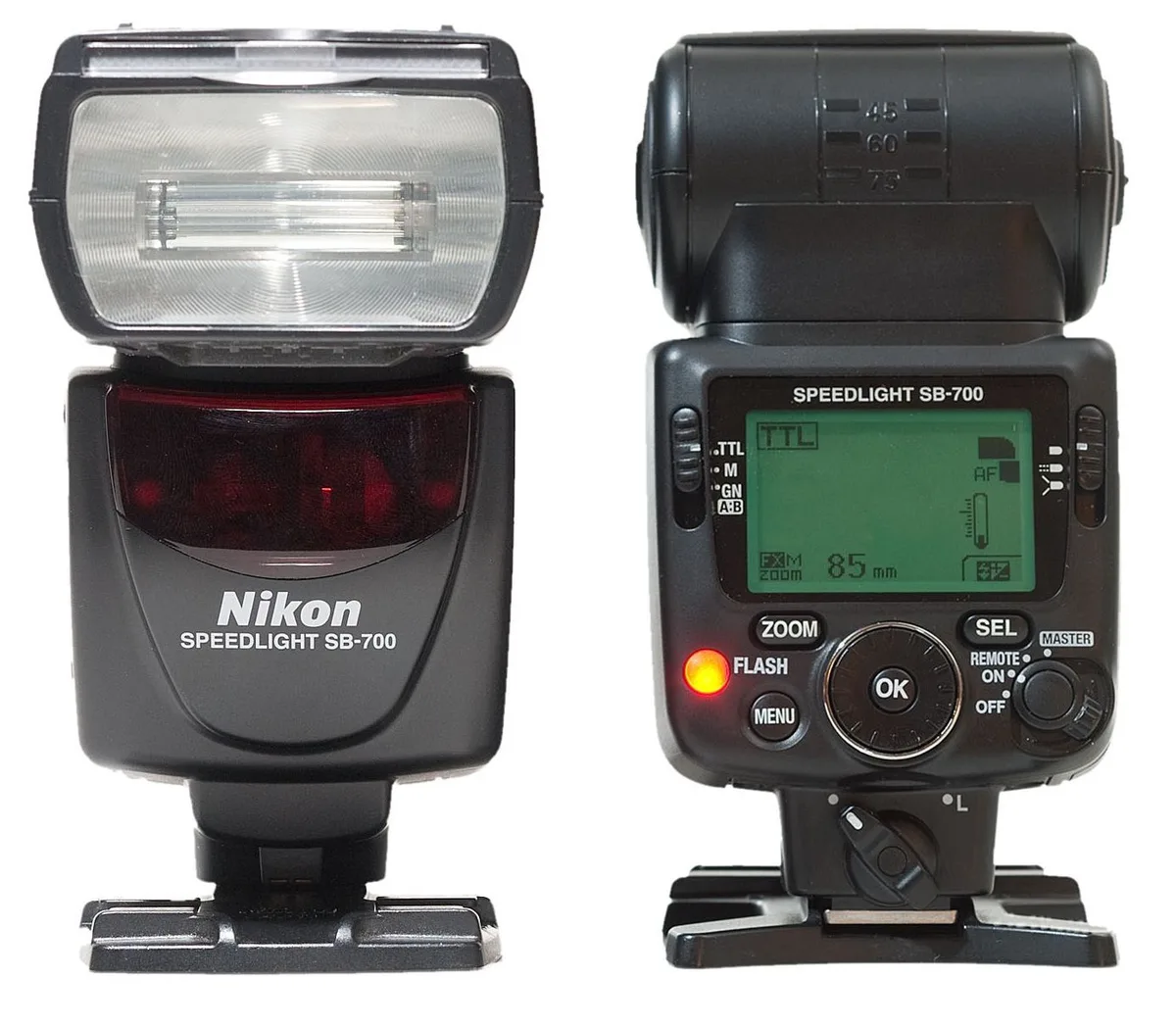
Image source: Bing (Web (fair-use with source credit))
The troubleshooting flow splits depending on which type of flash you’re dealing with.
Built-in flash (pop-up): This shares power with the camera battery. If it won’t pop up, check for a physical lock or a menu setting that disables it. If it pops up but doesn’t fire, the most common cause is an electronic shutter mode.
Some cameras disable the built-in flash when an external flash is mounted. Remove the external flash and test.
External flash (speedlight): This has its own batteries, hotshoe contacts, and capacitor. If it fires on the test button but not when you press the shutter, the issue is in the signal path. Dirty hotshoe pins, a mismatched TTL protocol, or a third-party flash that doesn’t fully support your camera’s contacts.
| Symptom | Built-in flash likely cause | External flash likely cause |
|---|---|---|
| Flash doesn’t pop up | Silent shutter / disabled in menu | Not applicable |
| Flash pops up but doesn’t fire | Shutter speed too fast / capacitor issue | Hotshoe contacts dirty |
| Test button fires, shutter doesn’t | Camera mainboard issue | TTL handshake failure or wrong mode |
| No charge sound / slow recycle | Camera battery low | Flash batteries dead or old |
Use a cotton swab and isopropyl alcohol to clean the hotshoe contacts on both camera and flash. That single step resolves more than half of external flash problems.
For external flash, check the flash’s own menu. Many speedlights have a slave mode or a wireless setting that overrides the hotshoe trigger. Disable those when testing in the hotshoe.
Step-by-Step Diagnostic Workflow
Step 1: Confirm the flash is powered.
Does the flash make a high-pitched whine when turned on? That’s the capacitor charging. If it’s silent, replace the batteries with a fresh set.
Use NiMH rechargeables. They hold stable voltage longer than alkalines. A dead battery is the number one external flash failure.
Step 2: Fire the test button.
Press the flash’s manual test button. If it fires, the flash unit is functional. If it doesn’t, the flash itself is broken.
Capacitor, tube, or circuit board.
Step 3: Check the hotshoe connection.
Jiggle the flash gently in the hotshoe. Does it fire intermittently? Loose or corroded connection.
Clean the contacts with a pencil eraser or alcohol. Re-seat the flash firmly.
Step 4: Verify camera settings.
Set the camera to full Auto or Program mode. These modes force flash-friendly settings. If the flash works there, you changed something in a creative mode that overrode the flash.
Common culprits: slow-sync flash mode, rear-curtain sync, or flash exposure lock.
Step 5: Reset the camera.
A factory reset wipes any obscure setting that might interfere. On many Canon cameras, hold the MENU button while turning the camera on. On Nikon, use the two-button reset (green dot buttons).
This often fixes TTL communication glitches.
Step 6: Test with another flash.
Borrow a friend’s speedlight or a store demo unit. If that flash works on your camera, your original flash is the problem. If the borrowed flash also fails, the camera’s hotshoe or motherboard is at fault.
Step 7: Update firmware.
Camera and flash firmware glitches can break TTL handshake. Check your camera manufacturer’s support site for the latest firmware. As of 2026, many late‑model DSLRs received updates improving flash compatibility.
Do the same for your flash if it supports firmware updates.
The same logical narrowing-down process applies to other camera issues. For example, learning how to troubleshoot an underwater camera follows the same method of testing the simplest variable first.
Common Flash Problems and Their Specific Fixes
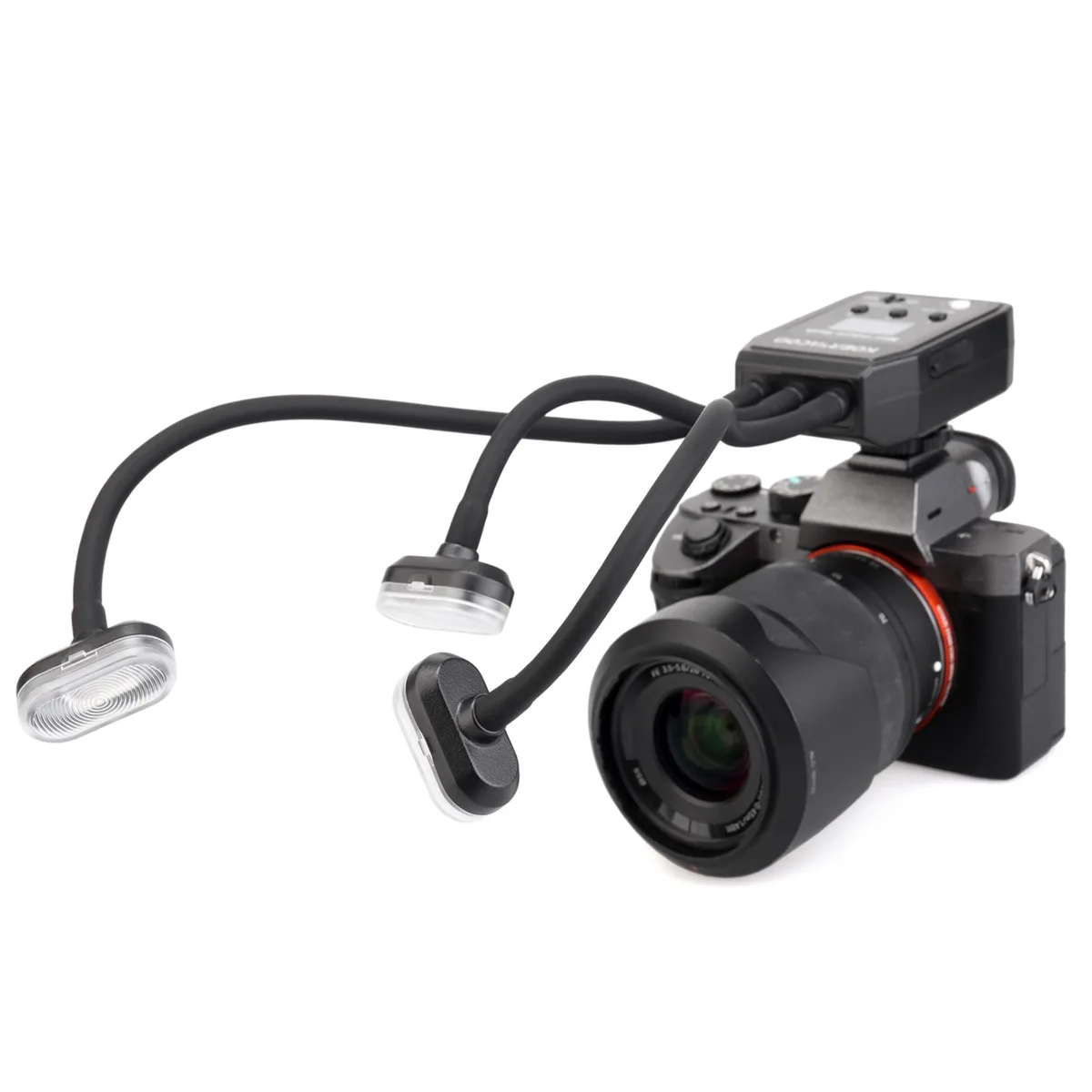
Image source: Web (Bing) / ellebiuno.com (Web image (fair-use with source credit))
Problem 1: Flash fires every other shot (inconsistent)
The flash isn’t fully recharged before the next shot. Listen for the capacitor whine. Recycle time over 5-6 seconds with fresh batteries means the capacitor is degrading.
For a built-in flash, this signals end of life. For an external flash, consider replacing the capacitor or buying a new speedlight.
Problem 2: Flash fires but photo is completely black or partially black
You shot faster than the sync speed. Set shutter speed to 1/200s or slower. If you use high-speed sync (HSS), remember it reduces flash power significantly.
Problem 3: Flash doesn’t fire in wireless mode
Optical slaves need line-of-sight. Radio triggers need matching channels and groups. Move the flash closer.
Make sure both transmitter and receiver are on the same channel. Replace trigger batteries.
Problem 4: Flash fires but exposure is wildly over- or underexposed
TTL metering isn’t working. Switch to manual flash output. Dial in power manually (start at 1/8).
If manual works perfectly, the issue is TTL communication. Dirty contacts, incompatible third-party flash, or firmware mismatch.
Problem 5: Flash fires once then stops for a long time
The flash overheated. Many speedlights have a thermal cut-off. Let it cool for 15-20 minutes.
Avoid firing repeatedly at full power. Consider a flash with better thermal management or use lower power.
Problem 6: Built-in flash won’t pop up
Check for a physical switch. The pop-up mechanism uses a spring that can break. Gently assist it with a fingernail.
If it doesn’t pop, the internal latch is likely broken and requires factory repair.
Mistakes That Waste Your Time
Mistake 1: Ignoring the camera manual. Most DSLR flash issues are documented in the user manual. The quickest fix is often in the flash settings appendix.
Mistake 2: Using old alkaline batteries. Alkaline batteries drop voltage quickly under flash load. The flash may fire once or twice then act dead. Switch to NiMH rechargeables (like Eneloop pros).
They hold higher voltage under load and last hundreds of pops.
Mistake 3: Assuming a third-party flash works out of the box. Many third-party speedlights need a firmware update to match your camera’s TTL protocol. Check the manufacturer’s website before returning the flash.
Mistake 4: Cleaning hotshoe contacts with water or metal tools. Water leaves residue that shorts pins. Metal scratches gold plating. Use a dry pencil eraser or a cotton swab with 99% isopropyl alcohol.
Mistake 5: Forgetting that electronic shutters disable flash. Many mirrorless cameras and some DSLRs use an electronic first-curtain shutter that doesn’t sync with flash. Switch to mechanical shutter.
Mistake 6: Not testing the flash on another camera. If you can’t borrow a camera, take your flash to a camera store and ask to test it on a floor model. This tells you if the problem is the flash or the camera.
When to Fix It Yourself vs Send It to a Repair Shop
If the flash fires in test mode and another flash works on your camera, the issue is communication. Clean the hotshoe, check the flash’s mode, and update firmware. No repair shop needed.
If the flash doesn’t fire in test mode, the problem is inside the flash unit. Capacitor failure, cracked solder joints, or a blown flash tube require disassembly. Capacitors can hold a dangerous charge even when the flash is off.
Manufacturer specs confirm that modern speedlights use high-voltage capacitors (300-600V). One wrong touch can give a nasty shock. Unless you have electronics repair experience, send it to a professional.
For built-in flash that won’t pop up or fire, the camera needs a repair shop. The pop-up mechanism and internal flash circuit are integrated into the camera’s mainboard. DIY attempts often cause more damage.
Repair cost matters. A basic clean-and-inspect runs $50-100 at authorized service centers. Replacing a capacitor or tube on a mid-range speedlight costs $80-150.
If your flash is a budget third-party model that costs $80 new, just replace it. For a high-end studio strobe, repair is worthwhile.
Check your camera manufacturer’s support page for authorized repair centers. They have schematics and parts. Third-party repair stores can work on common brands like Godox and Yongnuo, but verify they have spare parts first.
Frequently Asked Questions
How do I know if my flash capacitor is dead?
The capacitor makes a high-pitched whine when charging. If the flash turns on but stays silent, the capacitor is degraded. Test by firing at full power and timing the recycle.
Over 10 seconds with fresh batteries means the capacitor is failing.
Can a dirty hotshoe damage my camera?
Yes. Corrosion on the hotshoe pins can cause a short that sends incorrect voltage to the camera’s flash circuit. Clean the contacts as soon as you notice misfires.
Use a dry pencil eraser or alcohol. Never use metal tools.
Should I buy a new flash or repair the old one?
For a flash that costs less than $150 new, replacement is cheaper than repair. For higher-end speedlights (Profoto, Godox V1, Canon 600EX-RT), repair at $80-150 makes sense. Factor in the age of the unit.
A five-year-old flash with heavy use may have other components nearing failure.
Does turning off the camera reset flash issues?
Sometimes. A full power cycle (remove battery for 30 seconds) clears temporary glitches in the camera’s flash control circuit. It’s the first thing to try and costs nothing.
Is it safe to use a third-party flash on my Canon or Nikon?
Yes, but check compatibility. Many third-party flashes need a firmware update to work with newer camera bodies. Buy from brands that offer user-updatable firmware.
Avoid very cheap unbranded flashes that can damage the camera’s hotshoe with incorrect voltage.

Similar Posts