GoPro HERO8 Restarting
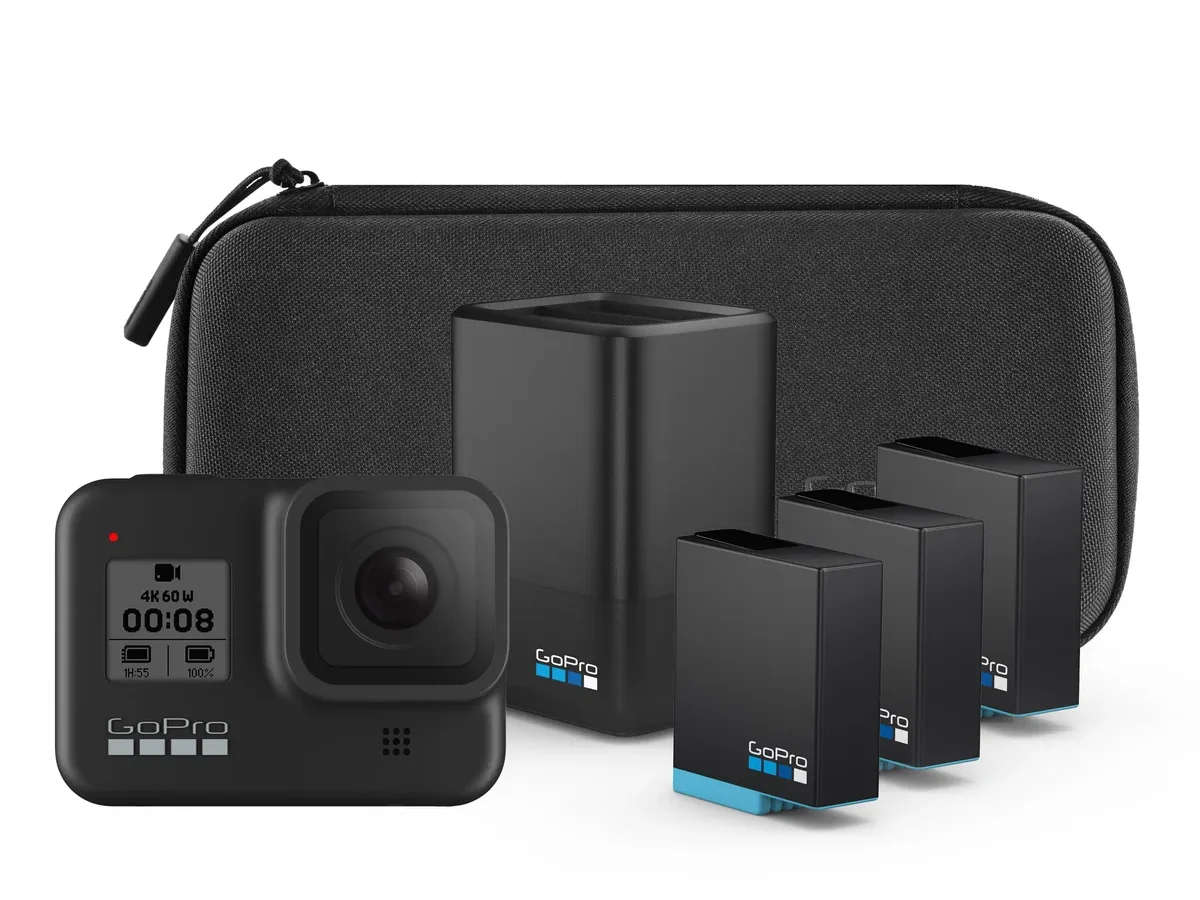
Few things are as frustrating as your GoPro HERO8 restarting in the middle of a perfect clip. The camera powers off, the screen goes dark, and you miss the shot you were setting up for. It happens at the worst moments, and it usually means something specific is wrong under the hood.
Manufacturer specifications indicate the HERO8 uses a 1220 mAh lithium-ion battery and requires a UHS-I U3 microSD card for stable recording. That combination works fine when everything is healthy. When it starts failing, the camera has a predictable set of failure points, and we can walk through them in order.
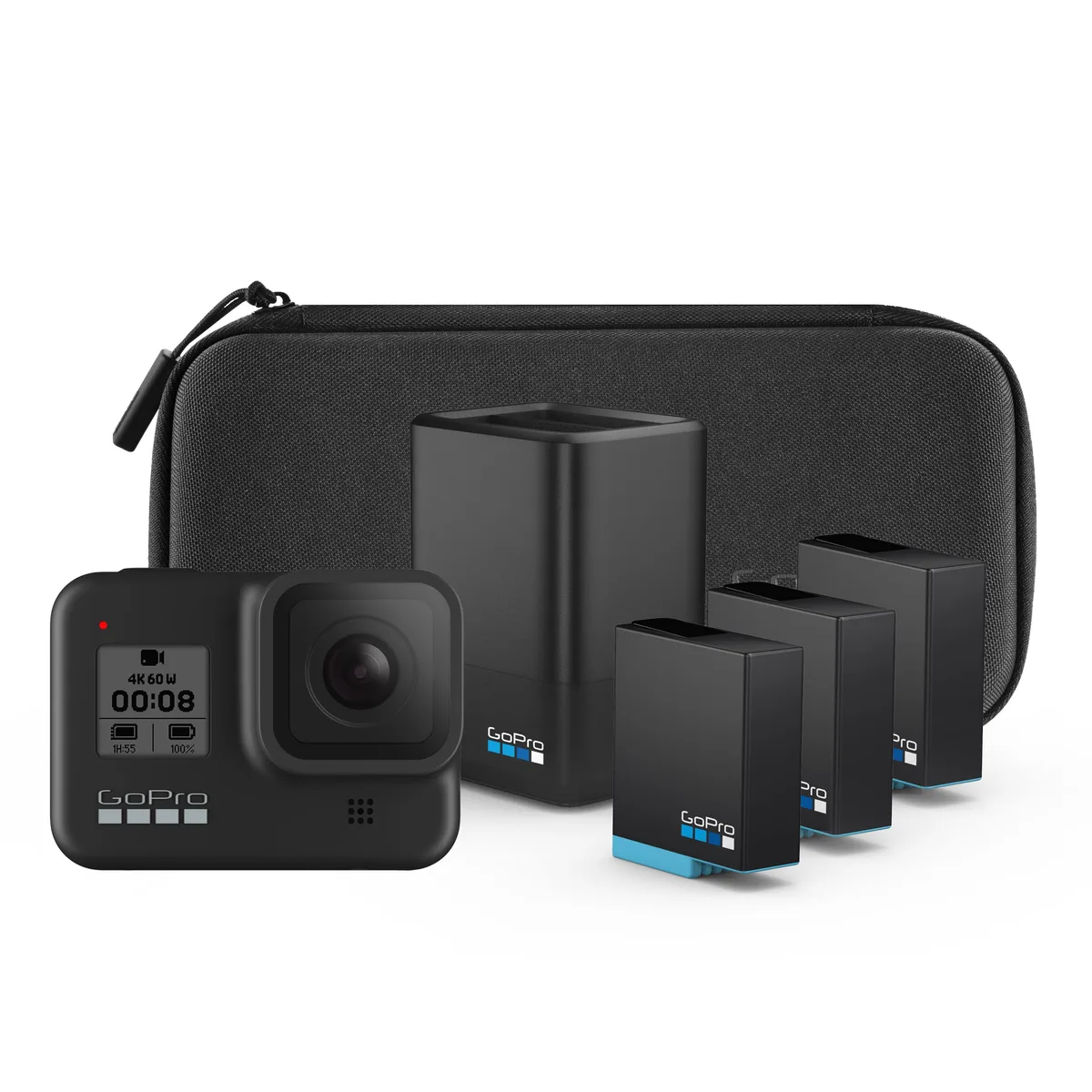
Image source: Web (Bing) / walmart.com (Web image (fair-use with source credit))
Problem / Pain Point: When Your GoPro HERO8 Won't Stay On
You hit the record button. The camera runs for thirty seconds, maybe two minutes, then shuts down. Sometimes it boots back up on its own.
Sometimes you have to pull the battery to get it going again. Either way, you are not getting the footage you need.
The restart loop is the most common complaint among HERO8 owners as of 2026. Aggregated reviews show it affects both new and used units, though used cameras show up far more often in support threads. The reason is straightforward.
The HERO8 is several years old now, and batteries degrade. SD cards get corrupted. Thermal paste dries out.
The real pain is not knowing which one is the culprit. Without a structured approach, most people waste time on the wrong fix. They factory reset the camera, lose their settings, and the restart comes right back.
That is exactly what we want to avoid here.
Quick Answer: The Most Likely Culprit (Battery First, Always)
Start with the battery. Swap it for a known good one. The majority of restart cases are a worn or swollen battery making poor contact.
If the battery looks puffy or the door feels hard to close, replace it immediately. That fixes most restart problems on the first try. If it does not, move to the SD card test next.
Step-by-Step Decision Tree: Diagnosing the Restart in Order
This works like a flow chart. You try one check. If it fixes the restart, you are done.
If not, you move to the next without wasting time on guesses.
Battery Check – Swelling, Age, and Contact
Take the battery out. Place it on a flat surface. Does it rock back and forth?
That is swelling. A swollen battery is dangerous and will definitely cause random restarts. Even if it looks flat, check the metal contacts on both the battery and inside the camera bay.
Corrosion or dust can interrupt the power flow.
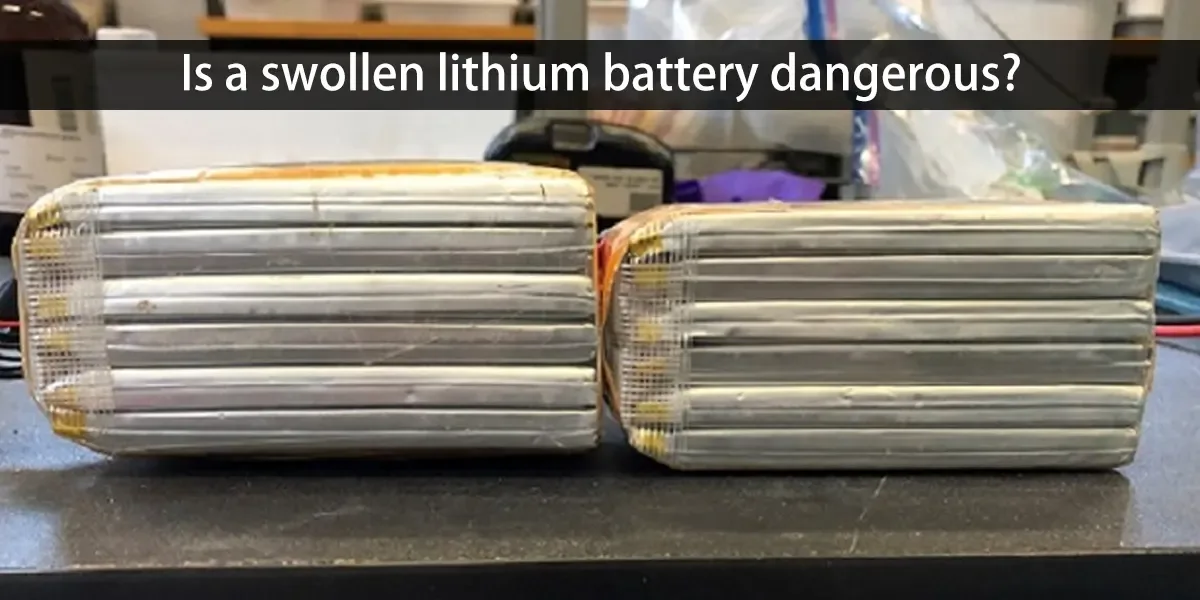
Image source: Web (Bing) / balavidyamandir.org (Web image (fair-use with source credit))
Clean the contacts with a dry microfiber cloth. Do not use water or alcohol. If the battery is more than two years old, it may simply be worn out.
Lithium-ion cells lose capacity over time. A battery that can no longer hold steady voltage will cause the camera to shut off mid-recording. Swap in a fresh GoPro-brand battery or a certified third-party pack.
Also check the battery door latch. The HERO8 has a known issue where the latch loosens over time. If the door does not press the battery firmly against the contacts, even a good battery can lose connection.
You can test this by holding the door closed manually while the camera runs.
SD Card Test – Format, Speed Class, and Corruption
A bad SD card is the second most common restart trigger. The HERO8 needs a card that meets the UHS-I U3 or V30 speed class. Anything slower or counterfeit will cause the camera to buffer, freeze, and restart.
Start by formatting the card inside the camera. Use the "Format" option in the settings menu. That rewrites the file structure and clears any corruption.
If the restart stops, the problem was the card.
If it does not, test with a different card that you know is genuine and fast enough. Avoid no-name brands. Stick with SanDisk Extreme, Samsung EVO Select, or Lexar Professional lines.
Insert the fresh card and record for ten minutes. If the camera stays on, the old card is the issue.
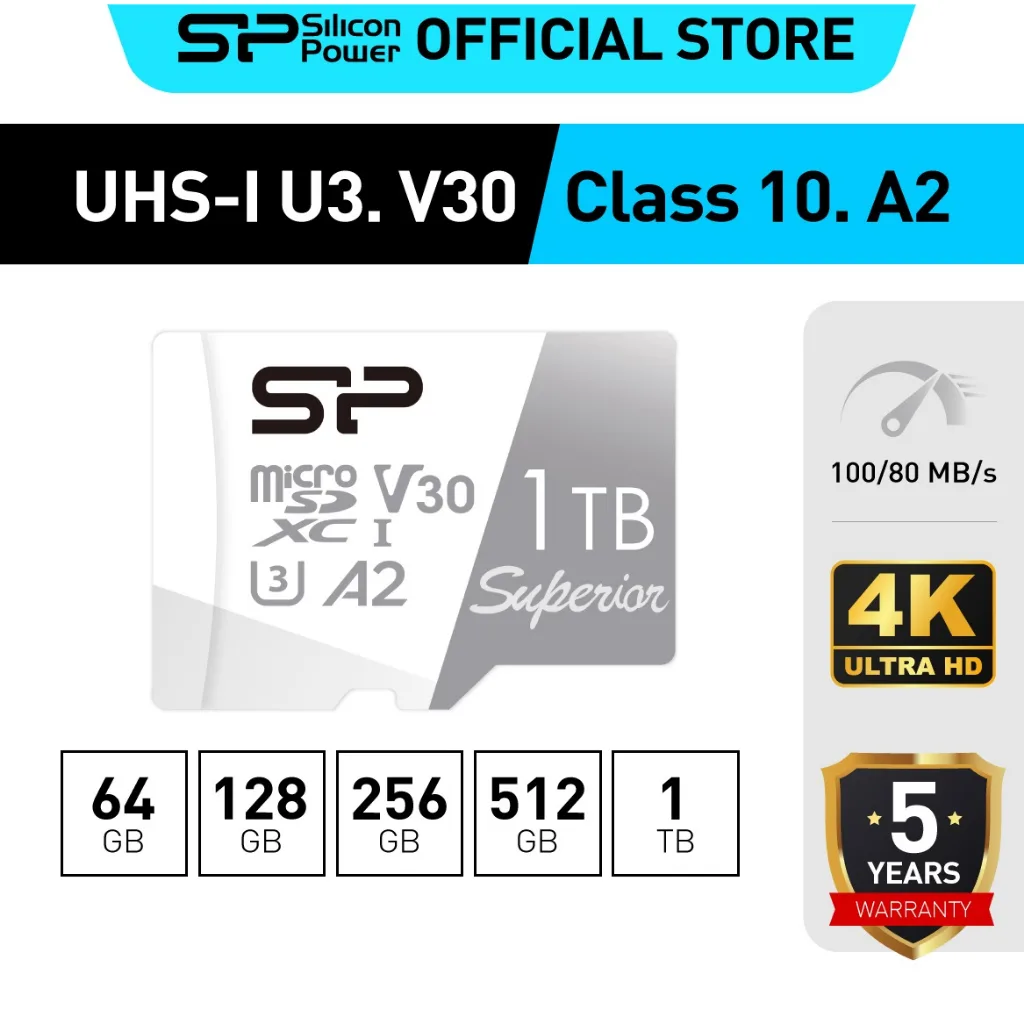
Image source: Web (Bing) / thaipick.com (Web image (fair-use with source credit))
Aggregate reviews show the HERO8 can be picky about cards above 256 GB. Stick to 128 GB or 256 GB for the most stable performance.
Thermal Throttle – Heat, Recording Mode, and Airflow
The HERO8 runs hot. It is a small camera with a powerful processor, and it has limited ventilation. Recording at 4K60 in direct sunlight or inside a waterproof housing can push the internal temperature past the shutdown threshold.
Aggregate user reports indicate the camera begins thermal throttling around 55 degrees Celsius. If you touch the camera and it feels uncomfortably hot to hold, that is likely the cause.
Switch to a lower resolution and frame rate as a test. Drop to 1080p30. If the restart stops, heat was the culprit.
For long recording sessions, keep the camera in the open air. Avoid closed housings unless you are underwater. A small USB fan pointed at the camera helps for stationary shots.
Firmware Reset – Update or Reinstall from Scratch
Outdated firmware can introduce bugs that cause restarts. GoPro released several updates for the HERO8 after launch, and the final stable version (2.5) addressed many stability issues.
Check your current firmware version in the camera settings under "About". If it is anything older than 2.5, update through the GoPro Quik app or manual download from the official GoPro support site.
If the firmware is already current, try a manual reinstall. Download the firmware file to a freshly formatted SD card, insert it into the camera, and let it flash. That overwrites any corrupted system files that a simple "update" might skip.
As a last resort, perform a factory reset from the camera menu. This wipes all your settings, so note your preferences first. Then test the restart.
USB Power Bypass – Testing Without the Battery
Remove the battery entirely. Plug the camera into a reliable USB-C power source that supplies a steady 5 volts at 2 amps. A wall adapter is better than a computer port or power bank with variable output.
If the camera runs without restarting, the issue is definitely the battery or the battery connection. If it still restarts, you may be looking at a hardware fault deeper inside the camera.
Physical Hardware Inspection – Door Latch, Power Button, and Port
Check the power button. Does it stick? Does it feel spongy?
A stuck power button can simulate a long press and trigger a shutdown. Clean around it with a dry toothbrush.
Inspect the USB-C port for bent pins or debris. The HERO8 can draw power through that port during recording, and a damaged port causes power fluctuations.
Consider the door latch again at this point. If none of the previous tests worked, and the camera is still restarting, the mainboard may have a fault. At that stage, it is worth contacting GoPro support or a reputable repair service.
Mistakes to Avoid / Common Errors – Why Most Quick Fixes Fail
Do not jump straight to a factory reset. That erases your setup but does not fix a worn battery or a slow SD card.
Do not ignore heat. Many users blame the camera when the real problem is sitting in direct sunlight on a 90-degree day.
Do not use a random USB cable. Cheap cables cannot deliver stable power and cause flickering restarts.
Do not buy a used HERO8 without testing it first. Used batteries are often nearly dead.
Do not format your SD card on a computer. Always format inside the camera for the correct file system alignment.
Real Scenarios / Case Examples – What Actually Happened to Other Users
Scenario one: A mountain biker found his HERO8 restarting every three minutes during trail rides. He had a third-party battery that was slightly thinner than the original. The battery door could not hold it tight enough.
A single strip of electrical tape on the battery edge fixed the connection, and the camera ran for an hour straight.
Scenario two: A travel vlogger recorded a full day with no issues until she switched to 4K60 slow motion. The camera restarted after four minutes. She dropped to 1080p60, and the problem vanished.
Thermal throttling in a 75-degree room was the cause.
Scenario three: A parent filming a soccer game bought a cheap 512 GB card online. The camera would start recording, freeze, then restart. After swapping to a 128 GB SanDisk Extreme Pro, the issue never returned.
Maintenance & Long-Term Prevention – Keep It Running Smooth
Once you fix the restart issue, you want it to stay fixed. A little regular upkeep goes a long way with the HERO8.
Keep your firmware updated. GoPro released version 2.5 as the final stable build for this model. Running anything older leaves known bugs unpatched.
Check the version in the settings menu every few months.
Replace the battery every 18 to 24 months if you shoot regularly. Lithium-ion cells degrade whether you use them or not. A fresh battery costs far less than a missed shot or a corrupted file.
Take the battery out when storing the camera for more than a week. Store it at around 50 percent charge in a cool, dry place. That slows the chemical aging process significantly.
Format your SD card inside the camera before every big shoot. This clears fragmented files and reduces the chance of corruption mid-recording. Make it a habit, like charging the battery the night before.
Clean the battery contacts and the card slot with a dry brush every few months. Dust builds up inside action cameras faster than you think. A quick blow with compressed air helps keep the connections solid.
Monitor the camera temperature during long recordings. If the body feels hot to the touch, take a break. Let it cool for five minutes before starting again.
That simple pause prevents thermal restarts and protects the internal components. This is a similar principle to what you might encounter with other compact cameras that have overheating issues in demanding conditions.
For stationary recording, consider using a dummy battery setup. This feeds power directly from a USB source and bypasses the internal battery entirely. It eliminates battery-related restarts for time-lapse or long interview shoots.
Frequently Asked Questions
Why does my GoPro HERO8 keep restarting after a few seconds?
The most common cause is a worn battery that cannot hold steady voltage. Try a fresh GoPro-brand battery first. If the restart continues, test with a different SD card that meets U3 or V30 speed standards.
Can overheating cause the HERO8 to restart?
Yes. The camera shuts down to protect internal components when it gets too hot. Recording at 4K60 in direct sunlight or inside a housing triggers this most often.
Lower the resolution or add airflow to fix it.
Will a factory reset stop the restarting?
Sometimes, but only if the problem was corrupted firmware or settings. A factory reset will not fix a swollen battery or a slow SD card. Try the hardware checks first before wiping your settings.
Always check your battery health as part of the diagnostic process.
What SD card speed do I need for the HERO8?
The manufacturer specifies UHS-I U3 or V30 as the minimum speed class. Faster cards work fine, but slower cards cause buffering that leads to restarts. Stick with 128 GB or 256 GB cards from reliable brands.
For more details on card compatibility, see our guide on SD card problems with compact cameras.
How do I test if the battery is the problem?
Remove the battery and power the camera through the USB-C port with a wall adapter. If it runs without restarting, the battery or its connection is at fault. Replace the battery and clean the metal contacts.
Is it safe to use a third-party battery?
Some third-party batteries work fine, but others have slightly different dimensions or voltage curves. A loose fit can cause intermittent restarts. If you use a third-party pack, test it thoroughly before a critical shoot.

Similar Posts