SPYPOINT FLEX PLUS Troubleshooting
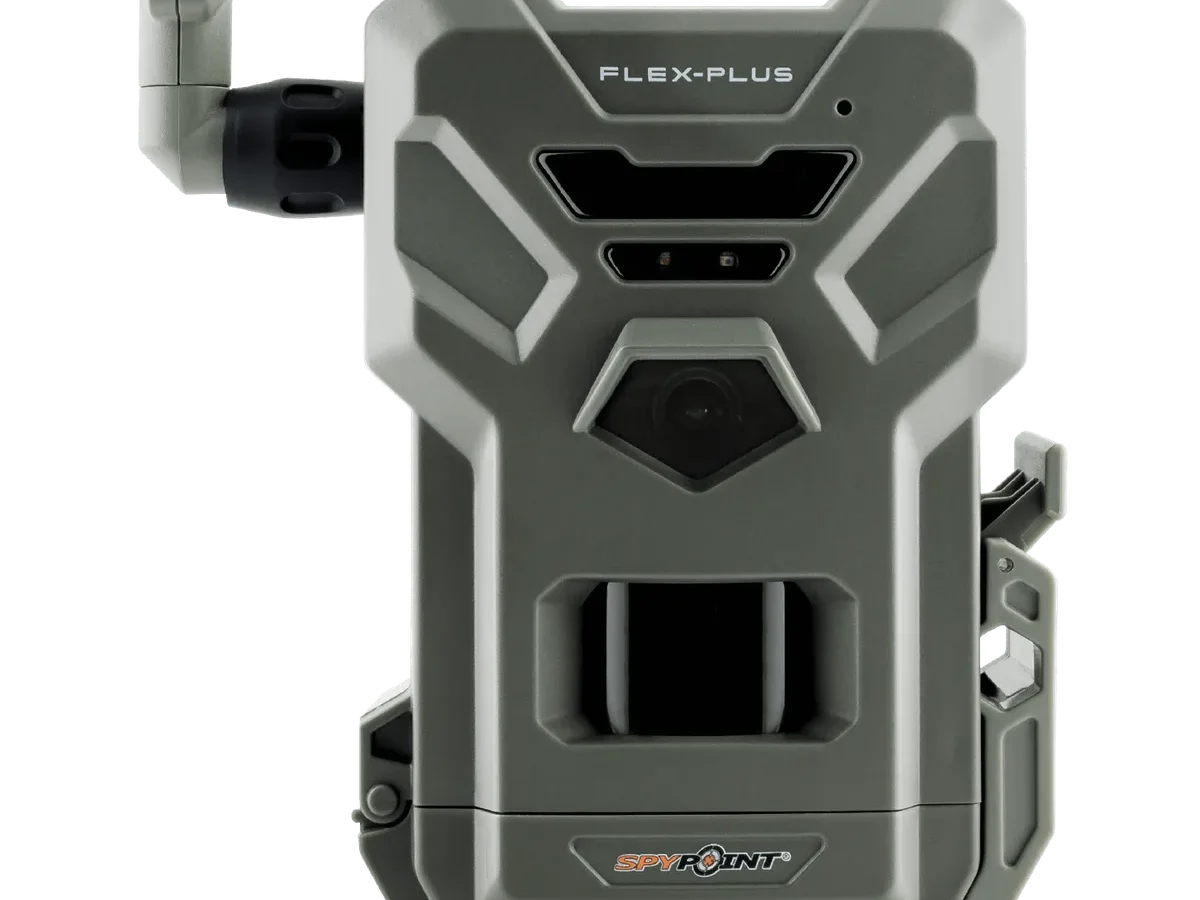
Your SPYPOINT FLEX PLUS just stopped doing what you bought it for. Maybe it quit sending photos, the batteries died in three days, or it won't power on at all. Most issues have a simple fix once you match the symptom to the right step.
The FLEX PLUS uses LTE bands 2, 4, 5, 12, 13, and 17 for cellular transmission. Your carrier's signal strength in that specific spot determines whether photos upload or sit on the SD card. The camera draws about 0.2mA in standby.
If yours drains faster, something is off. Let's walk through each symptom so you can pin down the fix on the first try.
Quick Answer – The Short Version
Most issues boil down to four things. Check your cellular plan status in the app. Verify the SD card is formatted inside the camera.
Make sure the batteries are fresh lithium cells. Confirm the firmware is up to date.
If the LED is solid red, replace the batteries. If it blinks green slowly, the camera has signal and is working. If it blinks red, there is a cellular or plan problem.
Reset the camera by holding the power button for ten seconds if nothing else works.
Symptom: Your Camera Isn't Sending Photos (Cellular Issues)
This is the most common complaint by far. You see deer on the card, but the app shows nothing. If photos are saving to the SD card but not appearing in your SPYPOINT App, the cellular link is the problem.
First, open the app and check the signal strength indicator. Manufacturer specs indicate anything below -100 dBm will struggle to upload photos reliably. If you see one bar or less, the camera is in a dead zone.

Try moving the camera to a higher position or a spot with a clearer view of the sky. Trees and terrain block LTE signals more than most people realize. If relocation is not possible, consider an external antenna booster designed for trail cameras.
Next, check your plan status. Paid plans run out of data or expire without warning. The camera stops uploading silently.
Log into the app and confirm your plan is active and has remaining photos.
Finally, verify the SIM card is seated properly. Power the camera off, open the battery compartment, and reseat the SIM card. A loose card causes intermittent connection failures that look like a dead zone.
Symptom: The Camera Won't Turn On or Batteries Die Fast
If the screen stays black or the LED won't light, start with the simplest check.
Open the battery compartment and inspect every terminal. Corrosion on the contacts is common if the camera sat in a humid area. Clean them with a pencil eraser or a small amount of isopropyl alcohol on a cotton swab.
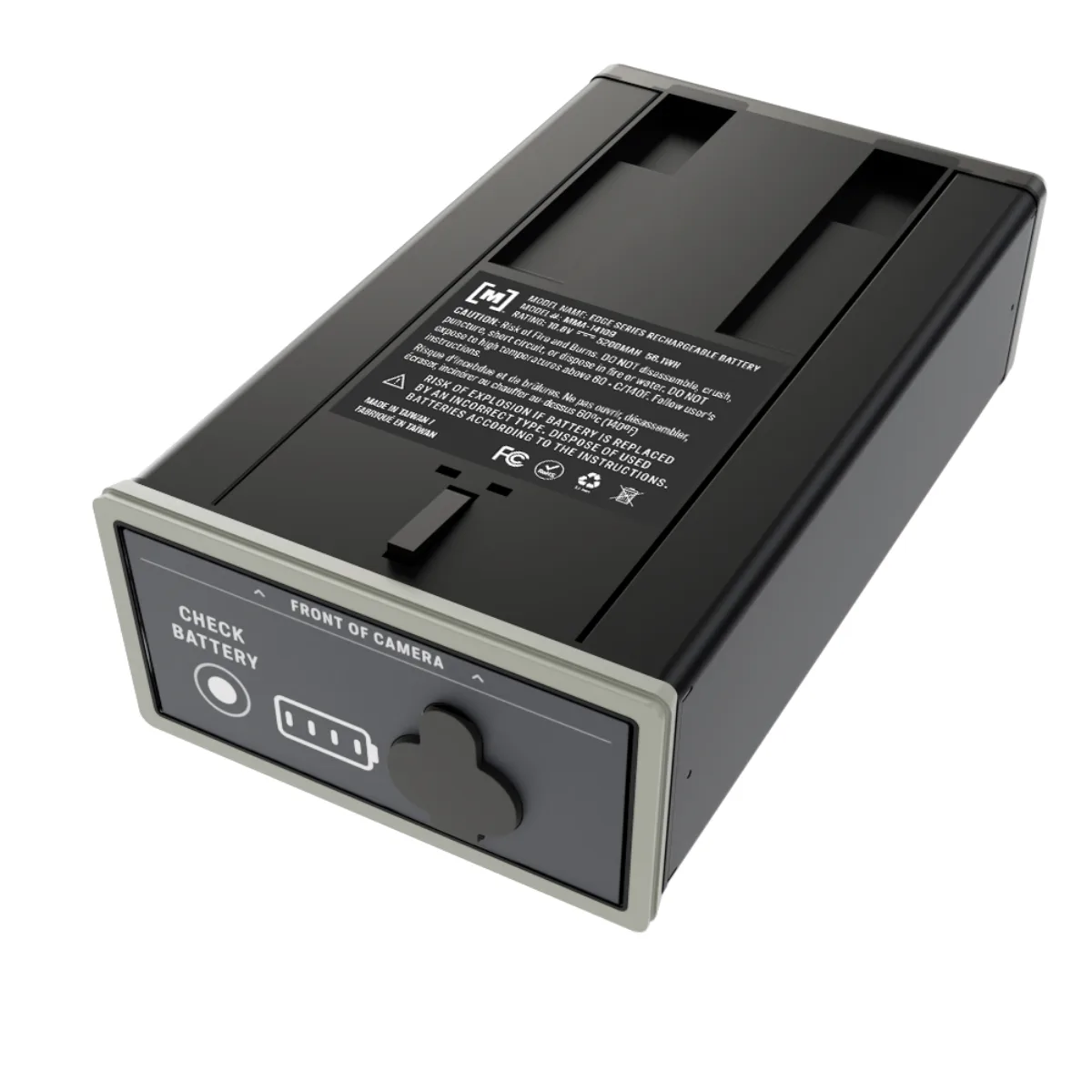
Use fresh lithium AA batteries. Alkaline cells lose voltage quickly in cold weather and under high drain. Aggregate user reviews report the FLEX PLUS gets about 3,000 to 4,000 photos on a set of lithium batteries.
If you get far fewer, you have a drain issue. The same principles apply to any device with rapid battery drain in other electronics.
Check for a stuck LED. If the camera is constantly transmitting because of a poor signal, it burns through power. The camera tries to send photos repeatedly and drains batteries in a day or two.
Relocate the camera to a stronger signal area if this happens.
For solar panel users, verify the panel gets direct sunlight for at least four hours a day. Dirt and snow block charging completely. Wipe the panel clean with a soft cloth and adjust the angle toward the sun's path.
Symptom: The Camera Triggers But Won't Capture or Save Photos
This one tricks a lot of people. You see the camera flash, but when you pull the card, there is nothing or only a few photos.
The first culprit is the SD card. The FLEX PLUS supports cards up to 32GB formatted in FAT32. If you use a larger card or the wrong format, the camera may flash but not write files.
Format the card inside the camera using the app or the menu if available. Do not format it on your computer. The same logic applies to memory card issues in field cameras across different brands.
Motion sensor sensitivity also matters. If the camera is pointed at a busy area with tall grass or waving branches, it triggers constantly and fills the buffer. The camera then skips captures to try to clear it.
Set sensitivity to medium or low if you are in a high-traffic zone.
Check the trigger delay setting. If you set it to zero seconds, the camera may miss subsequent triggers because it is busy processing the first photo. A five-second delay gives the camera time to write the image and prepare for the next one.
Fast Fixes for Common Glitches (SD Card, Firmware, LED Codes)
Some problems do not need deep troubleshooting. These quick checks solve 80 percent of issues.
SD card problems. The camera writes photos to the card and then uploads them. If the card is corrupt or full, photos stay on the card and never reach the app. Format the card in the camera every few weeks.
Replace any card older than two years.
Firmware updates. Outdated firmware causes random behavior. The app prompts you when an update is available. Make sure the battery is above 50 percent before updating.
A power loss during a firmware update can brick the camera. Common firmware update failures often stem from low battery or interrupted connections.
LED code meanings. The camera's LED tells you what is happening at a glance.
| LED Behavior | What It Means |
|---|---|
| Solid red | Low battery or power issue |
| Slow green blink | Normal operation, signal good |
| Fast green blink | Sending photos |
| Slow red blink | Cellular signal issue or no plan |
| Fast red blink | SD card error or full |
Match your LED to the table above. The fix is usually listed in the matching section earlier in this guide.
App pairing failure. If the app will not connect to the camera, turn Bluetooth off and on again on your phone. Restart the app. If that fails, remove the camera from your account and re-add it using the QR code.
This resolves most pairing glitches. App connectivity troubleshooting for cameras follows the same pattern across different models.
Mistakes That Waste Your Time (And How to Avoid Them)
A few common errors keep the FLEX PLUS from working right. Skip these and you will save hours of frustration.
Using old SD cards. Cards wear out after about two years of constant rewrites. A failing card causes corrupted photos or missed triggers. Replace your card annually during hunting season prep.
Ignoring the mount location. The camera needs a clear view of the sky for cellular transmission. Mounting it inside thick brush or under a metal roof kills the signal. Place the camera where it has at least partial sky exposure.
Mixing battery brands. Using different brands or old and new batteries together causes voltage imbalances. The camera reads the lowest cell and thinks it is dying. Always install a full set of identical fresh lithium cells.
Skipping firmware updates. The manufacturer releases firmware updates that fix known bugs and improve cellular performance. Running old firmware leads to dropped connections and failed uploads. Check for updates in the app every month.
Forgetting to check the plan. Your plan expiration sneaks up fast. The camera works fine locally but stops sending photos silently. Set a reminder in your phone to check plan status every 60 days.
Pro Tips for a Reliable Setup in Remote Areas
Getting the FLEX PLUS to work in the backcountry takes a little extra care. Here is what the data and user feedback point to as the best practices.
Test the signal before you mount. Walk the area with the app open and watch the signal indicator. Find the spot with the strongest bars before you screw the camera into a tree. This single step prevents most cellular headaches.
Use an external antenna if needed. Some locations have weak but usable signal. An external antenna booster can lift the signal from unusable to reliable. Make sure the booster is compatible with the FLEX PLUS before buying.
Set up a regular maintenance schedule. Check the camera every 30 days during active season. Swap batteries, clean the solar panel, and format the SD card. Aggregate user reviews show that consistent maintenance doubles the reliable lifespan of the camera.
Lock the camera down. Theft is a real problem in public areas. Use a steel security cable and a padlock designed for trail cameras. Place the camera high enough that someone needs a ladder to reach it.
For additional guidance, the official SPYPOINT support page covers plan details, warranty claims, and advanced troubleshooting steps not covered here.
Final Decision Guide: When to Fix It Yourself vs. Call Support
Some problems you can solve in minutes. Others need the manufacturer's help. Here is how to decide.
Fix it yourself if:
- The LED shows a solid red light (replace batteries)
- The camera is not sending photos but has signal (check plan and card)
- The app will not pair (reset Bluetooth and re-add the camera)
- The SD card shows an error (format in the camera)
Call SPYPOINT support if:
- The camera will not power on with fresh lithium batteries and clean contacts
- The LED does not light at all after a hard reset
- The camera was dropped or exposed to water damage
- The firmware update fails repeatedly and the camera becomes unresponsive
SPYPOINT customer support can be reached through the app or their website. Have your camera serial number and order information ready. The support team typically responds within 24 to 48 hours.
Frequently Asked Questions
How do I factory reset my SPYPOINT FLEX PLUS?
Hold the power button down for ten seconds. The LED flashes rapidly. Release the button.
The camera restarts with factory settings. You will need to re-pair it with the app using the QR code on the device.
Why is my SPYPOINT FLEX PLUS not connecting to the app?
Turn Bluetooth off and on again on your phone. Restart the app. If that fails, remove the camera from your account in the app settings and re-add it.
Make sure your phone is within ten feet of the camera during pairing.
What does a blinking red light mean on my SPYPOINT FLEX PLUS?
A slow blinking red light means a cellular signal issue or an inactive plan. Check the signal strength in the app. Verify your plan has remaining photos and is not expired.
A fast blinking red light indicates an SD card error.
How often should I format the SD card?
Format the SD card inside the camera every 30 days during active use. Use the format option in the app or the camera menu. Do not format the card on your computer.
The camera needs its own file structure to work reliably.
Can I use rechargeable batteries in my SPYPOINT FLEX PLUS?
You can, but they do not last as long as lithium AAs. Rechargeable NiMH cells typically deliver 1.2 volts instead of 1.5 volts. The camera may report low battery sooner.
For remote setups, stick with fresh lithium batteries for maximum life.
How do I update the firmware on my SPYPOINT FLEX PLUS?
Open the SPYPOINT App and go to the camera settings. If an update is available, you will see a prompt. Make sure the battery is above 50 percent.
Click update and wait for the process to finish. Do not power off the camera during the update.

Similar Posts