Why Is Beats Studio Pro Not Charging: Fixes And Tips
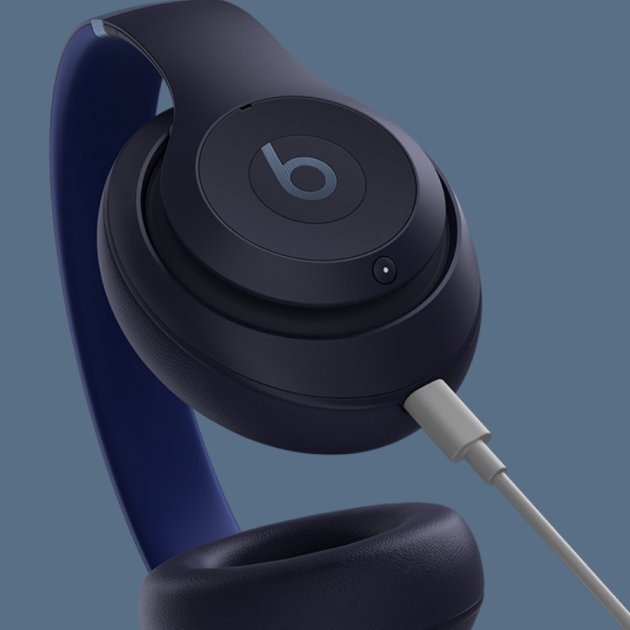
Beats Studio Pro usually won’t charge because of a bad cable, dirty port, power issue, or battery fault.
If your Beats Studio Pro is not charging, you are not alone. I’ve seen this happen with premium headphones more often than people expect, and the fix is often simple once you know where to look. In this guide, I’ll walk you through the real reasons Beats Studio Pro not charging happens, how to test each one, and what to do before you assume the battery is dead.
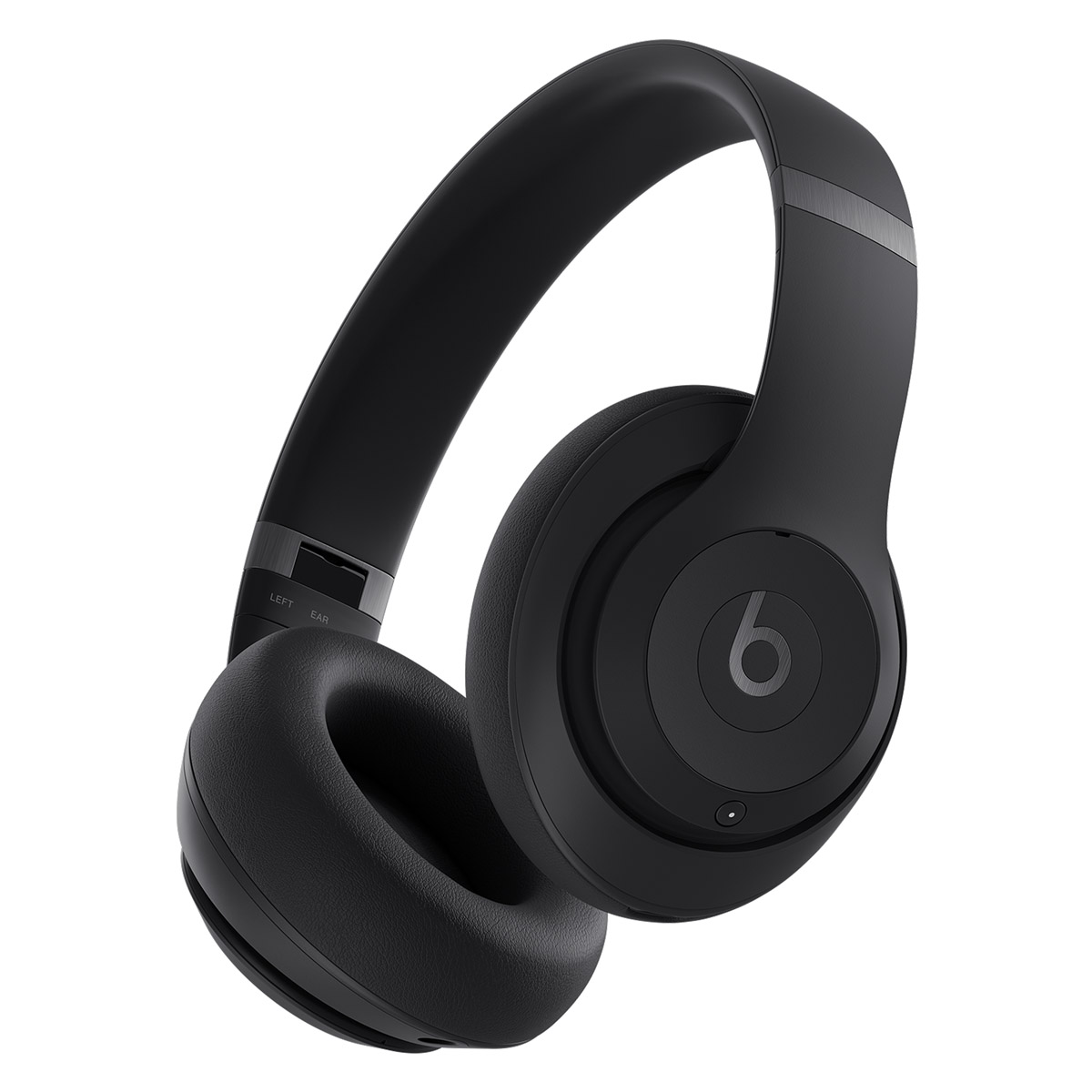
Why Beats Studio Pro Not Charging Happens
When Beats Studio Pro not charging shows up, the problem is usually not just “the battery.” It can be the charging cable, the USB-C power source, a software glitch, or debris inside the port. In some cases, the battery has aged or the headphones are too warm or too cold to accept a charge.
From experience, the biggest mistake people make is skipping the basics and jumping straight to a repair shop. I’ve tested audio gear long enough to know that a simple cable swap solves many “dead” devices. The goal here is to narrow down the cause step by step so you do not waste time or money.
Common Reasons Beats Studio Pro Not Charging
There are several likely reasons Beats Studio Pro not charging can happen. The good news is that most of them are easy to check at home.
1. Faulty charging cable or adapter
A worn USB-C cable can fail even if it still looks fine. The same goes for weak power adapters that do not supply stable output.
Try another USB-C cable and another wall charger. Use a known good charger with a proper USB-C power rating, not a random low-power accessory.
2. Dirty or blocked USB-C port
Dust, lint, and pocket debris can stop the connector from making full contact. That tiny buildup can act like a wall between the cable and the headphones.
Look inside the port with a light. If you see debris, clean it carefully with a soft, dry brush or compressed air.
3. Software or firmware glitch
Beats headphones can sometimes freeze or behave oddly after pairing issues, low battery events, or interrupted updates. When that happens, the charging indicator may not respond the way it should.
A reset often helps. If the battery is not fully dead, a reboot or firmware update can get things moving again.
4. Battery is deeply drained
If the battery has dropped too low, the headphones may need time before they show any sign of life. This is common after long storage or after leaving them unused for weeks.
Plug them in and leave them alone for at least 30 minutes. Sometimes the charge icon appears only after the battery gets enough power to wake up.
5. Overheating or temperature protection
Lithium-ion batteries are picky about temperature. If your Beats Studio Pro are too hot or too cold, charging may pause to protect the battery.
Bring them to room temperature before charging. Avoid leaving them in a hot car, near a heater, or in freezing conditions.
6. Hardware fault or battery wear
If nothing else works, the battery or charging circuit may be damaged. This becomes more likely if the headphones have been dropped, exposed to moisture, or used heavily for a long time.
At that point, service or replacement may be needed. I always tell people to rule out the simple stuff first, because hardware failure is less common than a bad cable or dirty port.
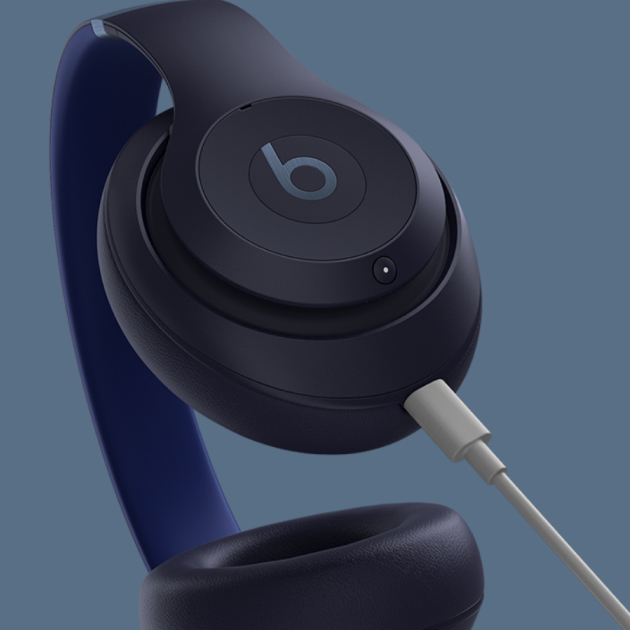
How To Fix Beats Studio Pro Not Charging Step by Step
If your Beats Studio Pro not charging, use this practical order. It saves time and helps you avoid guesswork.
Step 1: Check the cable and charger
Use a different USB-C cable and a different power source. Plug into a wall outlet instead of a laptop USB port.
If possible, test with an Apple or certified USB-C charger. A weak charger can make it seem like the headphones are broken.
Step 2: Inspect and clean the charging port
Turn off the headphones first. Then check the USB-C port for lint, dust, or bent contact points.
Use only gentle cleaning methods:
- A soft dry brush
- A wooden or plastic tool for loose lint
- Short bursts of compressed air
Do not use metal objects. That can damage the port and make the problem worse.
Step 3: Let them charge for a while
If the battery is very low, give it time. Keep them plugged in for 30 to 60 minutes before checking again.
This is one of those moments where patience matters. A battery that is deeply drained can look completely dead at first.
Step 4: Reset the headphones
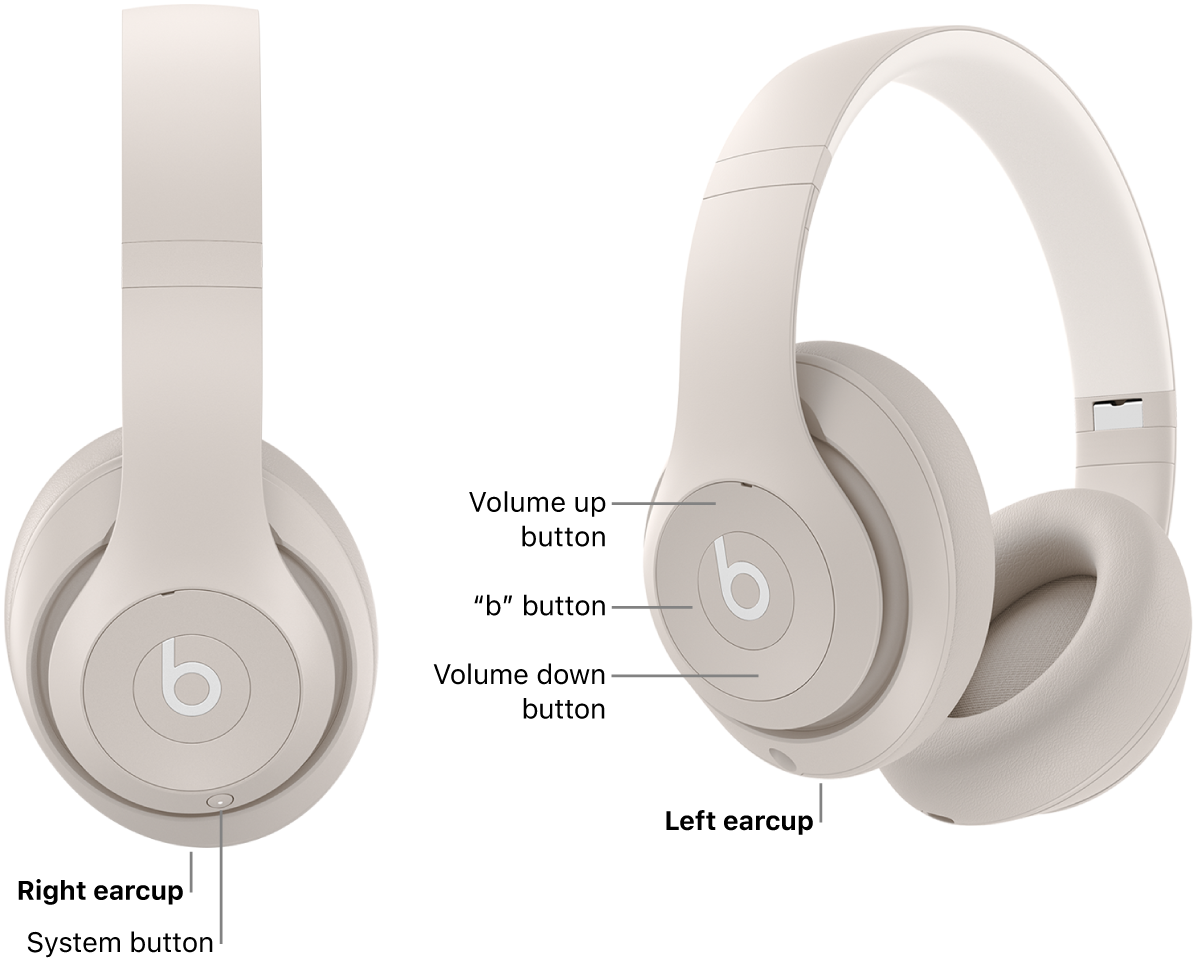
A reset can clear temporary software issues. For many Beats models, holding the system buttons for a reset is the fastest way to recover from strange behavior.
If you are not sure of the exact reset method for your unit, check the model instructions before trying random button presses. A correct reset can solve a lot of charging confusion.
Step 5: Update firmware if the headphones turn on
If the headphones power up at all, connect them to a compatible device and check for updates through the Beats or Apple ecosystem. Firmware updates can fix charging bugs and battery reporting issues.
This is not always the first fix, but it matters if the problem keeps returning. Updates are like housekeeping for your device.
Step 6: Test for temperature issues
If the headphones feel hot or very cold, let them rest indoors. Charging works best at normal room temperature.
This small step is easy to ignore, but it can make a real difference. Battery protection systems are designed to stop charging when conditions are unsafe.
Step 7: Contact support if the issue continues
If the Beats Studio Pro still are not charging after all of that, the battery or internal charging circuit may need repair. At that point, professional service is the safest next move.
What I’ve Learned From Testing Headphones Like Beats Studio Pro
One thing I’ve learned is that charging issues often look bigger than they are. A headphone can seem totally dead when the real problem is just a cable that fails under load.
I also learned not to trust visual checks alone. I’ve had cables that looked perfect but only charged intermittently when bent a certain way. That is why testing with a known good charger matters so much.
Another lesson is that battery protection features are a double-edged sword. They protect the device, but they can also make users think something is broken when the headphones are simply waiting for safer conditions.
How To Prevent Beats Studio Pro Not Charging in the Future
A little care can reduce the chance of Beats Studio Pro not charging later. Small habits go a long way here.
Use quality charging accessories
Stick to reliable USB-C cables and chargers. Cheap accessories often fail faster and can cause unstable charging.
Keep the port clean
Check the port every so often, especially if you carry the headphones in a bag or pocket. Lint buildup is one of the most common hidden problems.
Avoid extreme temperatures
Do not leave the headphones in hot cars or freezing spaces. Battery life and charging health are both better when the device stays within normal temperature ranges.
Charge before the battery is fully drained
Try not to let the battery sit at zero for long periods. Deep discharge can stress the battery over time.
Store them properly
If you will not use them for a while, store them with some battery charge left. A partially charged battery tends to age better than one left empty.
When Beats Studio Pro Not Charging Means a Bigger Problem
Sometimes Beats Studio Pro not charging points to a deeper hardware issue. If the headphones never show any sign of power, even with a known good charger, that is a warning sign.
Watch for these red flags:
- No charging light or battery response at all
- The cable and charger work with other devices
- The port feels loose or damaged
- The headphones were exposed to water or heavy impact
- Charging stops and starts randomly
If you see more than one of these, repair may be the best answer. That is especially true if the headphones are still under warranty.
Frequently Asked Questions
Why is my Beats Studio Pro not charging even with a new cable?
If a new cable does not help, the issue may be the charger, the USB-C port, or the battery itself. Try a different wall adapter and inspect the port for lint or damage.
How long should Beats Studio Pro take to start charging?
If the battery is deeply drained, it can take 30 minutes or more before you notice a clear sign. If nothing happens after an hour, the issue may be beyond a simple low-battery state.
Can I clean the Beats Studio Pro charging port myself?
Yes, but be gentle. Use a soft dry brush or compressed air, and avoid metal tools that could damage the port.
Does resetting Beats Studio Pro help with charging problems?
Yes, a reset can clear temporary glitches that affect charging behavior. It is one of the safest troubleshooting steps to try early.
What if my Beats Studio Pro still won’t charge after troubleshooting?
If multiple chargers, cables, and cleaning steps do not work, the battery or charging circuit may need service. At that point, contact support or a certified repair provider.
Conclusion
Beats Studio Pro not charging is frustrating, but it is often fixable without panic. In many cases, the real cause is something simple like a bad cable, a dirty USB-C port, a deep battery drain, or a temporary software glitch.
The best approach is to test one thing at a time. Start with the cable and charger, clean the port, let the headphones sit on power for a while, and only then move toward resets or service. If you act methodically, you give yourself the best chance of getting your headphones back to normal quickly.
If this guide helped, try the steps in order and share your results in the comments so others can learn from your experience.

Similar Posts