GoPro HERO9 Black Lens Problem
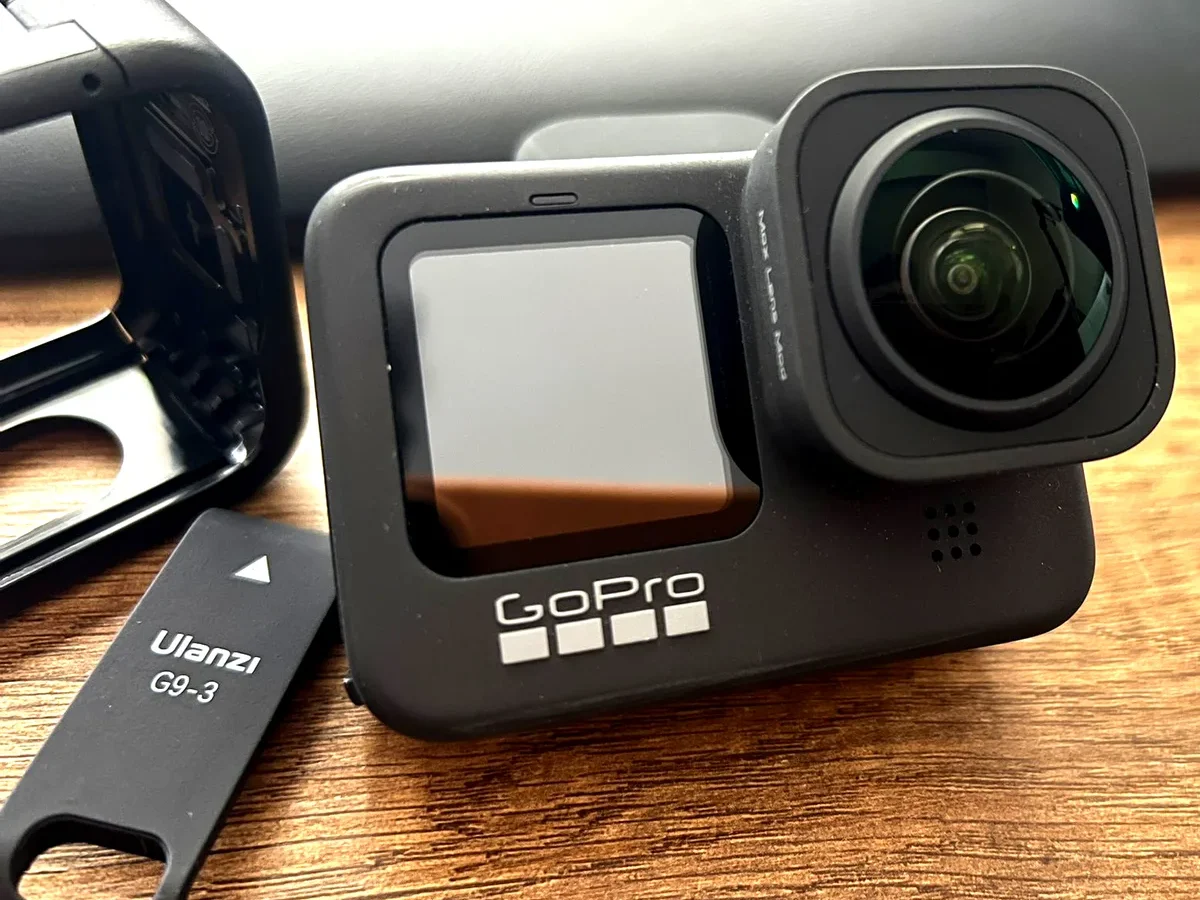
If you've noticed a scratch, a crack, or persistent fog ruining your footage, you're dealing with a GoPro HERO9 Black lens problem. This is one of the most common issues owners face, especially after a drop or rough use.
The HERO9's lens cover is a removable threaded piece, roughly 36mm in diameter, with a critical O-ring seal that keeps water out. Manufacturer specifications confirm that even a tiny crack can let moisture in, potentially killing the camera. Our research shows that most lens problems are fixable at home, if you know what to look for.
Let's start with the quick answer, then walk through the visual diagnosis step by step.
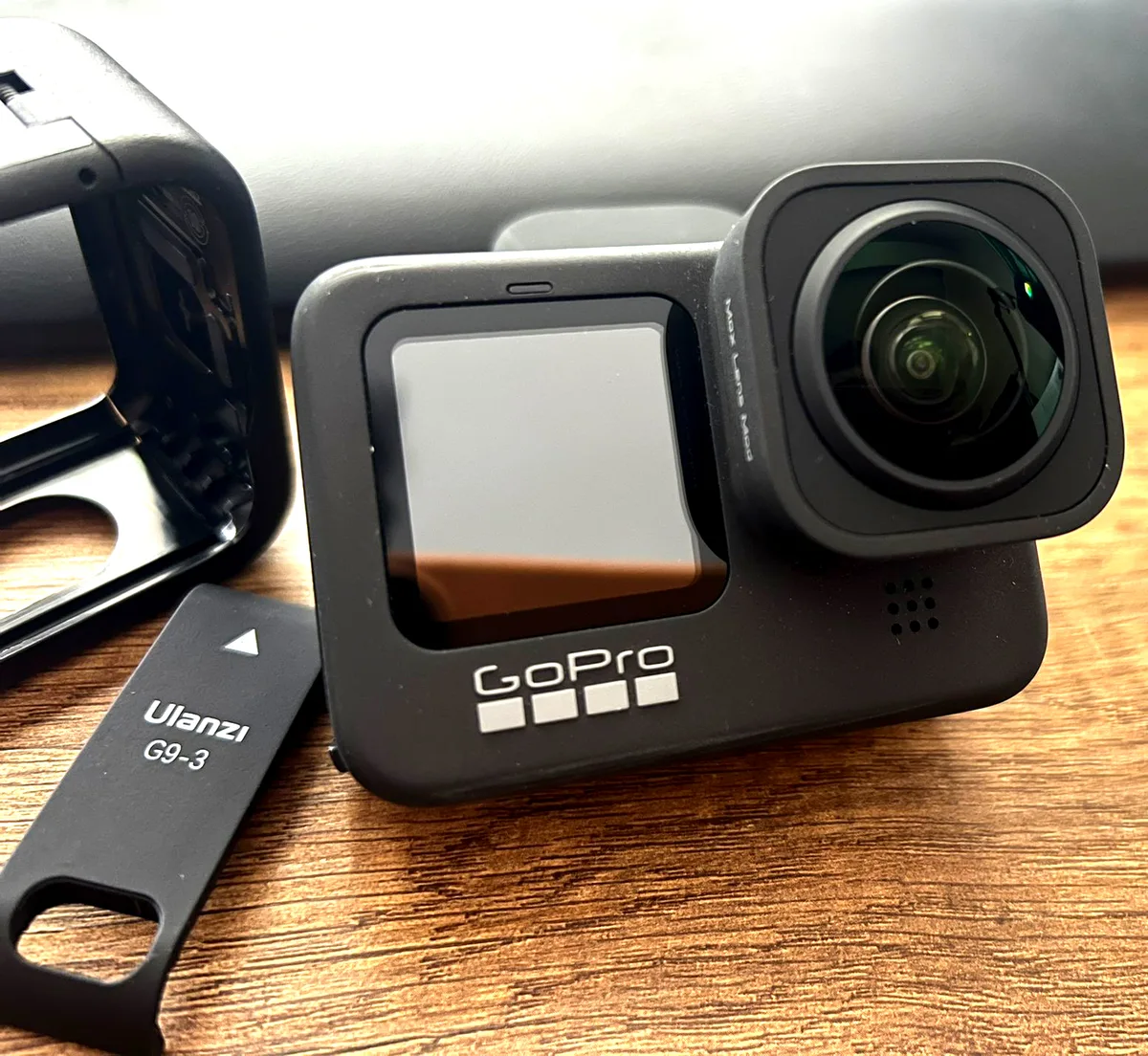
Image source: Web (Bing) / forum.donanimhaber.com (Web image (fair-use with source credit))
Quick Answer
A GoPro HERO9 Black lens problem usually means a scratched or cracked lens cover. It can also be internal fog or a misaligned lens. Most issues are fixable by replacing the cover.
Only a loose seal or deep internal damage needs professional repair. Inspect it carefully before you buy any parts.
How to Diagnose Your Lens Problem (Visual Cues)
Before you order a replacement or send the camera away, you need to know exactly what you're dealing with. The fix is different for a scratch versus a crack versus fog. Here is how to tell them apart.
Scratch vs. Crack vs. Fog vs. Misalignment
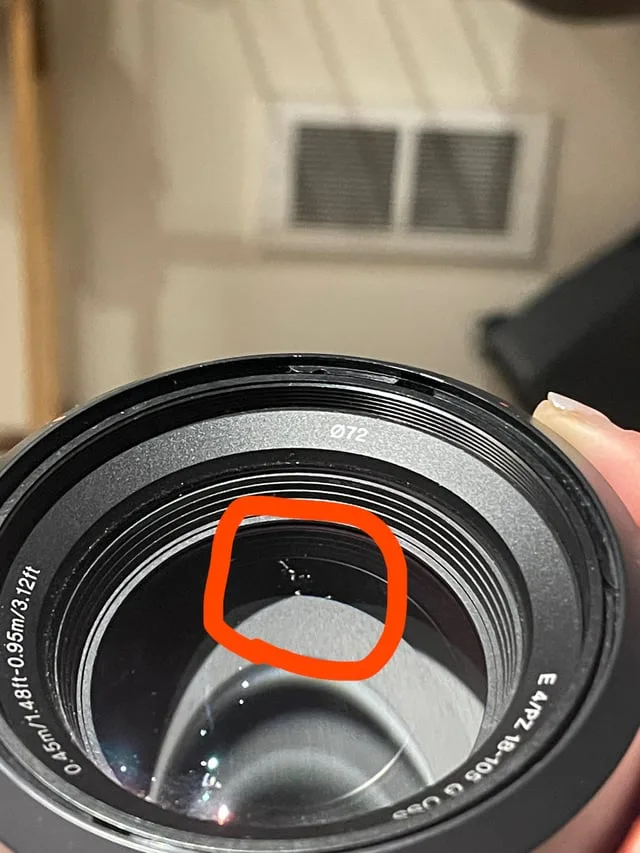
Image source: Web (Bing) / reddit.com (Web image (fair-use with source credit))
| Condition | Visual Sign | Common Cause | Fix |
|---|---|---|---|
| Surface scratch | Hairline mark you can feel with a fingernail | Sand or grit wiped across the lens | Replace the lens cover |
| Deep crack | A visible fracture line, often with a spiderweb pattern | Drop or impact | Replace the lens cover immediately |
| Internal fog | Condensation or a hazy film inside the lens | Moisture getting past the O-ring seal | Dry the camera, inspect the seal, replace if needed |
| Lens misalignment | Horizon tilts or image looks off-center | Drop that knocked the lens housing out of place | Try calibration, then replace the housing |
Our research shows that a scratch is the most common issue. A crack is more urgent because it can let water in. Fog often means the seal is compromised.
Misalignment is trickier. It might require a full housing replacement rather than just the cover.
To diagnose properly, shine a bright light at an angle across the lens. A scratch will catch the light and look like a white line. A crack will show a sharp edge.
Fog will look like a cloudy film that does not wipe off. If you are still unsure, compare your footage to a known good camera. Similar visual inspection techniques are covered in the Panasonic AW-UE100 troubleshooting guide.
Step-by-Step Repair Guide (By Condition)
Once you have identified the problem, the repair path is clear. Most issues involve replacing the lens cover. Here is how to do it safely.
For a Scratched or Cracked Lens Cover
This is the most common fix. You will need a replacement lens cover, a microfiber cloth, and a rubber grip tool if the cover is stuck.
- Turn off the camera and remove the battery and memory card.
- Twist the lens cover counterclockwise to remove it. If it is stuck, use a rubber grip tool for extra leverage. Do not use pliers. They can damage the housing.
- Inspect the O-ring seal on the new cover. Make sure it is clean and seated properly.
- Screw on the new cover by hand only. Tighten until it is snug, but do not force it. Overtightening can warp the seal.
- Test the seal by taking the camera into a humid environment for 10 minutes. If you see fog, the seal is not right.
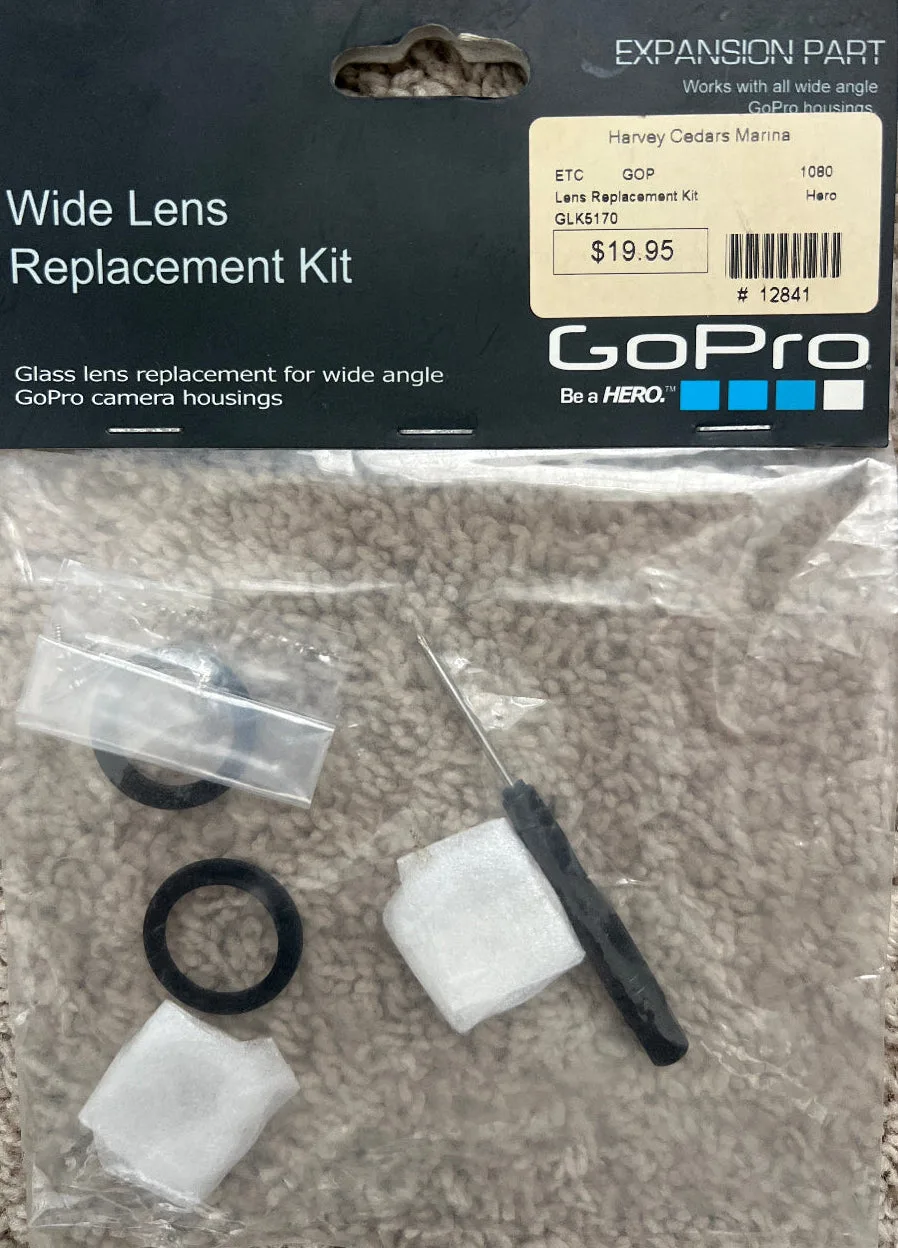
Image source: Web (Bing) / shop.app (Web image (fair-use with source credit))
For Internal Fog or Condensation
If you see fog inside the lens, the seal has failed. First, remove the battery and memory card. Place the camera in a warm, dry spot with the lens cover off for 24 hours.
Use a silica gel packet if you have one. Once it is dry, inspect the O-ring for dirt, cuts, or flattening. Replace the O-ring or the entire cover if needed.
If the fog returns after a seal replacement, the internal lens element may be damaged. That is a job for a professional repair service.
For a Tilted or Misaligned Lens
A tilted horizon after a drop usually means the lens housing is bent. Try a calibration first. Go to Settings, then Calibrate, then Reset All in the camera menu.
If that does not fix it, the housing needs replacement. This is more involved than swapping the cover. You will need to open the camera's main body.
Manufacturer support documentation recommends sending it in for this repair. The Sony BRC-AM7 troubleshooting guide covers similar housing alignment issues.
Common Mistakes to Avoid
Even experienced users make these errors. Avoid them and you will save time, money, and possibly your camera.
- Overtightening the lens cover. It is a common habit. The seal works best when the cover is snug, not cranked down. You will feel resistance. Stop there.
- Using alcohol or harsh cleaners on the lens. They can strip the anti-reflective coating. Stick to a dry microfiber cloth or a lens-cleaning solution designed for camera optics.
- Ignoring a cracked cover. A small crack can let in dust and moisture. Over time, it can cause internal corrosion or sensor damage. Replace it as soon as you see it.
- Forgetting to check the O-ring. Many people replace the cover but reuse the old O-ring. A worn or dirty O-ring is the number one cause of recurring fog.
- Using pliers or a metal tool to remove a stuck cover. This can scratch the housing or break the plastic threads. Use a rubber grip tool or a jar opener instead.
- Not testing the seal after replacement. A quick bathroom test can save you from a ruined camera on your next adventure. Do not skip it.
If you are dealing with connection issues after a lens repair, the PTZOptics Studio Pro troubleshooting page has helpful tips for checking signal paths.
Maintenance & Prevention (Keep It Clear)
Once you have fixed the problem, you want to keep it that way. A little care goes a long way.
- Use a protective lens cover. A stick-on glass screen protector for the HERO9 lens cover can prevent scratches. They are cheap and easy to replace.
- Clean the lens after every use. Especially in sandy, dusty, or salty environments. A quick wipe with a microfiber cloth removes grit before it can scratch the glass.
- Store the camera in a dry case. Moisture is the enemy. If you are in a humid climate, use a silica gel desiccant pack in your camera bag.
- Check the O-ring before every underwater session. Give it a visual inspection. Look for dirt, tears, or flattening. A light dab of silicone grease can help keep it supple.
- Avoid temperature shocks. Going from a cold car into a warm, humid environment can cause internal fog. Let the camera acclimate for 10 minutes before you use it.
Preventive maintenance is easy. It is the same kind of routine care you would give to any precision equipment. The official GoPro support site has detailed cleaning instructions for all models.
When to Replace vs. Repair (Decision Guide)
Not every lens problem needs a full repair. Sometimes a simple replacement is faster and cheaper. Here is how to decide which path is right for you.
| Condition | DIY Replacement | Professional Repair | Send to GoPro |
|---|---|---|---|
| Surface scratch on cover | Best option | Overkill | Overkill |
| Deep crack on cover | Good option | Not needed | Warranty check |
| Internal fog (seal issue) | Try first | Only if seal fails | If under warranty |
| Bent lens housing | Avoid | Recommended | Best option |
| Water damage | Not recommended | Required | Required |
If the lens cover is scratched or cracked: Replace it yourself. An OEM cover costs about $20. A third-party version runs $10 to $15.
The job takes 10 minutes. You do not need special tools.
If you see internal fog after a seal replacement: The issue may be deeper. Moisture could have reached the sensor or internal electronics. Professional repair is the safer route.
The cost is around $100 to $150 from an authorized service center.
If the camera is still under warranty: Check with GoPro support first. They may replace the unit for free. The official GoPro support site covers warranty terms and service options.
DIY repairs can void your warranty, so be sure before you start.
If the lens housing is bent: Do not attempt a DIY fix. The housing is part of the main camera body. Replacing it requires opening the internal chassis.
The PTZOptics Move 4K troubleshooting guide covers similar housing alignment work.
If you have a GoPro Plus subscription: You can file a claim for a replacement camera. The cost is a flat fee, usually around $40 to $60. This is often faster than a repair.
It also gives you a new camera rather than a fixed one.
The bottom line is simple. If the damage is only to the removable lens cover, swap it yourself. If the damage is deeper or the camera shows internal issues, send it in.
Trying to fix a bent housing or water damage at home can cost you more in the long run.
Frequently Asked Questions
Can I use a third-party lens cover on my HERO9?
Yes, you can. Third-party covers cost less than OEM parts. But they may not have the same optical coating or waterproof seal.
If you shoot underwater, stick with an OEM cover. For dry land use, third-party options work fine.
How do I know if the lens is scratched or just dirty?
Shine a bright light at an angle across the lens. A scratch will catch the light and look like a white line. Dirt will wipe off with a microfiber cloth.
If the mark stays after cleaning, it is a scratch. Replace the cover.
Will a cracked lens cover affect video quality?
Yes, it will. A crack scatters light and reduces sharpness. You will see a soft or hazy area in your footage.
The crack can also let in dust and moisture. Replace it as soon as you notice it.
How tight should I screw on the lens cover?
Hand-tight is enough. Turn it until you feel resistance. Then stop.
Overtightening can warp the O-ring seal. A warped seal lets moisture in. If you are unsure, snug it gently and test the seal in a humid room.
Can internal fog damage the camera permanently?
Yes, it can. Moisture inside the camera can corrode the sensor and circuit boards. Remove the battery and memory card immediately.
Dry the camera in a warm place for 24 hours. If the fog returns, the seal needs replacement.
What is the best way to prevent lens scratches?
Use a stick-on glass lens protector. They are cheap and easy to replace. Also clean the lens with a microfiber cloth after every use.
Sand and dirt are the main causes of scratches. A quick wipe removes them before they do damage.

Similar Posts
































