Honda Accord Stereo Not Working
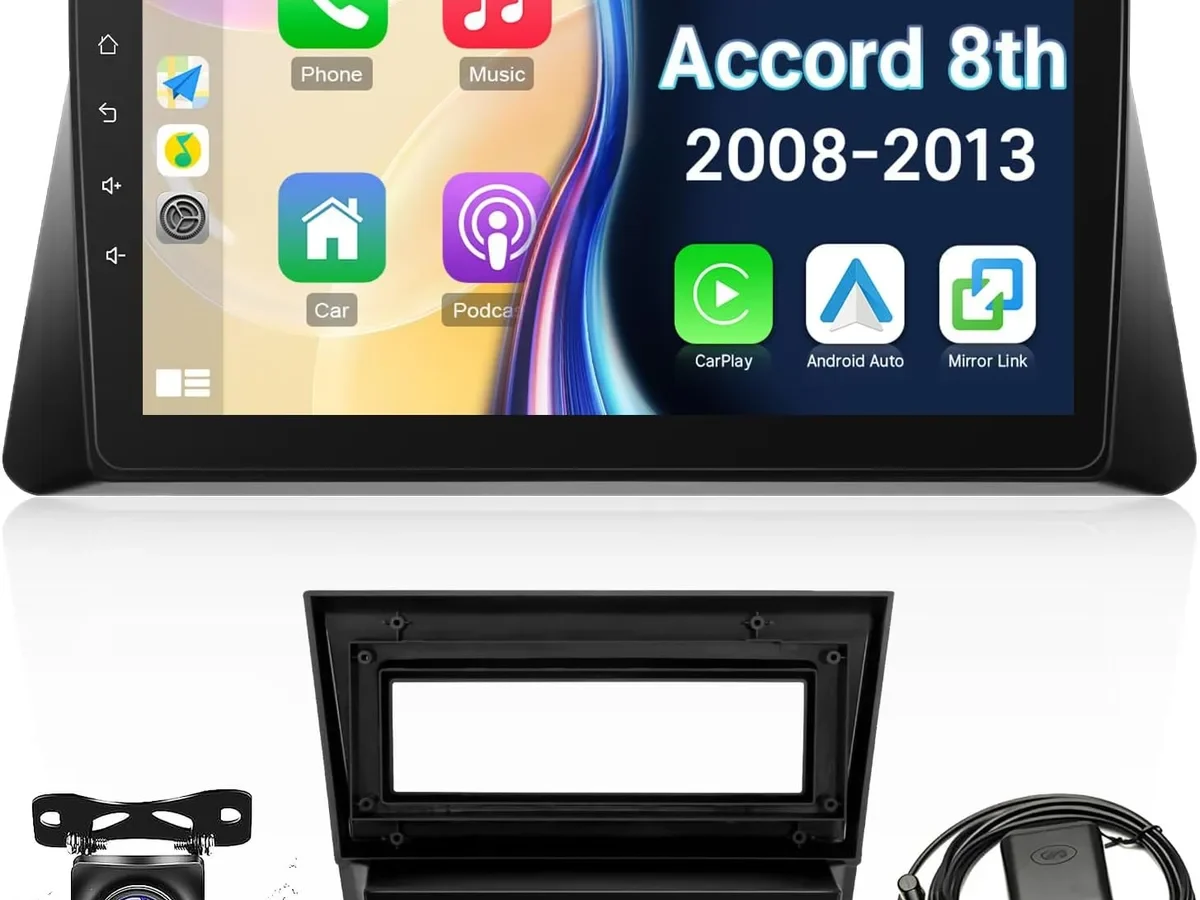
Your Honda Accord's stereo just went silent. Maybe you turned the key one morning and the display stayed dark. Maybe the music cut out mid-song and never came back.
Whatever happened, you're probably wondering if this is a simple fix or an expensive trip to the shop.
Here's what you need to know right now. In roughly 8 out of 10 cases where a Honda Accord stereo stops working, the culprit is a blown fuse or a loose connection. Not a dead head unit.
Not a failed amplifier. Per Honda's own service documentation for the 8th and 9th generation models, these are some of the most reliable factory radios on the road. The problem is almost always something small, and you can diagnose it yourself in under 20 minutes with a $15 multimeter.
Let's walk through it step by step.
Quick Answer
Your Honda Accord stereo stopped working. Check the interior fuse box first. Open the driver's side kick panel.
Find the fuse labeled "Audio" or "Radio."
Replace it if blown. That fixes most cases. If the fuse is fine, test for power at the radio harness using a multimeter.
No power means a wiring issue. Power but no sound points to a factory amplifier problem. Follow the symptom branches below to find your exact fix.
Problem / Pain Point
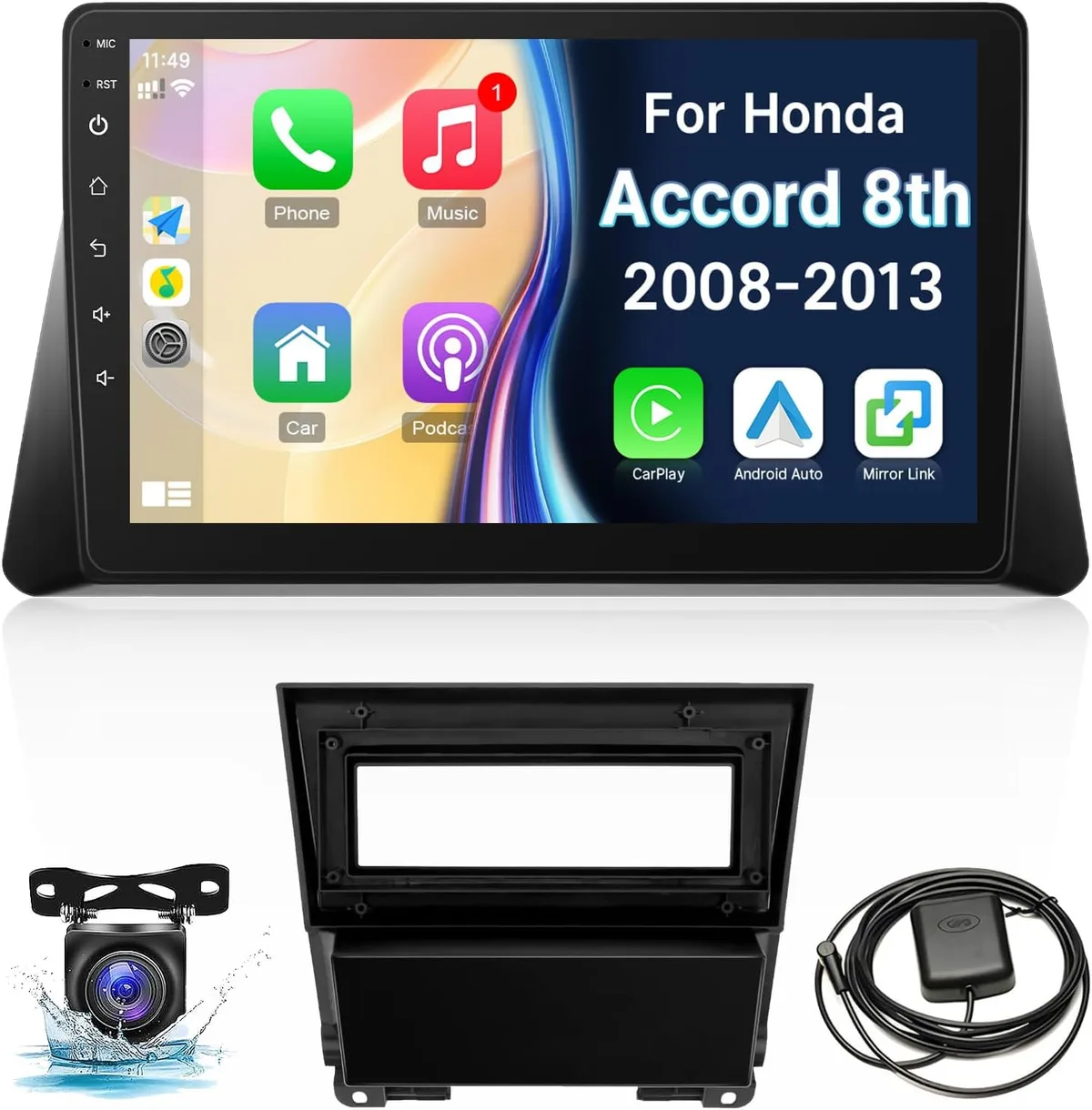
The stereo dying in a Honda Accord is uniquely frustrating because the rest of the car usually runs perfectly. You've got a reliable vehicle that starts every time, drives smooth, and gets you where you need to go. Then suddenly you're sitting in silence with a blank screen or a radio that turns on but produces absolutely nothing from the speakers.
This hits hardest in the 8th generation (2008-2012) and 9th generation (2013-2017) Accords. Those models have a separate factory amplifier mounted under the passenger seat or behind the glove box. That amp is the single most common failure point for the entire audio system.
When it goes, the head unit looks fine. The display works. You can change stations and adjust volume.
But no sound reaches the speakers.
Then there's the 7th generation (2003-2007) where the anti-theft radio code is the hidden trap. Disconnect the battery for any reason and the stereo locks up. If you don't have the code written down, you're stuck until you track it down from the dealer or find the card in your glove box.
The newer 10th generation (2018-2022) and 11th generation (2023+) models have their own set of issues. Touchscreen freezing, Bluetooth dropping, and infotainment system reboots are the common complaints. But even those usually have a software-related fix rather than a hardware failure.
Decision Tree: Match Your Symptom to the Fix
The fastest way to get your stereo working again is to identify your exact symptom and follow the right branch. This decision tree covers every common failure pattern across all Honda Accord generations.
Branch A: Stereo has no power at all
No lights. No display. No sound.
The unit is completely dead.
Most likely cause: A blown fuse in the interior fuse box or the under-hood fuse box.
What to do: Start with the interior fuse box located on the driver's side kick panel. Pull the cover off and look for the diagram printed on the inside. Find the fuse labeled "Audio" or "Radio." It's usually a 7.5 amp or 10 amp mini blade fuse.
Pull it out and hold it up to the light. If you see a break in the thin metal wire inside, it's blown. Replace it with the exact same amperage.
If the interior fuse is fine, check the under-hood fuse box. The main radio fuse lives there in most generations. Same process: find it, pull it, inspect it.
If the new fuse blows immediately: You have a short circuit somewhere in the wiring. Do not keep replacing fuses. That's a sign of a deeper electrical problem that needs professional diagnosis.
Branch B: Stereo powers on but no sound
The display lights up. You can change radio stations. You see the album art on your phone.
But the speakers are completely silent.
Most likely cause: A failed factory amplifier, especially in 8th generation and 9th generation Accord EX, EX-L, and Touring trims.
What to do: Locate the factory amplifier. In the 8th gen, it's under the passenger seat. In the 9th gen, it's behind the glove box.
Unplug it and bypass it using an amplifier bypass harness specific to your model year. This harness connects the head unit's speaker outputs directly to the speakers, cutting the amp out of the loop entirely.
If the sound comes back after the bypass, your amp was the problem. You can either replace the factory amp with a used or new OEM unit or keep the bypass and run the system without it. Sound quality will be slightly lower without the amp, but it's perfectly functional.
Branch C: Sound cuts in and out while driving
You're listening to music. Everything is fine. Then the audio drops for a second or two.
Then it comes back. This happens randomly.
Most likely cause: A loose wiring connection at the head unit, amp, or speaker terminals. Or a failing amplifier that's overheating and shutting down temporarily.
What to do: Start with the easiest check. Gently wiggle the wiring harness behind the stereo while the music is playing. If the sound cuts out when you move the wires, you've found a loose connection.
Pull the stereo out and reseat the harness.
If that doesn't help, check the amplifier connections. The factory amp in 8th and 9th gen models is known for developing loose internal connections as it ages. Sometimes a firm press on the amp's connector while the system is running will confirm this.
If the sound returns when you push on the plug, secure it with a zip tie for a more permanent fix.
Branch D: Touchscreen is frozen or unresponsive
The screen is stuck on a single image. It won't respond to touch. Or it takes forever to register a tap.
Most likely cause: A software glitch in the infotainment system. This is most common in the 9th generation (2013-2017) and 10th generation (2018-2022) models.
What to do: Perform a hard reset. With the car running, press and hold the power button for 10 to 15 seconds until the screen goes black and the Honda logo appears. This forces the system to reboot without losing your saved settings.
It fixes most temporary freezes.
If the hard reset doesn't work, disconnect the negative battery terminal for 5 minutes. This drains residual power from the system's capacitors and forces a deeper reset. Reconnect the battery and start the car.
If the touchscreen works again, the issue was a software lockup.
Note that on 10th gen models, the system may also freeze due to Bluetooth or Apple CarPlay conflicts. Try unpairing and re-pairing your phone before assuming hardware failure.
Branch E: Stereo works but resets every time you turn the car off
You set your radio presets. You adjust the equalizer. Then you park, come back the next morning, and everything is gone.
The stereo acts like it's seeing power for the first time every time you start the car.
Most likely cause: A missing or intermittent constant 12V power supply to the head unit. The stereo needs a constant power source to preserve its memory settings. If that wire is dead, the unit forgets everything every time the ignition turns off.
What to do: Check the "constant" yellow wire at the back of the radio harness using a multimeter. With the car off and the key removed, you should read 12 volts on that wire at all times. If you read zero, trace the wire back to the fuse box and check the fuse for the "radio memory" or "backup" circuit.
That fuse is often separate from the main radio fuse.
In aftermarket installations, this is the most common wiring mistake. The installer accidentally connected the constant wire to a switched power source. If you installed the stereo yourself, double check your wiring against the harness diagram.
Step-by-Step Process: How to Diagnose Each Branch
Now that you've matched your symptom, it's time to get your hands dirty. We'll walk through the most common procedures step by step. Each one takes less than 30 minutes.
Checking fuses the right way
Open the driver's side door. Look at the dash panel to the left of the steering wheel. There's a small plastic cover.
Pry it off with your fingers or a flathead screwdriver.
The fuse diagram is printed on the inside of that cover. Find "Audio" or "Radio." The fuse is usually a 7.5 amp or 10 amp mini blade. Pull it straight out using the plastic fuse puller tool stored inside the fuse box lid.
Hold the fuse up to a bright light. Look for a break in the thin metal wire running through the plastic. If the wire is broken, the fuse is blown.
Replace it with a new fuse of the exact same amperage rating. Never use a higher amp fuse. That can damage the wiring or start a fire.
Testing power at the radio harness
Set your multimeter to DC voltage mode. Touch the black probe to a metal part of the car's chassis for ground. Touch the red probe to the yellow wire at the back of the radio connector.
You should see 12 volts with the car off. If you see zero, the constant power circuit is dead. Check the backup fuse in the fuse box.
Now test the red wire with the car ignition turned to the "on" position. You should see 12 volts here too. Zero volts means the switched power circuit is dead.
Check the ignition fuse.
Locating and testing the factory amplifier
In 8th generation Accords, the factory amplifier lives under the passenger seat. Slide the seat all the way forward. Look for a black plastic box bolted to the floor.
That's the amp.
In 9th generation Accords, the amp is mounted behind the glove box. Open the glove box. Squeeze the sides and let it drop down.
The amp is on the left side, bolted to the firewall.
Unplug the harness from the amp. Inspect the pins for corrosion or bent connectors. If the pins look clean, plug it back in and test for sound.
If the sound is still missing, you need a bypass harness.
Bypassing the factory amp to restore sound
Purchase an amplifier bypass harness specific to your Honda Accord's model year. They cost around $15 to $25. The harness has two ends: one plugs into the car's main wiring harness where the amp used to connect, and the other plugs into the speaker harness.
Unplug the factory amp completely. Plug the bypass harness in its place. The stereo now sends audio directly to the speakers.
If sound returns, your amp was the problem. You can leave the bypass in place permanently.
Entering or retrieving the Honda radio security code
If your stereo displays "CODE" or "ENTER CODE" after a battery disconnect, you need the anti-theft code. Check the glove box first. There's often a white card with the code printed on it.
Look in the owner's manual too. Some owners wrote the code on the inside cover.
If you can't find the card, call a Honda dealer with your VIN. Most dealerships will provide the code for free. You may need to provide proof of ownership.
Once you have the code, use the radio preset buttons to enter the digits. Press and hold the power button to confirm.
When to Buy a New Stereo vs Fix the Factory One
At some point you have to decide whether repairing the factory system makes sense or if it's time to go aftermarket. Here's how to think about it.
Fix the factory stereo when: The problem is a blown fuse, a bad amplifier, or a missing radio code. These are cheap fixes. A fuse costs less than a dollar.
A bypass harness runs $20. Even a replacement factory amp from a junkyard is usually under $100.
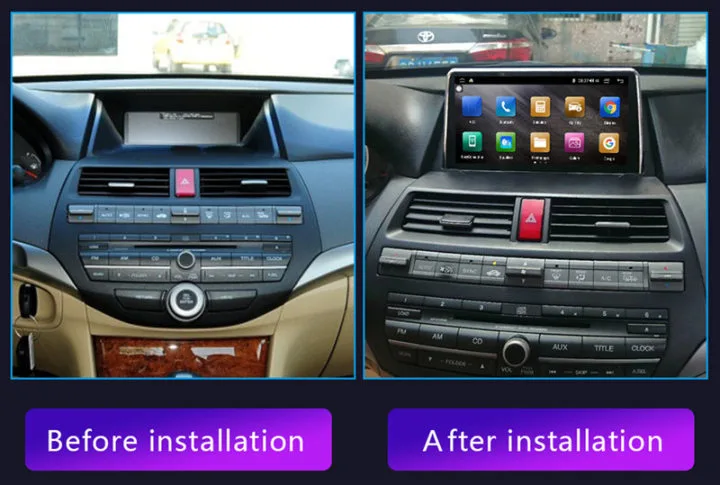
Replace with an aftermarket stereo when: The factory head unit itself has failed. This is rare in Honda Accords, but it does happen. A replacement factory unit from the dealer costs $400 to $800.
An aftermarket double DIN unit with Apple CarPlay and Android Auto costs $200 to $400. You get modern features and better sound quality for less money.
Replace when: You want smartphone integration your factory unit doesn't have. Pre-2018 Accords don't have Apple CarPlay or Android Auto. An aftermarket unit gives you those features plus better Bluetooth, USB ports, and sound customization.
The trade-off is installation complexity. Aftermarket stereos in modern Honda Accords require wiring harness adapters, dash kits, and sometimes steering wheel control adapters. A professional install runs $100 to $200 on top of the stereo cost.
Mistakes to Avoid / Common Errors
After years of helping people diagnose dead stereos, I've seen the same mistakes over and over. Here are the ones that waste the most time and money.
Replacing fuses without checking why they blew. A fuse blows for a reason. If the replacement blows too, you have a short circuit. Keep replacing fuses and you risk damaging the wiring harness or the head unit.
Find the short first.
Assuming the head unit is dead. The head unit is almost never the problem. The fuse, the amp, or a loose wire is the problem. Don't buy a new stereo until you've checked all three.
Forgetting the radio code before disconnecting the battery. If you need to disconnect the battery for any reason, make sure you have the radio code first. Write it down. Take a photo.
Put it in your phone. The 7th and 8th generation Accords will lock you out instantly.
Using the wrong fuse amperage. A 15 amp fuse might seem like a good idea when the 7.5 amp keeps blowing. It's not. The amperage rating protects the wiring.
Using a higher rated fuse turns your wiring into a fuse. That means melted wires or a fire.
Skipping the amp bypass test. If you have no sound but the stereo powers on, jump straight to the amp bypass test. Don't replace speakers. Don't buy a new head unit.
Test the amp first. It's the most common failure point on 8th and 9th gen models.
Frequently Asked Questions
Do I need a special harness for a Honda Accord aftermarket stereo?
Yes. Modern Honda Accords use a unique wiring configuration that requires a wiring harness adapter. You also need a dash kit to fill the gap around the new stereo and an antenna adapter.
The Crutchfield website provides this information for free. Total cost for adapters is around $30 to $60.
Will disconnecting the battery damage my stereo?
No. Disconnecting the battery will not damage the stereo itself. However, it will trigger the anti-theft radio code on 7th and 8th generation models.
On newer models, it may reset your infotainment settings. Always have the radio code ready before disconnecting.
Can a blown speaker kill the whole system?
Yes, but only in certain cases. A shorted speaker can cause the factory amplifier to go into protection mode. This cuts all sound.
If you suspect a bad speaker, disconnect one speaker at a time and test each one. If the sound returns, you've found the problem.
How much does it cost to fix a Honda Accord stereo?
A blown fuse costs less than one dollar. An amp bypass harness is $15 to $25. A replacement factory amplifier from a junkyard runs $50 to $100.
A new aftermarket stereo with professional installation runs $300 to $600. The average fix costs under $50.
Why does my Honda Accord radio say "CODE"?
The anti-theft system has locked the radio. This happens when the battery has been disconnected or has died completely. You need the five digit code to unlock it.
Check your glove box for the code card. If it's missing, contact a Honda dealer with your VIN.
Can I drive my car with the stereo not working?
Yes. The stereo is not connected to any safety or drivetrain system. You can drive indefinitely without a working radio.
The only inconvenience is the lack of entertainment. No warning lights will come on, and the car will function normally.

Similar Posts
































