Kenmore Series 700 Washer Troubleshooting
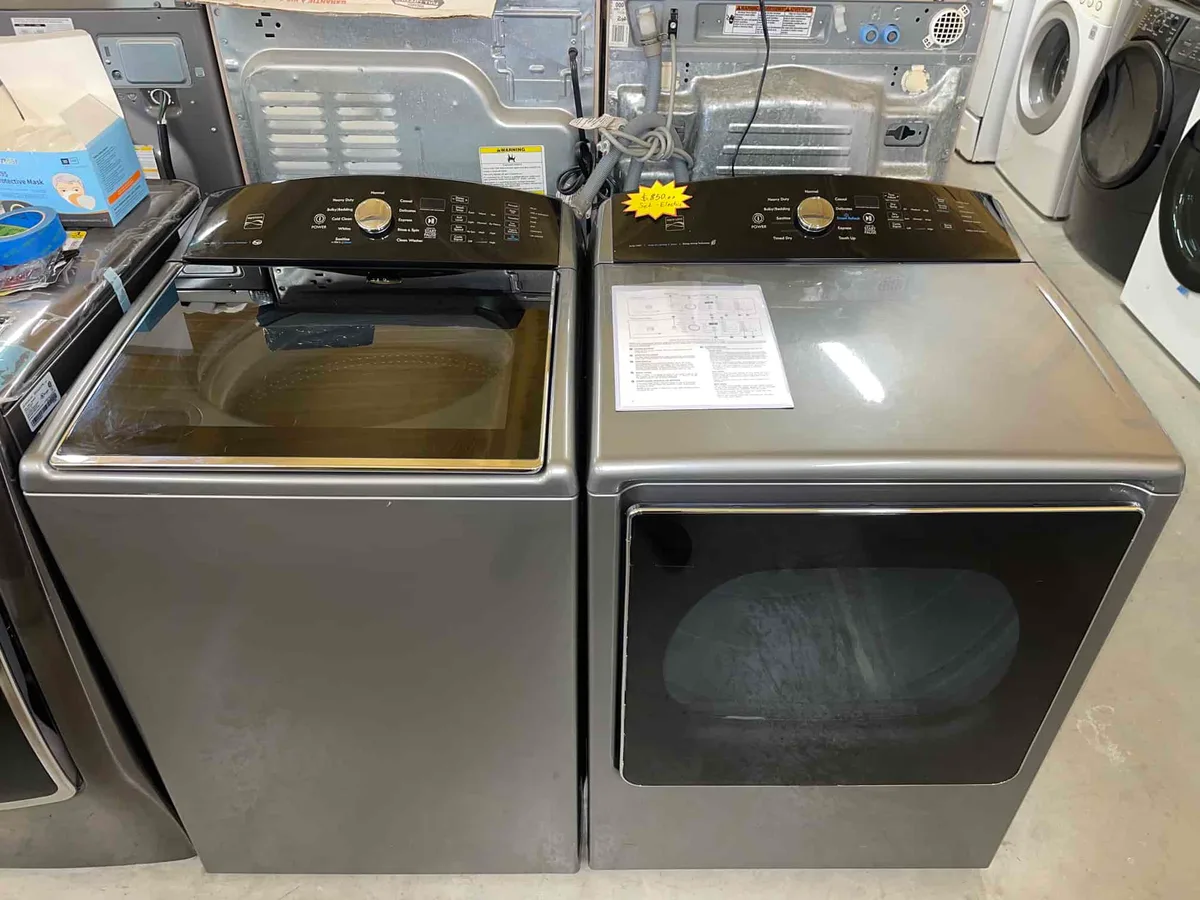
Kenmore Series 700 Washer Troubleshooting starts with one simple question: did the machine lock up mid-cycle, or did the panel light up with an error? Either way, the washer is telling you exactly where to look. This series is built by Whirlpool and uses standardized fault codes.
The key is reading them properly before you buy any parts.
Manufacturer specifications indicate that a hidden diagnostic mode can reveal the exact fault without opening the machine. Unplug the washer, wait 30 seconds, then hold Load Size, Spin Speed, and Rinse Options while plugging it back in. As of 2026, this series still follows the Whirlpool fault table.
The full service tech sheet is tucked inside the control hood. Here is what to check first.
Image source: Bing (Web (fair-use with source credit))
Quick Answer
If your Kenmore Series 700 washer stops mid-cycle, read the stored error code first. The code tells you exactly what failed. Most fixes are simple.
They involve the drain pump, the lid lock, or a hard reset.
What's Acting Up? The Most Common Kenmore Series 700 Complaints
Most Series 700 breakdowns fall into one of six groups: no start, no spin, no drain, lid lock failure, error code shutdown, or loud noise. None of them are random. The machine stores a fault code after every abnormal stop.
That code points you to the right component.
Here is a quick map of what you will likely see:
| Symptom | Likely Cause | First Check |
|---|---|---|
| Won't start, no lights | Dead control board or failed lid lock | Reset, then test lid lock |
| Fills but won't spin | Drain pump or pressure switch | Pump hose and drain pump |
| Stops mid-cycle, light blinks | Active error code | Read stored code |
| Lid won't lock | Broken lid lock assembly or strike | Inspect and test continuity |
| Violent shaking | Worn shock absorbers | Replace suspension rods |
| Burning smell | Motor or run capacitor failure | Unplug, test capacitor |
In practical terms, the lid lock fails more often than any other part on this series. It is cheap and easy to replace. The second most common issue is a clogged drain pump filter, which throws an F9 code.
That is a five-minute fix.
Do not skip the diagnostic step. Open the control hood and find the tech sheet. It lists every fault code with the correct test procedure.
Guessing is what turns a forty-dollar repair into a two-hundred-dollar mistake.
The Quickest Way to a Fix: Read the Error Code
Image source: Bing (Web (fair-use with source credit))
The Series 700 keeps the last fault code in memory, even after you power it down. Press Pause/Cancel twice and the display will show the stored code for a few seconds.
Here are the codes you will run into most often:
| Error Code | Meaning | Common Fix |
|---|---|---|
| F1 | Control board fault | Reset, replace board if it persists |
| F2 | Stuck key / touchpad issue | Clean panel, replace keypad |
| F5 | Lid lock open circuit | Replace lid lock assembly |
| F6 | Lid lock short circuit | Check wiring, replace lock |
| F7 | Motor drive error | Test motor windings and capacitor |
| F8 | Water fill timeout | Check inlet valve and screens |
| F9 | Drain timeout | Check drain pump and hose |
| FdU | Door unlock failure | Replace lock or actuator |
| Sud | Suds lock, too much foam | Run a rinse and spin cycle |
If the display shows nothing, use the diagnostic mode. Unplug the washer. Hold Load Size, Spin Speed, and Rinse Options together.
Plug the washer back in while keeping those buttons pressed. Release them when the test sequence appears on the screen.
That stored code is your branch in the decision tree. F7 means the motor circuit is not responding, so test the drive motor windings and run capacitor first. F5 means the lid lock is reporting an open circuit, so inspect the latch and door strike before touching the control board.
Reading the code correctly saves you hours.
Your Symptom-to-Action Decision Flow
Match what the washer is doing to the exact next move. Work through these branches in order.
- If the washer has no power at all, check the outlet and the wall breaker first. Then try a hard reset by unplugging it for five minutes. Still dead? Test the power cord and control board.
- If the lid won’t lock, inspect the door strike for cracks. Then test the lid lock switch with a multimeter. An open circuit means you replace the lock assembly.
- If it fills but never agitates, listen for a hum. A hum means a stalled motor or failed run capacitor. No hum means the control board is not sending power to the motor.
- If it drains but won’t spin, check the drain pump for obstructions. A stuck coin or sock can throw an F9 code and block spin.
- If it shakes violently during spin, stop the washer and inspect the shock absorbers. Replace them in pairs, never one at a time.
- If it stops with a blinking light and no error code, run diagnostic mode. The stored code will appear.
- If it keeps filling and draining, check the pressure switch hose for kinks or clogs. A broken pressure switch is also common.
The flow always moves from the cheapest test to the most expensive part. Testing the lid lock takes two minutes. Replacing a control board costs over a hundred dollars.
Guessing wrong is expensive.
DIY Repairs That Actually Work (Without a Technician)
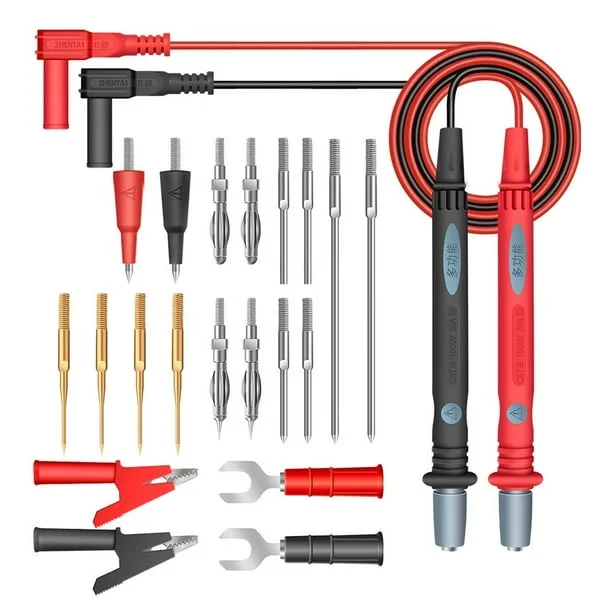
Image source: Bing (Web (fair-use with source credit))
You can handle at least four repairs on the Series 700 yourself. The hardest part is moving the washer so you can reach the back. After that, the parts are modular and the connectors are easy to access.
Start with a hard reset. Unplug the washer, wait five full minutes, then plug it back in. Many F1 and F2 faults clear this way.
Make it your first move every time.
Next, clean the inlet valve screens. Shut off the water supply and unscrew the hoses from the back. Check the mesh screens inside the valve ports.
Hard water and debris clog them over time. Soak them in vinegar and scrub gently with an old toothbrush. Slow fill issues and F8 codes often disappear after this.
If the lid lock is dead, order a replacement assembly. Here is the process:
- Unplug the washer.
- Open the lid and locate the two screws holding the lock to the top panel.
- Remove the screws, pull the lock free, and unplug the harness.
- Snap in the new assembly and secure it.
- Close the lid, plug the washer back in, and run a diagnostic lid test.
Use a multimeter before you buy anything. These expected readings will confirm a failed part:
| Component | Expected Reading |
|---|---|
| Lid lock, latched | 0–5 ohms |
| Drain pump coil | 10–20 ohms |
| Water inlet valve coil | 500–1500 ohms |
| Drive motor winding | 3–10 ohms |
Anything outside those ranges means the part has failed. Replace it and retest. Whirlpool, the original equipment manufacturer, maintains official support documentation on its website for this platform.
Mistakes That Waste Money and Break the Machine
Some shortcuts look smart in the moment and cause worse damage later. The worst one is bypassing the lid lock with a magnet or zip tie. That lets the washer spin with the lid open.
The drum can throw items, and the exposed mechanism can injure you. Never do it.
The second mistake is replacing the control board first. On the Series 700, the lid lock and drain pump fail far more often. A new control board costs over a hundred dollars.
If the real fault was a bad lid lock, the new board will not fix anything.
A third error is replacing the drain pump without checking the filter. The coin trap and hose are common blockage points. A pump jammed with a sock will hum but won’t spin.
Clear the clog, and the pump may work fine.
Using too much detergent also causes trouble. It triggers the Sud error, and the machine stops to protect itself. That is not a hardware failure.
Run a rinse and spin cycle with no detergent to clear the foam. Always use high-efficiency detergent. Regular detergent creates suds in minutes.
Finally, never ignore the hard reset. Many transient faults clear with a simple power cycle. Skipping this step sends people to the parts bin for no reason.
When You Should Stop and Call a Professional
Some repairs need a technician with real diagnostic tools. Call one if you see burning plastic, if the washer rocks violently during spin, or if the same error code comes back after you replace the part it points to.
Suspension and tub bearing failures are also best left to a pro. They require special tools, pulling the tub, and handling the drive system. A mistake here can cost you more than the machine is worth.
Control board problems are another case. If the board is dead after you confirm power is reaching it, the wiring harness or the board itself may be faulty. A technician can test both in minutes.
They also have replacement boards on hand, which means one trip and a faster fix.
If you are not comfortable testing live electrical components, stop. There is no shame in that. A service call costs less than a fried motor or a blown control board.
Underwriters Laboratories certifies these electrical parts, and working on them safely means knowing exactly what you are touching. Their standards page explains why that matters.
Frequently Asked Questions
How do I reset my Kenmore Series 700 washer?
Unplug it and wait five full minutes. Plug it back in. For stored error codes, press Pause/Cancel twice.
If that doesn’t work, enter diagnostic mode and read the fault code. This clears most temporary glitches.
What does the F5 error code mean on a Kenmore Series 700?
F5 means the lid lock is not reporting a closed circuit. Inspect the door strike first for cracks. Test the switch with a multimeter.
An open reading means you replace the lid lock assembly.
Why won’t my Kenmore Series 700 washer spin?
Check the drain pump for clogs first. Then test the run capacitor and motor windings. A humming drain pump that won’t spin usually means a stuck object or a failed capacitor.
No sound at all points to the control board.
Where is the tech sheet located on this washer?
Open the control hood and look for a folded paper taped to the back panel. Some models keep it behind the front access panel. It contains the full fault code table and wiring diagrams.
Should I replace the lid lock or the control board?
Test the lid lock first. It fails far more often on the Series 700. If it reads within the expected ohm range and still doesn’t engage, then the control board may be the issue.
Always replace the cheapest verified part first.

Similar Posts

































[…] I once spent too long chasing a “bad motor” issue only to find a loose outlet plug behind the washer. That kind of mistake is common, and it is why a simple troubleshooting order […]