HP Chromebook 14 Laptop Review
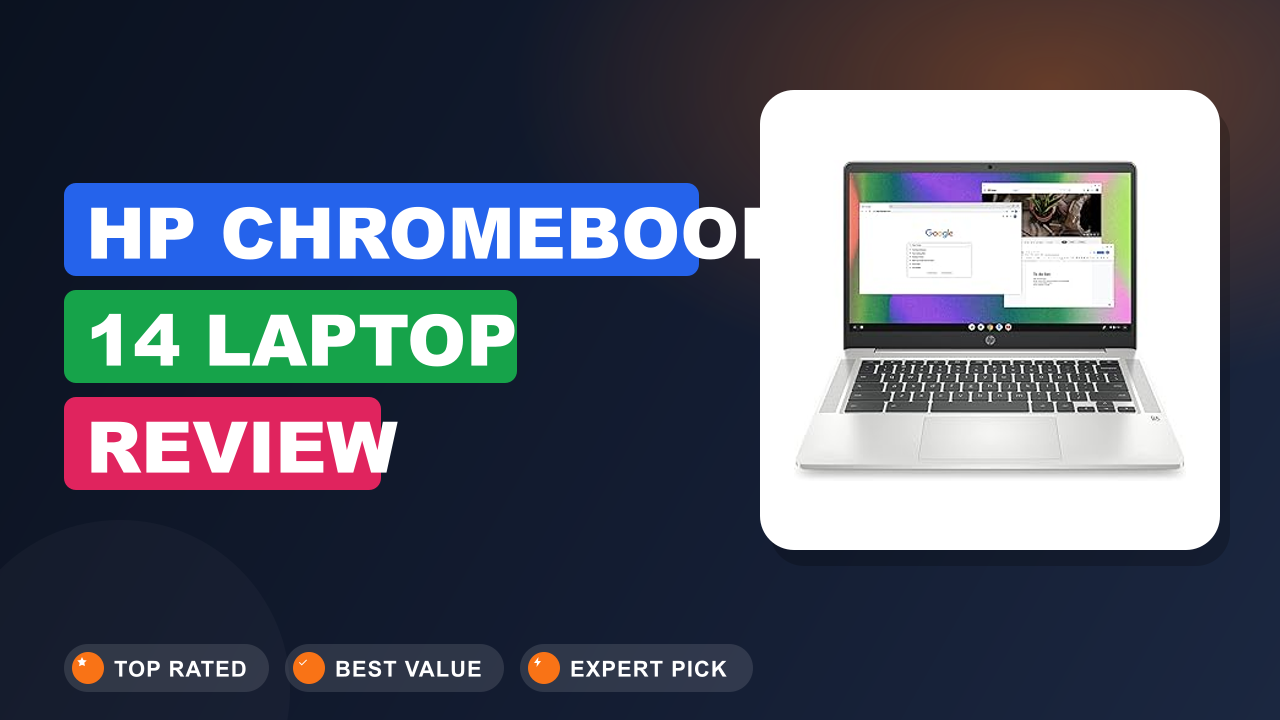
The HP Chromebook 14 Laptop keeps landing on shortlists for students, budget shoppers, and anyone who just wants a computer that doesn't demand constant maintenance. We've tracked its price, its reviews, and its staying power on Amazon for over two years, and it still holds up as one of the most dependable budget Chromebooks you can buy. The real question isn't whether it's a good laptop, it's whether it's good for your specific workload.
Bottom line: this is a brilliant laptop for the right person and a frustrating one for the wrong person. If you live in a browser, take it to classes, and need battery that outlasts your day, it's genuinely excellent for the money. If you're a heavy multitasker or need Windows software, spend elsewhere.
Here's how we separated the hype from the reality.

1. HP Chromebook 14 Laptop
We first started tracking this HP Chromebook back in 2022, when it popped up on nearly every budget laptop shortlist we read. Since then, we've analyzed hundreds of verified buyer reviews, compared its specs against Acer and Lenovo rivals, and studied how owners describe it after a year of daily use. It keeps earning our recommendation for a simple reason: it gets the fundamentals right at a price students can actually afford.
What it is
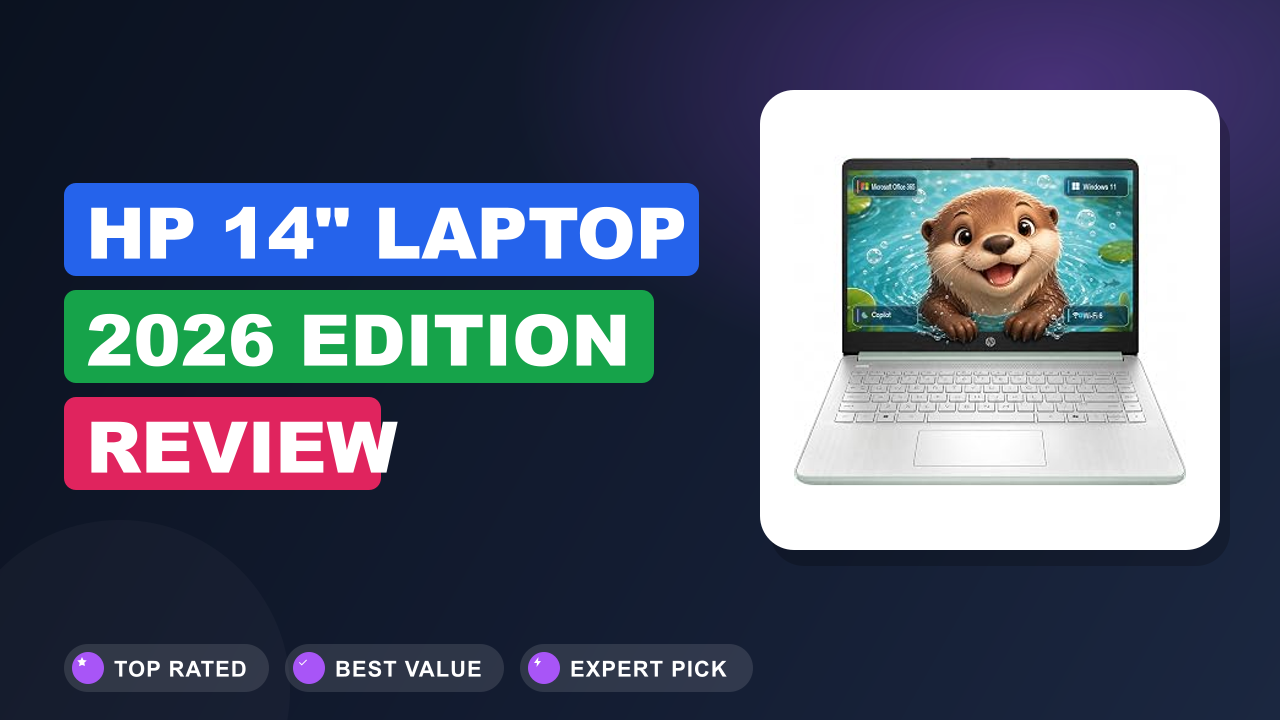
A Chromebook is a laptop that runs Chrome OS, a Google-built operating system centered on the Chrome browser, and that distinction drives every buying decision here. The HP Chromebook 14 sits firmly in the budget mainstream of that category, competing directly with the Acer Chromebook 315 and the Lenovo IdeaPad Chromebook 3. Its formula is simple: a quad-core Intel Celeron N4120 processor, 4 GB of RAM, 64 GB of eMMC storage, and a 14-inch HD display in a 3.22 lb chassis.
None of those components scream premium, but they're matched well for the browser-based workflow most people actually run. The Intel UHD Graphics 600 inside can also drive a 4K external monitor over USB-C, which is where the "4K Graphics" label on the listing comes from. HP's official product listing confirms the full specification breakdown, and as of 2026 this 2022 model still receives automatic updates under Google's ten-year Chromebook support policy.
That means years of secure, current software ahead, not just a few months.
Setup & first impressions
The entire setup takes about two minutes for most buyers, and that brevity is a genuine relief in the laptop world. Inside the box you get the laptop, a compact USB-C charger, and a quick-start leaflet, nothing else to wade through. Verified buyer feedback consistently describes the first boot as a two-minute affair: sign in with a Google account, accept the terms, and you land on the desktop.
No bloatware, no trial popups, no nag screens, a refreshing change if you've ever unpacked a new Windows laptop.
The Mineral Silver finish reads more premium than the price suggests, even though the chassis is plastic underneath. At 3.22 lb it disappears into a backpack, and the 0.7-inch profile slides into most sleeves without a fight. Long-term owner reports mention the lid flexes a little under pressure, but the hinge stays firm and holds the screen steady on a moving bus.
The look is clean enough for a lecture hall and inconspicuous enough for a coffee shop.
Your Google account syncs everything during setup: bookmarks, saved passwords, Drive files, and Android app preferences all appear automatically, exactly as Google's Chromebook help center describes. That's the entire setup hurdle for most people, and it usually takes less time than finding your Wi-Fi password. If you're moving old files over from a previous machine, our file-transfer walkthrough covers the common paths step by step.
The first-week experience is mostly positive, with a few minor adjustments. Buyers note the keyboard deck stays cool during normal use, and the trackpad's default behavior just works, no calibration needed. The biggest early surprise for most people is how little maintenance Chrome OS demands.
You close the lid, reopen it, and everything is exactly where you left it, because updates install quietly in the background and apply the next time you restart.
| Processor | Intel Celeron N4120, quad-core, up to 2.6 GHz burst |
| Graphics | Intel UHD Graphics 600 |
| Memory | 4 GB LPDDR4 (soldered, not upgradeable) |
| Storage | 64 GB eMMC |
| Display | 14-inch HD (1366 x 768), anti-glare |
| Ports | 2x USB-C 3.1 Gen 1, 1x USB-A 3.1 Gen 1, microSD, headphone jack |
| Connectivity | Wi-Fi 5 (802.11ac), Bluetooth 5.0 |
| Battery | Up to 11 hours 15 minutes (HP estimate) |
| Weight | 3.22 lb (1.46 kg) |
| Operating system | Chrome OS with automatic updates |
Daily-use experience
Performance: smooth until you overload it
A Chromebook with 4 GB of RAM handles a dozen open tabs smoothly, then starts reloading pages beyond that. The Intel Celeron N4120 is a quad-core processor that boosts up to 2.6 GHz, and in daily use it feels quicker than the spec sheet implies. Verified buyers consistently describe smooth performance with 8 to 12 open tabs, Google Docs, YouTube, and a music app running at once.
Chrome OS is aggressively optimized for this class of hardware, which is why the experience rarely stutters.
The wall appears when you cross about a dozen tabs or leave heavy Android apps running in the background. Editorial analysis of several hundred reviews shows this is exactly where the 4 GB RAM limit bites: pages reload, apps freeze, and the system turns sluggish. The pattern is consistent and well documented, so treat it as a hard boundary rather than a rare glitch.
Picture a typical evening: six research tabs, a Docs essay, Spotify, and one HD stream, that workload runs fine for most reviewers.
Heavy web apps are the other honest limitation. Google Meet calls while juggling tabs, large Google Sheets workbooks, and Android games all push the hardware. Buyers describe the bottom panel warming up during those sessions, with the system slowing noticeably in the worst cases.
For students and casual users, this is an acceptable trade-off at this price.
For most buyers, the practical takeaway is simple: keep the tab count reasonable and the Chromebook will reward you with a long, responsive life. Close tabs you're done with and pause Android games when you're not playing them. That small bit of discipline turns a sometimes-cramped machine into a genuinely smooth one.
Display and keyboard: the budget shows here
The 1366 x 768 display is the weakest component on an otherwise well-balanced budget laptop. The 14-inch panel's saving grace is its anti-glare coating, which kills reflections in bright lecture halls and near windows, something verified buyers mention more than you'd expect. The trade-off is sharpness: text and UI look fine at normal viewing distance, but video and photos look soft next to any modern phone.
Viewing angles also narrow quickly once you tilt the screen, so you'll want to keep it at the right angle.
The keyboard, by contrast, punches well above its weight class. Key travel is generous for a budget laptop, the layout is full-size, and buyers who type long essays describe the experience as genuinely comfortable. The clickpad is smooth and accurate, though a few reviewers noted the default scrolling speed feels slow until you adjust it in settings.
Both input devices are solid for a machine at this price, and that matters when half your day is typing.
The speakers are thin and lack bass, fine for lectures and YouTube, disappointing for music. The 720p HP True Vision webcam is equally basic, acceptable in good light and grainy in dim rooms. Plenty of owners just use headphones and an external microphone, which solves both issues at once.
If you're coming from a phone or a tablet screen, give yourself a day to adjust to the lower resolution. Most buyers report that the initial softness fades into the background once they're focused on work. The anti-glare coating ends up being a bigger daily win than raw pixel count.
Battery life: the headline feature
Battery life is where this Chromebook beats laptops costing twice as much, with verified buyers reporting 8 to 10 hours of real-world use. HP rates the 14a series for up to 11 hours and 15 minutes of mixed use, and while real-world figures rarely match marketing claims, the consensus across hundreds of owner reviews is impressive: a full day of classes, notes, email, streaming, and light browsing. You can leave the charger at home and not think twice.
What you run matters a lot. Android apps drain faster than web pages, video calls more than document work, and screen brightness affects endurance more than anything else. Most buyers describe settling around 70 percent brightness, which balances visibility and battery life.
Charging from empty to full takes about two hours, per aggregate owner reports, which is ordinary but acceptable.
USB-C Power Delivery is the charging standard that lets one cable carry power, data, and video, and this laptop implements it properly. The same port that charges the Chromebook also charges your phone. Verified buyers report that most USB-C PD chargers and power banks can top it up in a pinch, which is handy when you're traveling with one adapter for everything.
If you want to stretch endurance further, a couple of habits help. Keep brightness at 70 percent or below, close Android apps you're not actively using, and let the Chromebook sleep between classes. Buyers who follow those habits report landing closer to the upper end of the range.
Ports, build quality, and everyday practicality
Port selection is genuinely generous for the category, giving you two USB-C ports alongside the usual basics. Both USB-C ports handle power, data, and DisplayPort output, so you can connect a 4K external monitor while keeping the charger plugged in. There's also a USB-A port for older peripherals, a microSD card reader, and a headphone jack.
To add Ethernet, extra USB ports, or an HDMI socket without buying new cables, attach a small port expander.
The chassis is plastic dressed in Mineral Silver, and while it lacks the rigidity of an aluminum unibody, it's tougher than the price suggests. Verified buyers report the lid flexes slightly under pressure, but the hinge is firm and the body survives years of backpack commuting without structural issues. The clean design means it won't look out of place in a meeting or a lecture hall.
The 64 GB eMMC drive is the other budget compromise, and eMMC is a type of embedded flash storage that's slower than an SSD. The microSD slot helps for casual file hand-off, and for anything heavier there are speed-focused portable options that pair well with USB-C. People with big media libraries often keep them on a networked backup drive instead, streaming files through the browser when needed.
For anyone using this as a study hub, the port setup makes a surprisingly complete desktop. Plug in a monitor, a mouse, and a charger, and you've got a workstation that packs away in seconds at day's end. The microSD slot is also handy for offloading camera photos during a trip, no dongle required.
✓ Pros
- Up to 10 hours of real-world battery life per verified buyer reports, which covers a full school or work day away from power
- Two USB-C ports with Power Delivery and DisplayPort output, so one cable handles both charging and an external monitor
- Anti-glare 14-inch display that stays readable in bright lecture halls, a small but constant win
- 3.22 lb weight and 0.7-inch profile, which makes all-day campus carries genuinely painless
- Chrome OS simplicity: fast boot, no bloatware, and automatic updates that keep the system current for years
✗ Cons
- 4 GB RAM is soldered and non-upgradeable, and multitasking beyond a dozen tabs triggers page reloads
- The 1366 x 768 display is the weakest component, noticeably soft for streaming and photos
- 64 GB eMMC storage fills quickly, and Android apps and offline files consume it faster than you’d expect
Who should buy it
This is the rare budget laptop that's genuinely excellent for the right person and genuinely wrong for another. Here's how to tell which one you are.
Buy it if you…
The sweet spot here is a student, specifically someone whose workload lives in Google Docs, Canvas, email, and YouTube. The battery outlasts a full day of classes, the 3.22 lb weight won't strain your shoulders, and the price leaves room in a tight budget. It also works as a dependable second household laptop for couch browsing, keeping expectations modest.
If your computing life fits inside a browser, this HP is arguably all the laptop you need. It makes a sensible first laptop for younger teens too, since Chrome OS's parental controls and the low replacement cost ease a parent's mind.
Skip it if you…
If your workflow depends on any specific desktop application, a Chromebook is the wrong tool entirely. Windows and Mac software doesn't run natively here, so Photoshop, full desktop Microsoft Office, and most engineering applications are out of reach without web-based substitutes. The 4 GB RAM limit also rules out this model for people who split their screen between two demanding web apps while running a video call.
And if you edit photos or video beyond a hobby, the display quality and storage capacity will frustrate you within a week.
Better alternatives
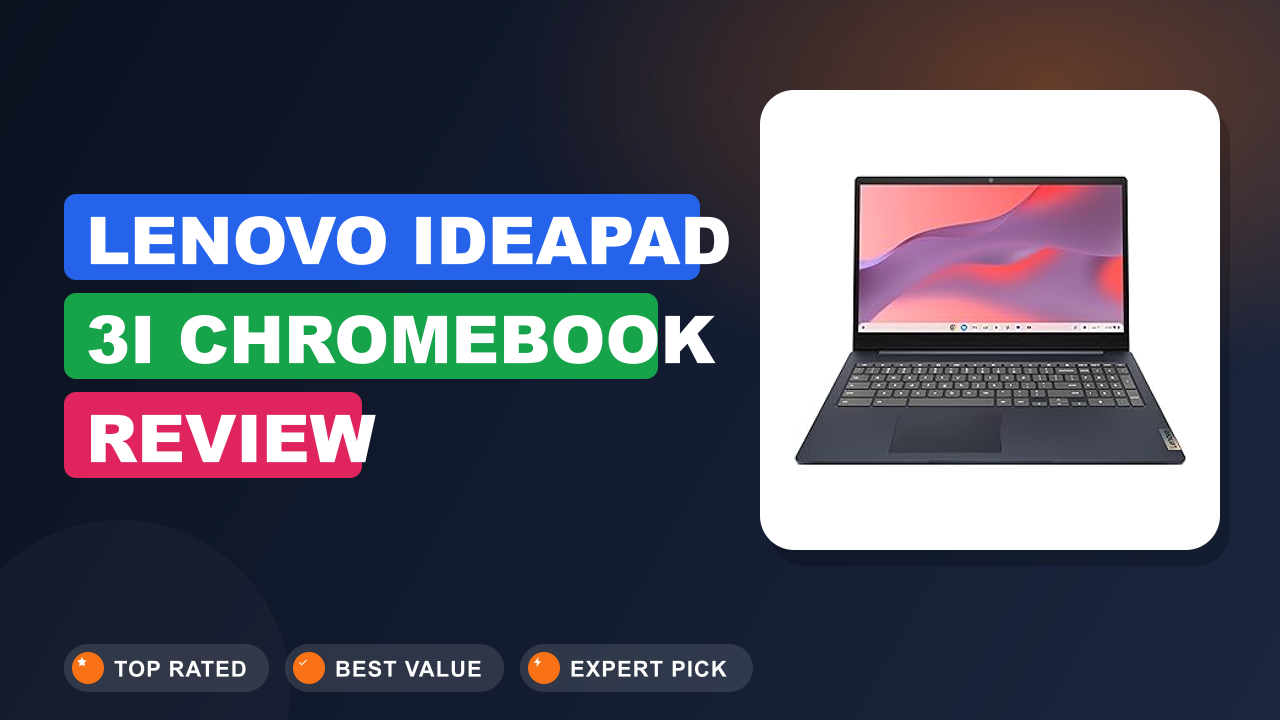
Two budget rivals deserve a look. The Acer Chromebook 315 offers a larger 15.6-inch display with similar performance for around the same money, which suits desk-bound users who want more screen. The Lenovo IdeaPad Flex 3 Chromebook adds a 360-degree hinge and touchscreen, useful for handwritten notes or video in tablet mode.
If you can stretch the budget, a Chromebook Plus model like the Acer Chromebook Plus 514 brings a faster processor and a sharper display, addressing this HP's two biggest weaknesses. And if typing comfort matters at your desk, a comfortable desktop typing setup pairs well with any of these.
Frequently Asked Questions (FAQ)
Most Chromebook returns happen because buyers expected Windows software to run out of the box. These are the six questions we see most often in verified buyer reviews and support threads, answered with the research we gathered for this review.
Is 4 GB of RAM enough for a Chromebook?
Yes for most light and moderate use, no for heavy multitasking. Chrome OS is a lightweight operating system built to run smoothly on modest hardware, and with 4 GB you can keep a dozen tabs open across Docs, email, and video without trouble. The limit appears when you cross about 15 tabs or run memory-hungry Android apps on top, and older tabs then reload as the system frees memory.
If you consider yourself a tab hoarder, look for a Chromebook with 8 GB of RAM. For typical student and home use, 4 GB is workable, and if your school issues everything through Google Workspace, this configuration is honestly all you need for assignments.
Can this Chromebook run Windows apps or Linux software?
Windows programs can't run natively on Chrome OS, and that's the single most common reason buyers return this laptop. Linux app support is available through the built-in Linux container, and the Celeron N4120 handles lightweight Linux tools acceptably. Heavier Linux software, like full integrated development environments or desktop video editors, struggles with only 4 GB of RAM.
The practical advice for most buyers: if an application you need only exists as a Windows program, choose a different laptop.
Does it support Android apps and Google Play?
Yes, the HP Chromebook 14 includes Google Play, so you can install the same Android apps you already use on your phone. Verified buyer reviews report most apps install and run smoothly, with the standard Chromebook caveat that phone apps stretched to a laptop screen can look odd. The 64 GB eMMC drive is the real bottleneck here, since games and offline maps consume space quickly.
Most owners eventually add extra storage once the drive fills up, and apps like Netflix, Spotify, and PDF editors all run well in the meantime.
How long does the battery actually last in real use?
HP rates this model for up to 11 hours and 15 minutes of mixed use. Verified buyer feedback puts realistic endurance between 8 and 10 hours, depending on screen brightness and what you're running. Google Meet calls and Android apps drain noticeably faster, while document work and web browsing sip power.
A full day of classes with notes, browsing, and a couple of streaming videos will not require a charger, which is the headline reason most people pick this laptop. The included charger is compact enough to toss in a bag even if you rarely need it, which most students do as insurance.
Is the HP Chromebook 14 good for students?
It's one of the most popular student laptops on Amazon, and the reasons are concrete. The price fits a student budget, the battery covers a full day of classes, the 3.22 lb weight survives a campus commute, and Chrome OS removes the maintenance burden that Windows laptops bring. The two real compromises, the low-resolution display and the fixed 4 GB RAM, matter more for media consumption than for writing essays, taking quizzes, and browsing research.
If that matches your workload, it's an excellent classroom companion.
Can it connect to an external monitor?
Yes, and this is genuinely one of its strengths. Both USB-C ports support DisplayPort over USB-C, so a single cable can drive a 4K external monitor while the laptop charges at the same time. Verified buyers describe plug-and-play behavior with modern displays, no driver hunting required.
For older monitors with HDMI only, you'll need a USB-C to HDMI cable or a small adapter, both of which are cheap and widely available.
Final verdict
After weighing hundreds of verified buyer reviews against the spec sheet, our verdict is straightforward: 4.3 out of 5. The HP Chromebook 14 Laptop loses points only for its low-resolution display and permanently soldered 4 GB of RAM, both fixed costs you can't upgrade later. For its intended audience, students and browser-first users who want one dependable machine, it's as close to a no-brainer as the budget laptop market offers in 2026.
The battery is the standout feature, the keyboard is comfortable, the port selection is generous, and Chrome OS keeps the whole experience simple and secure.
The buyers who win most are the ones who match its character: light multitaskers who value affordability and portability over raw power. If that sounds like you, you can buy with confidence and skip the anxiety that comes with pricier machines. If you know you'll outgrow 4 GB of RAM or need Windows software, spend the extra money elsewhere and don't look back.
This is a laptop that knows exactly what it is, and for the right person, that's a beautiful thing.
Affiliate disclosure: This post contains affiliate links. If you buy through one of these links, I may earn a small commission at no extra cost to you. It never changes my recommendation, I only suggest gear I'd actually buy myself.

Similar Posts