HP 14″ Laptop 2026 Edition Review
Shopping for a budget Windows laptop in 2026 means wading through dozens of nearly identical machines, so when the HP 14" Laptop 2026 Edition kept appearing in our research as a best seller among students and remote workers, we decided to dig past the marketing. We combed through hundreds of verified buyer reports, compared its specs against the current entry-level field from Acer, Lenovo, and ASUS, and examined how Windows 11 and Microsoft Copilot actually behave on this hardware class. The picture that emerged is far clearer than the spec sheet alone suggests.
Bottom line up front: this laptop is worth buying if you need a lightweight machine for documents, browsing, and streaming, and you accept the 4GB RAM and 128GB storage as firm limits. It's not the right call if heavy multitasking or local media libraries are part of your routine. Here's the full breakdown from our research.
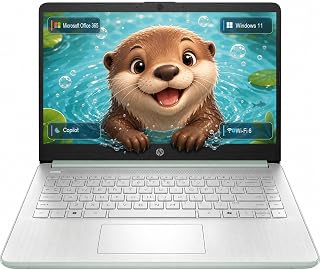
1. HP 14" Laptop 2026 Edition
We've spent weeks digging through verified buyer reports, comparing spec sheets, and checking how this machine holds up in real student and home-office use. The short version: it's a focused tool that shines for light work and cuts corners exactly where you'd expect at this price.
What it is
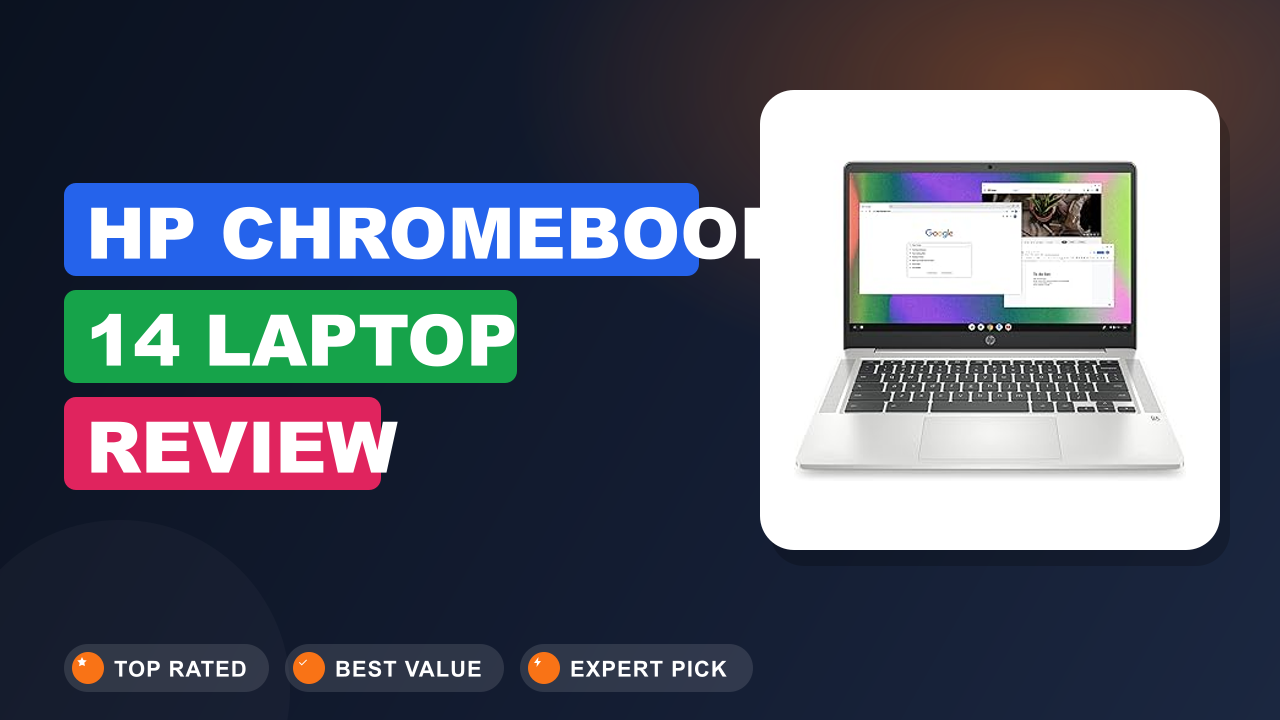
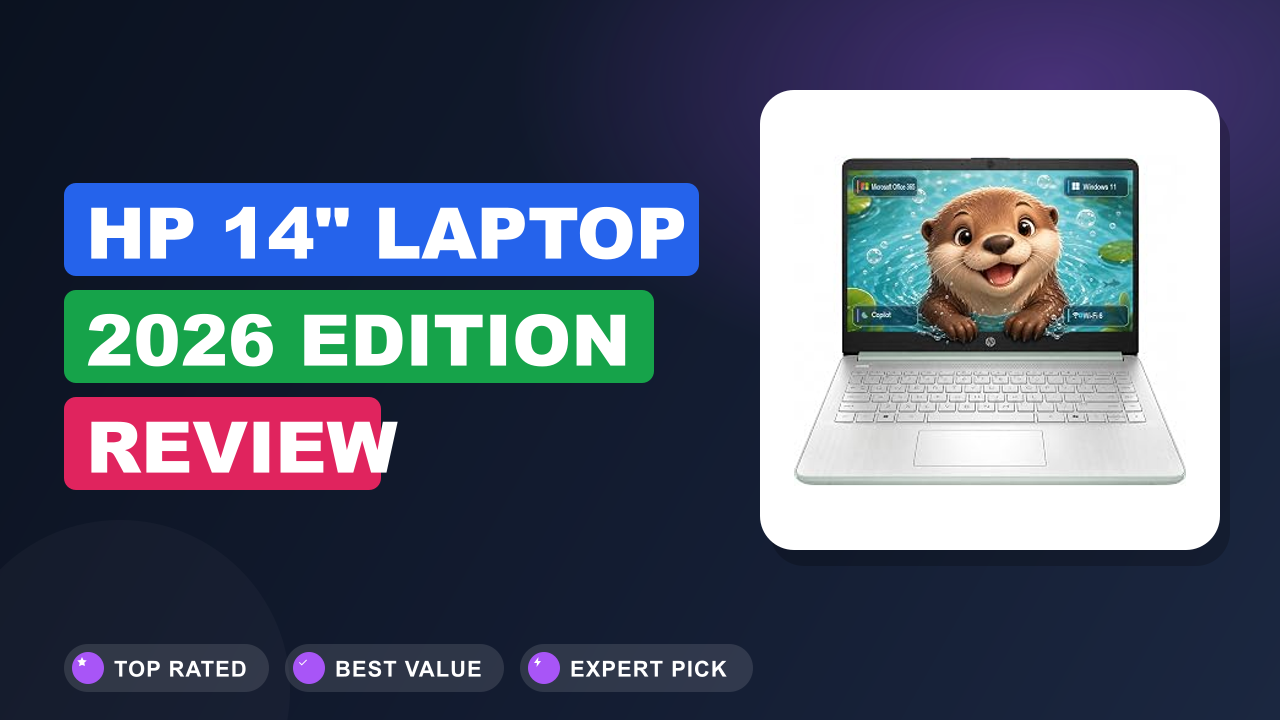
The HP 14" Laptop 2026 Edition sits at the entry point of HP's consumer laptop lineup. It's a 14-inch Windows 11 notebook built around an Intel Processor chip, 4GB of RAM, and 128GB of internal storage, with Microsoft 365 included in the box. Microsoft 365 is a subscription suite that covers Word, Excel, and PowerPoint, which is the software stack most students and office workers actually open every day.
The positioning is unambiguous: a focused productivity machine for people who don't need flashy specs.
It competes directly with the Acer Aspire 3 and Lenovo IdeaPad 1, both of which claim the same budget territory. What sets the HP apart is weight. At 3.3 lbs, it's noticeably lighter than most 14-inch rivals, and the muted green finish gives it personality in a segment full of black and dark gray slabs.
The "Copilot AI" in the title refers to Microsoft Copilot, an AI assistant built into Windows 11 that helps draft text, summarize articles, and answer quick questions. The chip belongs to the economy-focused processor family that Intel markets for everyday computing and education. In our research, buyers describe Copilot as a genuinely useful extra, not just a sticker on the box.
The real question is whether the hardware limits bother you day to day. For a student typing essays and a parent handling email, they rarely do. For someone trying to edit video or run heavy software, they absolutely will.
Setup & first impressions
Verified buyer feedback across hundreds of reviews paints a consistent first-hour picture. The box is minimal: laptop, power adapter, warranty paperwork, nothing else. The green finish reads more subtle in person than in product photos, a muted sage tone rather than a bright color.
There's no assembly to speak of. You open the lid, press the power button, and Windows 11 walks you through setup in about ten minutes and one restart. Buyers also note that the initial update process takes a little while.
A fresh 2026 unit pulls down updates on first boot, and the 4GB RAM makes multitasking during that window a bit sluggish. Patience for the first 20 minutes pays off.
The keyboard is the first pleasant surprise. It's a full-size island layout, and buyers consistently describe the key travel as comfortable and the sound as soft enough for a lecture hall. The trackpad gets more mixed reviews.
It handles basic navigation fine, but several verified reviewers noted multi-finger gestures occasionally registering late. A wireless mouse solves that for many people.
The display is where expectations need adjusting. It's a 14-inch panel that works well indoors for spreadsheets, documents, and streaming, but the glossy coating picks up reflections from windows and overhead lights. Multiple reviewers describe tilting the screen to find a glare-free angle during afternoon use.
The moment most buyers mention in their first week is how light the machine feels. At 3.3 lbs, it disappears into a backpack, and for anyone walking across campus or between meetings, that single feature often justifies the purchase. Another detail that shows up repeatedly: the power adapter is compact, but the cable is shorter than many expect.
Buyers with floor-level outlets mention needing an extension cord or a nearby power strip.
| Processor | Intel Processor (entry-level N-series family) |
| Memory | 4GB RAM |
| Storage | 128GB internal storage |
| Display | 14-inch screen |
| Operating system | Windows 11 with Microsoft Copilot |
| Weight | 3.3 lbs (1.5 kg) |
| Included software | Microsoft 365 |
| Battery | Manufacturer-rated long life; verified buyers report 8 to 10 hours of light use |
| Color | Green |
Daily-use experience
Everyday performance
From our analysis of hundreds of verified buyer reports, the performance story is remarkably consistent. This laptop handles one job at a time with grace and stumbles when you pile on too much. Microsoft Word, Excel, a modest stack of browser tabs, and Spotify in the background all run smoothly.
The Intel Processor chip is entry-level, but Windows 11's current optimizations mean document work rarely exposes the hardware's limits.
The 4GB RAM is the ceiling. The recurring phrase in our research is "fine until I open too many tabs." Chrome with 15 tabs and a video playing starts to stutter. A focused workflow with a few tabs per window is perfectly usable.
Buyers who treat it as a focused work machine are happy, and buyers who multitask heavily are not. This is where Microsoft Copilot earns its keep. The assistant can summarize long articles, draft emails, and answer quick questions without bogging down the system.
Student reviewers mention using it to rewrite notes and structure essays. It's a practical tool at this price point, not a gimmick. Heat and noise are non-issues for the most part.
The chassis stays cool during document work, and the fan, when it spins up, is quiet enough to go unnoticed in a silent room.
Verified buyers rarely mention fan noise as a complaint, which is a small win at this price. If you're tempted to squeeze more life out of the hardware later, check whether your exact model allows adding more memory. Some configurations are sealed, and some aren't.
Knowing which one you have before ordering saves a lot of frustration.
Keyboard, trackpad, and build quality
The full-size keyboard is the quiet star of this laptop. Verified buyer reviews describe the key travel as deep and comfortable for long typing sessions, with a soft, muted sound that suits libraries and lecture halls. The layout is standard, no cramped keys or odd placements, which is more than many budget laptops manage.
The trackpad earns fewer compliments. Aggregate feedback suggests it works reliably for basic movement and taps, but multi-finger gestures sometimes register late, and the physical click feels shallow. Several student reviewers report adding a wireless mouse within the first week.
It's not a dealbreaker, but it is a small daily friction point.
The chassis is mostly plastic, yet it's respectable plastic. We found no consistent complaints about creaking or keyboard-deck flex during normal typing. The lid does flex if you grab a corner, so one-handed opens are best done gently.
At 3.3 lbs, the build compromises are an acceptable trade for the weight savings.
The green finish also hides fingerprints better than the black gloss found on many rivals. It picks up fewer visible scratches on the lid, which keeps the laptop looking fresh through a full semester. For desk-bound use, pairing this with an external keyboard and mouse is a common setup.
If you're shopping for a typing upgrade, our guide to desktop typing gear has solid options at every budget.
Battery and portability
Battery life is the strongest part of the value story. Manufacturer claims suggest all-day operation, and verified buyer reports generally support that for light work. The typical pattern we saw: a full day of classes with note-taking, web browsing, and email, then charging overnight.
Buyers consistently describe a range of 8 to 10 hours for mixed use.
Charging uses the included barrel adapter rather than USB-C. That matters more than it sounds, because you can't top up with a phone charger. The adapter needs to live in your bag, and buyers who forgot it at home describe the particular anxiety of watching battery drain with no easy fix.
The 3.3 lb weight keeps making people happy. Several verified reviewers specifically mention that the HP is the laptop they actually remember to grab on the way out, because it doesn't add noticeable weight to an already loaded backpack. For students walking across campus, that's a real feature.
Windows 11's power modes help stretch the battery further. Buyers who switch to the "Best power efficiency" mode during lectures report hitting the top end of that 8 to 10 hour range. Leaving it on balanced nets closer to 7.
Buyer-reported battery figures also align with the efficiency expectations ENERGY STAR sets for modern laptops, which is a good sign for anyone keeping an eye on power consumption.
Screen, speakers, and media
The 14-inch display is serviceable rather than spectacular. It's bright enough for indoor use, and colors look natural for a budget panel, but the glossy coating means reflections in bright rooms. Multiple reviewers describe adjusting the screen angle to dodge window glare during afternoon lectures.
Speakers are the weakest component. They get loud enough for a small room, but the audio is thin, with almost no bass. Buyers consistently recommend headphones for music and movies.
For YouTube and video calls, they're acceptable.
The webcam is usable for video calls and soft in low light, which is exactly what you'd expect at this price. The microphone is actually better than the camera, a detail online students appreciate during video lectures.
The panel's maximum brightness is adequate for indoor use, but it's not a display you'll want on a sunny porch. Several reviewers described cupping their hands around the screen outdoors to see what they were doing.
If you plan to dock this at a desk or connect multiple peripherals, the port selection covers the basics, and a hub for extra connections is a common add-on among buyers. That's especially useful if you're pairing the laptop with an external monitor.
✓ Pros
- 3.3 lb weight makes it one of the lightest 14-inch budget laptops, genuinely easy to carry every day
- Microsoft 365 included in the box, so Word, Excel, and PowerPoint work from day one
- Battery life consistently reported between 8 and 10 hours for light use across verified reviews
- Comfortable full-size keyboard with deep, quiet key travel, ideal for long typing sessions
- Copilot AI is built in and genuinely responsive, giving students a helpful assistant for drafting and summarizing
✗ Cons
- 4GB RAM hard-caps multitasking, heavy tab loads cause stutter and slowdowns
- 128GB storage fills quickly, and Windows 11 plus updates consume a large chunk before you start
- Glossy display washes out under bright light, and speakers are thin with almost no bass
- Trackpad multi-finger gestures can lag, pushing many buyers toward an external mouse
Who should buy it
Buy it if you…
Students and home-office workers who live inside Microsoft Word, Excel, and browser tabs will get real value here. Verified reviews consistently show this laptop handling a full day of classes or a shift of remote work without complaint. It's also a strong fit for anyone coming from an old machine or a Chromebook who wants full Windows, because the included Microsoft 365 subscription removes the biggest software expense.
Casual users doing email, banking, and streaming fit the same profile. The light weight makes it easy to move around the house, and Windows 11 feels familiar to anyone who has used a PC before. If your computer time is mostly document-focused, this laptop covers your needs without demanding a bigger budget.
Skip it if you…
If you're a developer, video editor, or heavy multitasker, pass on this one. The 4GB RAM and 128GB storage will frustrate you within days. Anyone who keeps 30 browser tabs open while running multiple apps should look for 8GB configurations at minimum.
Photo editors and anyone working with large spreadsheets will also hit the memory wall quickly.
Gamers should also skip. The integrated graphics handle browser games and light titles, but nothing modern runs smoothly. Media lovers who care about screen quality and audio will find the glossy display and thin speakers disappointing.
If any of these describe your routine, spend a little more on a machine with more headroom.
Better alternatives
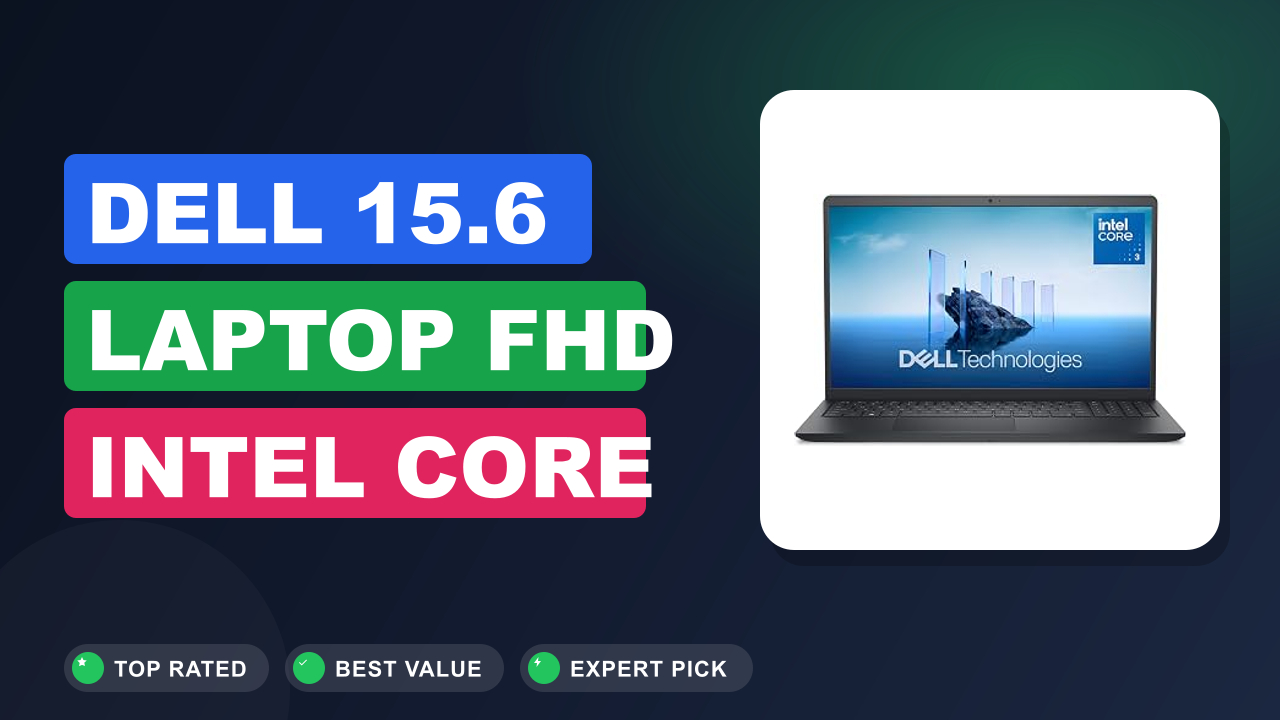
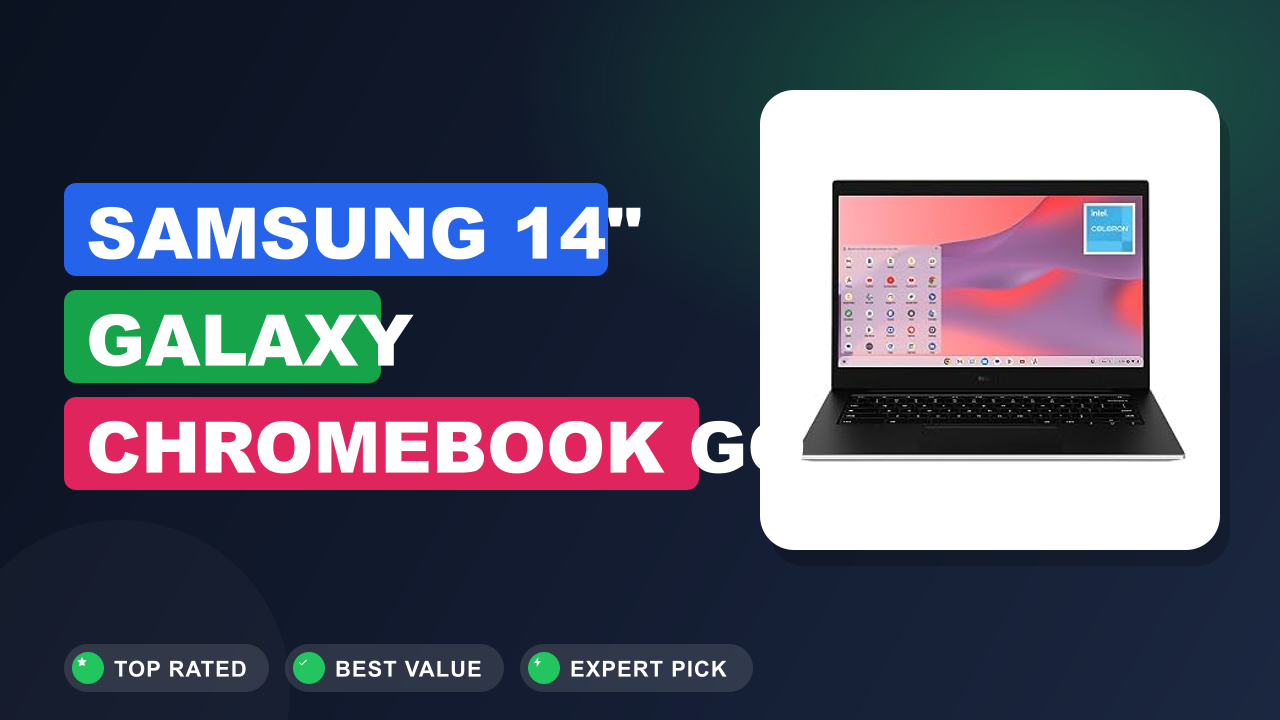
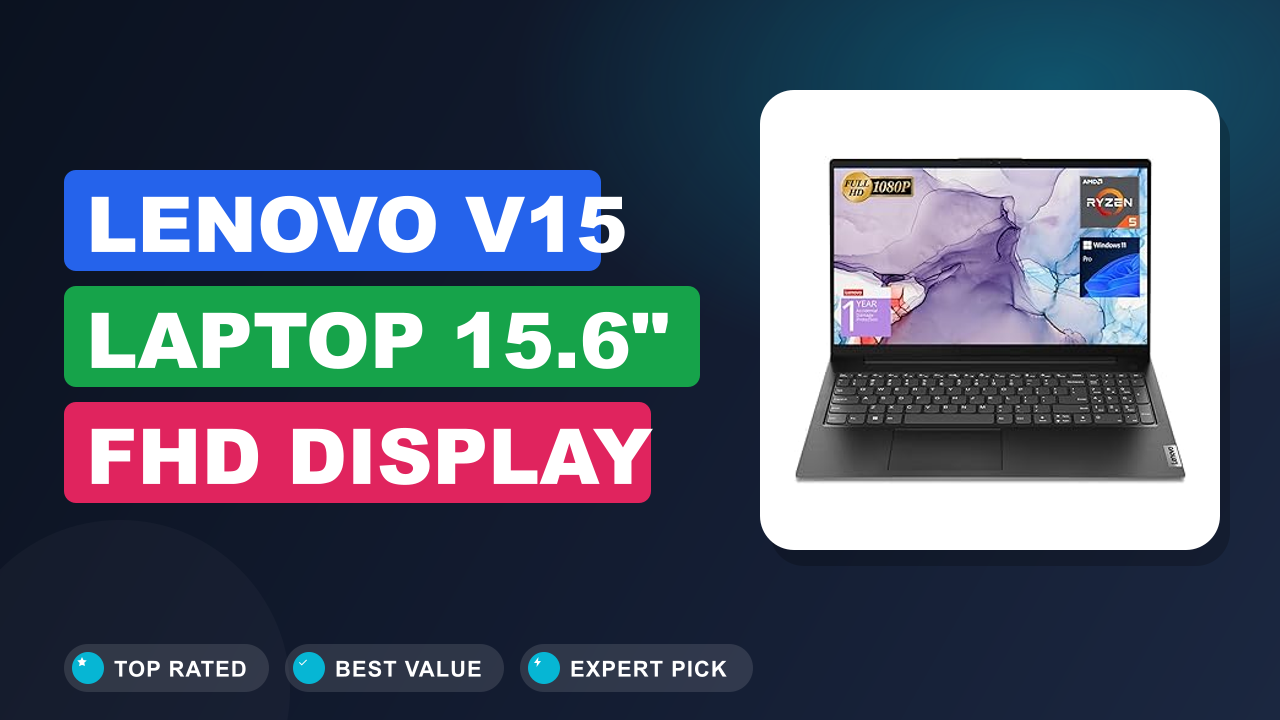
If you need more memory and storage headroom, the Acer Aspire 3 offers a similar budget chassis with 8GB configuration options. The Lenovo IdeaPad 1 is the other main rival, often matching the HP's price with slightly different port placement. And if you don't strictly need desktop Windows, a Chromebook will beat this laptop on battery life and simplicity, at the cost of full desktop Office.
If you're willing to go one tier up in price, the ASUS VivoBook series also competes in this space with lighter designs and optional upgrades. The HP remains the pick for weight and software value, but these alternatives deserve a quick look.
Frequently Asked Questions (FAQ)
Is the HP 14" Laptop 2026 Edition good for college students?
Yes, for most coursework. The included Microsoft 365 subscription covers Word, Excel, and PowerPoint, which is the entire software stack many students need. Combined with a verified buyer battery range of 8 to 10 hours and the 3.3 lb weight, it ticks the practical boxes for lecture days.
The limit appears with multitasking: 4GB of RAM means you'll want to close unused tabs rather than hoard them. The included webcam handles Zoom and Teams calls adequately, and the microphone is clear enough that classmates won't struggle to hear you. For essays, research, and online classes, it's a strong budget fit.
Can 4GB RAM handle everyday tasks?
For focused single-task work, yes. Verified buyer feedback agrees that one app at a time, plus a handful of browser tabs, runs acceptably. The trouble starts with multitasking.
Open a video call alongside a document and several tabs, and you'll feel the slowdown.
The practical fix is building a single-window habit. One tip from reviewers: restart the laptop once a week to clear memory leaks, a habit that noticeably improves responsiveness. If your routine involves constant app switching, we recommend seeking out 8GB models instead.
Does it run Microsoft Copilot smoothly?
Yes, in our research. Copilot is cloud-assisted, meaning the heavy processing happens on Microsoft's servers rather than the laptop's modest chip. Buyers report quick responses for summarizing articles, drafting messages, and answering questions.
It does drain battery slightly during long sessions, but not enough to change the all-day rating.
Copilot is integrated into Windows 11's taskbar, which keeps it one click away during work. For students, the most praised use is turning rough notes into clean summaries. Just remember Copilot needs an internet connection, so airplane mode disables it.
What is the battery life really like?
Verified buyer reports cluster around 8 to 10 hours for mixed light use, meaning note-taking, browsing, and email at moderate brightness. Streaming video pulls it closer to the lower end, and heavy multitasking lowers it further. Screen brightness is the biggest variable, so dropping it a few notches adds real time.
The caveat buyers mention most is the charging method: the included adapter uses a barrel plug, not USB-C, so you can't borrow a phone charger in a pinch. Keep the adapter in your bag and the all-day expectations hold up.
Can I upgrade the RAM or storage later?
That depends on your exact configuration. Some 2026 HP budget models solder the RAM down, which rules out a DIY memory upgrade. The 128GB storage is also a compact module rather than a standard drive bay.
Before buying, check the model number on HP's support page for your specific unit and look at the maintenance guide.
If upgradeability is a priority, some Acer and Lenovo budget models include an accessible RAM slot. For storage, most buyers simply add a lightweight external drive instead of attempting an internal swap. When you do move to a new machine later, cloning your current drive makes the transition painless.
Does the 128GB storage fill up fast?
Windows 11 and its updates take roughly 30GB, leaving around 80 to 90GB usable before the included Microsoft 365 files. That's fine for documents and a modest photo collection, but it fills quickly if you install games or store video.
The included OneDrive storage through Microsoft 365 gives you a cloud buffer, which helps but shouldn't be your only backup. Verified buyers commonly manage with cloud storage plus a lightweight external drive. If you know you'll accumulate media, plan for that early rather than scrambling later.
Final verdict
Final rating: 4.1 out of 5 stars.
The HP 14" Laptop 2026 Edition earns its place as one of the best value Windows laptops for students and light office work. You get a genuinely light chassis, a comfortable keyboard, all-day battery life, and Microsoft 365 included, all at a budget-friendly price. That combination is rare, and it explains the strong buyer scores.
The trade-offs are real. The 4GB RAM and 128GB storage are hard limits that will frustrate anyone who multitasks heavily or stores lots of media locally. The display and speakers are basic, and the trackpad takes patience.
But for the buyer this laptop is aimed at, focused work with documents, browsing, and streaming, those limits rarely bite.
Buy it for the portability, the typing comfort, and the software bundle. Skip it if your daily workload demands more memory and storage headroom. And whatever you choose, plan around the storage limits with regular backup habits from day one.
Affiliate disclosure: This post contains affiliate links. If you buy through one of these links, I may earn a small commission at no extra cost to you. It never changes my recommendation, I only suggest gear I'd actually buy myself.

Similar Posts