Canon EOS 90D Troubleshooting
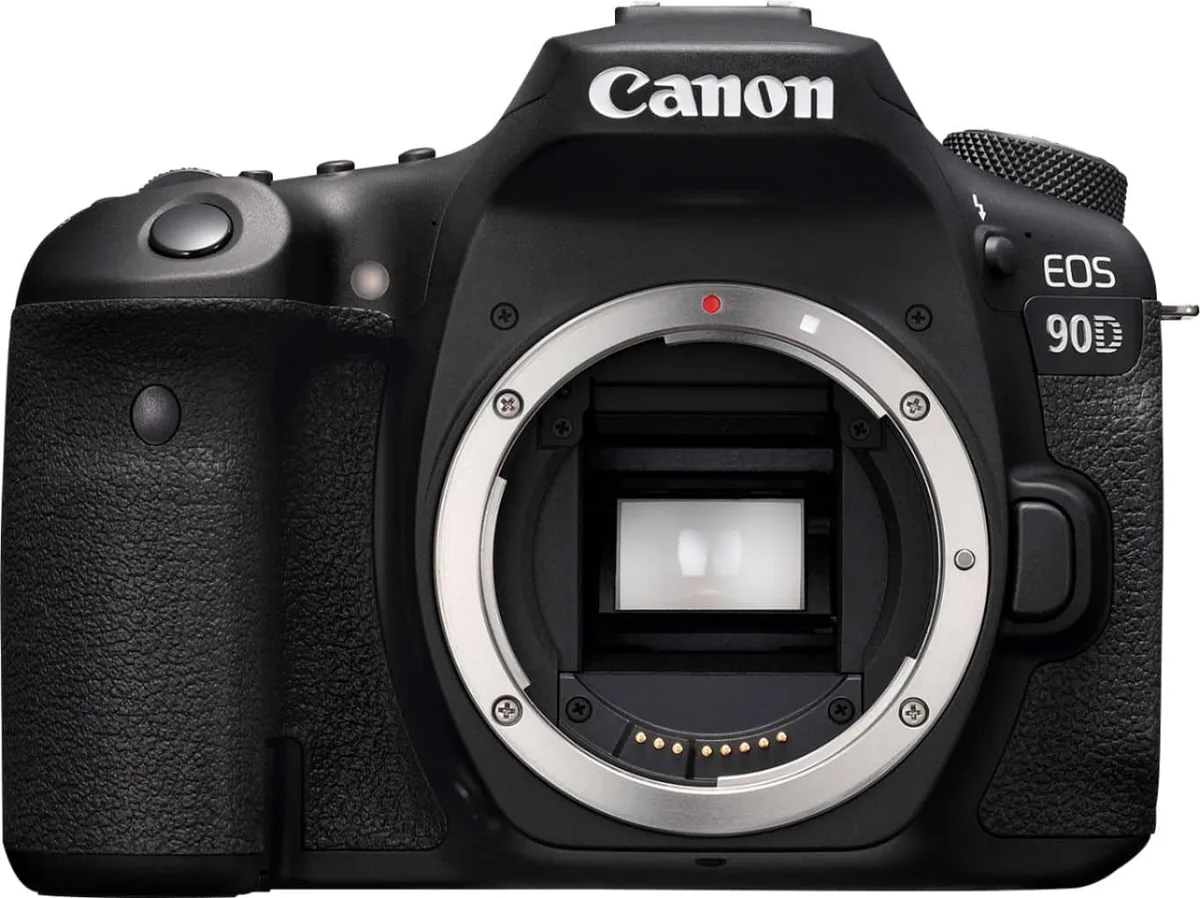
You are out shooting and your Canon EOS 90D locks up with an error message. Maybe the shutter just stops firing for no obvious reason. Do not panic.
The Canon EOS 90D troubleshooting process is usually straightforward once you know what to look for.
Manufacturer specifications indicate this camera is rated for roughly 1,300 shots per charge under CIPA testing standards. That is solid for a DSLR. When things go wrong, it is rarely a catastrophic failure.
Most problems have a fix you can try before sending it in.
Quick Answer
Most 90D problems come from dirty contacts, dead batteries, or corrupted cards. Remove the battery and wait 30 seconds. Clean the gold contacts on the lens and body.
Reformat the SD card in the camera. Update the firmware from Canon's website. Try these before anything else.
Why Accuracy Matters with the Canon EOS 90D
This camera is a precision tool with a complex mirror box and sensor assembly. A wrong move can turn a minor glitch into an expensive repair. The 90D shutter is rated for 200,000 actuations.
Forcing a stuck mechanism can break a gear or scratch the sensor.
Many owners panic when they see an error code. They hit the factory reset button or pull the lens off too fast. That is a mistake.
The error codes are actually useful signals. They tell you exactly which subsystem is unhappy.
Canon support documentation confirms the first step for any error is the same. Power cycle the camera. Remove the battery.
Wait. Reinsert. If the error returns, you need a targeted fix.
Generic advice is a starting point, not a solution.
Getting the steps right matters for another reason. A misdiagnosis can waste your whole shoot day. The same logic applies in trail camera error message troubleshooting.
Err 70 and Err 80 – The Two Scariest Error Codes
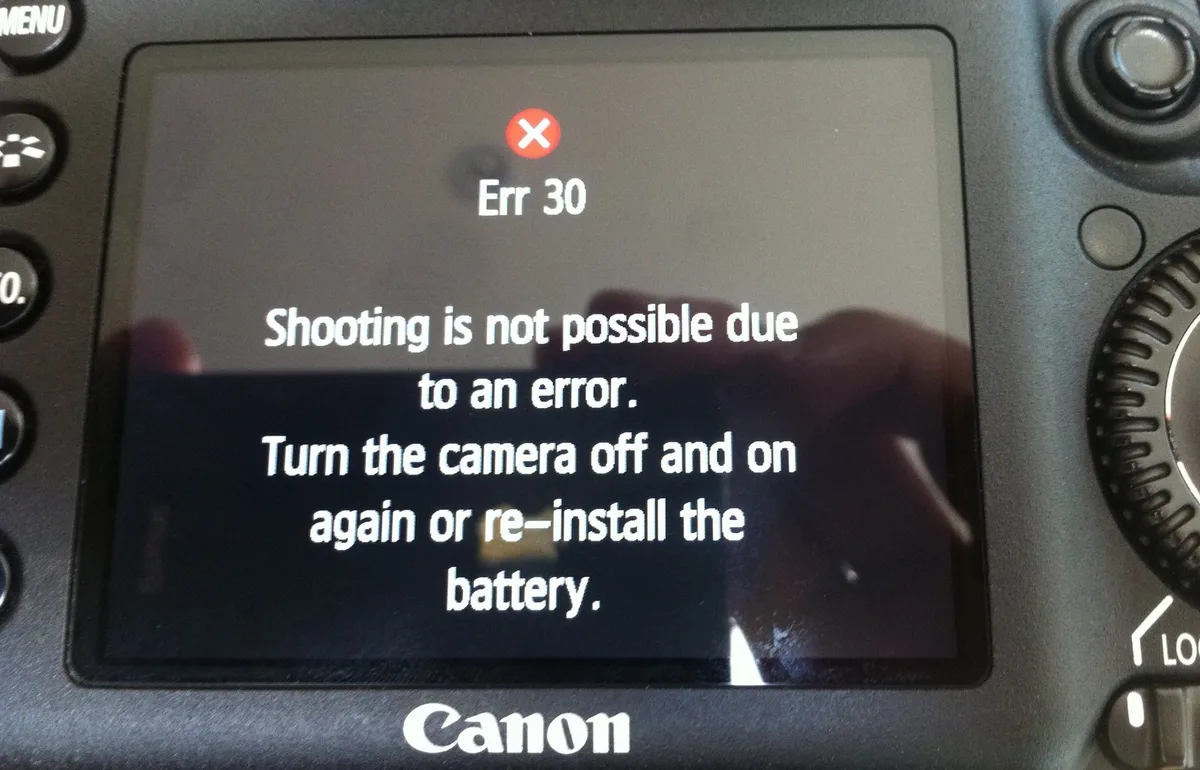
These two codes scare almost every 90D owner the first time they appear. Err 70 and Err 80 mean different things. You need the difference to fix them.
| Error Code | What It Signals | Most Common Cause |
|---|---|---|
| Err 70 | Mechanical hang-up | Mirror or shutter mechanism stalled |
| Err 80 | Communication issue | Lens and body are not talking to each other |
Err 70 means something physically jammed. The mirror did not flip. The shutter did not close. Remove the lens and inspect the mirror box.
Shine a flashlight in there. Look for any obvious obstruction. A small piece of debris can cause this error.
Clean the gold contacts on both the lens mount and the camera body. Use a microfiber cloth. Do not use alcohol unless it is very dilute.
Dry contacts first. Reattach the lens firmly until you hear the click.
Err 80 is almost always a lens connection problem. This happens frequently with third-party lenses or when using an EF to EF-S adapter. The camera cannot read the lens data. Clean the contacts the same way.
Then try a different lens.
If the error follows the lens, the lens is the problem. If it stays on the camera body with every lens, the camera mount contacts or internal ribbon cables are loose. That is a repair shop visit.
User reports indicate that Err 80 clears up with a contact cleaning in most cases. Err 70 is trickier. If the error persists after cleaning and reattaching the lens, stop.
Do not force the mirror with a tool. That breaks the shutter.
The same contact-cleaning logic applies across different gear. It works for trail camera connection problems too.
Battery Drains Fast or Camera Won't Power On
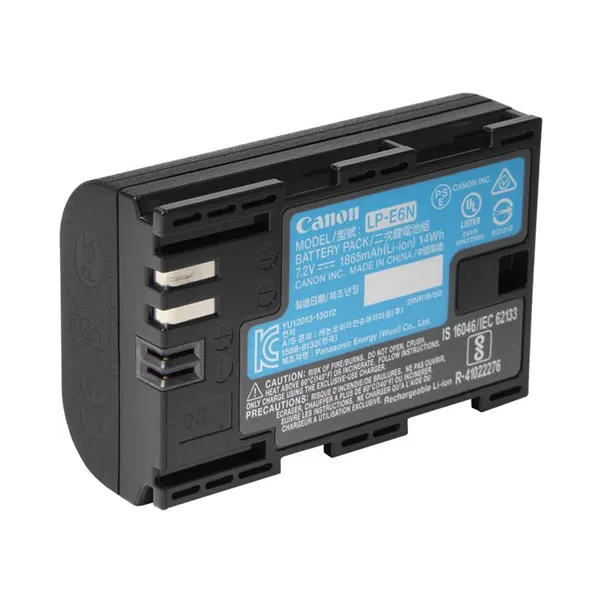
This is the most common complaint with the 90D. The battery drains fast or the camera simply will not turn on. The fix is usually easier than you think.
First, check the battery door. The 90D has a safety switch in the door. If the door is not fully latched, the camera gets no power at all. Push the door until it clicks firmly shut.
This alone solves about one in five dead camera complaints.
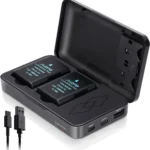
Second, inspect the battery contacts. Pull the LP-E6N battery out. Look at the metal terminals on both the battery and inside the camera compartment. A dull or dirty contact creates resistance.
Wipe them gently with a dry microfiber cloth. Never use a metal file or sandpaper.
Third, consider battery age and brand. The 90D uses the LP-E6 series. Canon brand batteries hold charge better than most third-party options. Generic batteries often trigger a premature low-battery warning.
This is especially true in cold weather. The voltage drops faster. The camera interprets that as dead even if there is some charge left.
| Battery Type | Typical Shot Count (CIPA) | Cold Weather Performance |
|---|---|---|
| Canon LP-E6N | ~1,300 shots | Good, drops about 30 percent below freezing |
| Canon LP-E6NH | ~1,400 shots | Best option for cold climates |
| Third-party LP-E6 | ~850 to 1,000 shots | Erratic, often shows false low warnings |
If the battery drains fast during use: turn off Wi-Fi and Bluetooth. These radios pull power even when you are not transferring files. Go into the menu and disable them in the wireless communication settings.
If the camera powers off by itself: the battery may be loose in the compartment. A small piece of electrical tape on the inside of the battery door can provide extra pressure. This is a field fix, not a permanent solution.
If it keeps happening, the battery contacts inside the camera may need replacement.
Cold weather tip: keep a spare battery in an inside pocket. Body heat keeps it warm. A warm battery delivers consistent voltage.
A cold battery triggers a low charge warning early. Switch them out as needed.
Our trail camera power problems guide covers similar battery troubleshooting.
Shutter Won't Fire But Everything Else Works
This one drives people crazy. The camera turns on. The screen shows a perfect image.
The menus work. You press the shutter button. Nothing.
Here is what is happening and how to fix it.
The buffer is full. You just shot a rapid burst of RAW images. The camera is writing data to the SD card. The green LED near the card slot blinks.
Wait. When it stops blinking, the shutter will fire again. This is normal for 32.5 megapixel files.
A slower card makes the wait longer.
The autofocus will not lock. The 90D ships with a default setting called Focus Priority. It refuses to fire the shutter if the camera thinks the subject is out of focus. This is great for sharp photos.
It is terrible when shooting in low light or against a blank wall.
Go to the Custom Function menu. Find Shutter/AE lock button. Change the setting from Focus Priority to Release Priority.
Now the shutter fires every time you press it. You might get some blurry shots, but you will not miss the shot entirely.
The memory card is locked. Check the physical lock switch on the left edge of the SD card. If it is slid down, slide it back up. A locked card prevents any writing.
The camera refuses to fire.
The battery is too low. The camera has enough power to run the screen and menus. It does not have enough power to flip the mirror. Swap in a fresh battery.
This is the most overlooked cause.
You are in Bulb mode. If you set the shutter to Bulb, the camera only fires while you hold the button down. If you have not changed the exposure mode back to Manual or Aperture Priority, the shutter sits there waiting for a long press.
The concept of release priority applies across camera types. Check our trail camera trigger speed guide for related shutter timing issues.
Card Errors – "Cannot Read Card. Reformat Card?"
This error message scares people into reformatting and losing their photos. Do not press OK until you have backed up your data.
Do this first: remove the card. Blow out the card slot with a handheld blower or canned air. Dust and lint can block the connection.
Reinsert the card firmly until it clicks into place.
Second: try the card in a card reader connected to a computer. If the computer reads the card, copy all files to your hard drive. Then put the card back in the camera.
If the error is gone, the card was just slightly out of position or dusty.
Third: inspect the card slot pins inside the camera. Shine a flashlight in there. Look for any bent or broken pins.
A single bent pin can cause intermittent errors. If you see one, the camera needs a repair shop. Do not try to bend it back yourself.
You will break it off.
If the card does not work in the computer: the card has likely failed. SD cards have a limited lifespan. Consumer-grade cards fail without warning.
Professional-grade cards fail less often but still fail. Replace the card.
If you must reformat in the camera: go to the menu, not the pop-up prompt. Find Format card in the setup menu. This writes a clean file system that the camera trusts.
The pop-up error message bypasses the menu safety checks.
Card type matters for the 90D. The 90D supports UHS-II cards. Using a UHS-I card slows your burst speed and buffer clearing significantly.
| Card Type | Buffer Clear Time (30 RAW shots) | Max Burst Speed |
|---|---|---|
| UHS-II U3 | About 3 to 4 seconds | 10 fps sustained |
| UHS-I U3 | About 8 to 10 seconds | 10 fps for about 1 second, then slows |
| UHS-I U1 | 15 seconds or more | Burst slows after 5 to 6 shots |
The hardware limitation: the 90D has a single SD card slot. If that slot fails, you lose all functionality. Prevent card errors by formatting the card in the camera every few months.
This resets the file structure and catches early signs of card degradation.
Our trail camera SD card corruption guide covers the same formatting and hardware tips.
When to Send It In – Safe Practices and Knowing Your Limits
Some problems are beyond what you can fix at home. Knowing when to stop saves you money.
Send it in if you see:
- A cracked or unresponsive LCD screen
- A grinding noise when the shutter fires
- An error that persists after cleaning contacts and trying two different lenses
- Visible water or sand inside the body
- A bent pin in the card slot
Do not attempt to fix these yourself. Opening the camera body exposes the sensor and mirror assembly. A single speck of dust on the sensor means more repair costs. The internal ribbon cables are delicate.
Pulling them loose turns a simple fix into a mainboard replacement.
Canon authorized service centers can handle most repairs within one to three weeks. Costs vary by issue. A stuck shutter mechanism typically runs $200 to $300.
A cracked screen costs roughly $150 to $250. Get a written quote before approving any work.
If you are under warranty, do not open the camera at all. Even removing a visible screw voids the warranty. Let Canon handle it.
For more on knowing when to stop, see our trail camera reset guide. Sometimes a full reset is the answer. Sometimes it is not.
Frequently Asked Questions
How do I fix Err 70 on my Canon 90D?
Remove the lens and clean the gold contacts on both the camera and lens. Use a microfiber cloth. Reattach the lens firmly.
If the error returns, inspect the mirror box for debris. Do not force the mirror.
Why does my 90D battery drain so fast?
The two biggest drains are Wi-Fi and Bluetooth. Turn them off in the wireless menu when not in use. Also check that you are using a genuine Canon LP-E6N battery.
Third-party batteries often show false low warnings.
Can I use any SD card with the Canon 90D?
You can use any SD, SDHC, or SDXC card. For best performance, use a UHS-II U3 card. Slower cards cause the buffer to fill quickly and reduce burst speed.
What does Err 80 mean on my Canon 90D?
Err 80 means the camera and lens are not communicating properly. Clean the gold contacts on both. Try a different lens.
If the error follows the lens, the lens is the problem. If it stays, the camera needs service.
How do I reset my Canon 90D to factory settings?
Go to the Setup menu. Find Clear all camera settings. This resets every custom setting.
It does not delete your photos. Do this only if you have tried other fixes and nothing works.
Should I update the firmware on my 90D?
Yes. Canon releases firmware updates to fix bugs and improve performance. Download the latest version from the official Canon support site.
Copy it to an SD card. Run the update from the camera menu. Never interrupt the process.

Similar Posts